


- @weixin_44893902


简介
该用户还未填写简介
擅长的技术栈
可提供的服务
暂无可提供的服务
[08001] [Microsoft][sQL Server Native Client 10.O]Named Pipes Provider: Could not open a connection to SQL Server [53]. (53)[HYTO0] [Microsoft][SQL Server Native Client 10.0]Login timeout expired (0)[
查看本章节查看作业目录需求说明:使用 JavaScript 的 HTML 页面混合、JavaScript 文件引用和 HTML 代码嵌入 3 种方式在 HTML 页面上打印出“点击我进入到百度首页”的超链接前 2 种方式点击超链接后进入到百度首页,最后一种方式点击超链接后打印出字符串:“跳转成功”实现思路:创建站点,新建HTML页面,在 HTML 页面的 <body>标签中编写 Jav
【代码】.bat文件实现一个简单的http请求工具(支持get和post请求)
找一个相同品牌的能安装跟证书的手机,来进行安装HttpCanary导入根证书,然后备份HttpCanary的数据,恢复到新手机上。可以在【设置】-抓包设置里的【HttpCanary根证书】中查到目前是没有导入跟证书的,有很多包抓不到。解决HttpCannary根证书未安装,无法抓取SSL/TLS加密数据包的问题。把旧手机里面的备份文件,移动到新手机的上面那个目录。这个问题可以利用手机的备份恢复机制
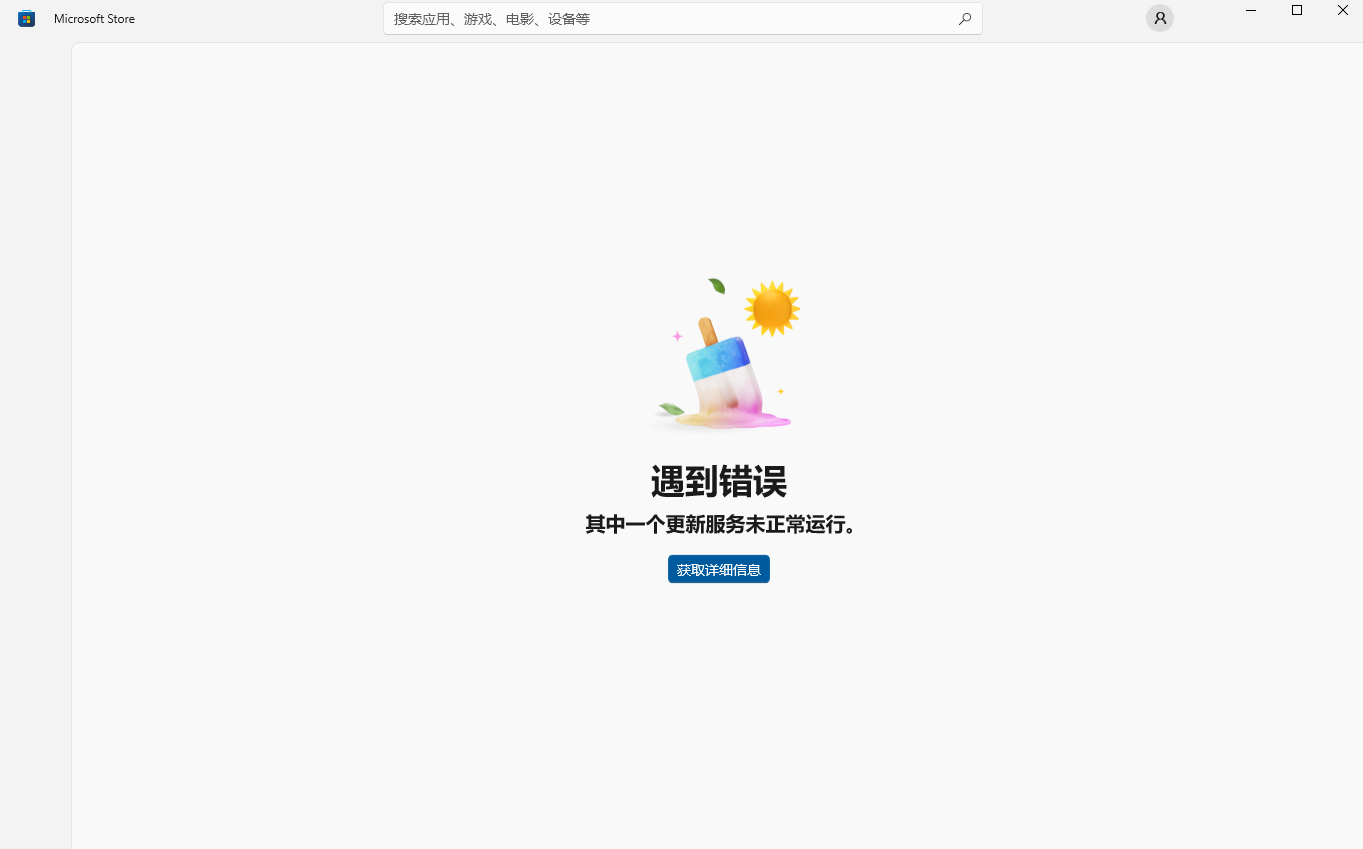
ChatGPT下载地址:ChatGPT软件下载页:https://openai.com/chatgpt/download/微软商城下载ChatGPT软件:https://apps.microsoft.com/detail/9nt…多数是由系统无法更新引起的,去设置里面检查Windows更新是否为更新可用状态。如下图所示。解决更新问题。下载Windows Update Blocker检查一下。以前有
文中介绍了Windows中Redis的安装包mis和压缩包zip的安装教程,还有几个Redis常用的可视化插件,如treeNMS、RedisStudio、Redis Desktop Manager等请选择性观看。
前几天在逛某论坛,发现有人在薅随身WiFi,而随身WiFi竟然是安卓系统,能进系统界面。跟风买了一个来折腾。
今天使用Typora的时候遇到一个奇怪的问题,我是使用PicGo用的gitee做图库,平时QQ截图的图片复制进来就直接上传显示了,但是今天我粘贴进来会显示不了(只是个别图片)使用环境:Typora 0.9.97(beta) + PicGo 2.3.0 + gitee图床我去查看了一下PicGo里面显示不出来我的码云仓库里面图片是在的去网上找了许多教程都没搞出来,之前设置的是插入图片时上传图片,优先
效果图:自定义对话框布局:<?xml version="1.0" encoding="utf-8"?><LinearLayout xmlns:android="http://schemas.android.com/apk/res/android"android:layout_width="350dp"android:layout_height="wrap_content"andr
学习目标:了解事件处理概念监听事件处理模型事件与事件监听接口实现事件监听方式回调事件处理模型常见的事件回调方法Handler类功能与用法Handler更新程序界面一、监听概念再用户操作动作时,需要为用户的动作提供响应机制,这种机制就是事件处理Android提供两套事件处理机制:>基于监听的事件处理>基于回调的事件处理二、事件监听处理模型。>Event Source(事件源),事件