- @yygabcd


简介
该用户还未填写简介
擅长的技术栈
可提供的服务
暂无可提供的服务
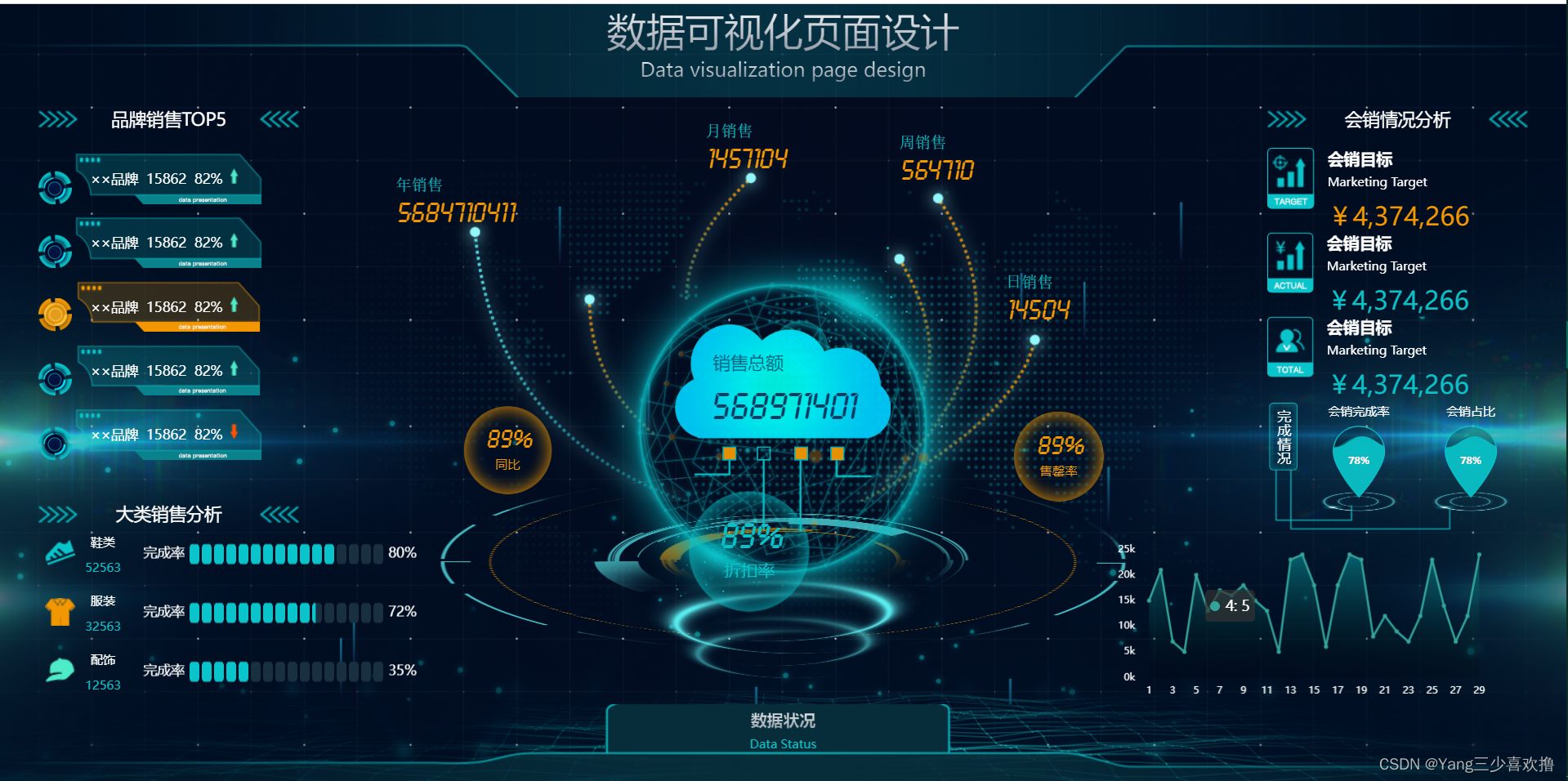
100套大数据可视化大屏(包含源码、项目图片等)源码地址1、Giteehttps://gitee.com/iGaoWei/big-data-view2、GitHub https://github.com/iGaoWei/BigDataView示例:服务大数据可视化监管平台示例:数据可视化页面设计示例:晋城高速综合管控大数据ps:吃水不忘挖井人,感谢这位博主的分享,该资源来自于Dotnet9.com
1、CentOS7默认yum只有libseccomp-2.3.1,要安装2.5(推荐2.5.1稳定版),不安装高版本的libseccomp无法往下操作,网上找的通过华为、阿里源等方式无法下载安装,最后采用源码编译方式才成功下载安装;2、下载部署containerd会无法拉起,导致无法部署,需要启用systemd cgroup驱动,替换pause镜像为阿里源(解决拉取失败)
Prometheus(普罗米修斯R)是一套开源的监控&报警&时间序列数据库的组合,由SoundCloud公司开发。Prometheus基本原理是通过HTTP协议周期性抓取被监控组件的状态,这样做的好处是任意组件只要提供HTTP接口就可以接入监控系统,不需要任何SDK或者其他的集成过程。这样做非常适合虚拟化环境比如VM或者Docker。Prometheus应该是为数不多的适合Docker、Mesos

获取OpenSSH软件包 ,链接:https://pan.baidu.com/s/16W3LIRBnB1kPbi7aZc32Og?pwd=U6SD提取码:U6SD期间踩了很多坑,特别是安装配置openssl文件的时候,一开始由于我当时版本太高了,导致很多错误,后面参考其他博客的相关文章,终于确认了openssl'的版本,并正常显示了openssl的版本,这篇文章亲测没有问题,特此记录一下,希望能帮

完美解决:Error: pull model manifest: Get "https://registry.ollama.ai/v2/library/deepseek/manifests/r1-7b": read tcp 172.17.0.2:53840->104.21.75.227:443: read: connection reset by peer

Structure Query Language(结构化查询语言)简称SQL,它被美国国家标准局(ANSI)确定为关系型数据库语言的美国标准,后被国际化标准组织(ISO)采纳为关系数据库语言的国际标准。数据库管理系统可以通过SQL管理数据库;定义和操作数据,维护数据的完整性和安全性。

1、CentOS7默认yum只有libseccomp-2.3.1,要安装2.5(推荐2.5.1稳定版),不安装高版本的libseccomp无法往下操作,网上找的通过华为、阿里源等方式无法下载安装,最后采用源码编译方式才成功下载安装;2、下载部署containerd会无法拉起,导致无法部署,需要启用systemd cgroup驱动,替换pause镜像为阿里源(解决拉取失败)
git报错:fatal: unable to access ‘https://github.com/PanJiaChen/vue-element-admin.git/’: OpenSSL SSL_read: Connection was reset, errno 10054原错误代码git clone https://github.com/…更改代码git clone git://github.c

详细不能再详细的本地私有化部署Deepseek,并配置知识库

详细部署gemma3模型通过Dokcer+Dify+ollama搭建,直接一步到位