



- @GabrielleGao


简介
2019 - 2025 Gifted Young Program of Xi'an Jiaotong University 2025 - NOW Phd student of CASIA, majoring pattern recognition
擅长的技术栈
可提供的服务
Python; Deep Learning; Machine Learning
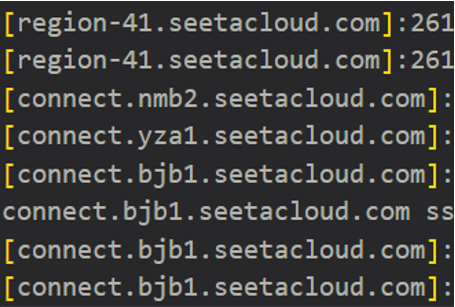
在目前版本下下载上述扩展插件后Remote Explorer里没有SSH target选项,我选择了SSH tunnel,,显示“通道不存在 the tunnel isn't existed”未能成功连接服务器。随后我找到了解决方法,使用SSH tunnel是正确的,解决通道不存在问题的方法是在cmd中使用"icacls "key address" /grant:r 11094:"(R)"" ,其

解决Autodl免密登录
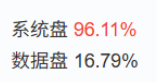
Autodl服务器系统盘爆满,只配过三个项目的环境,针对Conda环境问题对根目录进行清理,从96%降到21%
如何把VSCode用ssh连接到没有网的服务器上,解决报错XHR failed,解决别的博客里可能踩到的几个坑。

使用anaconda创建新环境报错failed with repodata from current_repodata.json,在原始环境创建命令后添加 --repodata-fn=repodata.json -y

解决西部数据等硬盘弹出报进程占用的问题
但是与该博客不同的是,本地打开“http://localhost:8097/”网址才成功映射。现在已经可以成功进入Visdom界面了,显示内容为。然后新建一个bash终端来运行程序。例如Autodl登陆指令为。

使用anaconda创建新环境报错failed with repodata from current_repodata.json,在原始环境创建命令后添加 --repodata-fn=repodata.json -y