- @qq_42764906


简介
该用户还未填写简介
擅长的技术栈
可提供的服务
暂无可提供的服务
关于用matplotlib.pyplot加载图片颜色不对的解决方法,将opencv加载的BGR格式改成RGB格式即可解决

关于对mkl-service package failed to import, therefore Intel(R) MKL initialization ensuring its correct out-of-the box operation under conditionImporting the numpy C-extensions failed.This error can happe
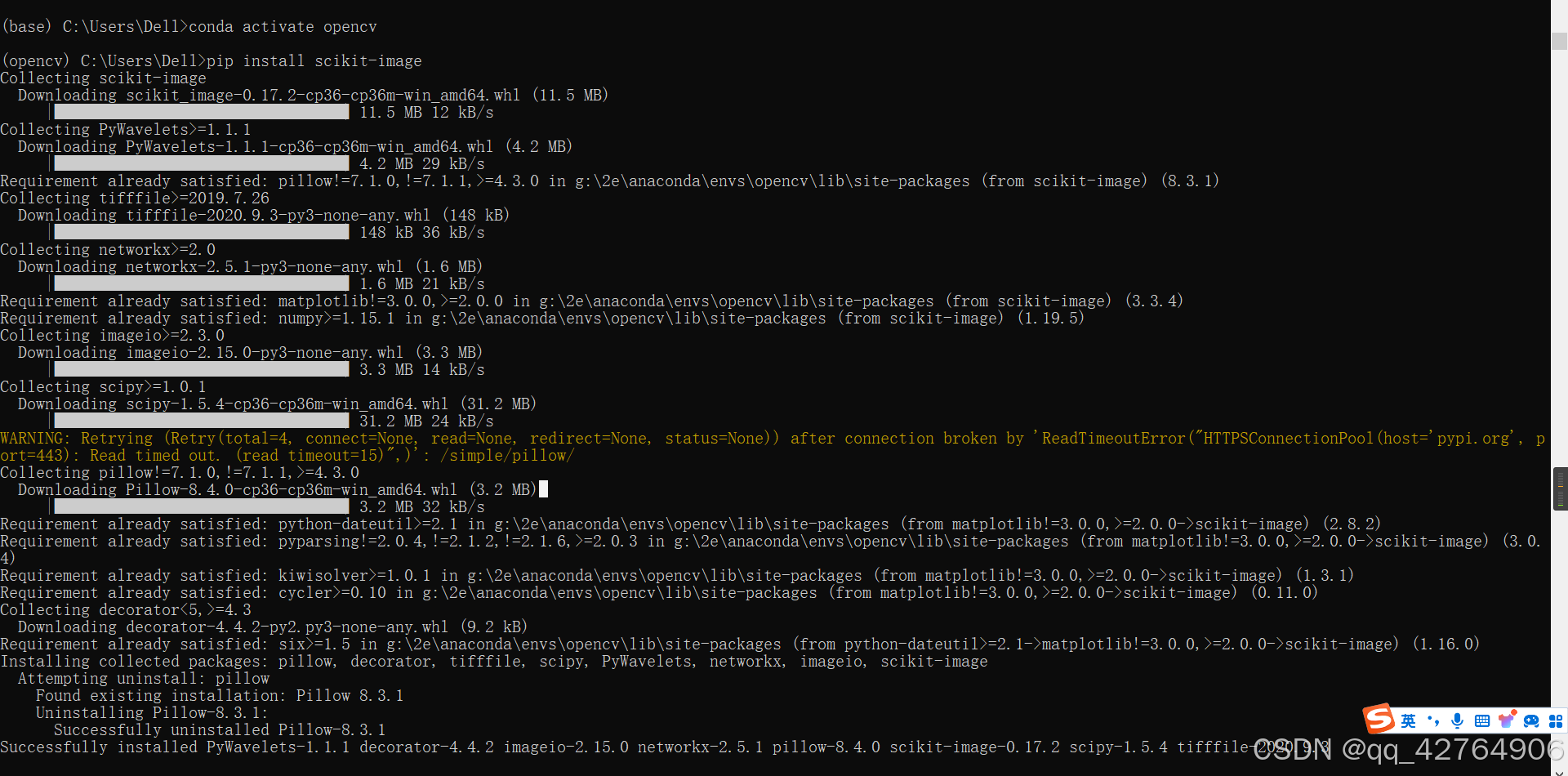
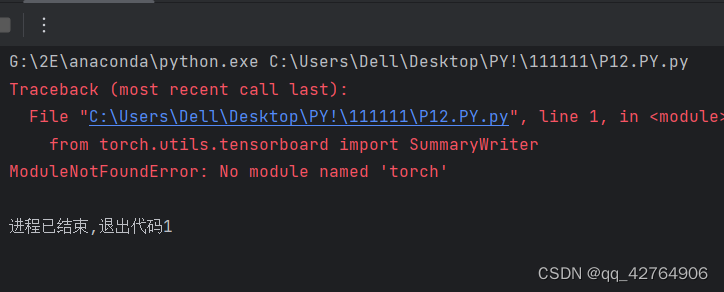
1.numpy导入模块失败【Importing the numpy C-extensions failed. This error can happen for many reasons, often due to issues with your setup or how NumPy wasinstalled.】的解决办法2.ModuleNotFoundError: No module name
很全!记录了4个问题!1.保留原来的python并且安装anaconda2.安装过程一直卡在 Setting up the pakcage cache3.彻底删除anaconda4.pycharm无法添加解释器的解决办法
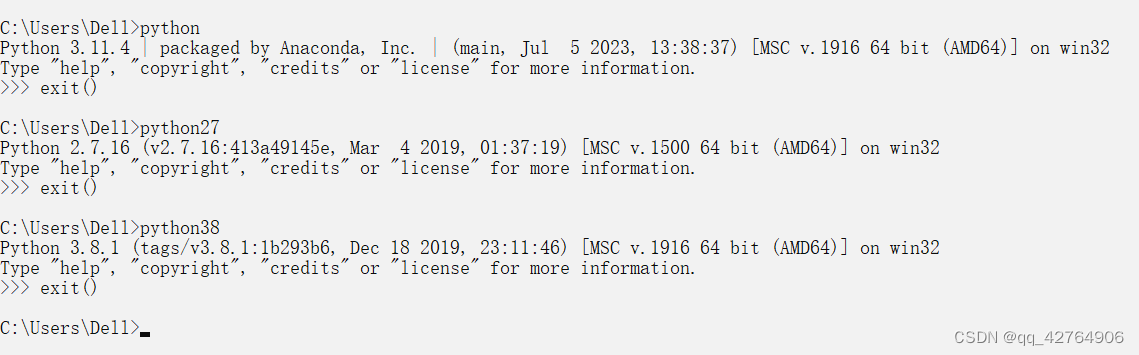
很全!记录了4个问题!1.保留原来的python并且安装anaconda2.安装过程一直卡在 Setting up the pakcage cache3.彻底删除anaconda4.pycharm无法添加解释器的解决办法
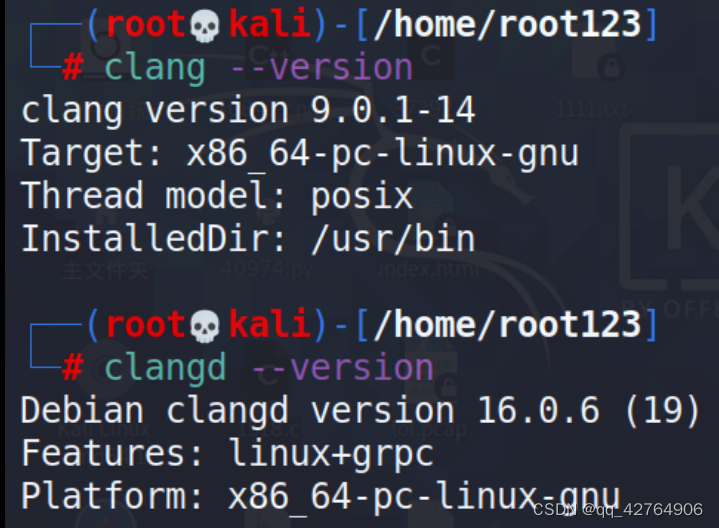
.本文章介绍的是:【很全!很详细!】1.在Vscode远程连接linux的情况下,进行本地的clangd配置和linux端的clangd配置2.在windows下使用clangd的方法(解决缺少 language enginee的方法)
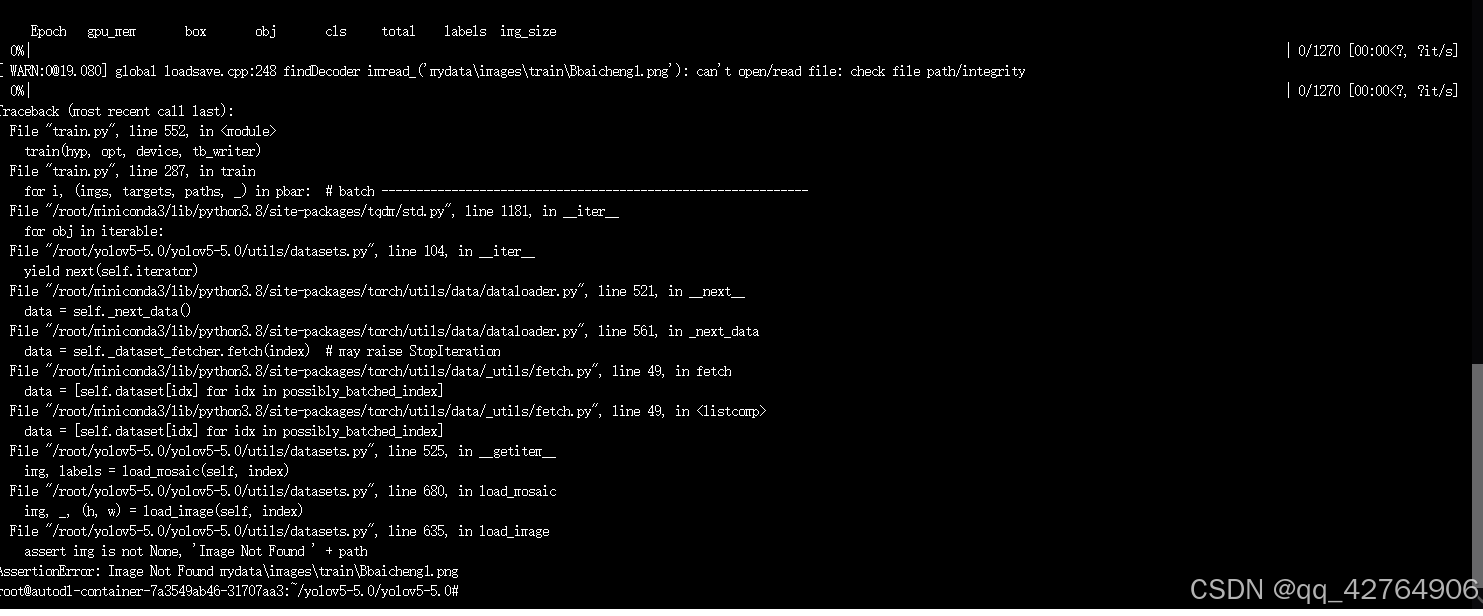
windows的文件放在linux上运行,由于代码里的`文件路径问题,导致找不到所对应的文件,故而报错。但是由于第一次加载文件时候其路径存入了缓存cache中,代码每次先找缓存,所以即使把文件加载的路径更正成linux的也无济于事。解决方法是:删除掉缓存cache文件,或者 注释掉 加载缓存部分的代码。
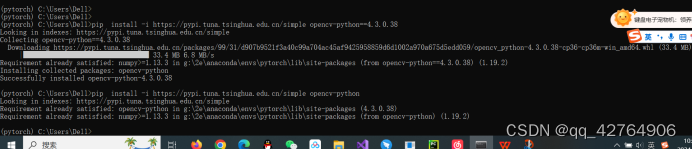
1.安装opencv-python失败的解决办法2.pip 安装失败3.This script does not work on Python 3.6 The minimum supported Python version is 3.7.Please use https://bootstrap.pypa.io/pip/3.6/get-pip.py instead.4.WARNING:Ignori
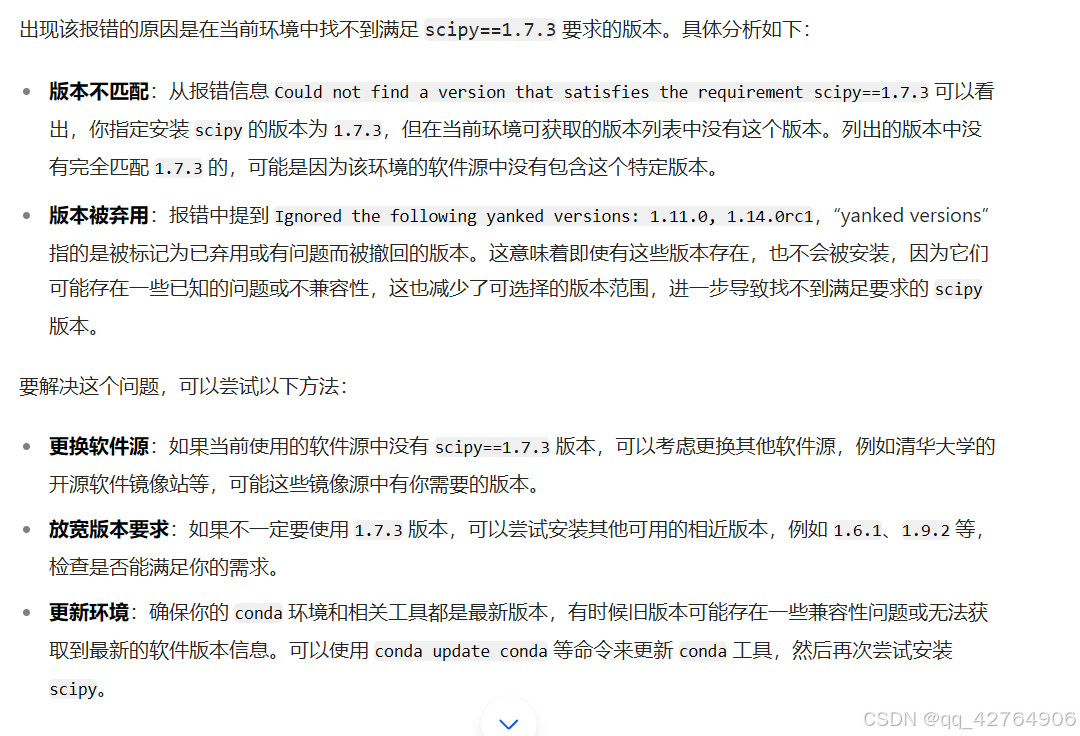
用pip去安装包的时候,找不到安装包的原因以及解决思路。ERROR: Ignored the following yanked versions: 1.11.0, 1.14.0rc1ERROR: Could not find a version that satisfies the requirement scipy==1.7.0 (from versions: 0.8.0, 0.9.0, 0.1