- @nece001


简介
该用户还未填写简介
擅长的技术栈
可提供的服务
暂无可提供的服务
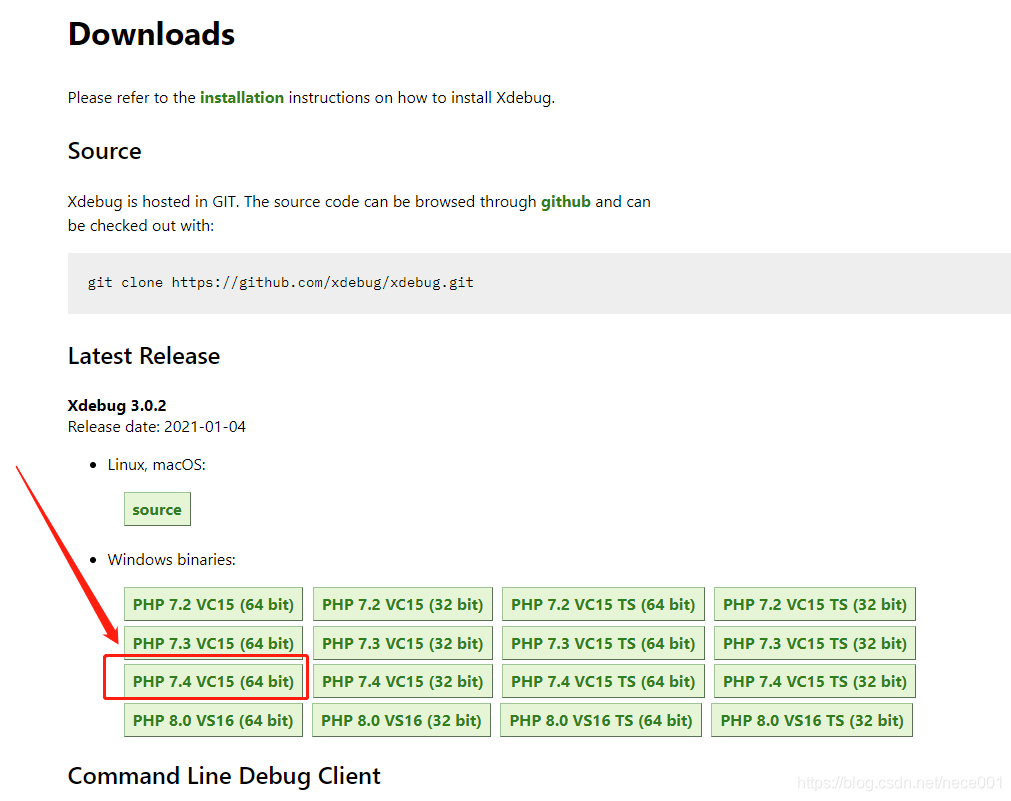
使用xdebug:下载https://xdebug.org/download配置:打开php.ini文件,在文件最后添加:(3.0的配置项有些改了)[XDebug]zend_extension = php_xdebug-3.0.2-7.4-vc15-nts-x86_64.dllxdebug.output_dir="D:\Work\php\xdebug\output"xdebug.mode = de
Android Studio开发Flutter要用到的环境变量:PUB_HOSTED_URL :https://pub.flutter-io.cnFLUTTER_STORAGE_BASE_URL :https://mirrors.sjtug.sjtu.edu.cn (https://storage.flutter-io.cn好像不能用)
步骤:创建表 admins。新建一个实体类AdminEntity,实现接口:org.springframework.security.core.userdetails.UserDetails(包含自定义的字段)。创建对应于表 admins 的Mapper接口:AdminMapper。创建AdminService接口并实现接口:org.springframework.security.core.us
使用xdebug:下载https://xdebug.org/download配置:打开php.ini文件,在文件最后添加:(3.0的配置项有些改了)[XDebug]zend_extension = php_xdebug-3.0.2-7.4-vc15-nts-x86_64.dllxdebug.output_dir="D:\Work\php\xdebug\output"xdebug.mode = de
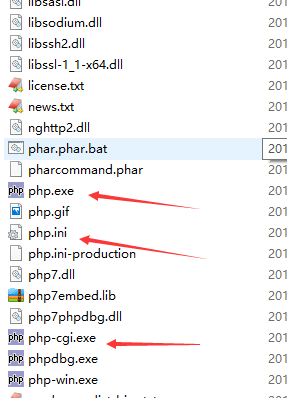
使用IIS来运行PHP还是比较简单的,可以轻松实现多PHP版本运行,需要准备的文件:IIS。VC运行库(VC运行环境)。微软官网上没找到,还是CSDN的网友比较厉害:下载地址:https://download.csdn.net/download/p270228163/11079423(vc9到vc15,32位和64位全有,此下载地址仅供参考)windows环境下的PHP包。(如...