


- @HyEISN


简介
该用户还未填写简介
擅长的技术栈
可提供的服务
暂无可提供的服务
可能是缺少VC++ 2015~2022 依赖库
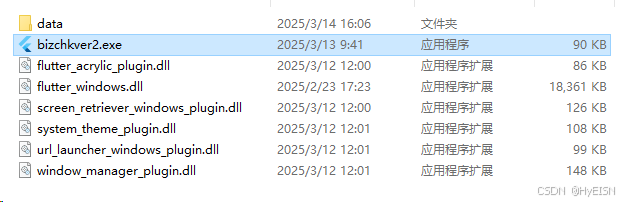
尝试运行flutter doctor

完整报错信息:Could not resolve archetype org.apache.maven.archetypes:maven-archetype-quickstart:RELEASE from any of the configured repositories.解决方法在maven下添加settings.xml文件,该文件的作用为Maven在下载依赖时所使用的仓库,如Maven Ce
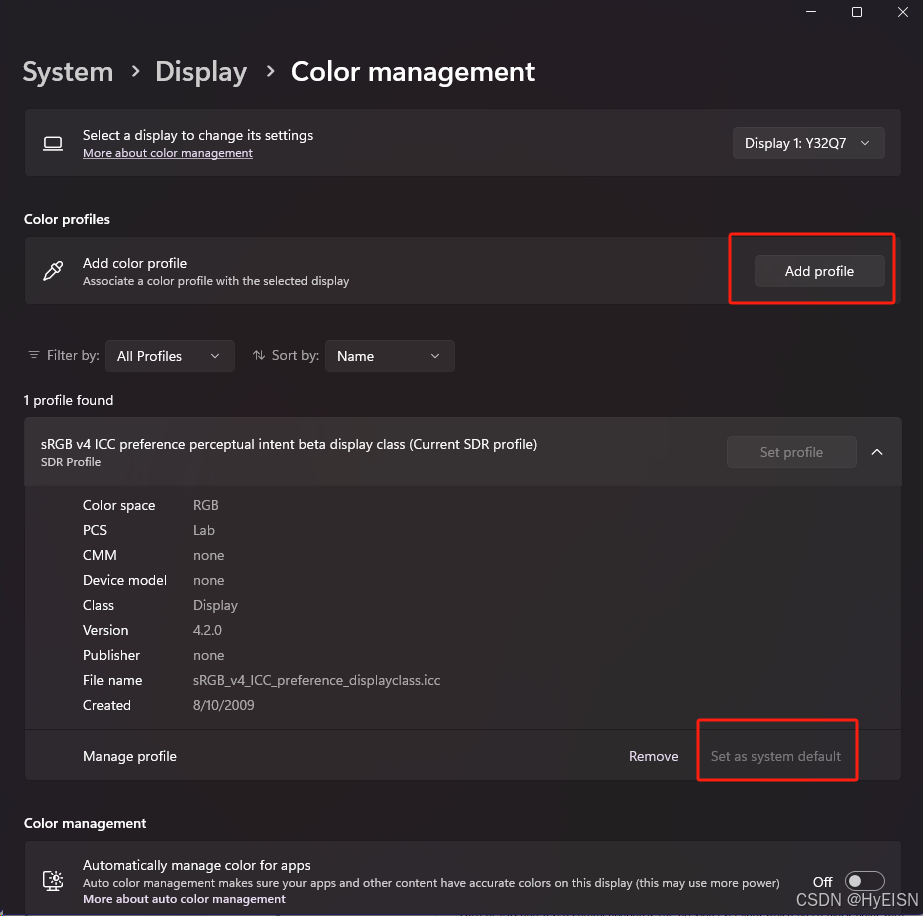
对其他或所有应用程序生效
使用vcpkg安装库时报错:Building package opencv4:x64-windows failed with: BUILD_FAILED报错如下:解决方案1: 尝试使用 vcpkg install [package name] --x-use-aria2,完整命令如下:vcpkg install opencv:x64-windows --x-use-aria2,回车执行,安装过程需
将项目移动至C盘以外的位置, 最后Build成功, 猜测可能是权限不足之类的, 目前没有找到其他解决方案。当然也有尝试过使用管理员权限启动Qt Creator, 结果以失败告终。

写具体返回类型, 而非Widget

vcpkg+opencv+tesseract安装以及配置vcpkg安装下载源码git clone https://github.com/microsoft/vcpkg.git运行源码中的bootstrap-vcpkg.bat文件:执行完成后同级目录下生成vcpkg.exe文件,需要将所在写在系统环境变量中vcpkg所在的目录及其上级所有目录不要包含空格,中文字符等,否则将导致部分库安装失败,如因空
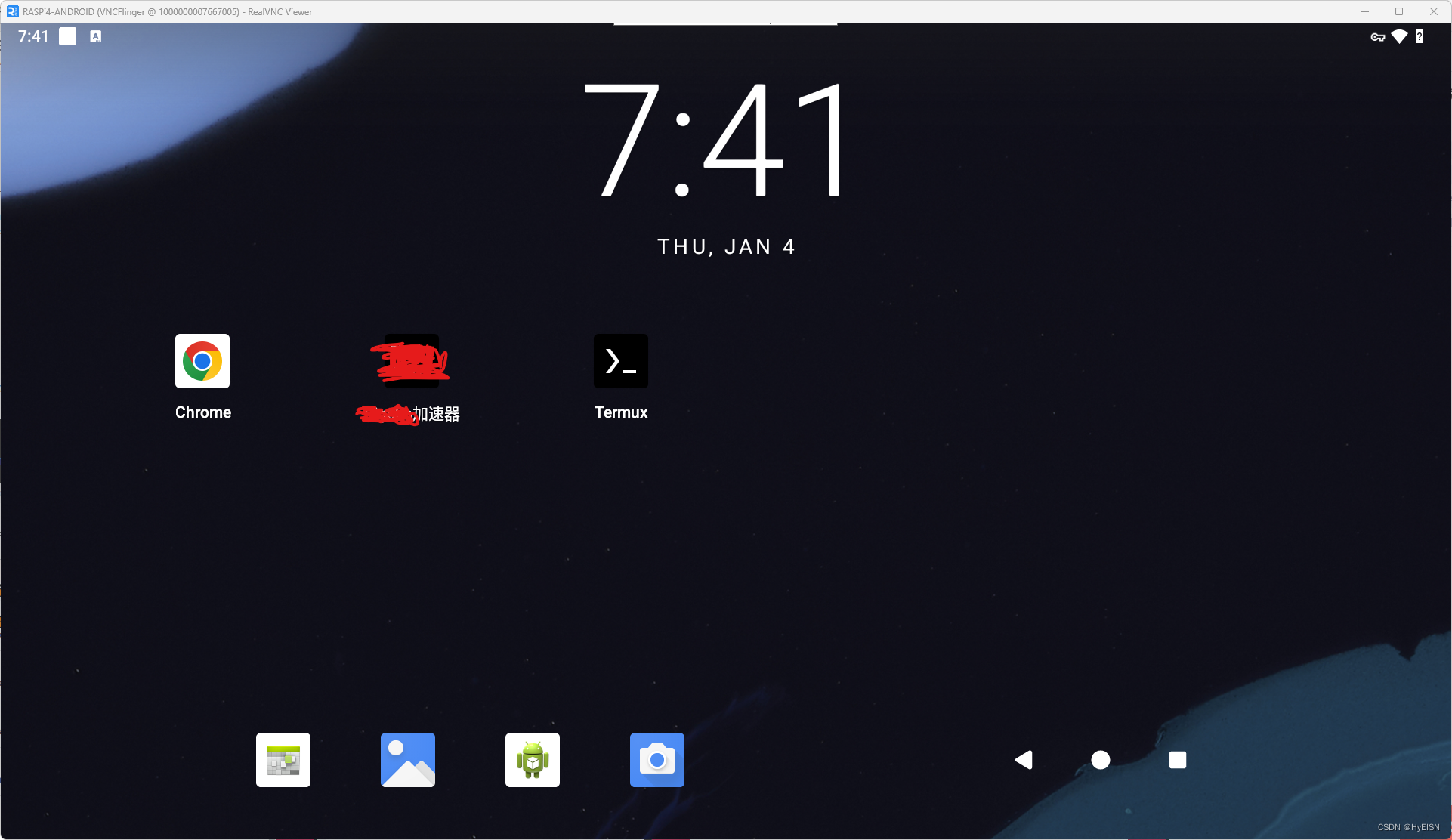
Android for Raspberry Pi 4
对其他或所有应用程序生效