


- @hzgaoshichao


简介
该用户还未填写简介
擅长的技术栈
可提供的服务
暂无可提供的服务
桥接模式 (Bridge Pattern):将抽象部分与它的实现部分分离,使它们都可以独立地变化。

状态模式 (State Pattern) :允许一个对象在其内部状态改变时改变它的行为,对象看起来似乎修改了它的类。
原文链接执行下面的mysqldump命令时遇到异常,这是因为我的客户端mysqldump的版本大于8,而我的MySQL数据库是比较老的版本的缘故。mysqldump -h 172.17.26.225 --default-character-set=utf8mb4 --opt --hex-blob --set-gtid-purged=OFF --user root -p it > it-202
原文链接linux(RHEL8)中使用root启动java程序(使用springboot 框架)时可以正常的访问,而当使用非root用户启动springboot 的java 程序时,遇到以下错误:Identify and stop the process that's listening on port 443 or configure this application to listen on
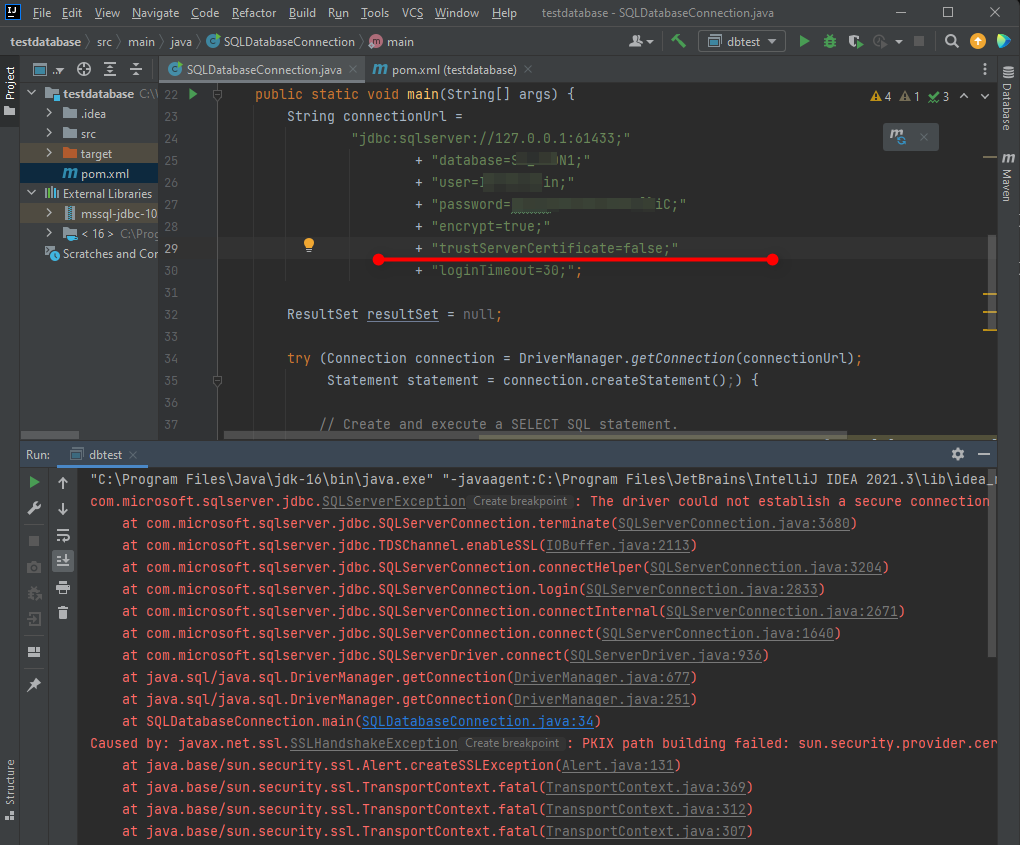
原文地址JDBC driver :mssql-jdbc-10.2.0.jre11.jar链接AZURE云数据库时出现以下错误:PKIX path building failed: sun.security.provider.certpath.SunCertPathBuilderException: unable to find valid certification path to request
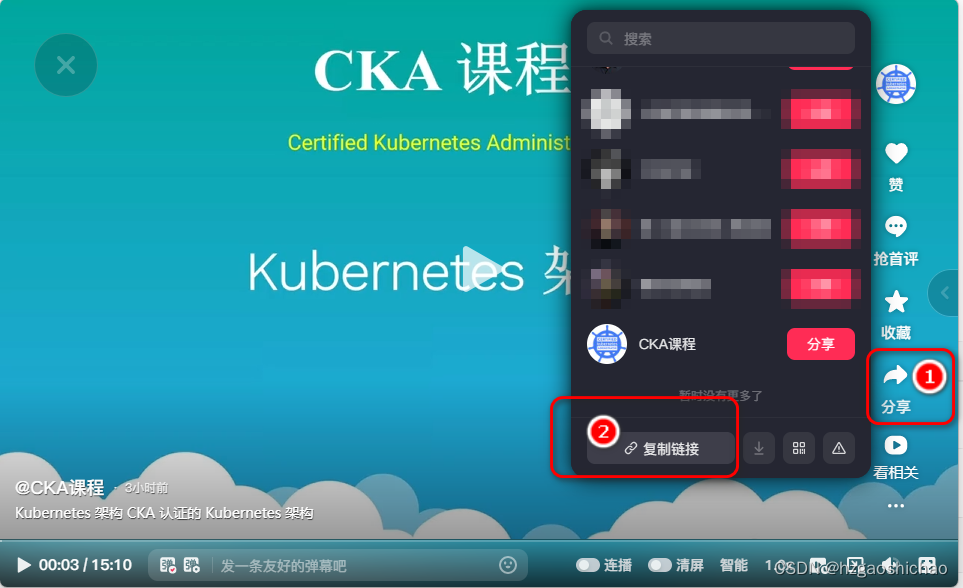
怎样在网页中嵌入抖音视频
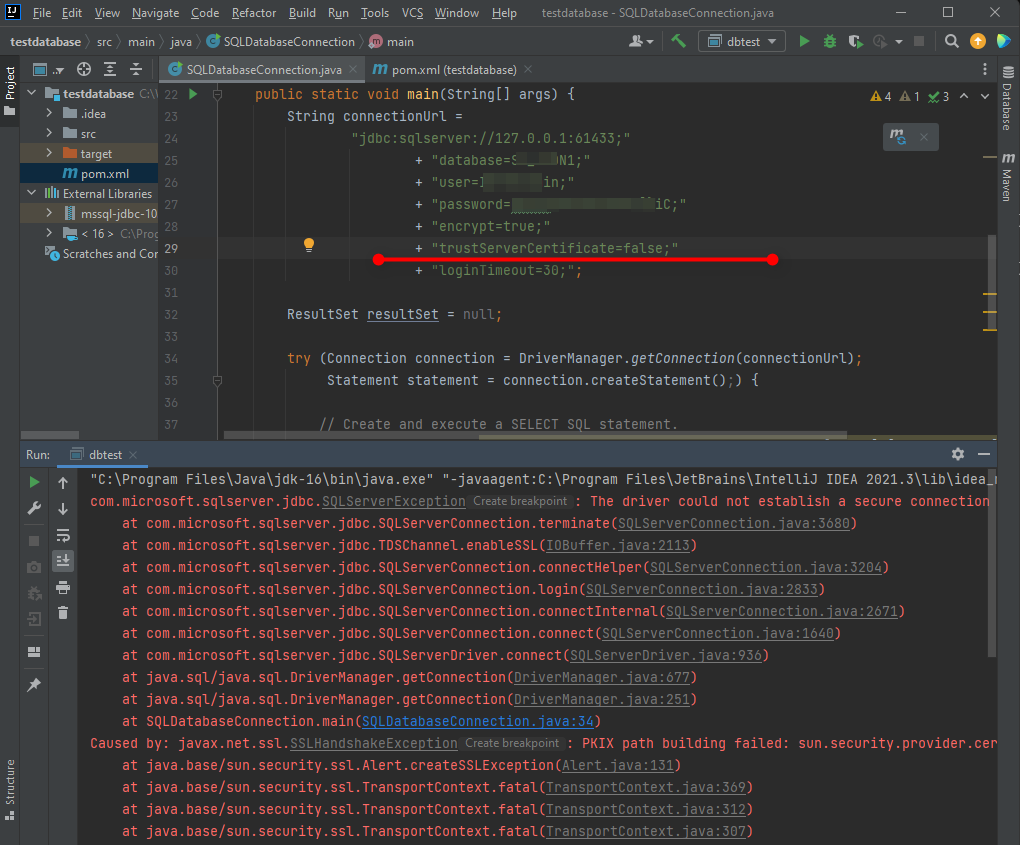
原文地址JDBC driver :mssql-jdbc-10.2.0.jre11.jar链接AZURE云数据库时出现以下错误:PKIX path building failed: sun.security.provider.certpath.SunCertPathBuilderException: unable to find valid certification path to request
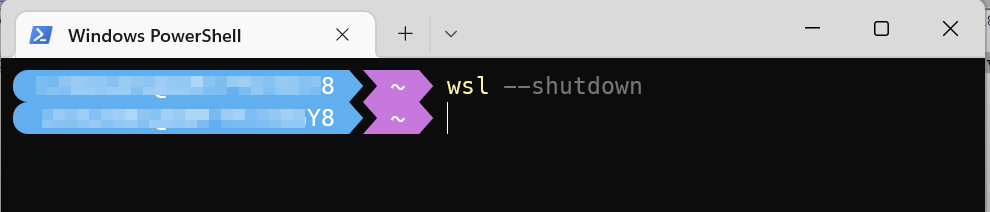
WSL2本质上来说还是虚拟机,Windows会创建vhdx后缀的磁盘镜像文件,作为存储,特点是支持自动扩容,但是一般不会自动缩容. 可以使用diskpart释放WSL2的磁盘空间。
原文链接在WSL 中图形化运行linux应用, WSLg (Windows Subsystem for Linux GUI) – use Linux GUI application natively第一步,使用Toolbox安装IDE第二步,解压压缩包sudo tar -xzf jetbrains-toolbox-1.17.7391.tar.gz -C /opt第三步,安装相应的版本如果安装正常,
原文链接idea设置maven配置文件setting.xml的位置(IntelliJ IDEA 2021.2 (Ultimate Edition))第一步选择File–>Settings…打开Setting对话框。第二步展开Build, Execution, Deployment–>Build Tolls–>Maven