
【错误记录】flutter clean 执行报错 ( build 目录下的文件被占用 / 模拟器 / VS Code / Android Studio / 文件资源管理器 占用 )
·
一、错误记录
执行 flutter clean 命令 , 删不掉 build 文件夹 ;
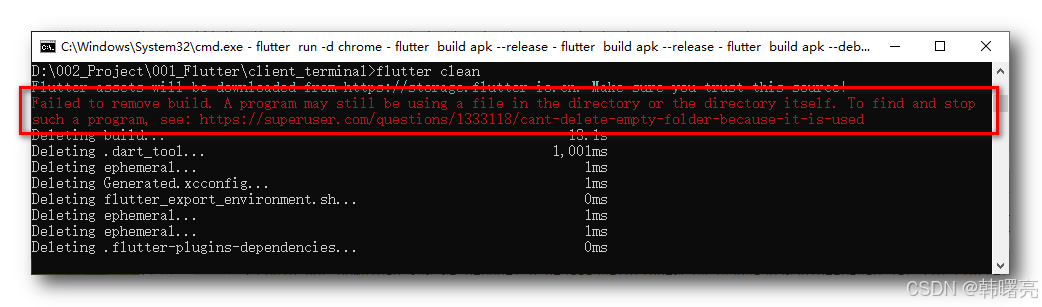
核心报错信息 :
Failed to remove build. A program may still be using a file in the directory or the directory itself. To find and stop
such a program, see: https://superuser.com/questions/1333118/cant-delete-empty-folder-because-it-is-used
完整命令行输出 :
D:\002_Project\001_Flutter\client_terminal>flutter clean
Flutter assets will be downloaded from https://storage.flutter-io.cn. Make sure you trust this source!
Failed to remove build. A program may still be using a file in the directory or the directory itself. To find and stop
such a program, see: https://superuser.com/questions/1333118/cant-delete-empty-folder-because-it-is-used
Deleting build...                                                  13.1s
Deleting .dart_tool...                                           1,001ms
Deleting ephemeral...                                                1ms
Deleting Generated.xcconfig...                                       1ms
Deleting flutter_export_environment.sh...                            0ms
Deleting ephemeral...                                                1ms
Deleting ephemeral...                                                1ms
Deleting .flutter-plugins-dependencies...                            0ms
二、解决方案
flutter clean 删不掉 build 文件夹 , 原因 是 文件被占用 / 模拟器 / VS Code / Android Studio 还在占用 , 跟开发者模式、镜像都没关系,就是文件被锁住了 ;
执行下面三个步骤 :
- 首先 , 完全关闭所有工具 ;
- 关闭 VS Code
- 关闭 Android Studio
- 关闭 模拟器
- 关闭 所有终端窗口
- 关闭 所有打开 build 目录下的文件资源管理器
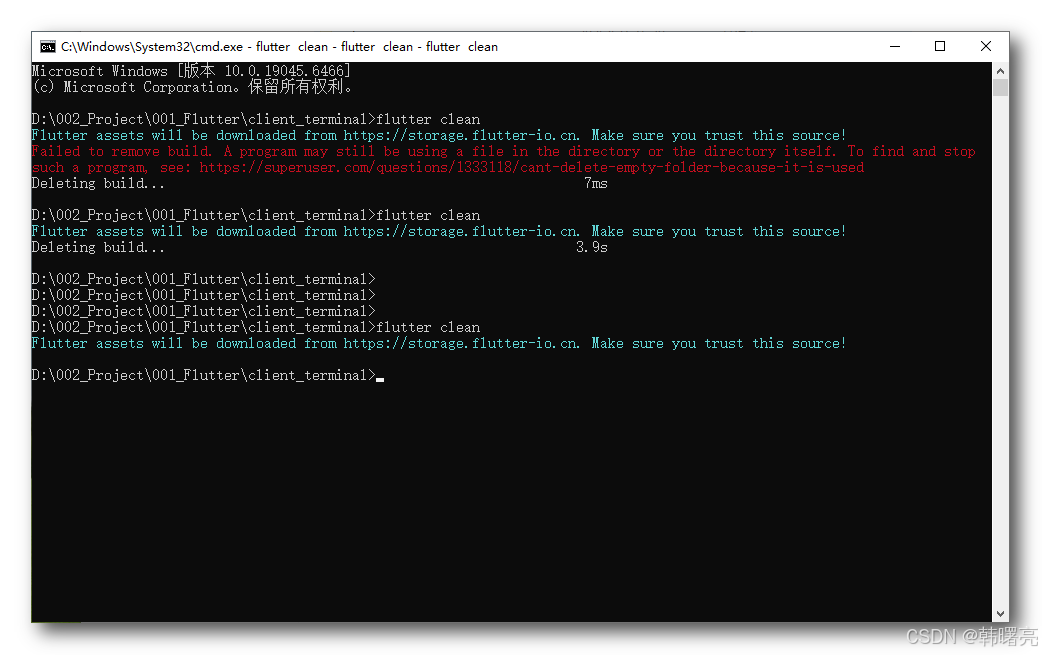
- 然后 , 重新打开一个全新的终端 , 执行
rmdir /s /q build命令 , 强制删除 build 文件夹 ; - 最后 , 执行
flutter clean命令 ;
更多推荐
 8
8 0
0- 0


 已为社区贡献21条内容

所有评论(0)