
QT6 Android C++拍照程序
·
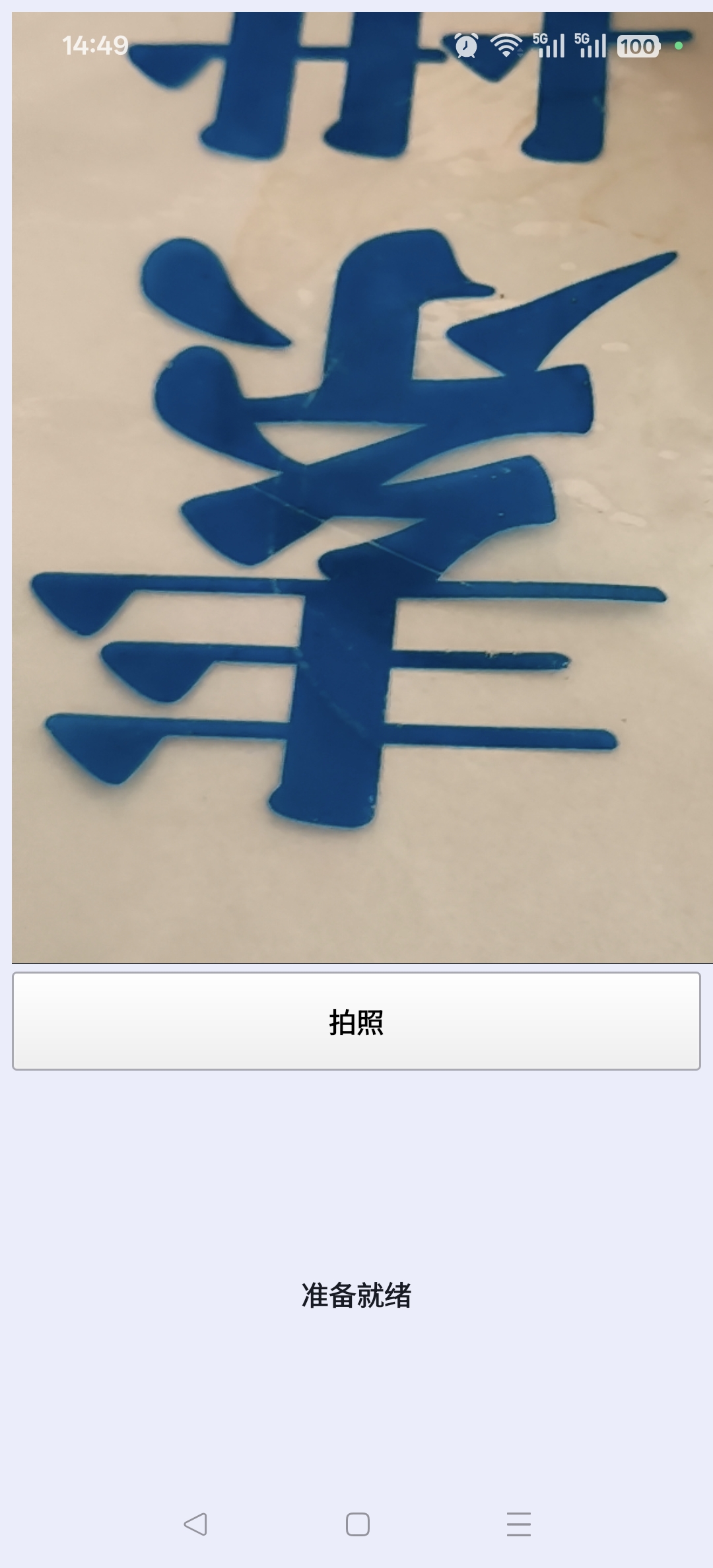
该代码实现了一个基于Qt框架的摄像头拍照应用程序。主要功能包括:1) 检查并请求相机权限;2) 初始化摄像头设备,优先选择后置摄像头;3) 提供实时摄像头预览;4) 点击按钮拍照并保存图片。图片会尝试保存到多个可能的位置(如DCIM/Camera、Pictures目录等)。程序还包含状态提示功能,会显示权限请求、摄像头状态、拍照结果等信息。当摄像头错误或保存失败时,会输出相应的错误信息。整个程序通过信号槽机制实现各功能的异步响应。
#include "mainwindow.h"
#include "ui_mainwindow.h"

#include <QCamera>
#include <QMediaCaptureSession>
#include <QMediaDevices>
#include <QDateTime>
#include <QDir>
#include <QStandardPaths>
#include <QPermission>
#include <QDebug>
#include <QFile>

MainWindow::MainWindow(QWidget *parent)
    : QMainWindow(parent)
    , ui(new Ui::MainWindow)
    , m_camera(nullptr)
    , m_imageCapture(nullptr)
    , m_captureSession(nullptr)
    , m_cameraPermissionGranted(false)
    , m_storagePermissionGranted(false)
{
    ui->setupUi(this);

    setWindowTitle(QString::fromUtf8("摄像头拍照"));

    ui->videoWidget->setAspectRatioMode(Qt::KeepAspectRatioByExpanding);

    m_captureSession = new QMediaCaptureSession(this);
    m_captureSession->setVideoOutput(ui->videoWidget);

    m_imageCapture = new QImageCapture(this);
    m_captureSession->setImageCapture(m_imageCapture);

    connect(ui->captureButton, &QPushButton::clicked, this, &MainWindow::onCaptureButtonClicked);
    connect(m_imageCapture, &QImageCapture::imageCaptured, this, &MainWindow::onImageCaptured);

    ui->statusLabel->setText(QString::fromUtf8("正在请求相机权限..."));
    ui->captureButton->setEnabled(false);

    QCameraPermission cameraPerm;
    auto camStatus = qApp->checkPermission(cameraPerm);

    if (camStatus == Qt::PermissionStatus::Undetermined) {
        qApp->requestPermission(cameraPerm, this, [this](const QPermission &perm) {
            if (perm.status() == Qt::PermissionStatus::Granted) {
                m_cameraPermissionGranted = true;
                m_storagePermissionGranted = true;
                ui->statusLabel->setText(QString::fromUtf8("正在打开摄像头..."));
                initCamera();
            } else {
                ui->statusLabel->setText(QString::fromUtf8("相机权限被拒绝,请在设置中授权"));
            }
        });
    } else if (camStatus == Qt::PermissionStatus::Granted) {
        m_cameraPermissionGranted = true;
        m_storagePermissionGranted = true;
        ui->statusLabel->setText(QString::fromUtf8("正在打开摄像头..."));
        initCamera();
    } else {
        ui->statusLabel->setText(QString::fromUtf8("相机权限已被拒绝,请在设置中授权"));
    }
}

MainWindow::~MainWindow()
{
    if (m_camera) {
        m_camera->stop();
    }
    delete ui;
}

void MainWindow::initCamera()
{
    QList<QCameraDevice> cameras = QMediaDevices::videoInputs();

    qDebug() << "找到" << cameras.size() << "个摄像头";
    for (const QCameraDevice &cam : cameras) {
        qDebug() << "  -" << cam.description() << "位置:" << cam.position();
    }

    if (cameras.isEmpty()) {
        ui->statusLabel->setText(QString::fromUtf8("未找到摄像头设备"));
        return;
    }

    QCameraDevice selectedDevice;
    for (const QCameraDevice &device : cameras) {
        if (device.position() == QCameraDevice::BackFace) {
            selectedDevice = device;
            break;
        }
    }

    if (selectedDevice.isNull()) {
        selectedDevice = cameras.first();
    }

    if (m_camera) {
        m_camera->stop();
        m_camera->deleteLater();
    }

    m_camera = new QCamera(selectedDevice, this);

    connect(m_camera, &QCamera::errorOccurred, this, &MainWindow::onCameraErrorOccurred);
    connect(m_camera, &QCamera::activeChanged, this, [this](bool active) {
        qDebug() << "摄像头状态变化:" << active;
        if (active) {
            ui->statusLabel->setText(QString::fromUtf8("准备就绪"));
            ui->captureButton->setEnabled(true);
        }
    });

    m_captureSession->setCamera(m_camera);
    m_camera->start();

    qDebug() << "正在启动摄像头:" << selectedDevice.description();
}

void MainWindow::onCaptureButtonClicked()
{
    if (m_camera && m_camera->isActive()) {
        ui->captureButton->setEnabled(false);
        ui->statusLabel->setText(QString::fromUtf8("正在拍照..."));
        m_imageCapture->capture();
    }
}

void MainWindow::onImageCaptured(int id, const QImage &image)
{
    Q_UNUSED(id);
    saveImageToDCIM(image);
    ui->captureButton->setEnabled(true);
}

void MainWindow::saveImageToDCIM(const QImage &image)
{
    QString fileName = QString("IMG_%1.jpg").arg(
        QDateTime::currentDateTime().toString("yyyyMMdd_hhmmss"));

    QStringList savePaths;

    QString picturesPath = QStandardPaths::writableLocation(QStandardPaths::PicturesLocation);
    if (!picturesPath.isEmpty()) {
        QDir picsDir(picturesPath);
        QString dcimCamera = picsDir.absolutePath().replace("/Pictures", "/DCIM/Camera");
        savePaths << dcimCamera;
        savePaths << picturesPath;
    }

    QString dcimRoot = QDir::homePath() + "/DCIM/Camera";
    savePaths << dcimRoot;
    savePaths << "/sdcard/DCIM/Camera";
    savePaths << "/storage/emulated/0/DCIM/Camera";

    QString appDataPath = QStandardPaths::writableLocation(QStandardPaths::AppDataLocation);
    if (!appDataPath.isEmpty()) {
        savePaths << appDataPath + "/Photos";
    }

    savePaths << QDir::currentPath();

    qDebug() << "尝试保存到以下位置:";
    for (const QString &p : savePaths) {
        qDebug() << "  " << p;
    }

    bool saved = false;
    QString savedPath;

    for (const QString &dirPath : savePaths) {
        QDir dir(dirPath);
        if (!dir.exists()) {
            if (!dir.mkpath(".")) {
                qWarning() << "无法创建目录:" << dirPath;
                continue;
            }
        }
        QString filePath = dirPath + "/" + fileName;
        if (image.save(filePath, "JPG", 100)) {
            saved = true;
            savedPath = filePath;
            qDebug() << "图片已保存到:" << filePath;
            break;
        } else {
            qWarning() << "保存到" << dirPath << "失败";
        }
    }

    if (saved) {
        ui->statusLabel->setText(QString::fromUtf8("拍照成功: %1").arg(savedPath));
    } else {
        ui->statusLabel->setText(QString::fromUtf8("拍照失败: 所有保存位置都不可用"));
    }
}

void MainWindow::onCameraErrorOccurred(QCamera::Error error, const QString &errorString)
{
    Q_UNUSED(error);
    qCritical() << "摄像头错误:" << errorString;
    ui->statusLabel->setText(QString::fromUtf8("摄像头错误: %1").arg(errorString));
    ui->captureButton->setEnabled(false);
}
需要整个代码请私信。
更多推荐
 4
4 0
0- 0


 已为社区贡献4条内容

所有评论(0)