Python Selenium Edge Browser in Internet Explorer mode
·
Answer a question
I got a website which is just compatible with Internet Explorer. We activated the Edge Internet Explorer Mode Option, but im unable to handle the website with Selenium. Is there any way to use IE-Mode with Edge in Selenium?
Answers
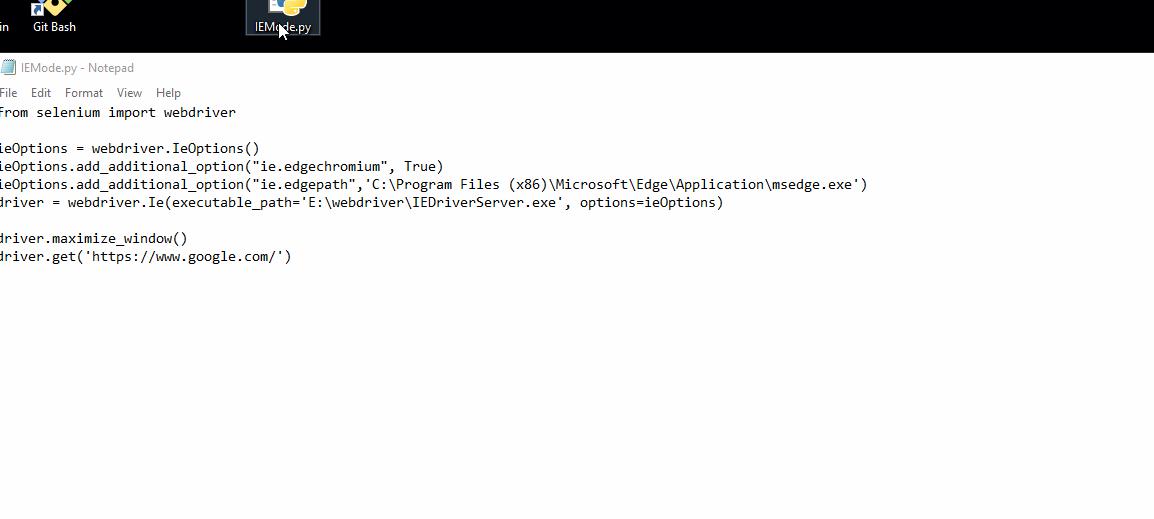
You need to download the recommended version of IE Driver Server from this link then refer to the code below to use Edge IE mode in Selenium in Python:
from selenium import webdriver

ieOptions = webdriver.IeOptions()
ieOptions.add_additional_option("ie.edgechromium", True)
ieOptions.add_additional_option("ie.edgepath",'C:\Program Files (x86)\Microsoft\Edge\Application\msedge.exe')
driver = webdriver.Ie(executable_path='E:\webdriver\IEDriverServer.exe', options=ieOptions)

driver.maximize_window()
driver.get('https://www.google.com/')
Note: Change the paths in the code to your owns.
Result:

Python社区为您提供最前沿的新闻资讯和知识内容
更多推荐

 0
0 0
0- 0


 已为社区贡献126445条内容

所有评论(0)