Answer a question

I am using PyCharm as the IDE for python, and when you make a plot (with the same code like pyplot.plot(...), pyplot.show()) pycharm displays it within its IDE. However, this looks like a static image. When you zoom in, the plot starts to blur.

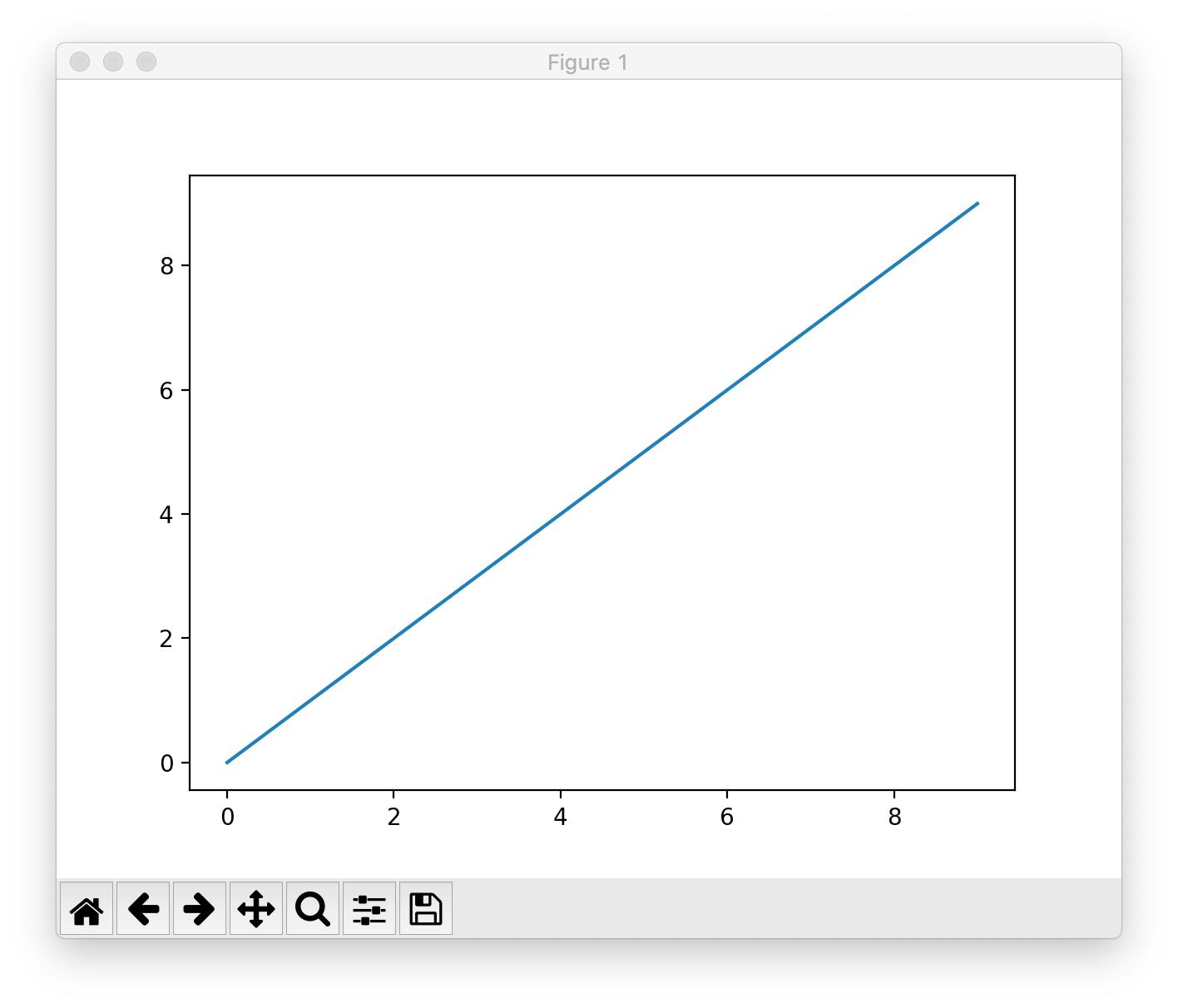
In other IDE, pyplot creates an interactive plot. When you zoom in, it basically re-plots the curve. And you can also drag the plot. Is there anyway in PyCharm I can have the interactive plot from pyplot?
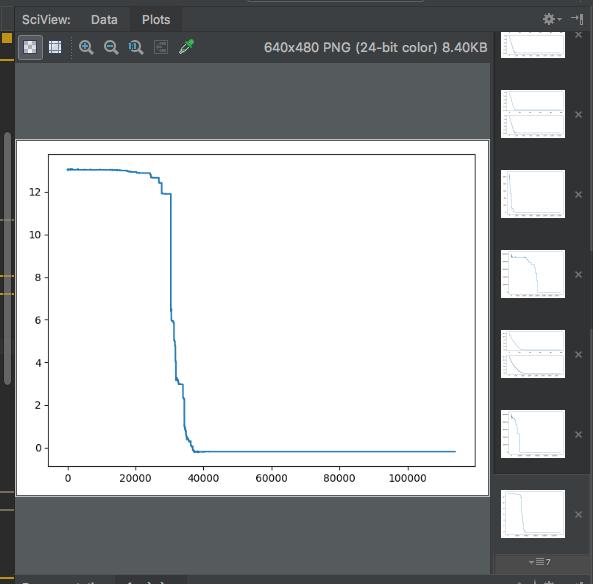
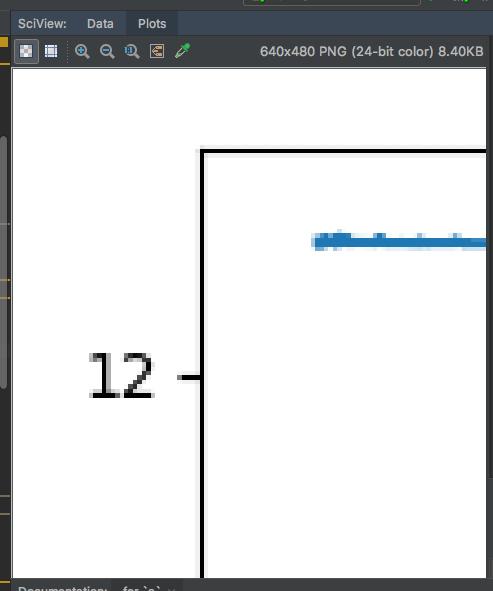
enter image description here enter image description here

Answers

Just need to change your plotting backend.

If you're on macOS:

import matplotlib as mpl
import matplotlib.pyplot as plt
mpl.use('macosx')

plt.plot(range(10))

should produce a new window that looks like this: enter image description here

Or if you prefer a different backend or are on Windows (as @MichaelA said)

import matplotlib as mpl
import matplotlib.pyplot as plt
mpl.use('Qt5Agg')  # or can use 'TkAgg', whatever you have/prefer

plt.plot(range(10))
Logo

Python社区为您提供最前沿的新闻资讯和知识内容

更多推荐