

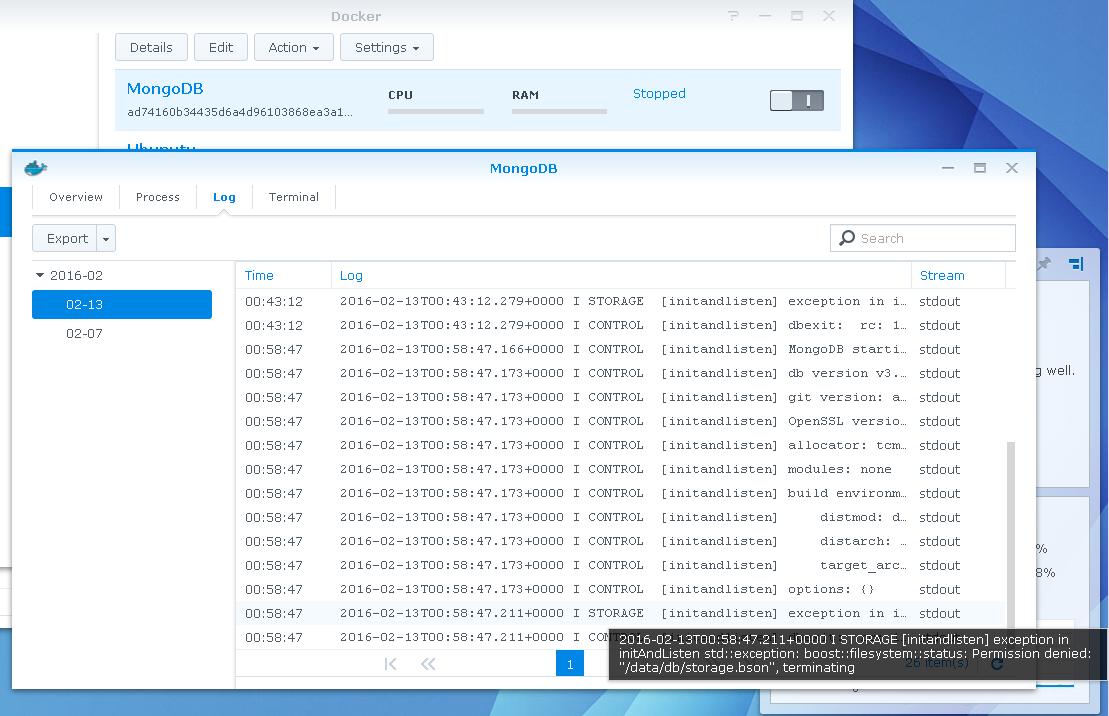
I'm new to containers and docker, so bear with me. I'm trying to get mongo up and running on a Synology NAS where the db files are stored in a share folder (different than the docker folder created). All users have full read/write access but the following error keeps coming up.
STORAGE [initandlisten] exception in initAndListen std ::exception:boost::filesystem::status: Permission denied: "/data/db/storage.bson", terminating
This is how I have the container folder structure set up. I think the issue is a result of the virtual drive mapping, but I'm not sure. As always, any help would be greatly appreciated. 
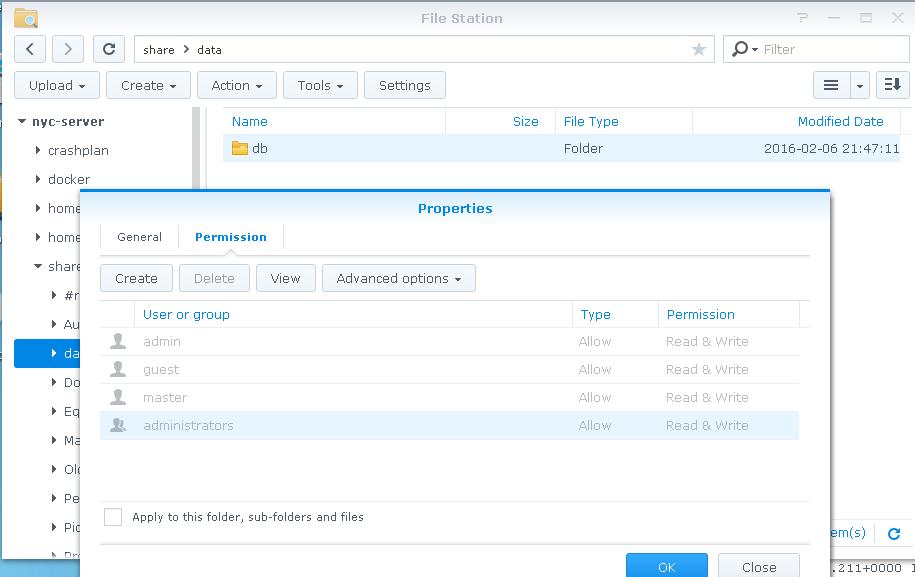
EDIT: Adding the permissions for /share/data/db below.


 已为社区贡献32862条内容

所有评论(0)