
腾讯云服务器接入百炼模型
·
文章目录
一、环境准备
1、购买服务器
https://cloud.tencent.com/act/pro/featured-202604?from=29775&Is=home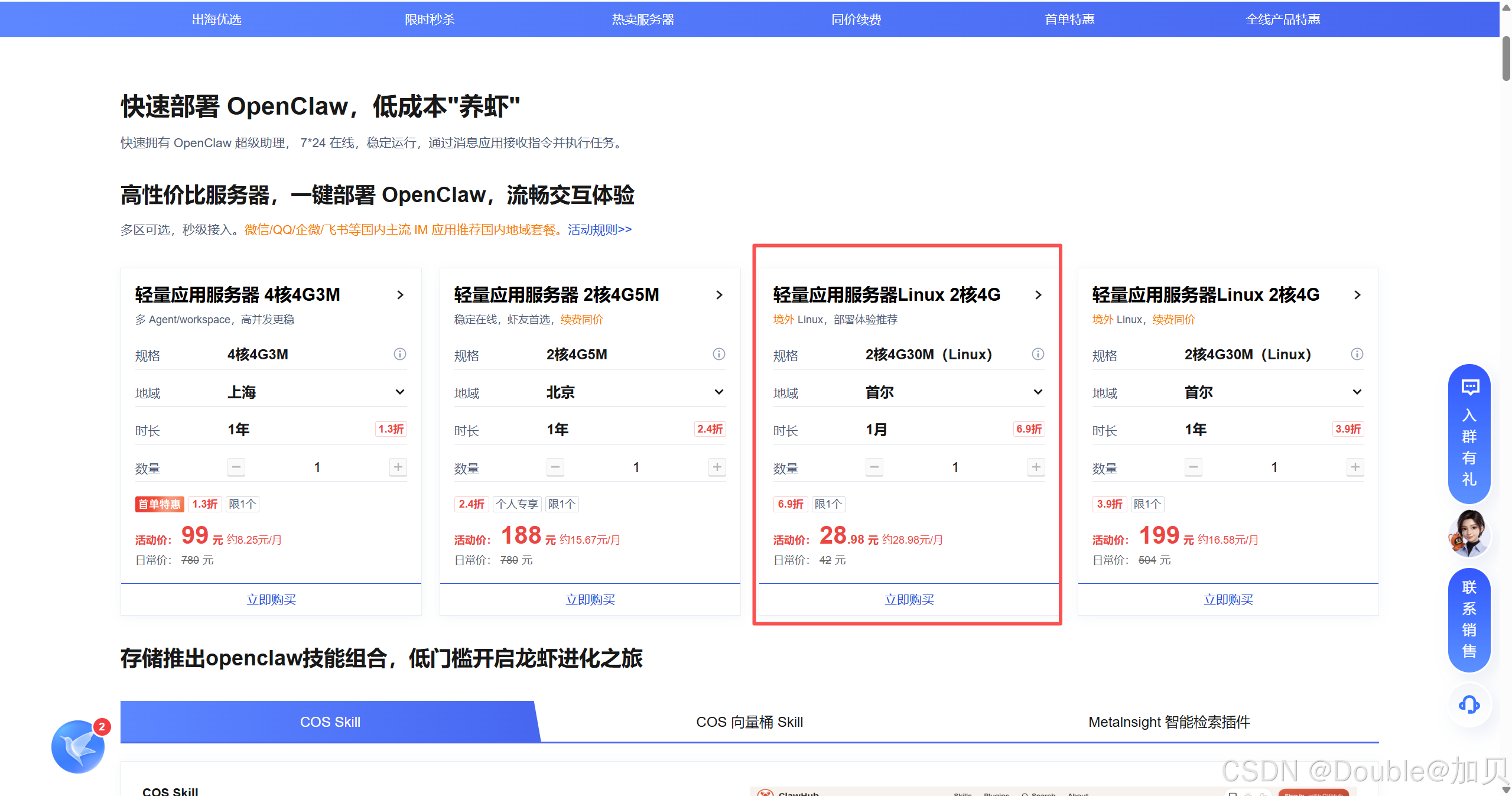
购买之后进入服务器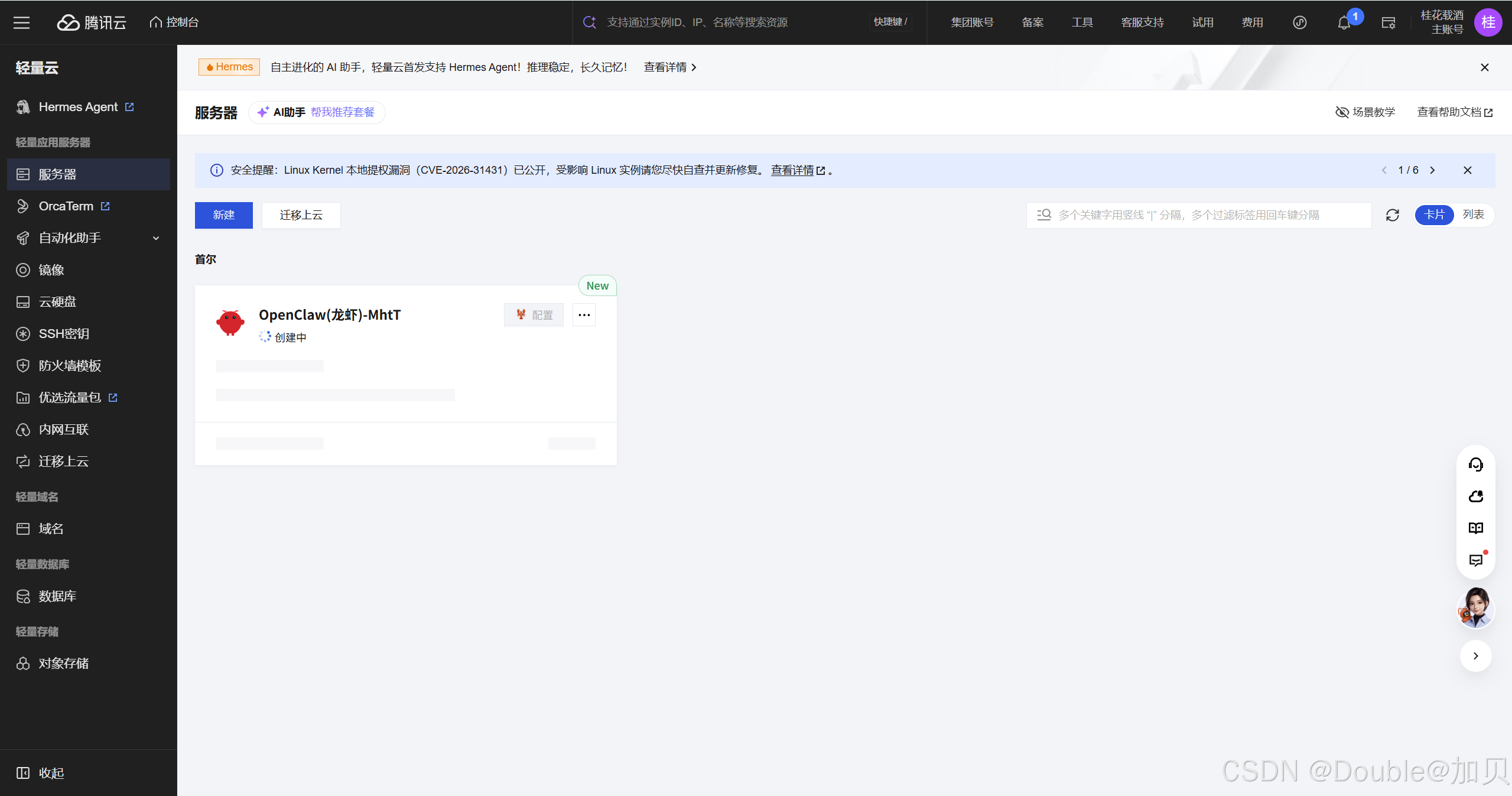
二、百炼CodingPlan接入
1、选择提供方
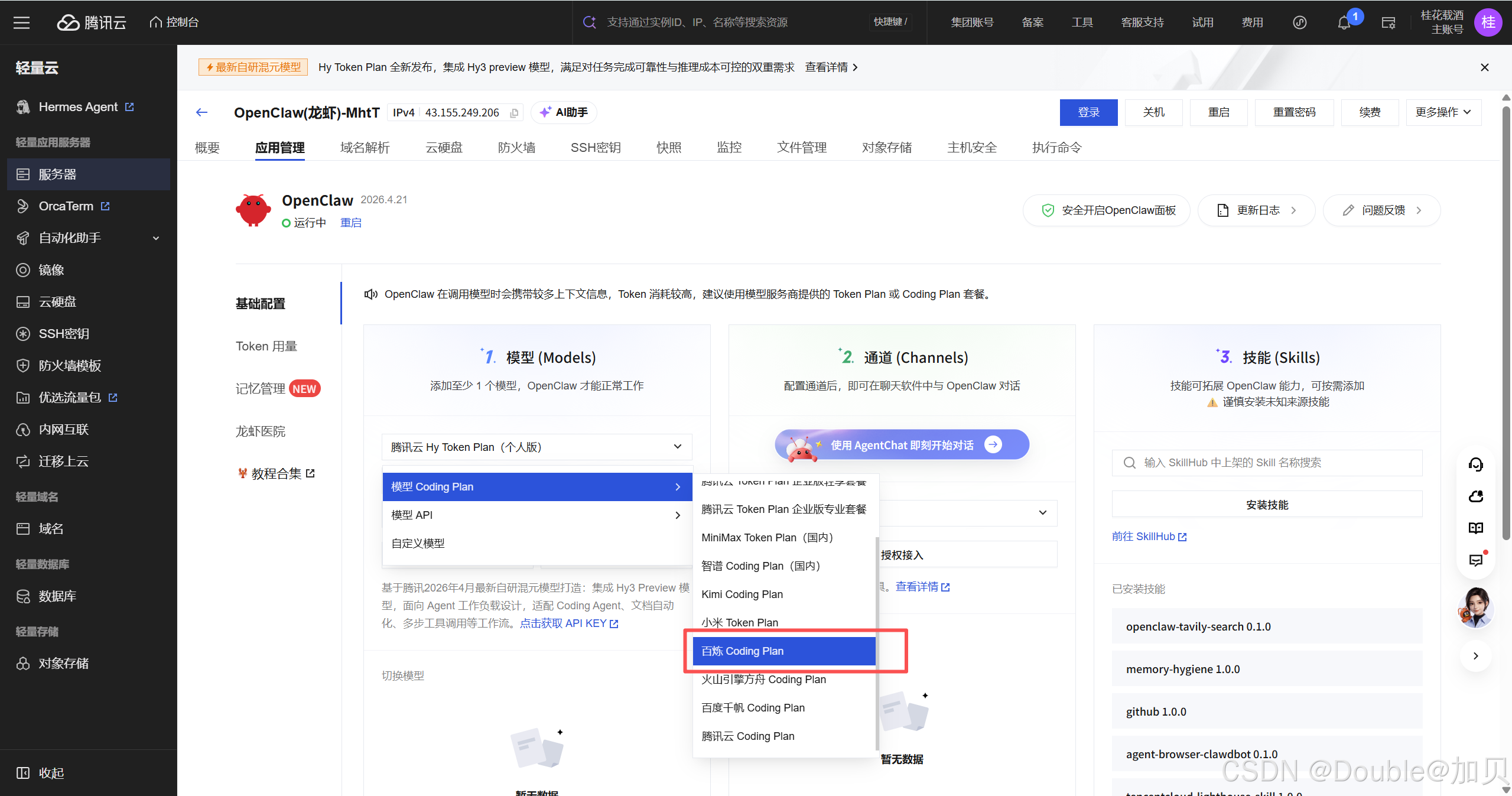
2、配置API-KEY并测试联通性
注意: API-KEY格式为 sk-sp-egregsdfv9f3c41db910d2e6fghfdgfd (sk-sp-************************)
3、接入钉钉验证
配置钉钉应用的Client ID 和Client Secret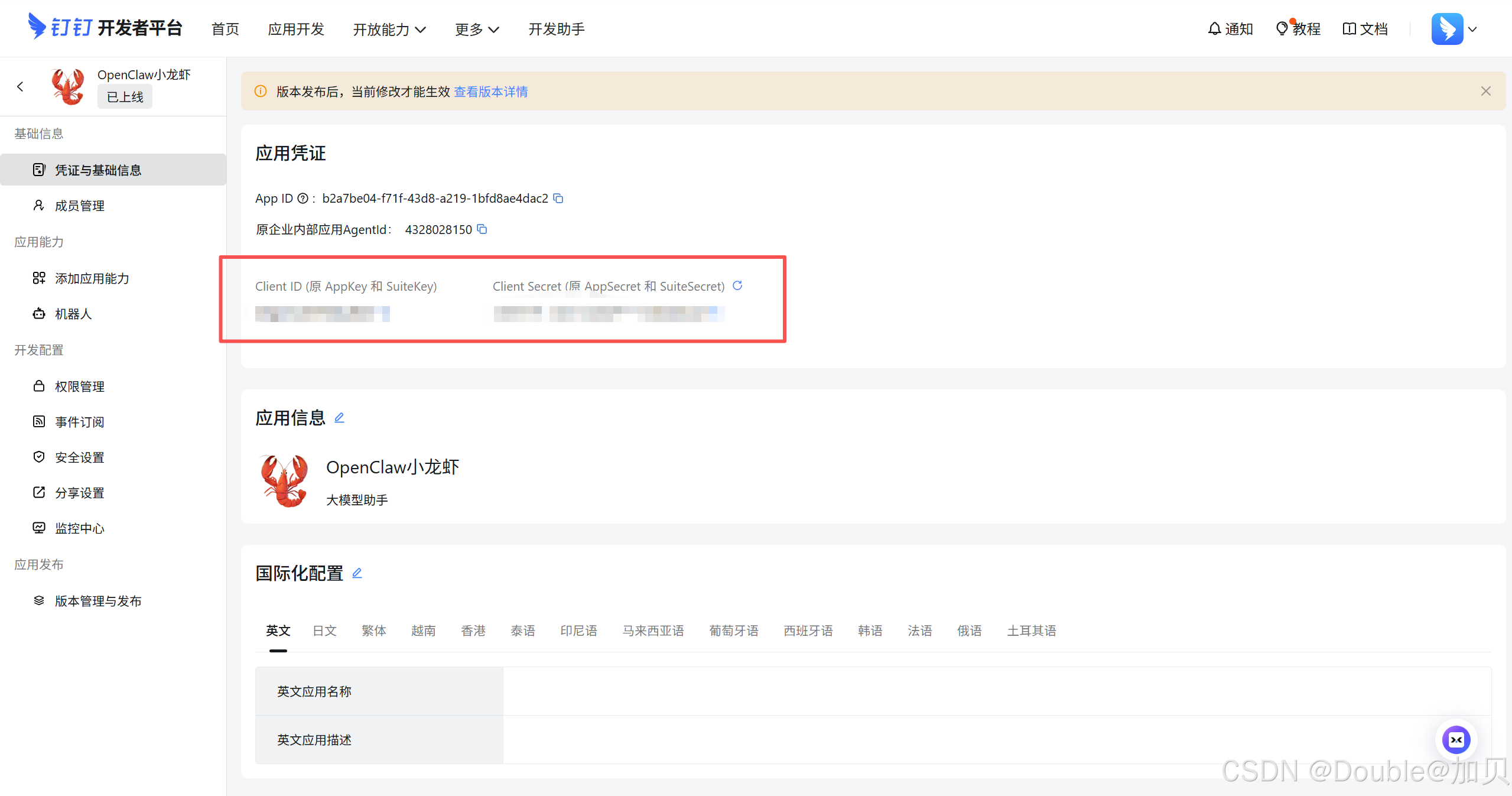
添加并应用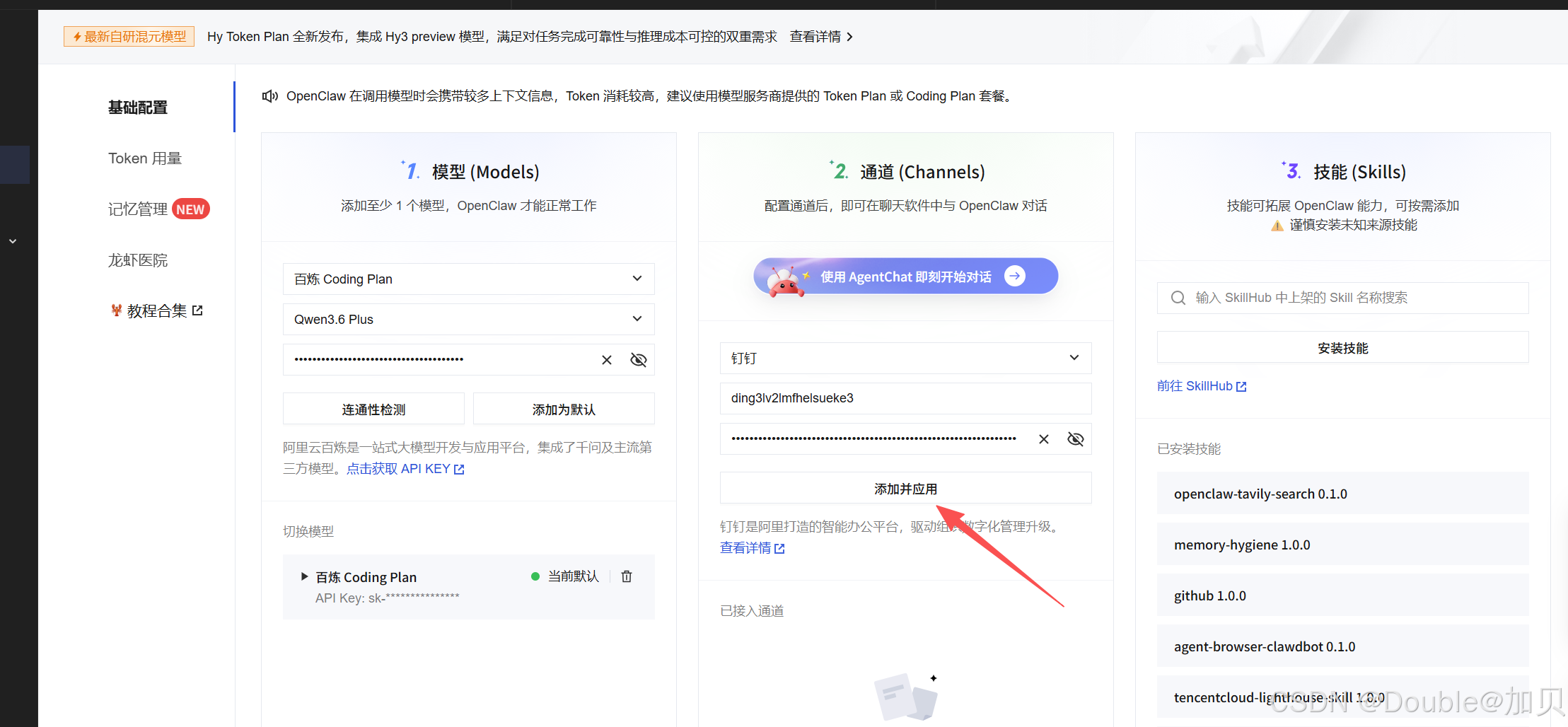
钉钉接入测试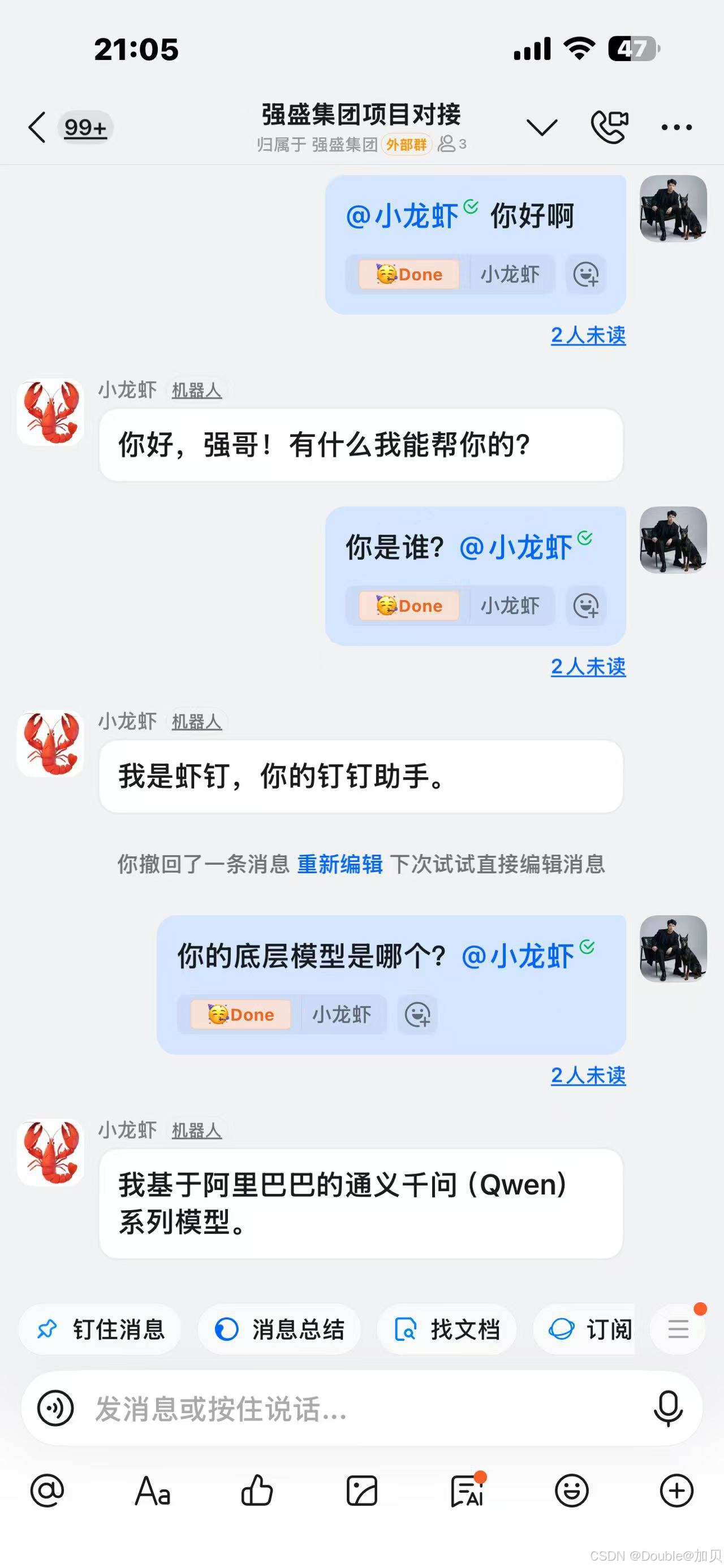
三、百炼TokenPlan接入
1、选择提供方
选择提供方为自定义模型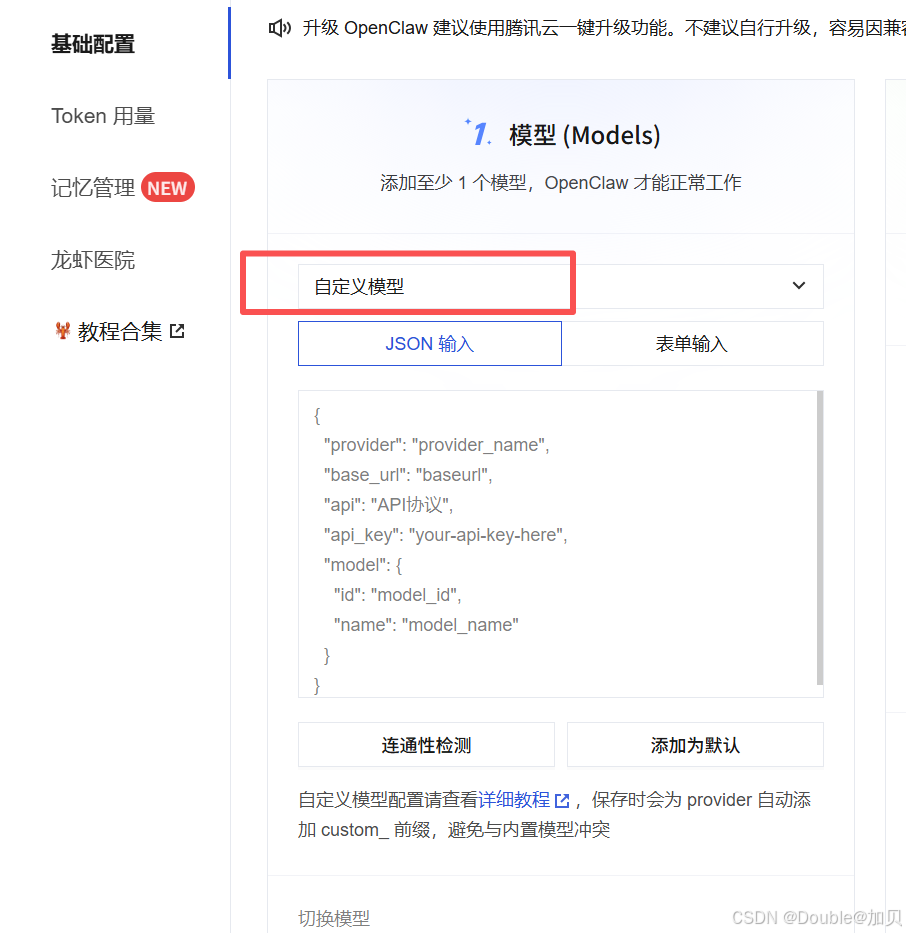
配置模板如下
{
  "provider": "bailian_tokenplan",
  "base_url": "https://token-plan.cn-beijing.maas.aliyuncs.com/compatible-mode/v1",
  "api": "openai-completions",
  "api_key": "sk-sp-djI.N3RmkiQ*********************************************************************************************************************iEAhhpjekvcNJD_LgLAjwrxBdL7jP8ZWmy-78tHPreofso",
  "model": {
    "id": "qwen3.6-plus",
    "name": "qwen3.6-plus"
  }
}
2、配置API-KEY并测试联通性
注意: API-KEY格式为 sk-sp-djI.N3Rmki**********************y-78tHPreofso
将这个设置为模型模型,重新添加钉钉应用, 自动重启gateway生效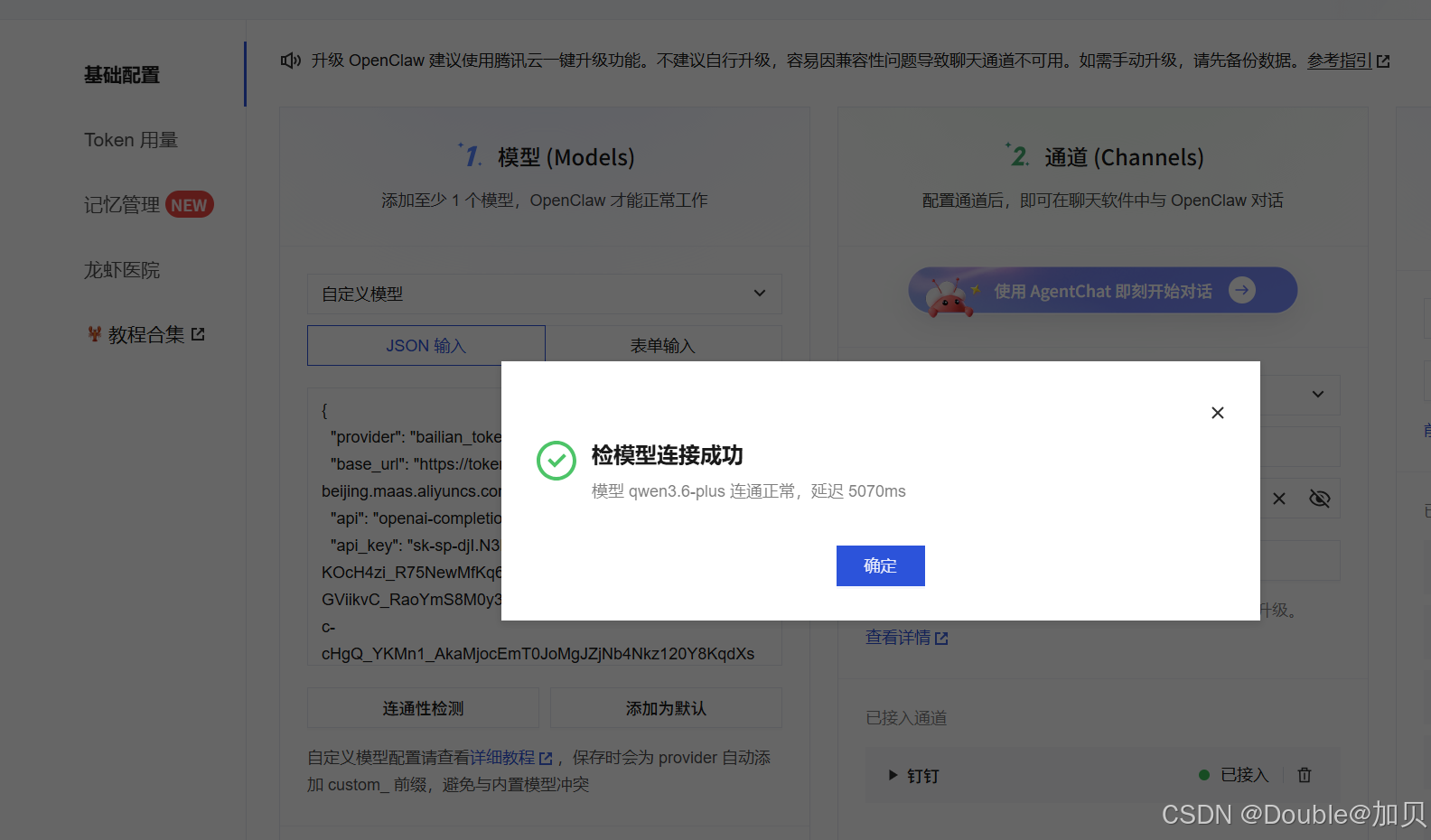
3、接入钉钉验证
接入测试成功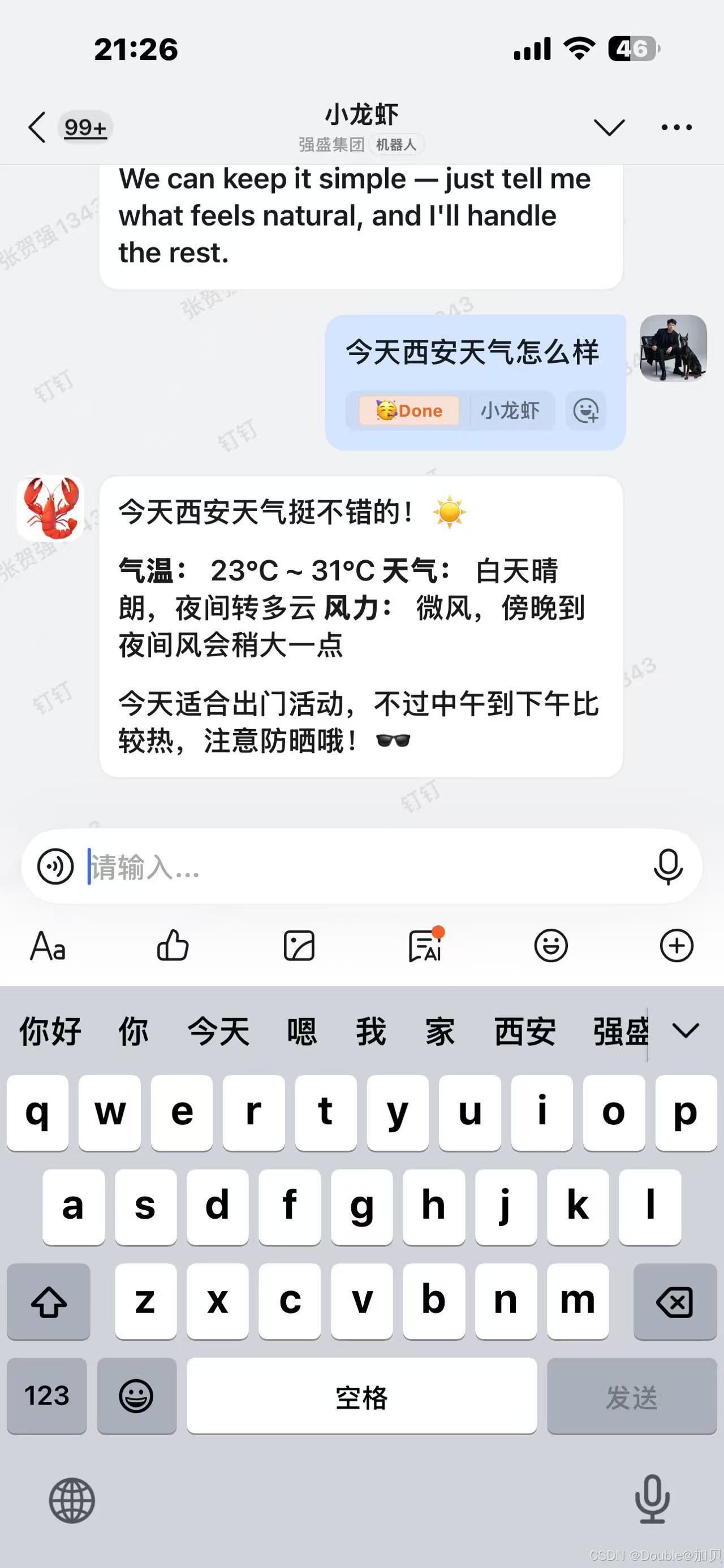
四、百炼通用方式接入
1、选择提供方
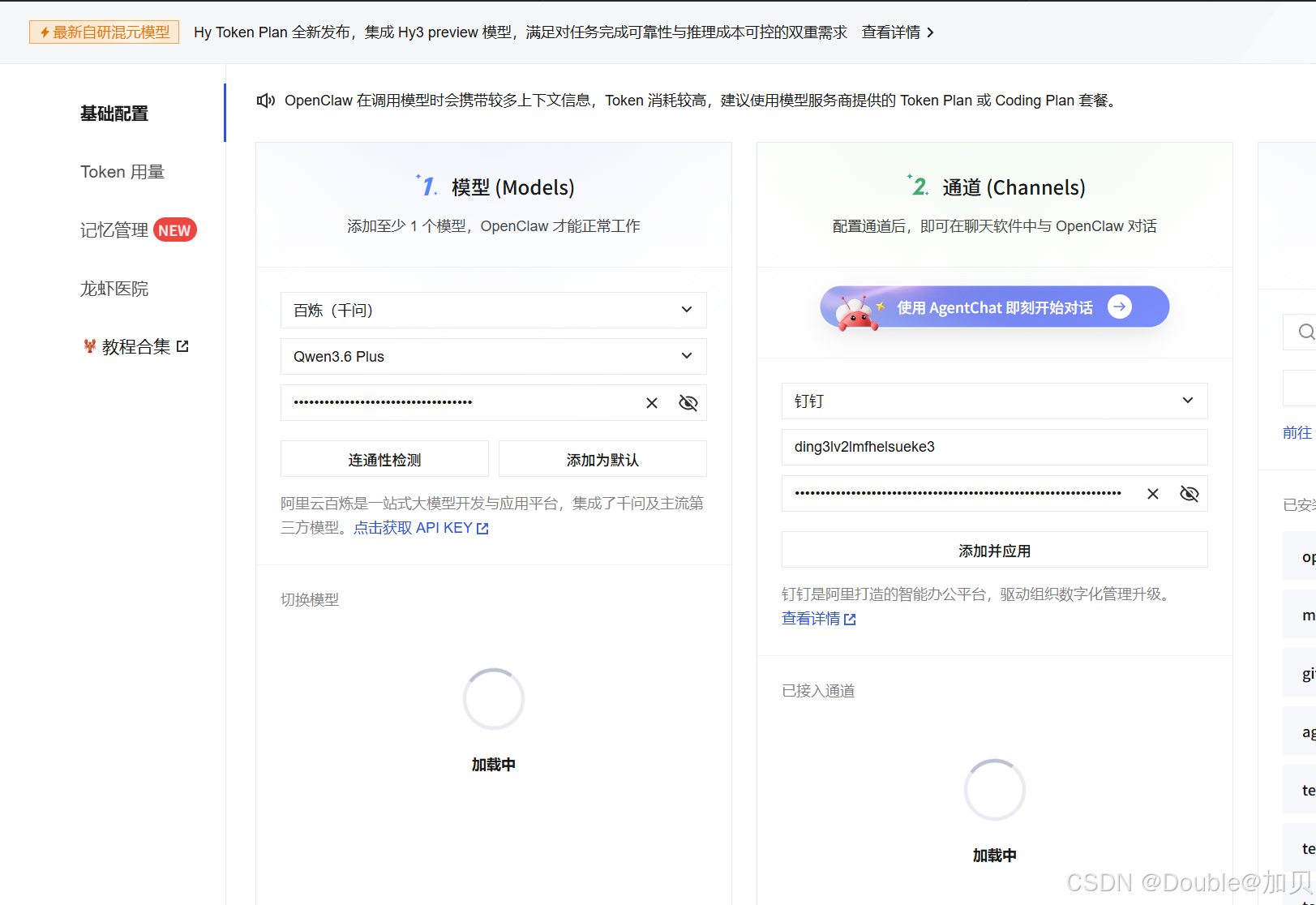
2、配置API-KEY并测试联通性
注意: API-KEY格式为 sk-fghfhfgfg1db910d2e6ttyhrsdf4 (sk-************************)
将这个设置为模型模型,重新添加钉钉应用, 自动重启gateway生效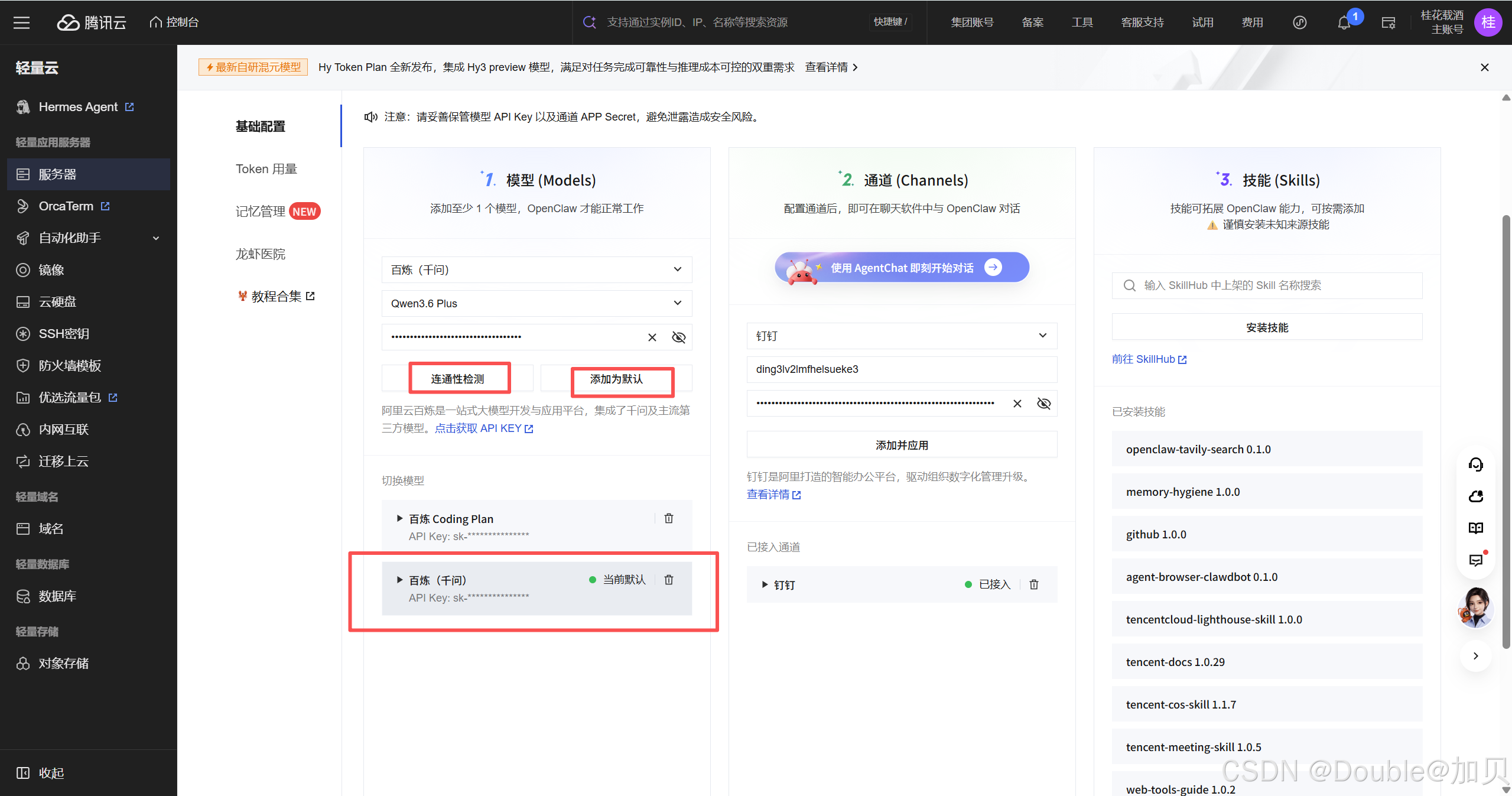
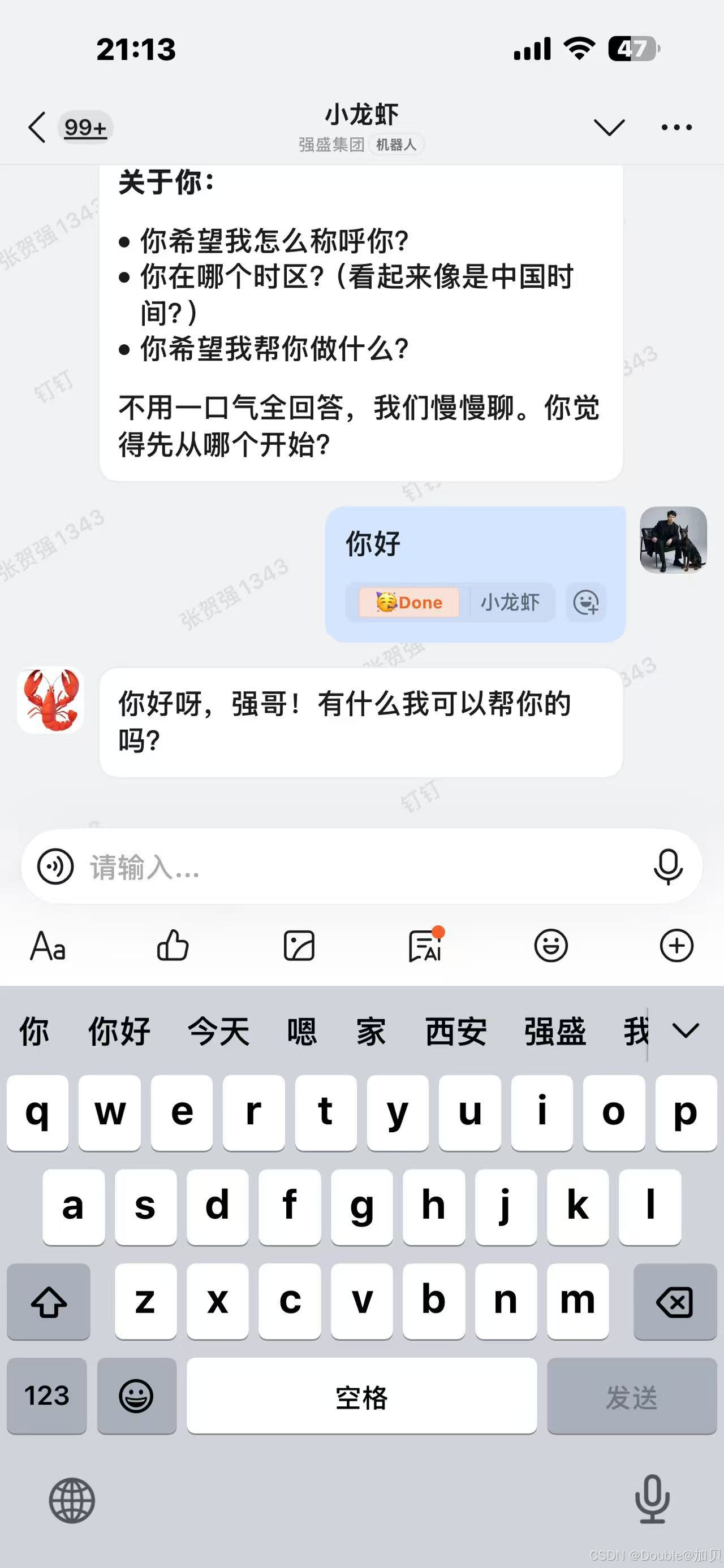
3、接入钉钉验证
更多推荐

 8
8 0
0- 0


 已为社区贡献3条内容

所有评论(0)