
基于 Rust 的 CAD 工具demo示例
·
以下是一个基于 Rust 的 CAD 工具框架基础实现,聚焦几何建模、坐标系管理和 DXF 文件交互(CAD 最常用的交换格式)。代码设计强调模块化、可扩展性和 Rust 语言特性(如所有权、错误处理、泛型)。
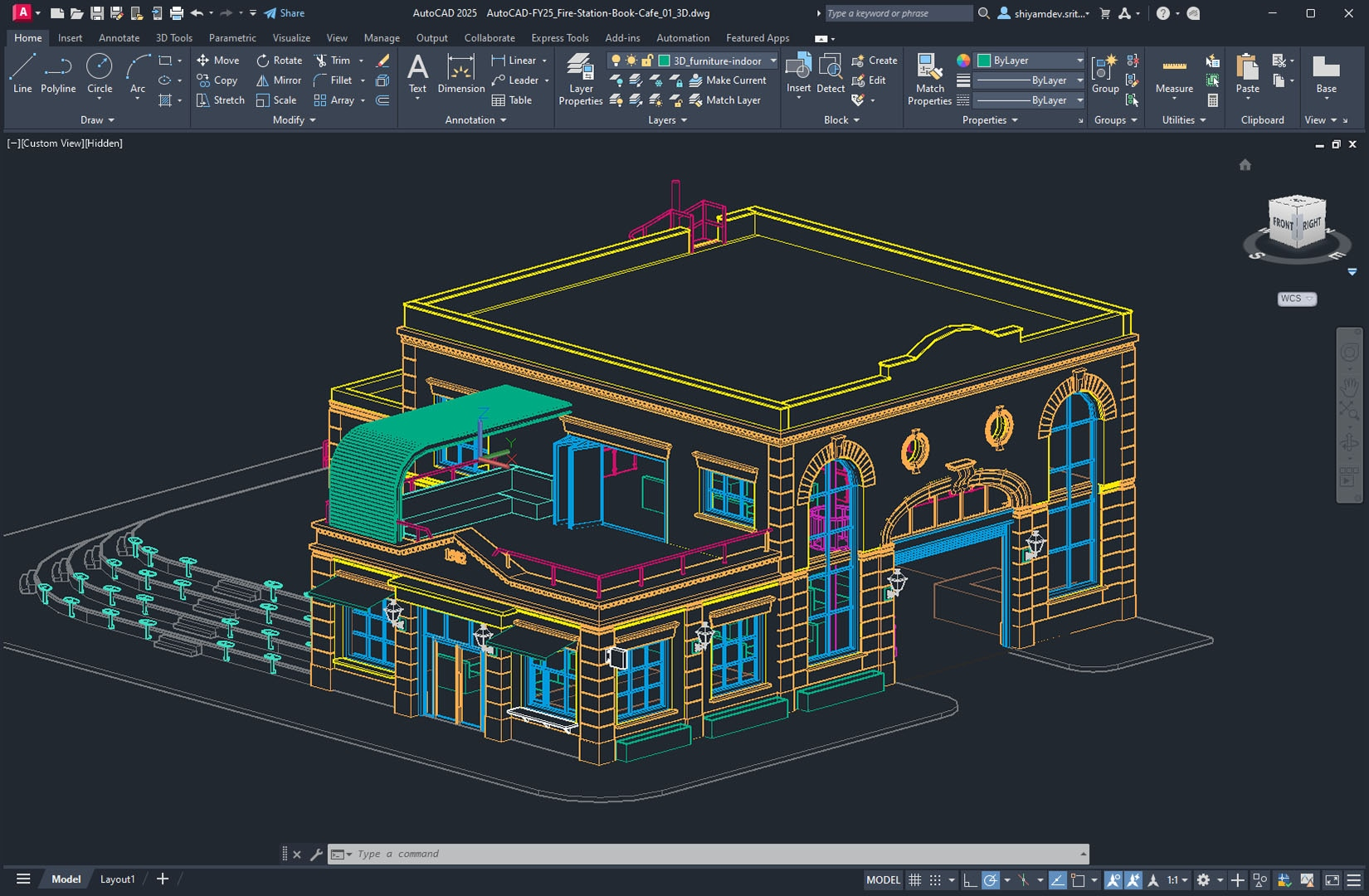
一、框架整体架构
cad-framework/
├── src/
│   ├── geometry/          # 几何核心(点、线、圆、多边形等)
│   ├── coordinate_system/ # 坐标系管理(WCS/UCS 转换)
│   ├── drawing/           # 绘图上下文与渲染接口
│   ├── io/                # 文件 IO(DXF 读写)
│   └── main.rs            # 示例用法
└── Cargo.toml
二、核心模块实现
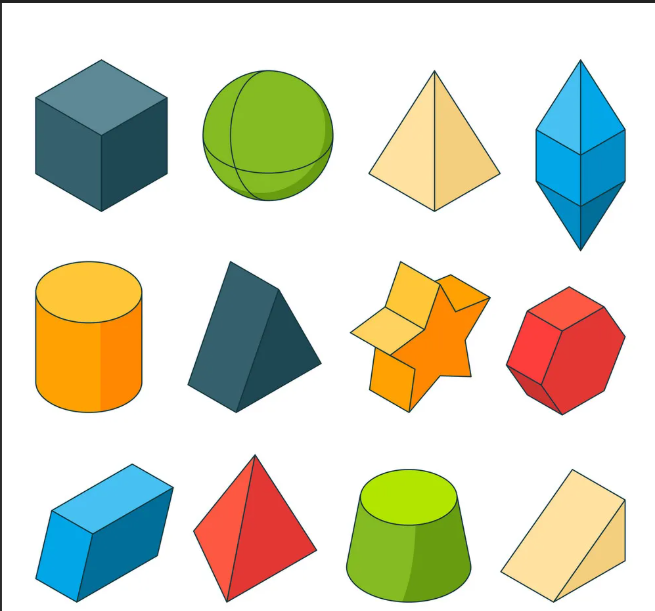
1. 几何模型(Geometry)
定义基础几何对象(点、线、圆)及其操作(平移、旋转、相交检测等)。
// src/geometry/mod.rs
use std::ops::{Add, Sub, Mul, Div};
use std::fmt;

/// 二维点(浮点精度)
#[derive(Debug, Clone, Copy, PartialEq)]
pub struct Point2D {
    pub x: f64,
    pub y: f64,
}

impl Point2D {
    pub fn new(x: f64, y: f64) -> Self {
        Self { x, y }
    }

    /// 平移点
    pub fn translate(&self, dx: f64, dy: f64) -> Self {
        Self::new(self.x + dx, self.y + dy)
    }

    /// 绕原点旋转(弧度)
    pub fn rotate(&self, angle: f64) -> Self {
        let cos = angle.cos();
        let sin = angle.sin();
        Self::new(
            self.x * cos - self.y * sin,
            self.x * sin + self.y * cos,
        )
    }
}

impl Add for Point2D {
    type Output = Self;
    fn add(self, other: Self) -> Self {
        Self::new(self.x + other.x, self.y + other.y)
    }
}

impl Sub for Point2D {
    type Output = Self;
    fn sub(self, other: Self) -> Self {
        Self::new(self.x - other.x, self.y - other.y)
    }
}

/// 二维线段(两点确定)
#[derive(Debug, Clone, PartialEq)]
pub struct Line2D {
    pub start: Point2D,
    pub end: Point2D,
}

impl Line2D {
    pub fn new(start: Point2D, end: Point2D) -> Self {
        Self { start, end }
    }

    /// 计算线段长度
    pub fn length(&self) -> f64 {
        (self.end - self.start).x.hypot((self.end - self.start).y)
    }

    /// 判断线段是否与另一线段相交(快速排斥 + 跨立实验)
    pub fn intersects(&self, other: &Line2D) -> bool {
        let a = self.start;
        let b = self.end;
        let c = other.start;
        let d = other.end;

        // 快速排斥实验
        let max_x = [a.x, b.x, c.x, d.x].iter().fold(f64::MIN, |a, &b| a.max(b));
        let min_x = [a.x, b.x, c.x, d.x].iter().fold(f64::MAX, |a, &b| a.min(b));
        let max_y = [a.y, b.y, c.y, d.y].iter().fold(f64::MIN, |a, &b| a.max(b));
        let min_y = [a.y, b.y, c.y, d.y].iter().fold(f64::MAX, |a, &b| a.min(b));
        if (self.start.x < min_x && self.end.x < min_x) || (self.start.x > max_x && self.end.x > max_x) {
            return false;
        }
        if (self.start.y < min_y && self.end.y < min_y) || (self.start.y > max_y && self.end.y > max_y) {
            return false;
        }

        // 跨立实验
        let cross = |p: Point2D, a: Point2D, b: Point2D| -> f64 {
            (a.x - p.x) * (b.y - p.y) - (a.y - p.y) * (b.x - p.x)
        };
        let c1 = cross(a, b, c);
        let c2 = cross(a, b, d);
        let c3 = cross(c, d, a);
        let c4 = cross(c, d, b);

        (c1 * c2 <= 1e-8) && (c3 * c4 <= 1e-8) // 允许微小误差
    }
}

/// 二维圆(圆心 + 半径)
#[derive(Debug, Clone, PartialEq)]
pub struct Circle2D {
    pub center: Point2D,
    pub radius: f64,
}

impl Circle2D {
    pub fn new(center: Point2D, radius: f64) -> Self {
        assert!(radius > 0.0, "Radius must be positive");
        Self { center, radius }
    }

    /// 判断圆与线段是否相交
    pub fn intersects_line(&self, line: &Line2D) -> bool {
        let d = line.start.distance_to(&line.end); // 线段长度
        let a = (line.end.x - line.start.x).powi(2) + (line.end.y - line.start.y).powi(2);
        let b = 2.0 * ((line.start.x - self.center.x) * (line.end.x - line.start.x) +
                        (line.start.y - self.center.y) * (line.end.y - line.start.y));
        let c = (line.start.x - self.center.x).powi(2) +
                (line.start.y - self.center.y).powi(2) - self.radius.powi(2);
        let delta = b.powi(2) - 4.0 * a * c;

        if delta < 0.0 {
            return false; // 无交点
        }

        let t1 = (-b - delta.sqrt()) / (2.0 * a);
        let t2 = (-b + delta.sqrt()) / (2.0 * a);

        // 交点在线段范围内(t ∈ [0,1])
        (t1 >= 0.0 && t1 <= 1.0) || (t2 >= 0.0 && t2 <= 1.0)
    }
}

// 为 Point2D 实现距离计算
trait Distance {
    fn distance_to(&self, other: &Self) -> f64;
}

impl Distance for Point2D {
    fn distance_to(&self, other: &Self) -> f64 {
        (self.x - other.x).hypot(self.y - other.y)
    }
}
2. 坐标系管理(Coordinate System)
支持世界坐标系(WCS)和用户坐标系(UCS)的转换。
// src/coordinate_system/mod.rs
use super::geometry::Point2D;

/// 坐标系类型(世界坐标系 WCS 或用户坐标系 UCS)
#[derive(Debug, Clone, Copy, PartialEq, Eq)]
pub enum CoordinateSystem {
    WCS, // 世界坐标系(全局固定)
    UCS, // 用户坐标系(可自定义原点、旋转)
}

/// 坐标系变换参数(原点偏移 + 旋转角度)
#[derive(Debug, Clone)]
pub struct Transform {
    pub origin: Point2D, // UCS 原点相对于 WCS 的偏移
    pub rotation: f64,   // UCS 相对于 WCS 的旋转角度(弧度)
}

impl Transform {
    pub fn new(origin: Point2D, rotation: f64) -> Self {
        Self { origin, rotation }
    }

    /// 将 UCS 坐标转换为 WCS 坐标
    pub fn ucs_to_wcs(&self, point: Point2D) -> Point2D {
        // 1. 平移(抵消 UCS 原点偏移)
        let translated = point.translate(-self.origin.x, -self.origin.y);
        // 2. 旋转(反向旋转抵消 UCS 旋转)
        translated.rotate(-self.rotation)
    }

    /// 将 WCS 坐标转换为 UCS 坐标
    pub fn wcs_to_ucs(&self, point: Point2D) -> Point2D {
        // 1. 旋转(应用 UCS 旋转)
        let rotated = point.rotate(self.rotation);
        // 2. 平移(添加 UCS 原点偏移)
        rotated.translate(self.origin.x, self.origin.y)
    }
}
3. 绘图上下文(Drawing Context)
抽象绘图操作接口,支持不同渲染目标(如屏幕、SVG、DXF)。
// src/drawing/mod.rs
use super::geometry::{Line2D, Circle2D, Point2D};
use std::error::Error;

/// 绘图操作 trait(抽象渲染接口)
pub trait Drawer {
    /// 设置当前颜色(RGB 0-255)
    fn set_color(&mut self, r: u8, g: u8, b: u8);
    /// 设置线宽(单位:毫米)
    fn set_line_width(&mut self, width: f64);
    /// 绘制线段
    fn draw_line(&mut self, line: &Line2D) -> Result<(), Box<dyn Error>>;
    /// 绘制圆
    fn draw_circle(&mut self, circle: &Circle2D) -> Result<(), Box<dyn Error>>;
    /// 绘制点(可选,用于调试)
    fn draw_point(&mut self, point: &Point2D) -> Result<(), Box<dyn Error>>;
}

/// 基于文本的简单绘图器(用于调试)
pub struct TextDrawer {
    current_color: (u8, u8, u8),
    current_line_width: f64,
}

impl TextDrawer {
    pub fn new() -> Self {
        Self {
            current_color: (0, 0, 0), // 默认黑色
            current_line_width: 0.5,
        }
    }
}

impl Drawer for TextDrawer {
    fn set_color(&mut self, r: u8, g: u8, b: u8) {
        self.current_color = (r, g, b);
    }

    fn set_line_width(&mut self, width: f64) {
        self.current_line_width = width;
    }

    fn draw_line(&mut self, line: &Line2D) -> Result<(), Box<dyn Error>> {
        println!(
            "Draw Line (Color: RGB{}, Width: {}): ({:.2}, {:.2}) -> ({:.2}, {:.2})",
            self.current_color.0,
            self.current_color.1,
            self.current_color.2,
            self.current_line_width,
            line.start.x,
            line.start.y,
            line.end.x,
            line.end.y
        );
        Ok(())
    }

    fn draw_circle(&mut self, circle: &Circle2D) -> Result<(), Box<dyn Error>> {
        println!(
            "Draw Circle (Color: RGB{}, Width: {}): Center ({:.2}, {:.2}), Radius: {:.2}",
            self.current_color.0,
            self.current_color.1,
            self.current_color.2,
            self.current_line_width,
            circle.center.x,
            circle.center.y,
            circle.radius
        );
        Ok(())
    }

    fn draw_point(&mut self, point: &Point2D) -> Result<(), Box<dyn Error>> {
        println!(
            "Draw Point (Color: RGB{}): ({:.2}, {:.2})",
            self.current_color.0, self.current_color.1, self.current_color.2, point.x, point.y
        );
        Ok(())
    }
}
4. DXF 文件 IO(关键交换格式)
实现 DXF 文件的读取和写入(支持线段、圆等基础实体)。
// src/io/dxf/mod.rs
use super::geometry::{Line2D, Circle2D, Point2D};
use std::fs::File;
use std::io::{BufWriter, Write};
use std::error::Error;

/// DXF 实体类型
#[derive(Debug, Clone, PartialEq)]
pub enum DxfEntity {
    Line(Line2D),
    Circle(Circle2D),
}

/// DXF 图层(可选,用于组织实体)
#[derive(Debug, Clone)]
pub struct DxfLayer {
    pub name: String,
    pub color: (u8, u8, u8), // RGB 颜色
}

/// DXF 文件写入器
pub struct DxfWriter {
    writer: BufWriter<File>,
    layers: Vec<DxfLayer>,
    current_layer: usize, // 当前使用的图层索引
}

impl DxfWriter {
    pub fn new(path: &str) -> Result<Self, Box<dyn Error>> {
        let file = File::create(path)?;
        Ok(Self {
            writer: BufWriter::new(file),
            layers: vec![DxfLayer {
                name: "0".to_string(), // DXF 默认图层
                color: (0, 0, 0),      // 默认黑色
            }],
            current_layer: 0,
        })
    }

    /// 添加新图层
    pub fn add_layer(&mut self, name: &str, color: (u8, u8, u8)) {
        self.layers.push(DxfLayer { name: name.to_string(), color });
    }

    /// 切换当前图层
    pub fn switch_layer(&mut self, index: usize) -> Result<(), Box<dyn Error>> {
        if index < self.layers.len() {
            self.current_layer = index;
            Ok(())
        } else {
            Err(format!("Layer index {} not found", index).into())
        }
    }

    /// 写入 DXF 文件头
    fn write_header(&mut self) -> Result<(), Box<dyn Error>> {
        writeln!(self.writer, "0\nSECTION\n2\nENTITIES")?;
        Ok(())
    }

    /// 写入 DXF 实体(线段/圆)
    fn write_entity(&mut self, entity: &DxfEntity) -> Result<(), Box<dyn Error>> {
        let layer = &self.layers[self.current_layer];
        match entity {
            DxfEntity::Line(line) => {
                writeln!(
                    self.writer,
                    "0\nLINE\n8\n{}\n62\n{:02x}{:02x}{:02x}\n10\n{:.3}\n20\n{:.3}\n11\n{:.3}\n21\n{:.3}",
                    layer.name,
                    layer.color.0, layer.color.1, layer.color.2,
                    line.start.x, line.start.y,
                    line.end.x, line.end.y
                )?;
            }
            DxfEntity::Circle(circle) => {
                writeln!(
                    self.writer,
                    "0\nCIRCLE\n8\n{}\n62\n{:02x}{:02x}{:02x}\n10\n{:.3}\n40\n{:.3}",
                    layer.name,
                    layer.color.0, layer.color.1, layer.color.2,
                    circle.center.x, circle.radius
                )?;
            }
        }
        Ok(())
    }

    /// 完成写入并关闭文件
    fn write_footer(&mut self) -> Result<(), Box<dyn Error>> {
        writeln!(self.writer, "0\nENDSEC\n0\nEOF")?;
        self.writer.flush()?;
        Ok(())
    }

    /// 保存所有实体到 DXF 文件
    pub fn save(&mut self, entities: &[DxfEntity]) -> Result<(), Box<dyn Error>> {
        self.write_header()?;
        for entity in entities {
            self.write_entity(entity)?;
        }
        self.write_footer()
    }
}

/// DXF 文件读取器(简化版,仅解析线段和圆)
pub struct DxfReader;

impl DxfReader {
    /// 从 DXF 文件读取实体(仅支持 LINE 和 CIRCLE)
    pub fn read(path: &str) -> Result<Vec<DxfEntity>, Box<dyn Error>> {
        let content = std::fs::read_to_string(path)?;
        let mut entities = Vec::new();
        let mut current_entity: Option<DxfEntity> = None;
        let mut current_code: Option<u32> = None;
        let mut current_value: Option<String> = None;

        for line in content.lines() {
            let parts: Vec<&str> = line.trim().split_whitespace().collect();
            if parts.is_empty() {
                continue;
            }

            match parts[0] {
                "0" => {
                    // 新实体开始
                    if let Some(ent) = current_entity.take() {
                        entities.push(ent);
                    }
                    current_entity = match parts[1] {
                        "LINE" => Some(DxfEntity::Line(Line2D {
                            start: Point2D::new(0.0, 0.0),
                            end: Point2D::new(0.0, 0.0),
                        })),
                        "CIRCLE" => Some(DxfEntity::Circle(Circle2D {
                            center: Point2D::new(0.0, 0.0),
                            radius: 0.0,
                        })),
                        _ => None, // 忽略不支持的实体
                    };
                    current_code = None;
                    current_value = None;
                }
                "8" => {
                    // 图层名称
                    if let Some(ent) = ¤t_entity {
                        if let DxfEntity::Line(_) | DxfEntity::Circle(_) = ent {
                            current_code = Some(parts[1].parse()?);
                        }
                    }
                }
                "10" | "20" => {
                    // 线段的起点(10=x, 20=y)
                    if let Some(DxfEntity::Line(line)) = ¤t_entity {
                        let coord = parts[1].parse::<f64>()?;
                        if parts[0] == "10" {
                            line.start.x = coord;
                        } else {
                            line.start.y = coord;
                        }
                    }
                }
                "11" | "21" => {
                    // 线段的终点(11=x, 21=y)
                    if let Some(DxfEntity::Line(line)) = ¤t_entity {
                        let coord = parts[1].parse::<f64>()?;
                        if parts[0] == "11" {
                            line.end.x = coord;
                        } else {
                            line.end.y = coord;
                        }
                    }
                }
                "100" => {
                    // 圆的半径(假设 40 码对应半径)
                    if let Some(DxfEntity::Circle(circle)) = ¤t_entity {
                        if parts[0] == "40" {
                            circle.radius = parts[1].parse()?;
                        }
                    }
                }
                _ => {}
            }
        }

        // 处理最后一个实体
        if let Some(ent) = current_entity.take() {
            entities.push(ent);
        }

        Ok(entities)
    }
}
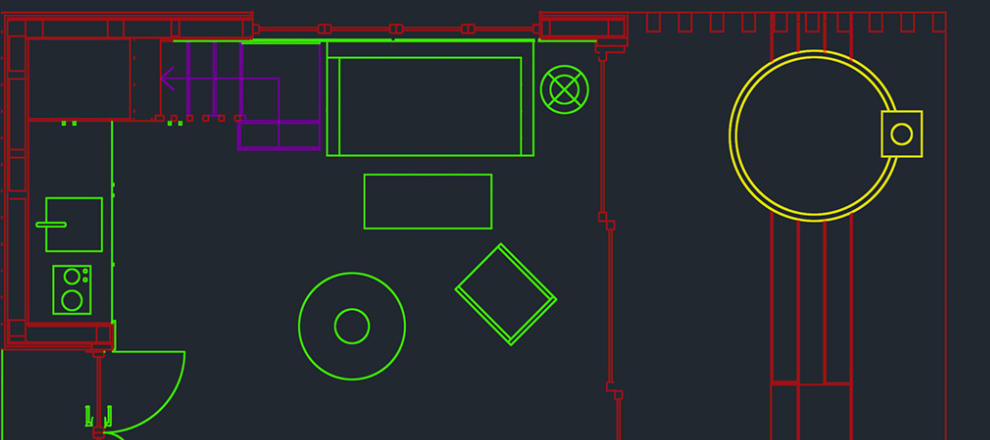
三、示例用法
// src/main.rs
use cad_framework::{
    geometry::{Line2D, Circle2D, Point2D},
    coordinate_system::Transform,
    drawing::TextDrawer,
    io::dxf::{DxfWriter, DxfEntity},
};

fn main() -> Result<(), Box<dyn std::error::Error>> {
    // 1. 创建几何对象
    let line = Line2D::new(Point2D::new(0.0, 0.0), Point2D::new(100.0, 100.0));
    let circle = Circle2D::new(Point2D::new(200.0, 200.0), 50.0);

    // 2. 坐标系变换(示例:将 UCS 原点偏移到 (50,50),旋转 30 度)
    let ucs_transform = Transform::new(Point2D::new(50.0, 50.0), 30.0_f64.to_radians());
    let wcs_line = line.translate(ucs_transform.origin.x, ucs_transform.origin.y)
        .rotate(ucs_transform.rotation);
    let wcs_circle = Circle2D::new(
        Point2D::new(200.0 - 50.0, 200.0 - 50.0).rotate(ucs_transform.rotation),
        50.0,
    );

    // 3. 使用文本绘图器可视化
    let mut text_drawer = TextDrawer::new();
    text_drawer.set_color(255, 0, 0); // 红色
    text_drawer.set_line_width(1.0);
    text_drawer.draw_line(&wcs_line)?;
    text_drawer.draw_circle(&wcs_circle)?;

    // 4. 导出为 DXF 文件
    let dxf_entities = vec![
        DxfEntity::Line(wcs_line),
        DxfEntity::Circle(wcs_circle),
    ];
    let mut dxf_writer = DxfWriter::new("output.dxf")?;
    dxf_writer.add_layer("MyLayer", (0, 255, 0)); // 添加绿色图层
    dxf_writer.switch_layer(1)?; // 切换到新图层
    dxf_writer.save(&dxf_entities)?;

    println!("DXF 文件已生成:output.dxf");
    Ok(())
}
四、扩展方向
- 三维支持:扩展
Point3D、Line3D、Plane等几何类型,添加三维变换(平移、旋转、缩放矩阵)。 - 约束求解:实现几何约束(如平行、垂直、共点)的求解器(参考
drake或geometric-constraints库)。 - 更复杂的 DXF 支持:解析图层、线型、块(Block)、尺寸标注(Dimension)等高级特性。
- GUI 集成:使用
egui或relm4开发图形界面,支持可视化绘图和交互操作。 - 性能优化:使用空间分区数据结构(如四叉树、R-tree)加速几何查询(如碰撞检测)。
五、依赖配置(Cargo.toml)
[package]
name = "cad-framework"
version = "0.1.0"
edition = "2021"

[dependencies]
thiserror = "1.0"   # 错误处理
num-traits = "0.2"  # 数值特性(可选,用于泛型计算)
该框架实现了 CAD 的核心基础功能(几何建模、坐标系转换、文件交互),并通过模块化设计支持后续扩展。Rust 的内存安全和零成本抽象特性使其适合高性能 CAD 工具开发。
更多推荐
 3
3 0
0- 0


 已为社区贡献17条内容

所有评论(0)