
Swift Extension BlockTypeAlias(范型Block)
·
一直觉得自己写的不是技术,而是情怀,一个个的教程是自己这一路走来的痕迹。靠专业技能的成功是最具可复制性的,希望我的这条路能让你们少走弯路,希望我能帮你们抹去知识的蒙尘,希望我能帮你们理清知识的脉络,希望未来技术之巅上有你们也有我。
Swift-BlockTypeAlias(范型Block).zip 示例代码
文章目录
说明
这是范型block封装,为方便使用,因为用的最多基本都是这样的类型block,所以做了一个范型方便使用
封装代码
import Foundation

// 无参数, 无返回值
public typealias BlockVoidClosure = () -> Void

// 一个参数, 无返回值
public typealias BlockSingleParamClosure<Param> = (Param) -> Void

// 两个参数, 无返回值
public typealias BlockDoubleParamsClosure<Param1, Param2> = (Param1, Param2) -> Void

// 一个参数, 一个返回值
public typealias BlockSingleParamWithReturnClosure<Param, V> = (Param) -> V

// 两个参数, 一个返回值
public typealias BlockDoubleParamWithReturnClosure<Param1, Param2, V> = (Param1, Param2) -> V

// 无参数, 有返回值
public typealias BlockVoidReturnClosure<V> = () -> V
使用
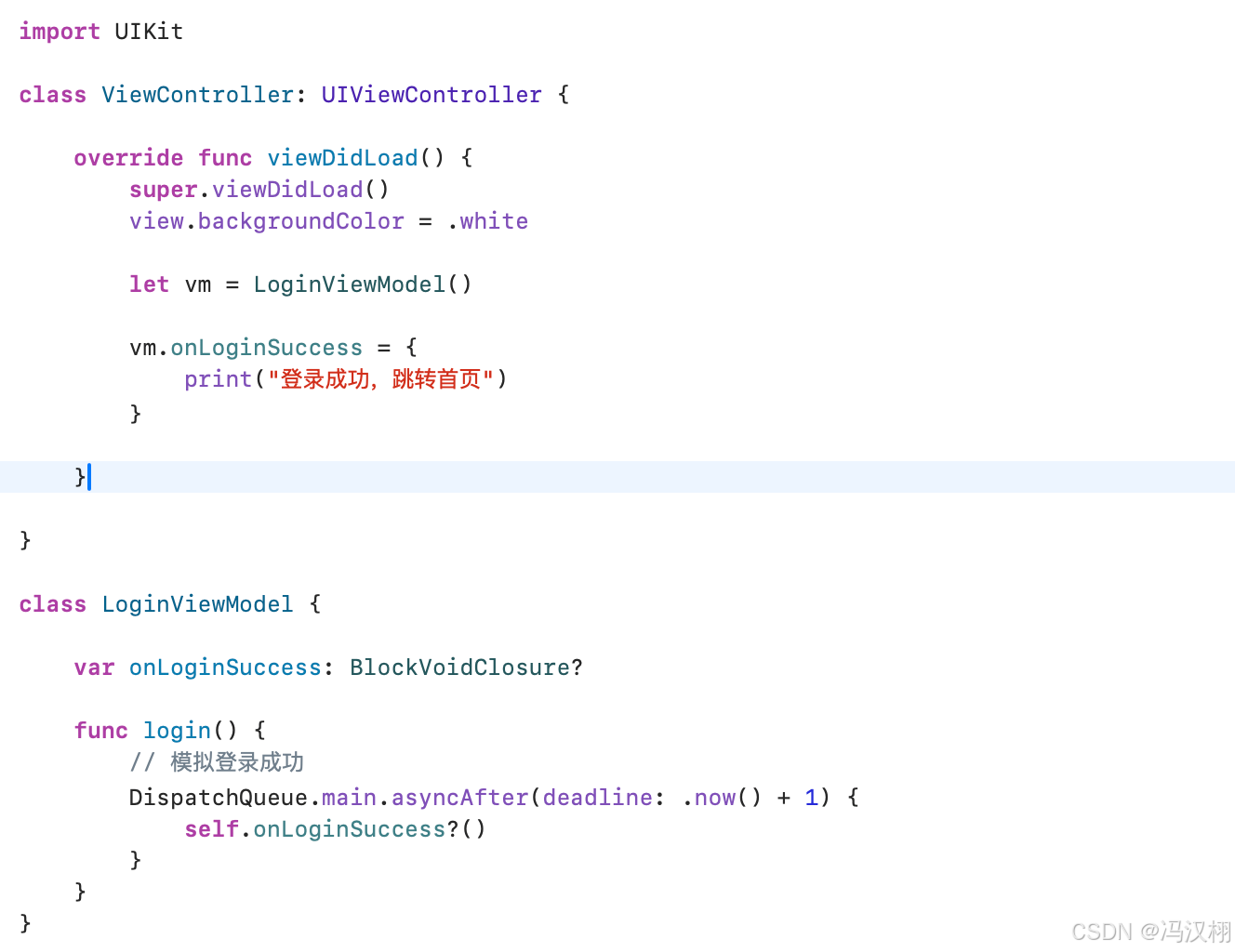
BlockVoidClosure 无参数, 无返回值
使用场景:按钮点击 / 事件回调 / 完成通知
import UIKit

class ViewController: UIViewController {

    override func viewDidLoad() {
        super.viewDidLoad()
        view.backgroundColor = .white

        let vm = LoginViewModel()

        vm.onLoginSuccess = {
            print("登录成功,跳转首页")
        }

    }

}

class LoginViewModel {

    var onLoginSuccess: BlockVoidClosure?

    func login() {
        // 模拟登录成功
        DispatchQueue.main.asyncAfter(deadline: .now() + 1) {
            self.onLoginSuccess?()
        }
    }
}
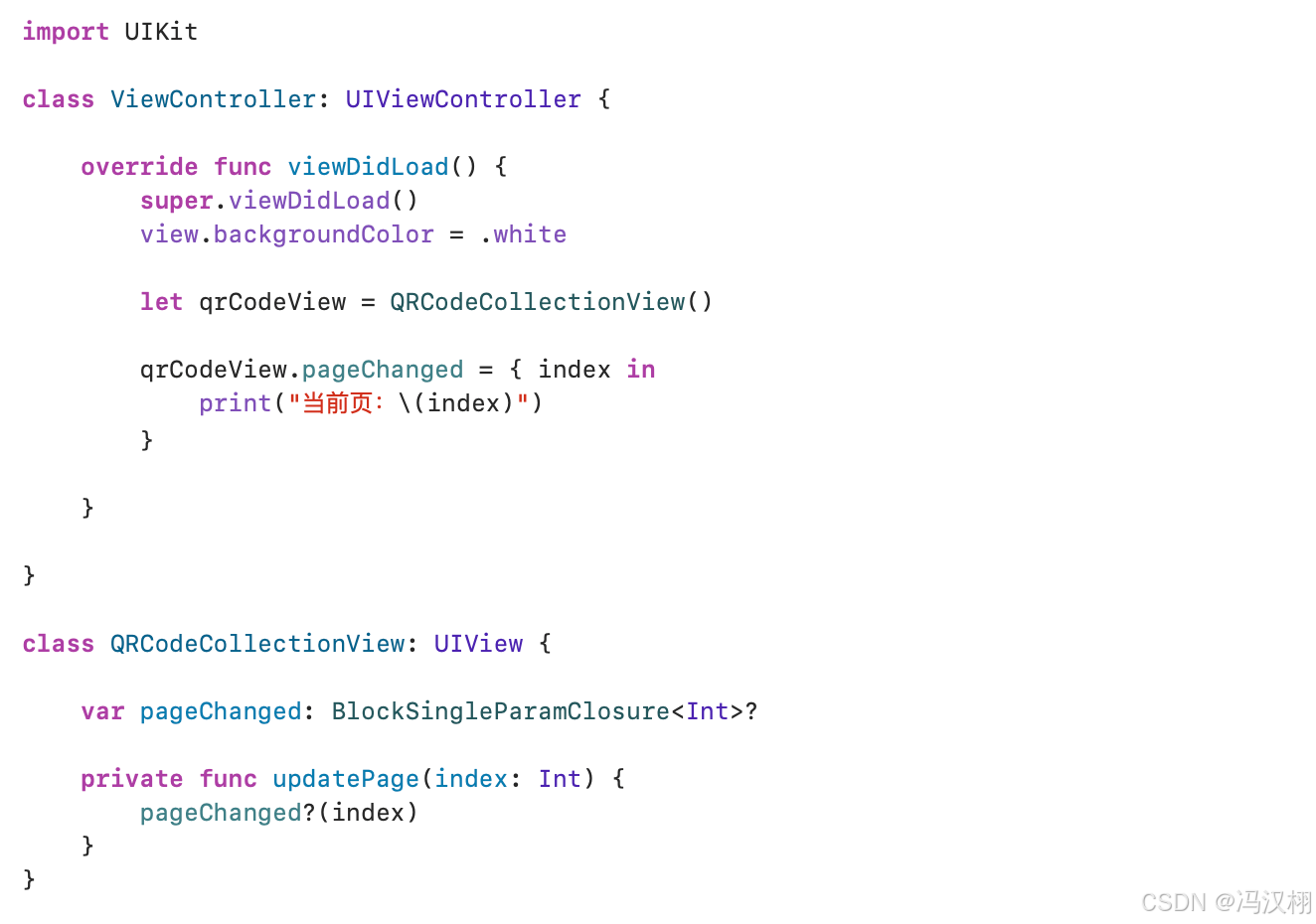
BlockSingleParamClosure< Param > 一个参数, 无返回值
使用场景:传递一个值(最常用)
例如:分页回调、选中 index、数据回传
import UIKit

class ViewController: UIViewController {

    override func viewDidLoad() {
        super.viewDidLoad()
        view.backgroundColor = .white

        let qrCodeView = QRCodeCollectionView()

        qrCodeView.pageChanged = { index in
            print("当前页:\(index)")
        }

    }

}

class QRCodeCollectionView: UIView {

    var pageChanged: BlockSingleParamClosure<Int>?

    private func updatePage(index: Int) {
        pageChanged?(index)
    }
}
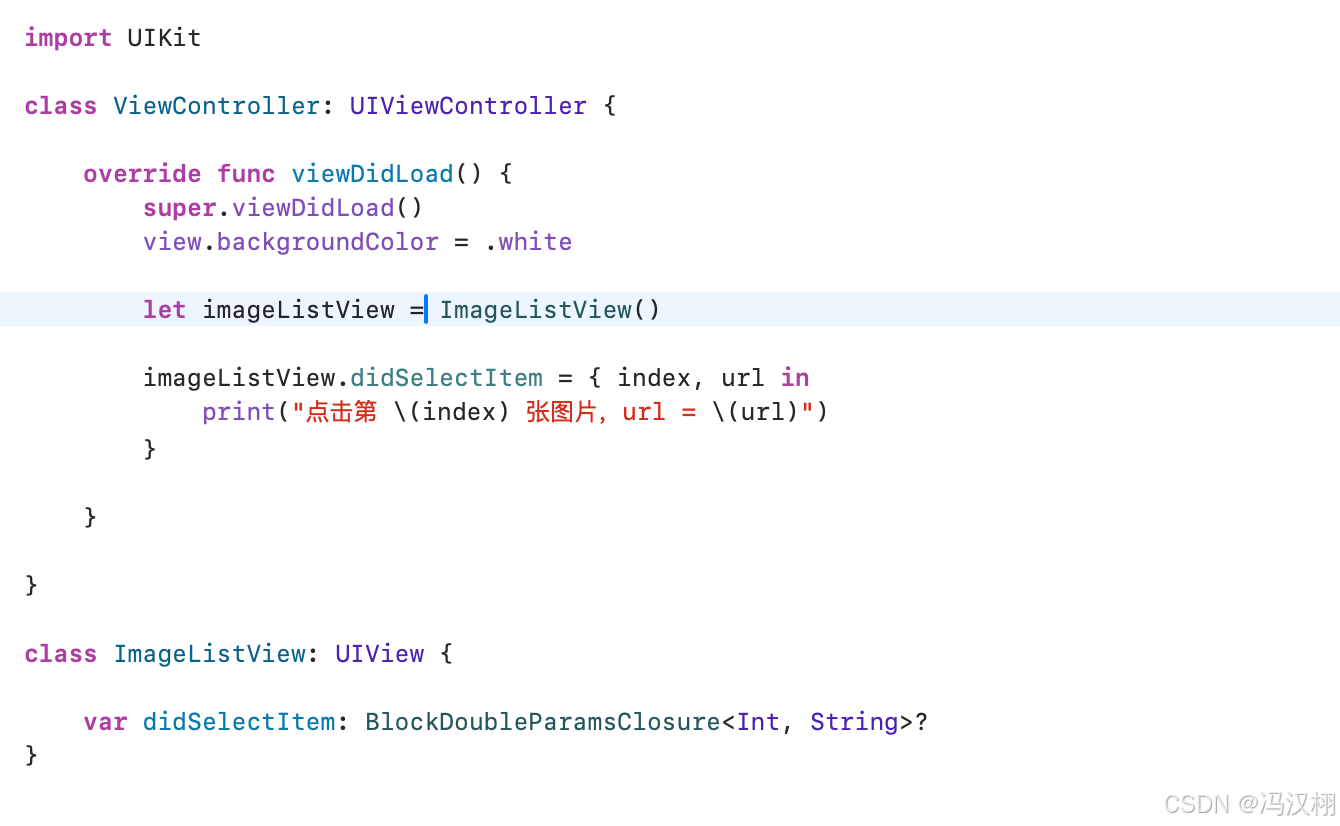
BlockDoubleParamsClosure<Param, Param>两个参数, 无返回值
使用场景:列表点击 + indexPath / key-value 回调
例如 UICollectionView 点击:
import UIKit

class ViewController: UIViewController {

    override func viewDidLoad() {
        super.viewDidLoad()
        view.backgroundColor = .white

        let imageListView = ImageListView()

        imageListView.didSelectItem = { index, url in
            print("点击第 \(index) 张图片,url = \(url)")
        }

    }

}

class ImageListView: UIView {

    var didSelectItem: BlockDoubleParamsClosure<Int, String>?
}
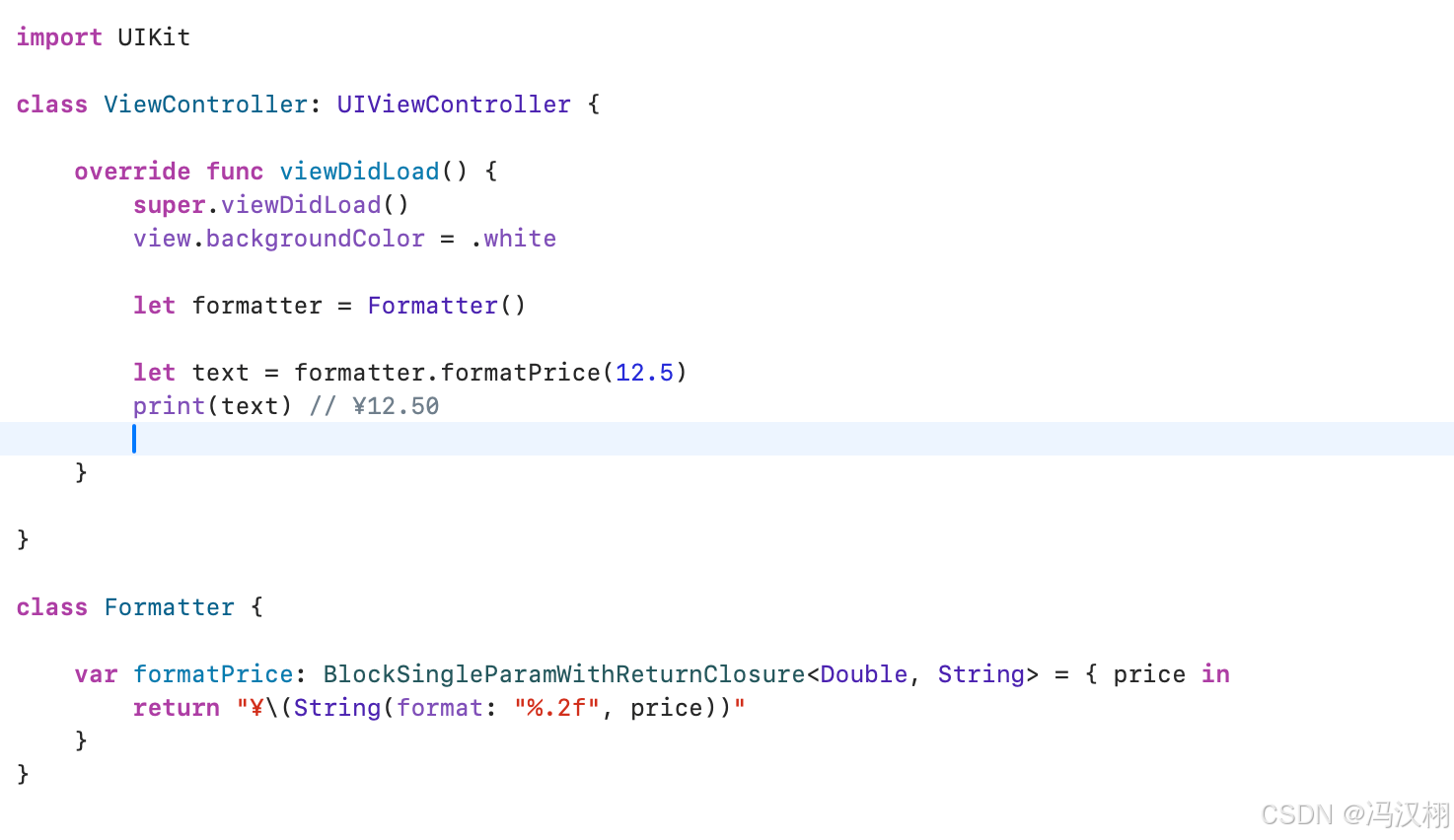
BlockSingleParamWithReturnClosure<Param, V> 一个参数, 一个返回值
使用场景:过滤 / 转换 / 数据映射
例如:格式化数据、计算值
import UIKit

class ViewController: UIViewController {

    override func viewDidLoad() {
        super.viewDidLoad()
        view.backgroundColor = .white

        let formatter = Formatter()

        let text = formatter.formatPrice(12.5)
        print(text) // ¥12.50

    }

}

class Formatter {

    var formatPrice: BlockSingleParamWithReturnClosure<Double, String> = { price in
        return "¥\(String(format: "%.2f", price))"
    }
}
BlockDoubleParamWithReturnClosure<Param, Param, V> 两个参数, 一个返回值
使用场景:排序 / 比较 / 自定义规则
例如:排序规则
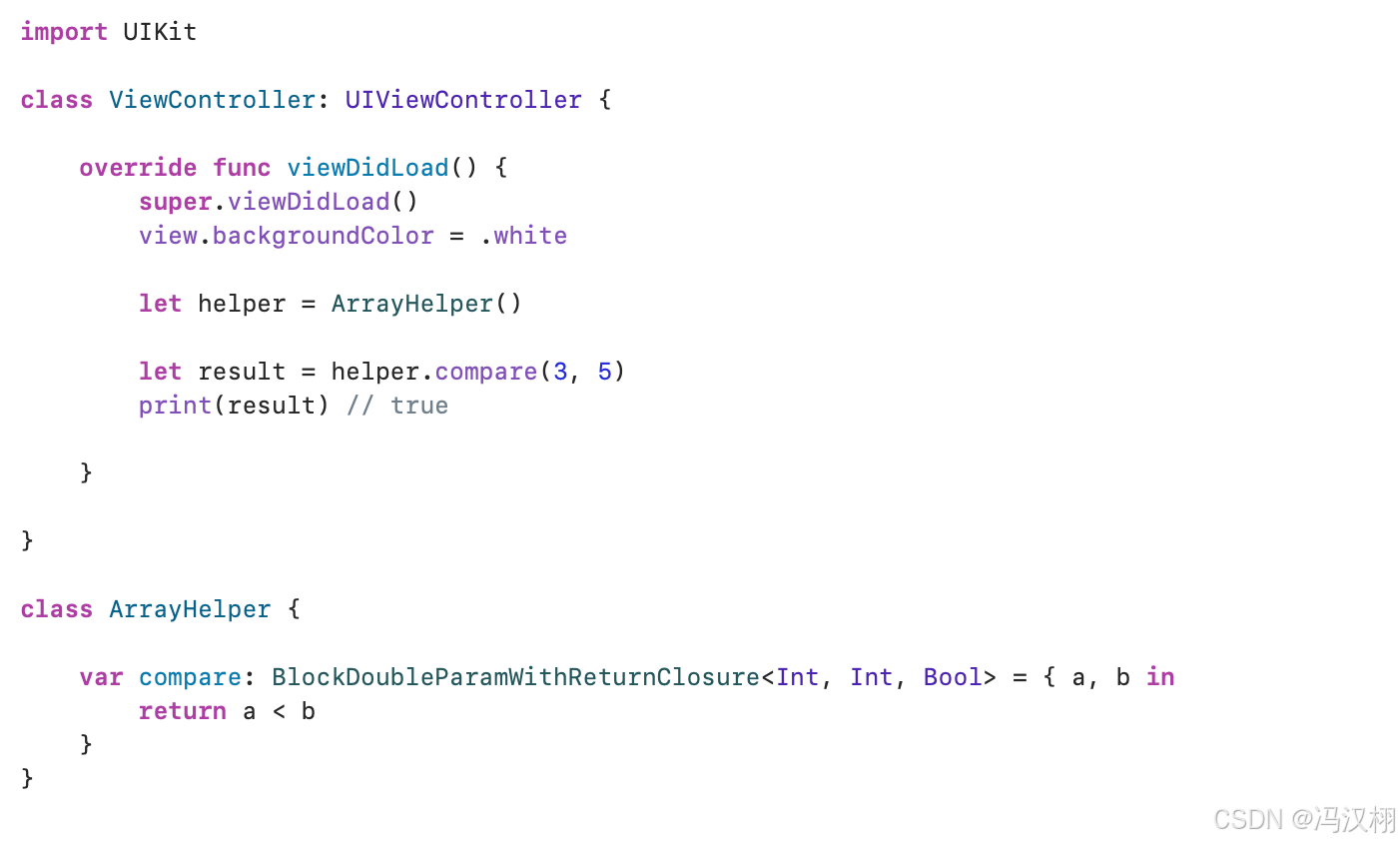
import UIKit

class ViewController: UIViewController {

    override func viewDidLoad() {
        super.viewDidLoad()
        view.backgroundColor = .white

        let helper = ArrayHelper()

        let result = helper.compare(3, 5)
        print(result) // true

    }

}

class ArrayHelper {

    var compare: BlockDoubleParamWithReturnClosure<Int, Int, Bool> = { a, b in
        return a < b
    }
}
BlockVoidReturnClosure< V > 无参数, 有返回值
使用场景:懒加载 / 动态计算属性
例如:延迟计算数据
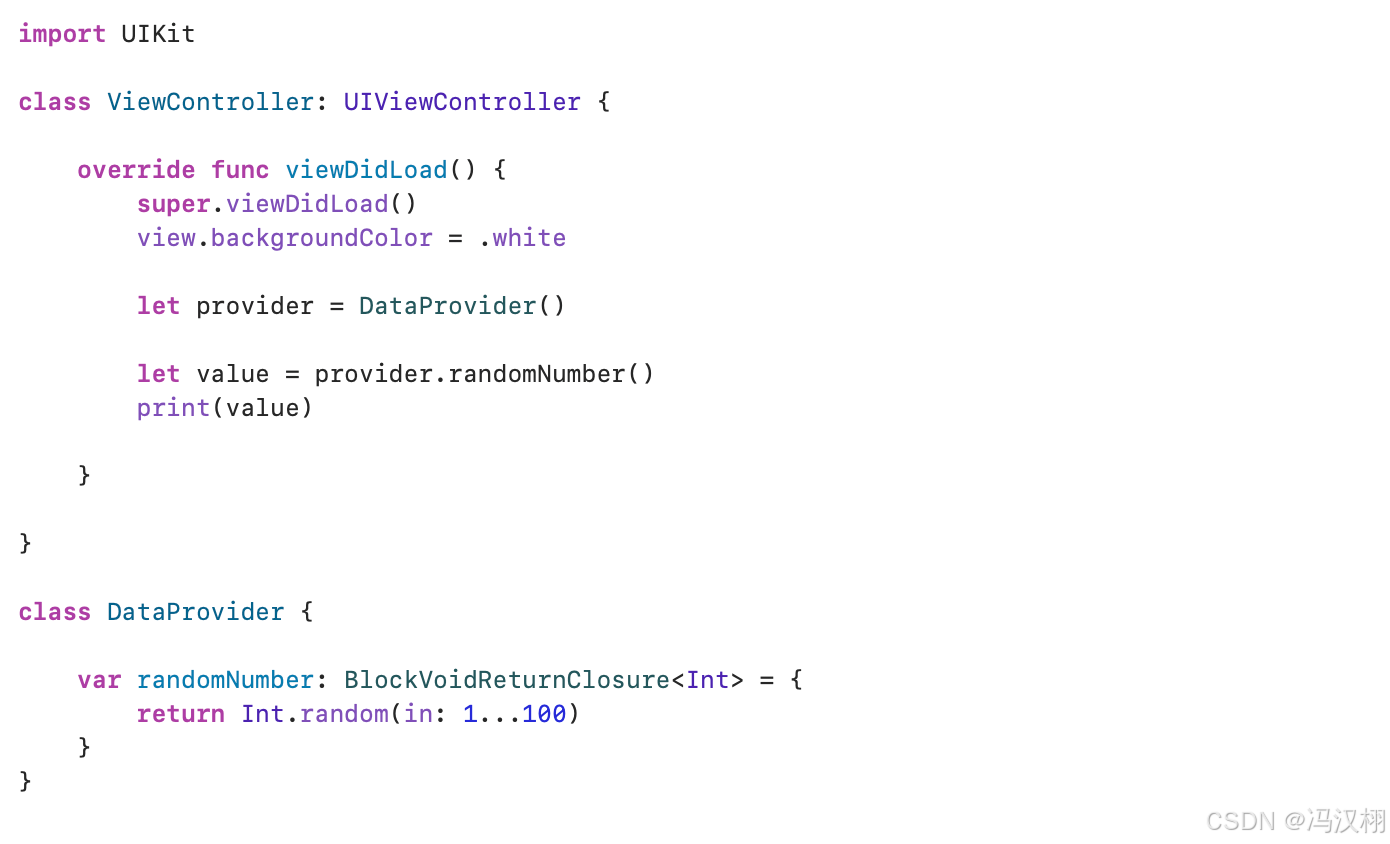
import UIKit

class ViewController: UIViewController {

    override func viewDidLoad() {
        super.viewDidLoad()
        view.backgroundColor = .white

        let provider = DataProvider()

        let value = provider.randomNumber()
        print(value)

    }

}

class DataProvider {

    var randomNumber: BlockVoidReturnClosure<Int> = {
        return Int.random(in: 1...100)
    }
}
更多推荐

 6
6 0
0- 0


 已为社区贡献3条内容

所有评论(0)