
C#正课十八
·
1、下拉框comboBox
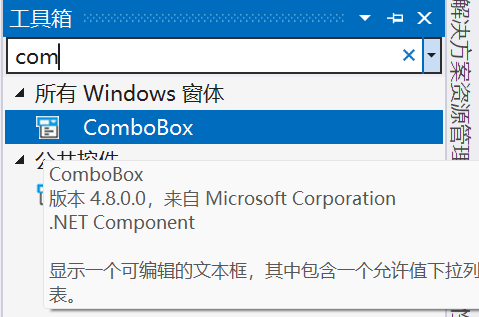
创建一个下拉框,可以通过控件的编辑项向其中添加内容,运行后可展开下拉框选择内容。
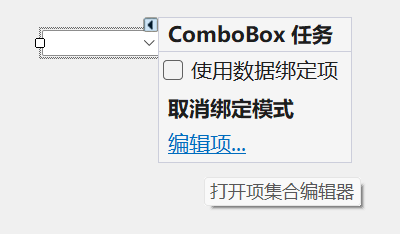
也可以通过代码来添加列表内容。
public void ComboBox()//创建代码放到窗体中调用
{
    comboBox1.Items.Add("男");
    comboBox1.Items.Add("女");
}
2、圆形按钮radioButton
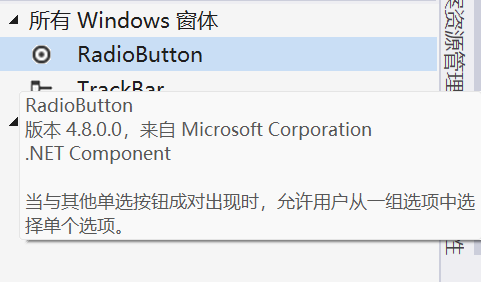
单个圆形按钮不会有特殊效果,但同时使用多个的时候,则只能选择其中一个按钮。如果想要多个单选的情况就将放在不同的容器中。
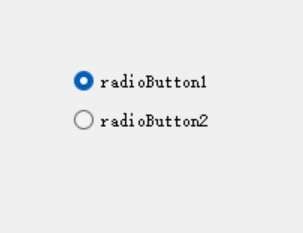
使用实例:点击按钮后展示选择的按钮文本
  private void button1_Click(object sender, EventArgs e)//按钮的点击方法
  {
      choose();
  }
  public void choose()//定义的判断方法
  {
      if (radioButton1.Checked)
      {
          MessageBox.Show(radioButton1.Text);
      }
      else if (radioButton2.Checked)
      {
          MessageBox.Show(radioButton2.Text);
      }
      else if (radioButton3.Checked)
      {
          MessageBox.Show(radioButton3.Text);
      }
      else if (radioButton4.Checked)
      {
          MessageBox.Show(radioButton4.Text);
      }
  }
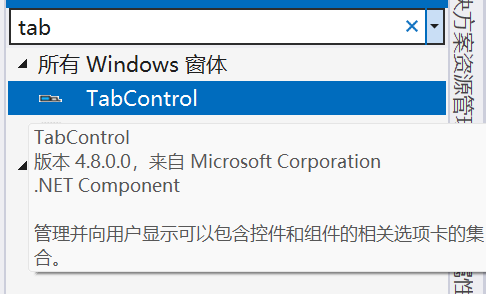
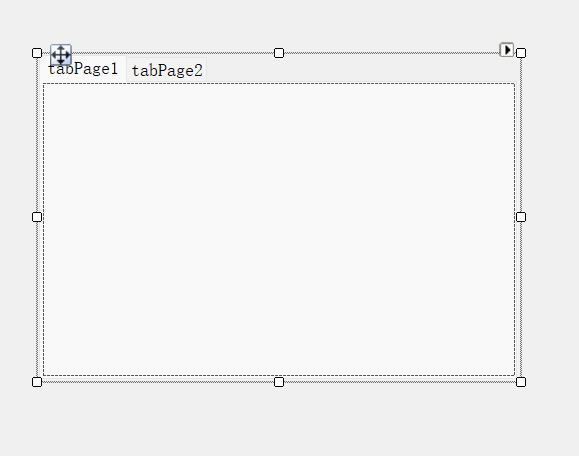
3、集合选项卡TabControl
可以添加不同的选项卡,选项卡中可以添加不同的控件。用户可以通过上方的选项卡名来打开不同的选项卡界面,展示不同的功能。
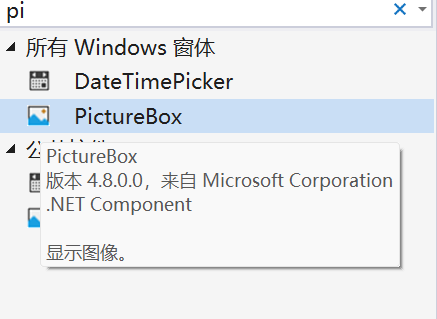
4、图像框PictureBox
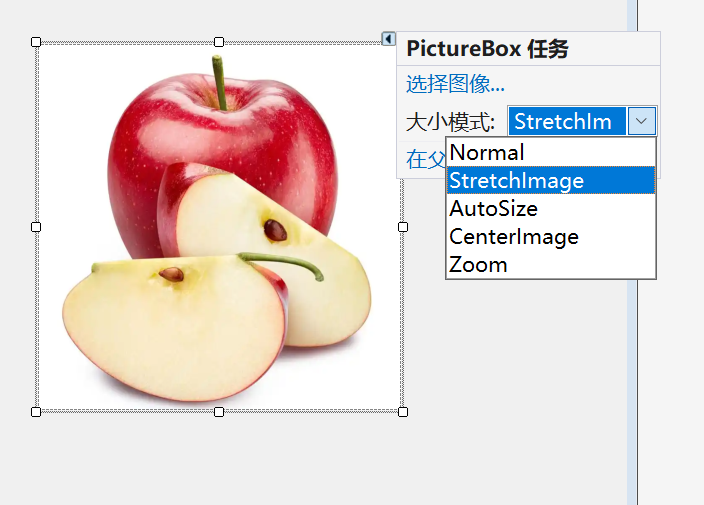
生成一个用于插入图像的框体,在大小模式可以更改图像的选择模式。
使用示例一:用按键来完成添加和和删除
 private void button2_Click(object sender, EventArgs e)
 {
     //使用按键来让图像框显示图像
     pictureBox1.Image = Image.FromFile("C:\\Users\\banana.png");//绝对路径
     //设置图像大小自适应,防止显示错误
     pictureBox1.SizeMode = PictureBoxSizeMode.Zoom;
 }

 private void button3_Click(object sender, EventArgs e)
 {
     //清除图像
     pictureBox1.Image = null;
 }
示例二:使用按钮实现图像的上下调整
 //让程序知道读取的是哪个文件
 string Path = "C:\\Pictures\\Screenshots";//图片文件夹的路径
 string[] files;//定义数组
 int Index = 0;//定义索引

 public Form1()
 {
     InitializeComponent();

     //窗体加载时将文件夹中的图像路径添加到数组中
     files =Directory.GetFiles(Path,"*.png");//读取图片的路径,筛选图片格式
     //显示第一张图像
     if (files.Length>0)//判断路径下是否有图片
     {
         Show();
     }
 }

 void Show()//定义一个展示的方法
 {
     pictureBox1.ImageLocation = files[Index];
     pictureBox1.SizeMode=PictureBoxSizeMode.Zoom;
 }

private void button4_Click(object sender, EventArgs e)//按钮实现向上翻页
{
    Index--;
    if (Index<0)
    {
        Index = files.Length - 1;
    }
    Show();
}

private void button5_Click(object sender, EventArgs e)//按钮实现向下翻页
{
    Index++;
    if (Index >= files.Length)
    {
        Index = 0;
    }
    Show();

}
更多推荐
 0
0 0
0- 0


 已为社区贡献9条内容

所有评论(0)