
解决Ollama应用下载慢的问题
·
解决Ollama应用下载慢的问题
官方的下载方法是在PowerShell中输入
irm https://ollama.com/install.ps1 | iex
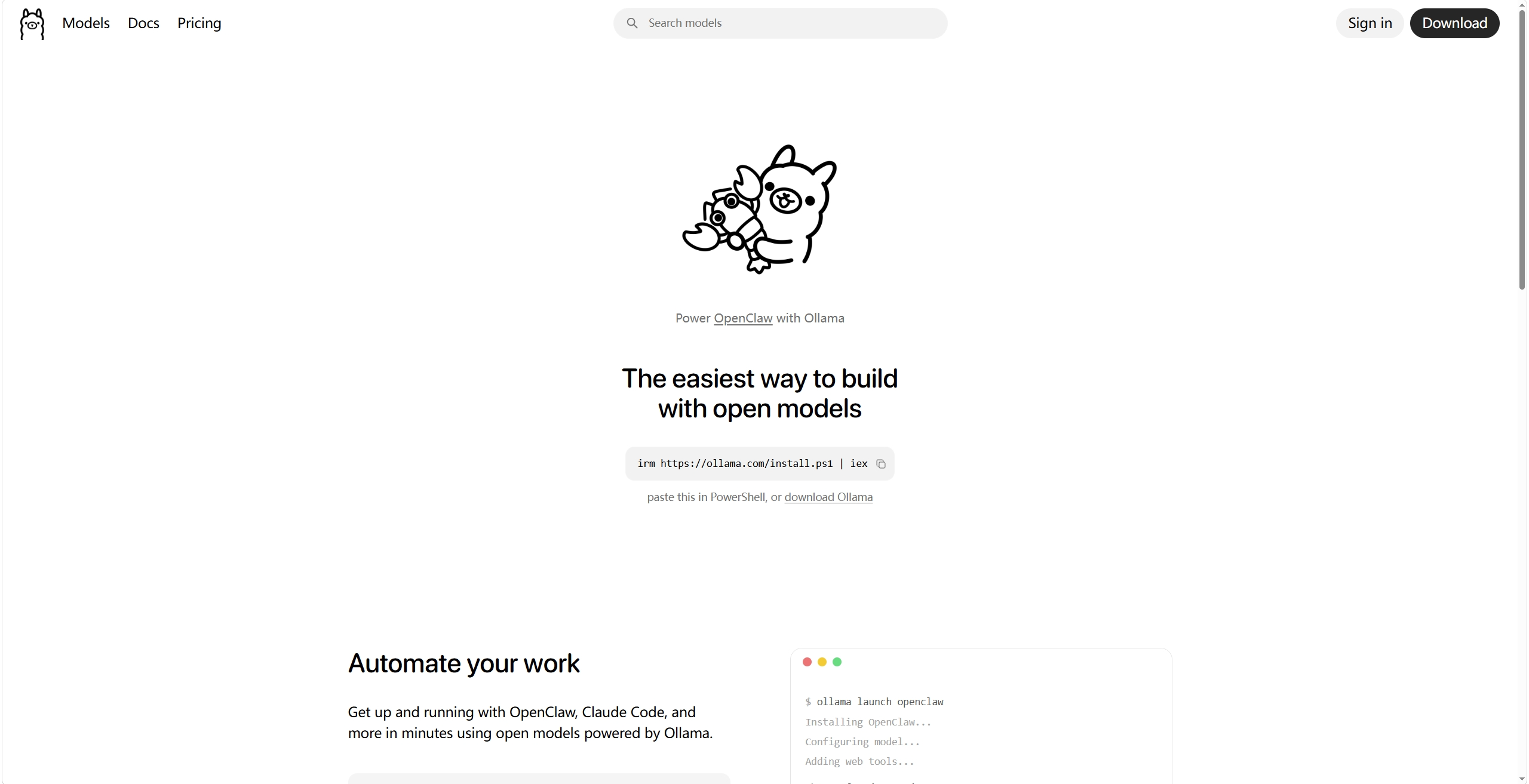
但直接下载的话可能会报错 Invoke-WebRequest 错误: Unable to read data from the transport connection: 远程主机强迫关闭了一个现有的连接。.,或者 install.ps1 的下载速度极其缓慢
查看 https://ollama.com/install.ps1:
# OLLAMA_DOWNLOAD_URL for developer testing only
$DownloadBaseURL = if ($env:OLLAMA_DOWNLOAD_URL) { $env:OLLAMA_DOWNLOAD_URL.TrimEnd('/') } else { "https://ollama.com/download" }
# ...
$installerUrl = "$DownloadBaseURL/OllamaSetup.exe"
注意到,install.ps1 读取环境变量 $env:OLLAMA_DOWNLOAD_URL 代替原下载源,因此可以借用这个 “for developer testing only” 的后门
最终解决方案(PowerShell):
$env:OLLAMA_DOWNLOAD_URL = "https://gh-proxy.org/https://github.com/ollama/ollama/releases/latest/download"; $env:OLLAMA_INSTALL_DIR = "安装地址,默认为C:\Ollama"; Invoke-RestMethod "https://gh-proxy.org/https://github.com/ollama/ollama/releases/latest/download/install.ps1" | Invoke-Expression
附:其他脚本中根据获取环境变量的变量
$Version      = if ($env:OLLAMA_VERSION) { $env:OLLAMA_VERSION } else { "" } # Target version (default: latest stable)
$InstallDir   = if ($env:OLLAMA_INSTALL_DIR) { $env:OLLAMA_INSTALL_DIR } else { "" } # Custom install directory
$Uninstall    = $env:OLLAMA_UNINSTALL -eq "1" # Set to 1 to uninstall Ollama
$DebugInstall = [bool]$env:OLLAMA_DEBUG # Enable verbose output

# OLLAMA_DOWNLOAD_URL for developer testing only
$DownloadBaseURL = if ($env:OLLAMA_DOWNLOAD_URL) { $env:OLLAMA_DOWNLOAD_URL.TrimEnd('/') } else { "https://ollama.com/download" }

免费领 150 小时云算力,进群参与显卡、AI PC 幸运抽奖
更多推荐


 6
6 0
0- 0


 已为社区贡献1条内容

所有评论(0)