
ARM64 install ollama
·
Manual install
ARM64 install
Download and extract the ARM64-specific package:
curl -L https://ollama.com/download/ollama-linux-arm64.tgz -o ollama-linux-arm64.tgz
sudo tar -C /usr -xzf ollama-linux-arm64.tgz
Start Ollama:
ollama serve
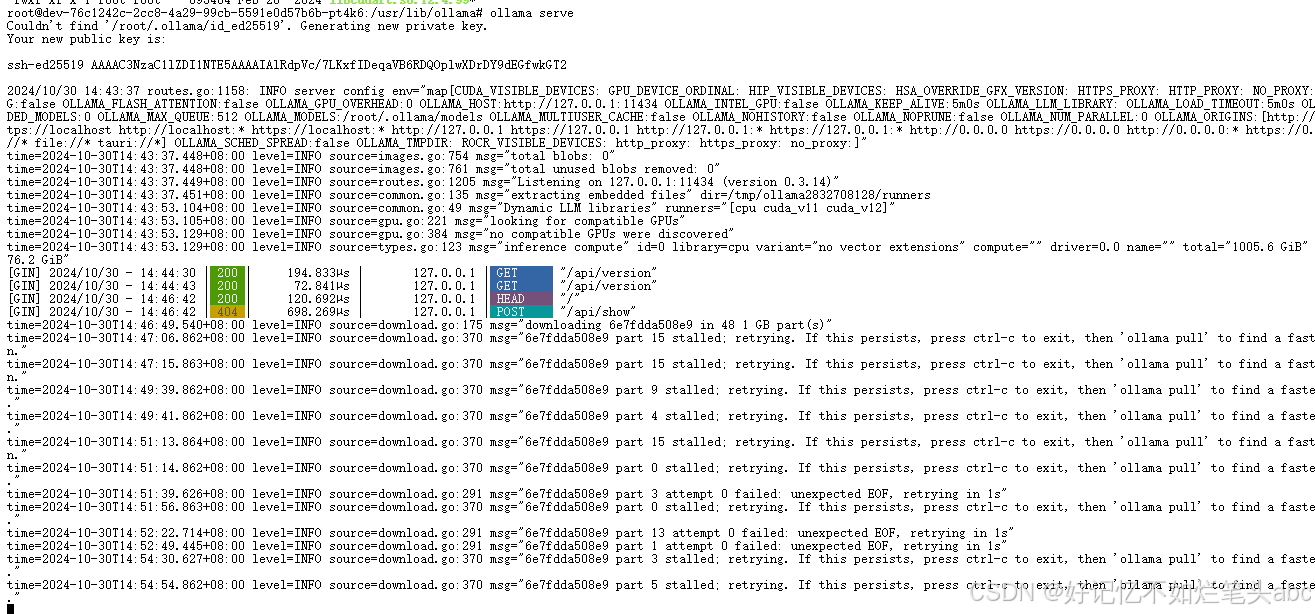
In another terminal, verify that Ollama is running:
ollama -v

Adding Ollama as a startup service (recommended)
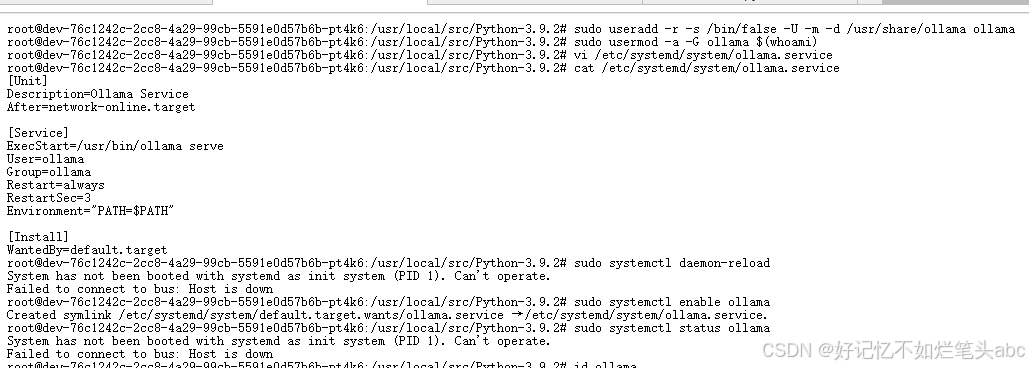
Create a user and group for Ollama:
sudo useradd -r -s /bin/false -U -m -d /usr/share/ollama ollama
sudo usermod -a -G ollama $(whoami)
Create a service file in /etc/systemd/system/ollama.service:
[Unit]
Description=Ollama Service
After=network-online.target

[Service]
ExecStart=/usr/bin/ollama serve
User=ollama
Group=ollama
Restart=always
RestartSec=3
Environment="PATH=$PATH"

[Install]
WantedBy=default.target
Then start the service:
sudo systemctl daemon-reload
sudo systemctl enable ollama
Start Ollama
Start Ollama and verify it is running:
sudo systemctl start ollama
sudo systemctl status ollama
https://github.com/ollama/ollama/blob/main/docs/linux.md
Linux系统本地化部署Dify并安装Ollama运行llava大语言模型详细教程-云社区-华为云

免费领 200 小时云算力,进群参与显卡、AI PC 幸运抽奖
更多推荐
 6
6 0
0- 0


 已为社区贡献2条内容

所有评论(0)