
Docker部署openClaw一文搞定
Finally,最终我在wsl下装了linux,安装nodejs-22,安装成功。算了,还是买一个吧,阿里,腾讯买谁的,这需要考虑,后期你接什么app.然后发了一个官方的。打开就很顺畅,只是英文版。直接就healthOk了。突然发现官网有helloworld.这让我有了尝试的冲动。这应该是api 不够了,我换一个大模型。郁闷,转为linux.如果按照这个命令,就会遇到这个问题。网络好的情况下,很容
网络好的情况下,很容易成功,早上容易成功。
docker pull ghcr.io/1186258278/openclaw-zh:latest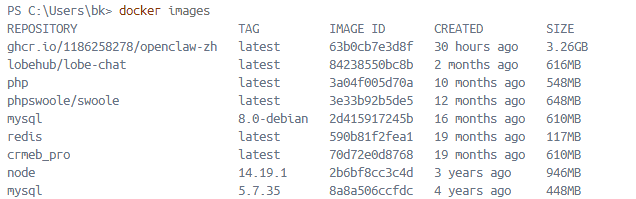
创建Volumes.
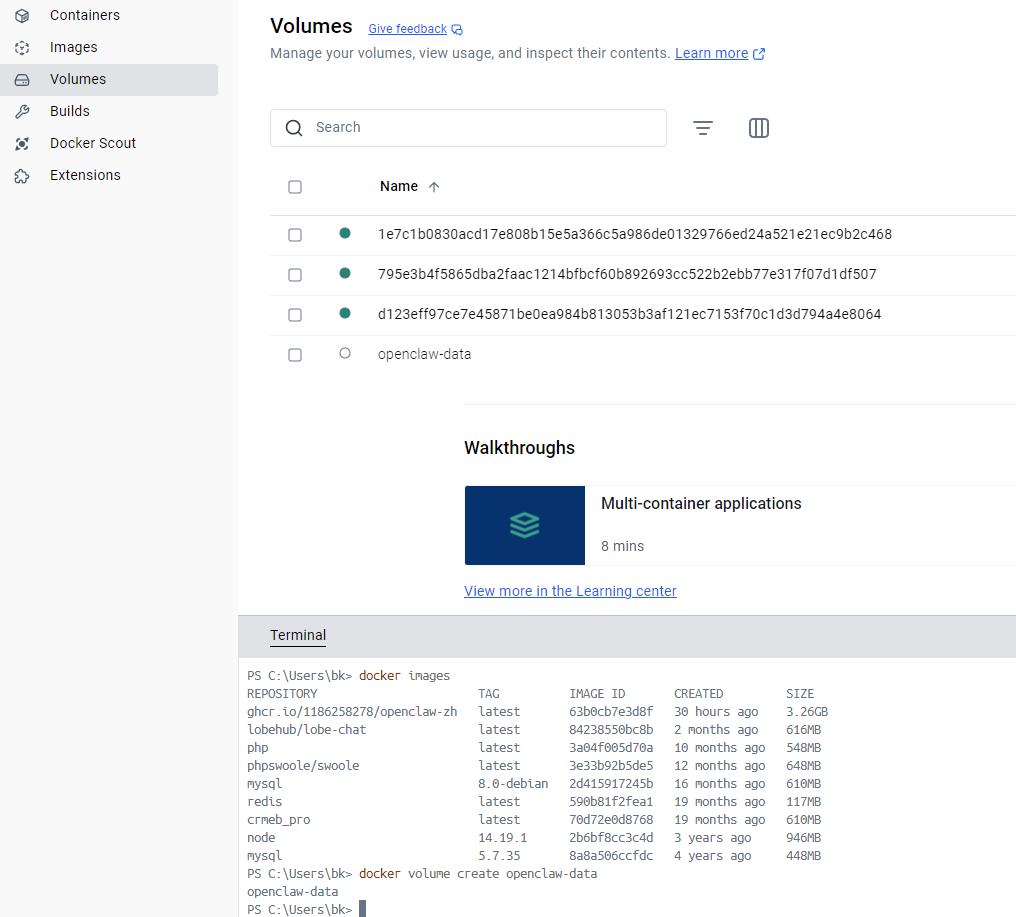
# 启动OpenClaw容器,映射核心端口,关联数据卷
docker run -d --name openclaw -p 18789:18789 -p 8080:8080 \
-v openclaw-data:/root/.openclaw \
--restart unless-stopped \
ghcr.io/1186258278/openclaw-zh:latest \
openclaw gateway run


docker run -d --name openclaw -p 18789:18789 -p 8080:8080 -v openclaw-data:/root/.openclaw --restart unless-stopped  ghcr.io/1186258278/openclaw-zh:latest openclaw gateway run
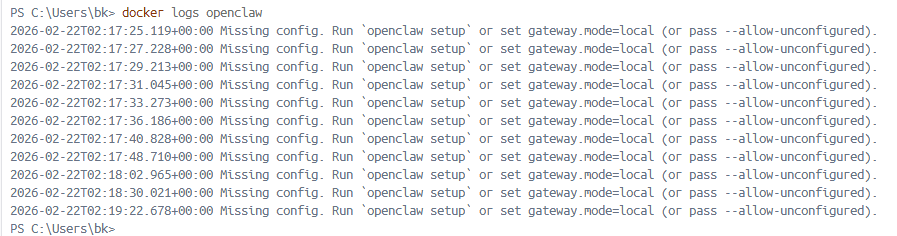
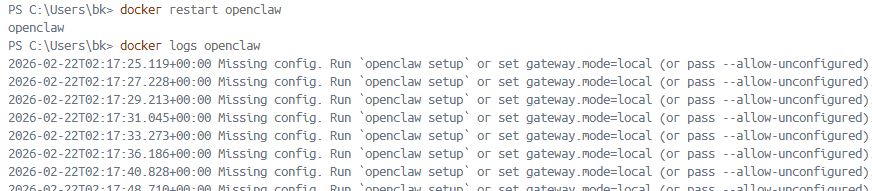
接下来是重点,正确的打开方式是:
docker run --rm -v openclaw-data:/root/.openclaw ghcr.io/1186258278/openclaw-zh:latest openclaw setup


docker run --rm -v openclaw-data:/root/.openclaw  ghcr.io/1186258278/openclaw-zh:latest openclaw config set gateway.mode local


docker run -d --name openclaw  -p 18789:18789  -v openclaw-data:/root/.openclaw  ghcr.io/1186258278/openclaw-zh:latest  openclaw gateway run


docker run -d --name openclaw --network=bridge  -p 18789:18789  -v openclaw-data:/root/.openclaw  ghcr.io/1186258278/openclaw-zh:latest  openclaw gateway run


https://openclaw.qt.cool/
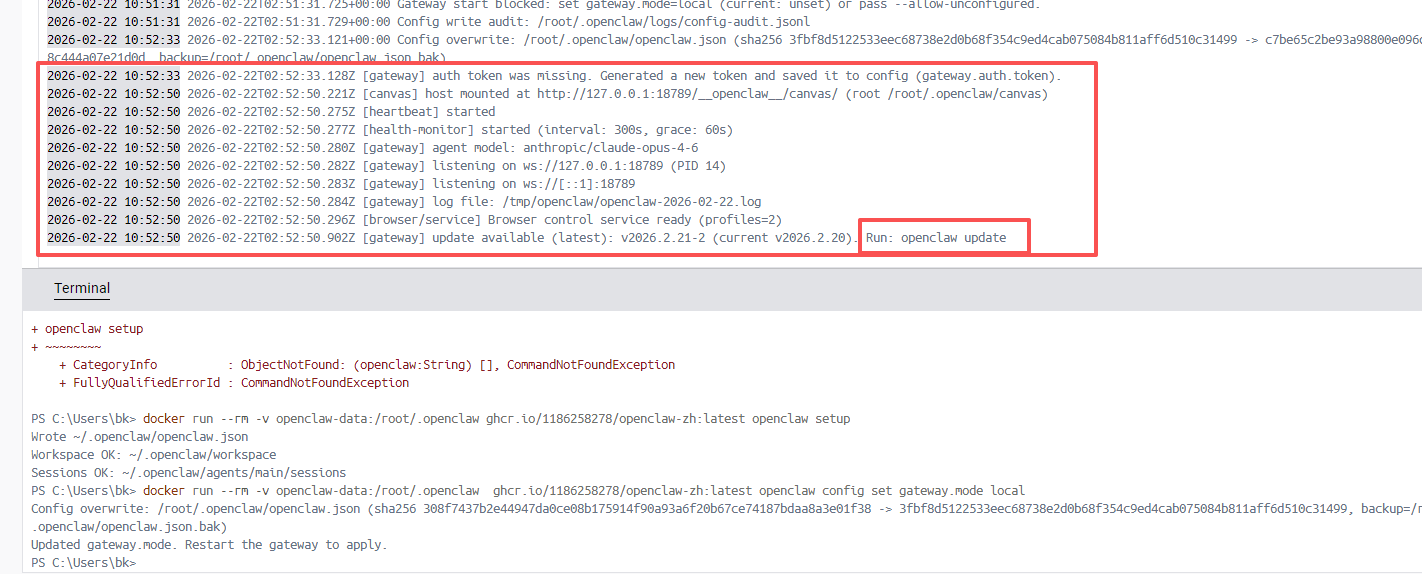
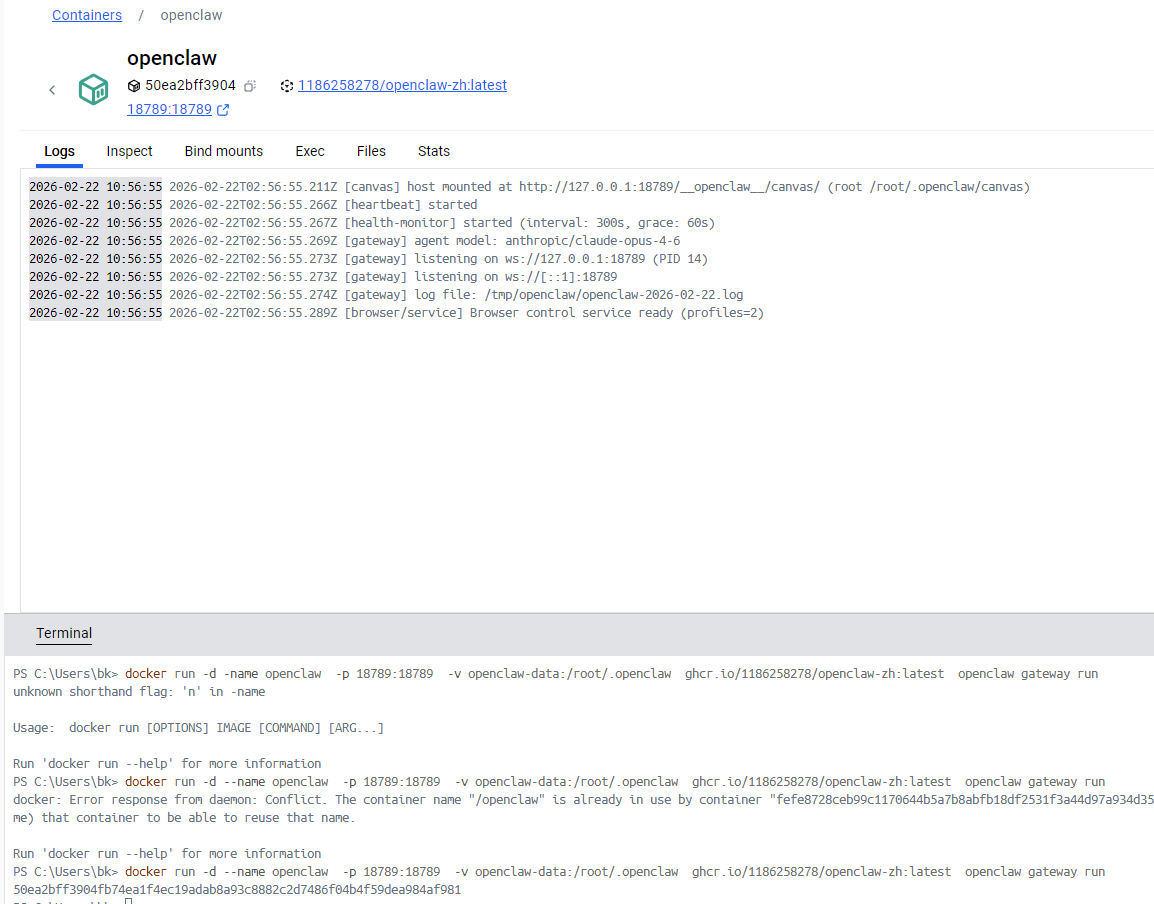
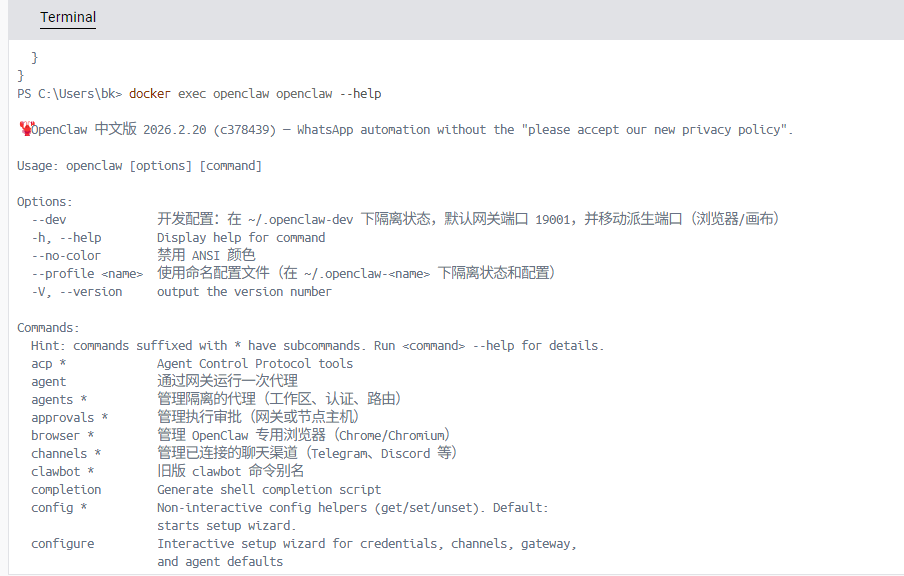
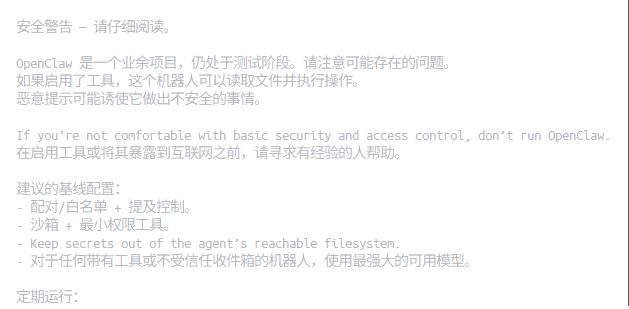
然而无法访问这个端口。郁闷,转为linux.
curl -fsSL https://openclaw.ai/install.sh | bash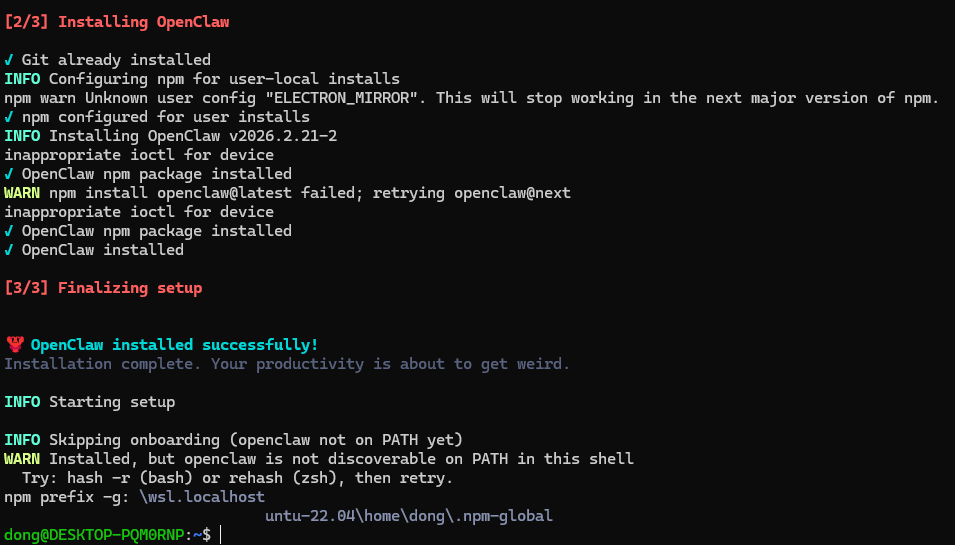
嗯,后来又发现问题。需要绑定内网才行,所以
docker run --rm -v openclaw-data:/root/.openclaw ghcr.io/1186258278/openclaw-zh:latest openclaw config set gateway.bind lan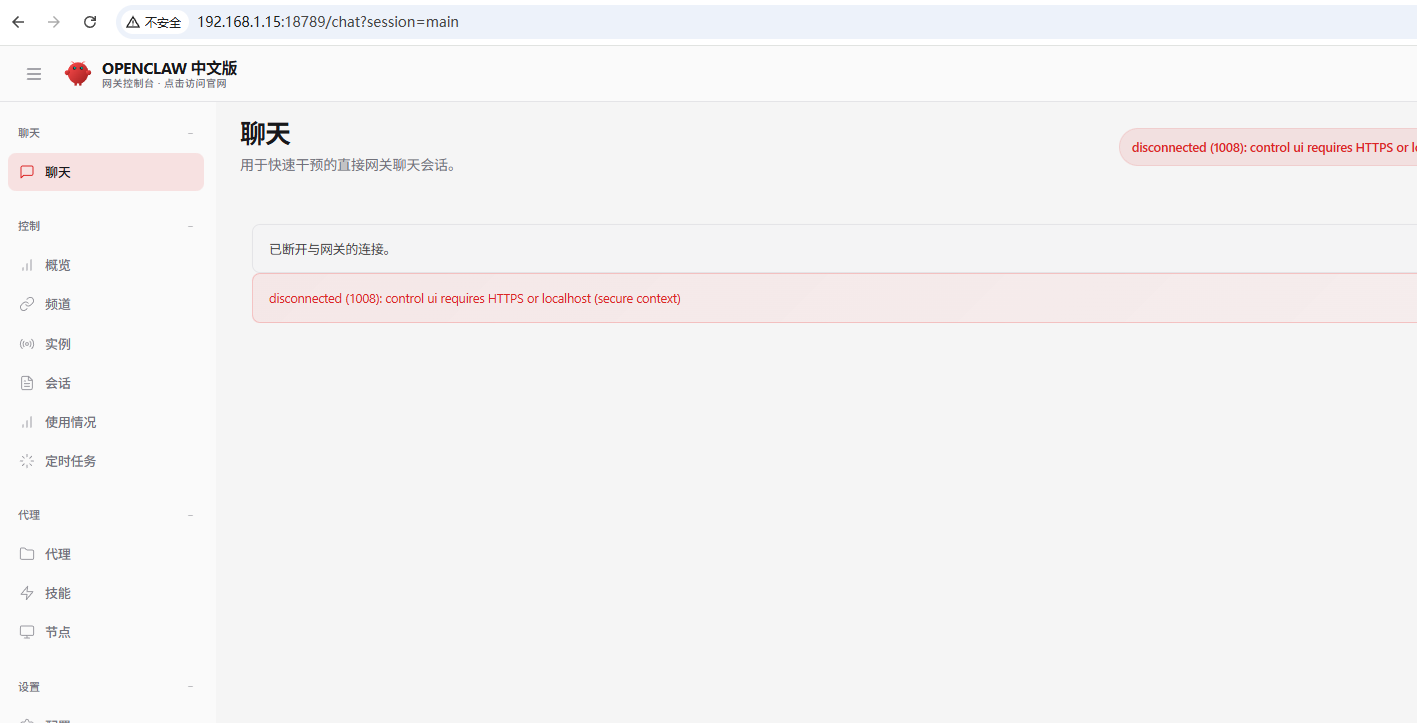
算了,还是买一个吧,阿里,腾讯买谁的,这需要考虑,后期你接什么app.
阿里云可适配,钉钉,QQ,飞书,
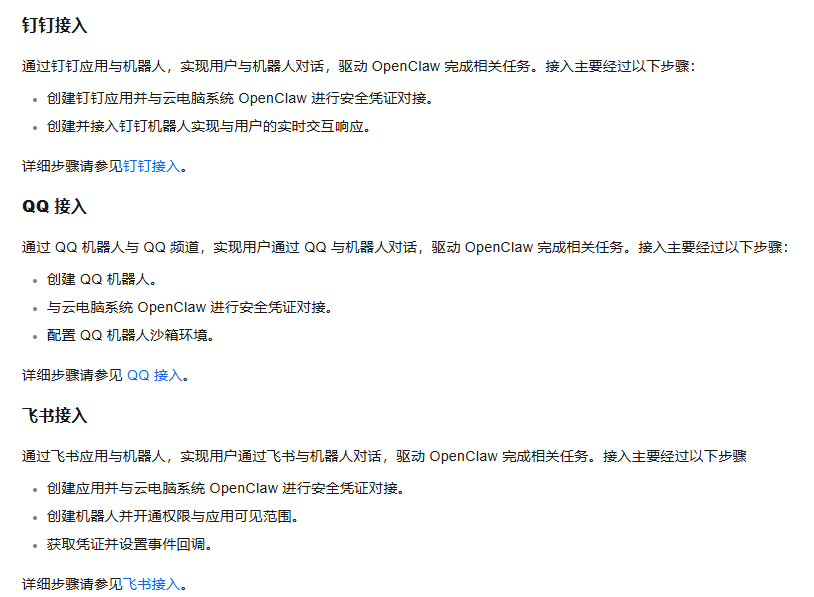
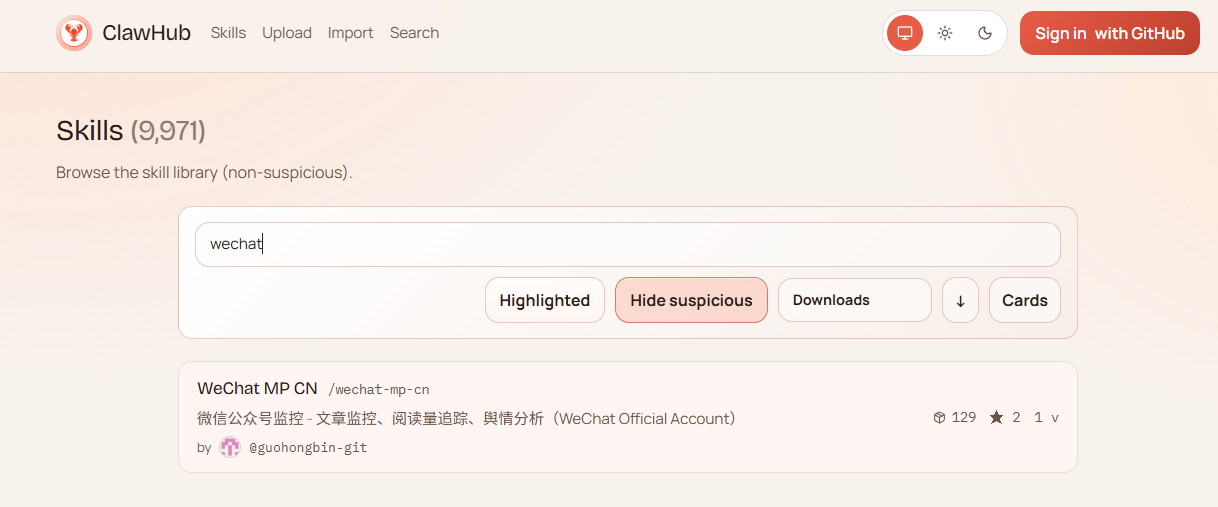
腾讯可适配QQ。然后发了一个官方的。搜wechat可以找到公众号。
突然发现官网有helloworld.这让我有了尝试的冲动。来吧。

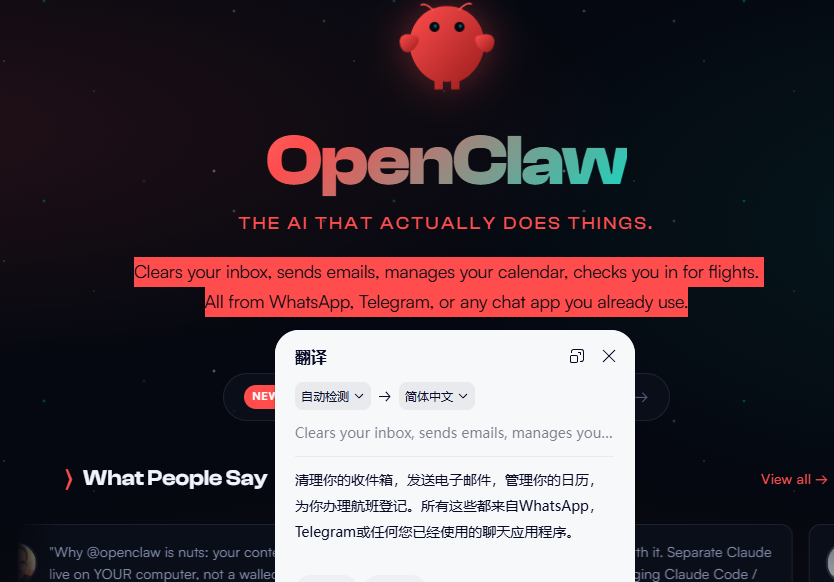
https://openclaw.ai/

iwr -useb https://openclaw.ai/install.ps1 | iex
如果按照这个命令,就会遇到这个问题。来解决。
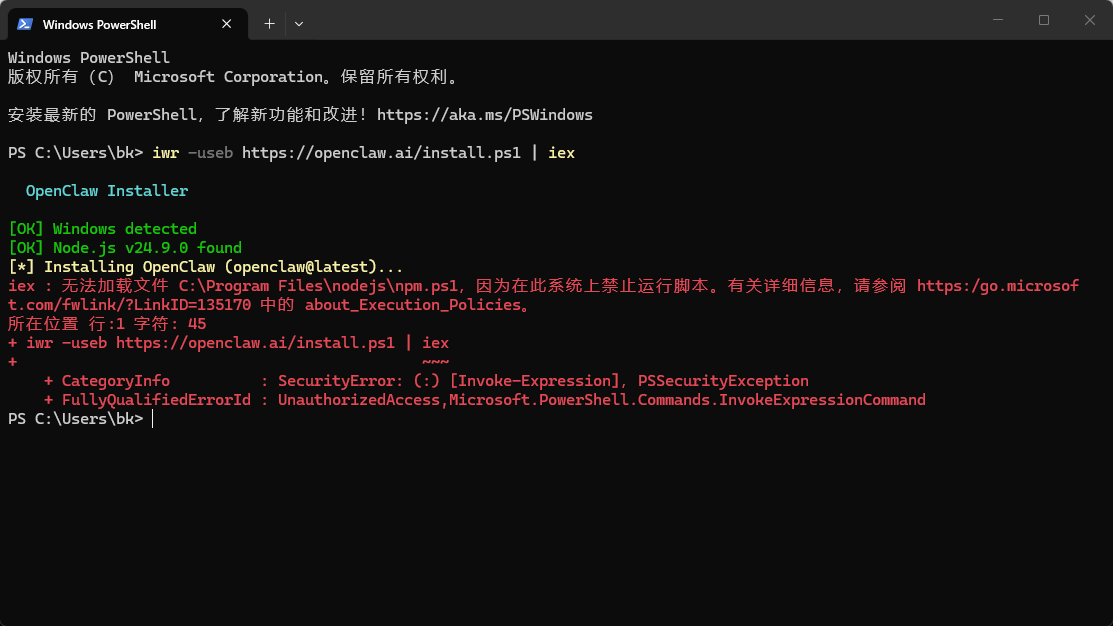
cmd-> where npm
设置环境变量。强制刷新path.,测试npm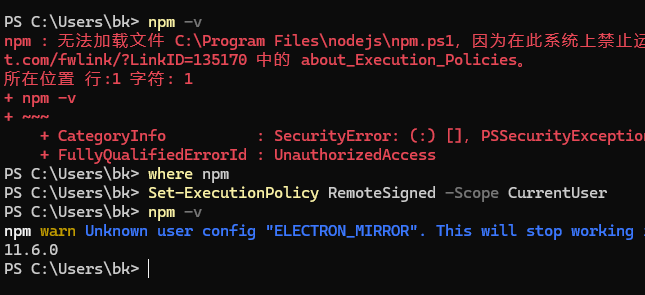
本来以为ok,又碰到这个报错
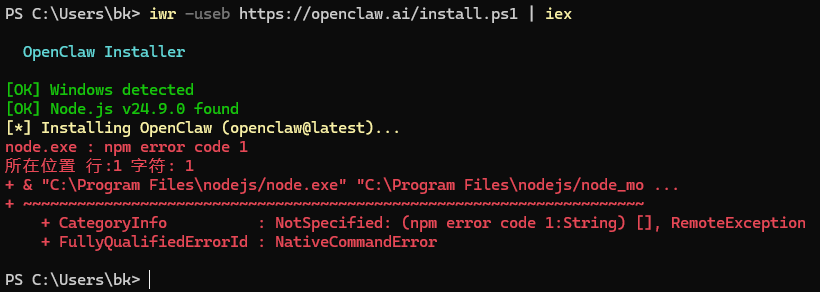
更新了npm 版本
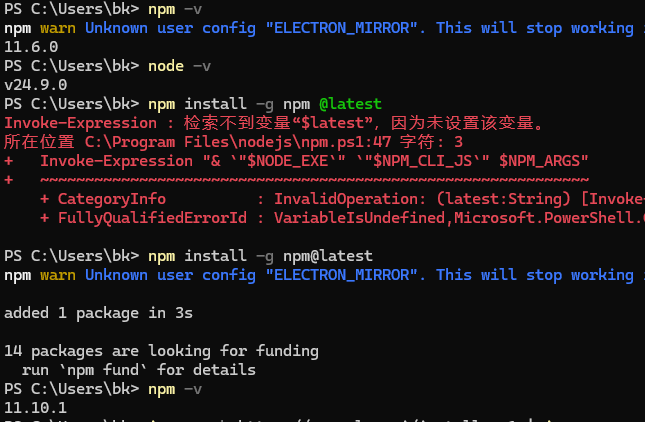
最终直接安装也不成功。
npm config set strict-ssl false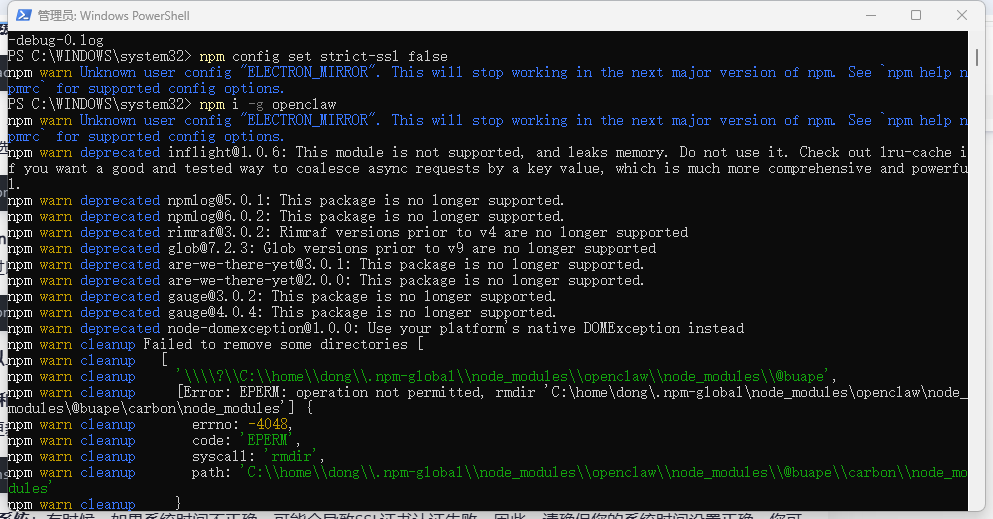
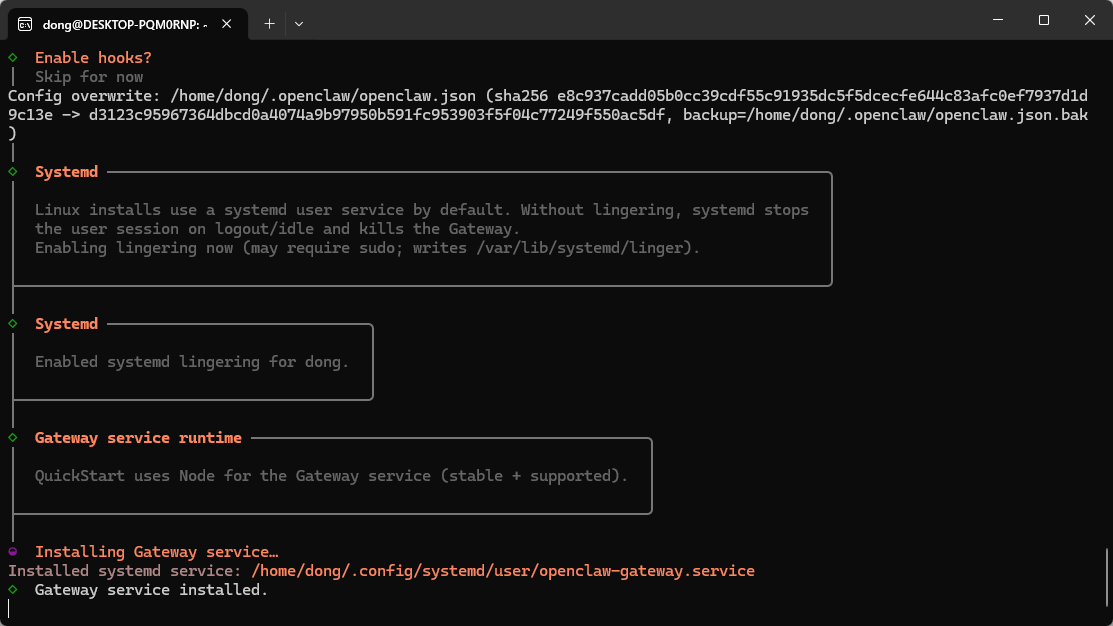
Finally,最终我在wsl下装了linux,安装nodejs-22,安装成功。官方版本openclaw.
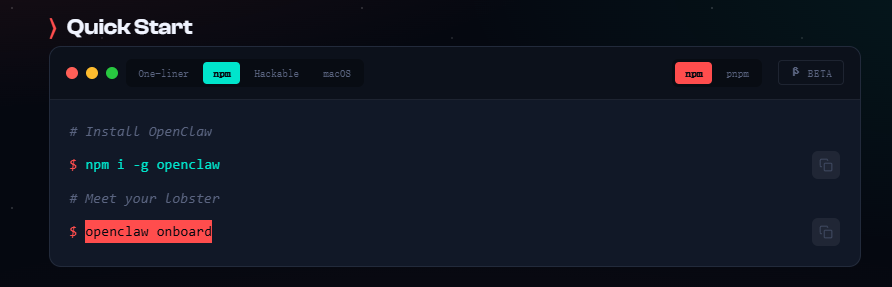
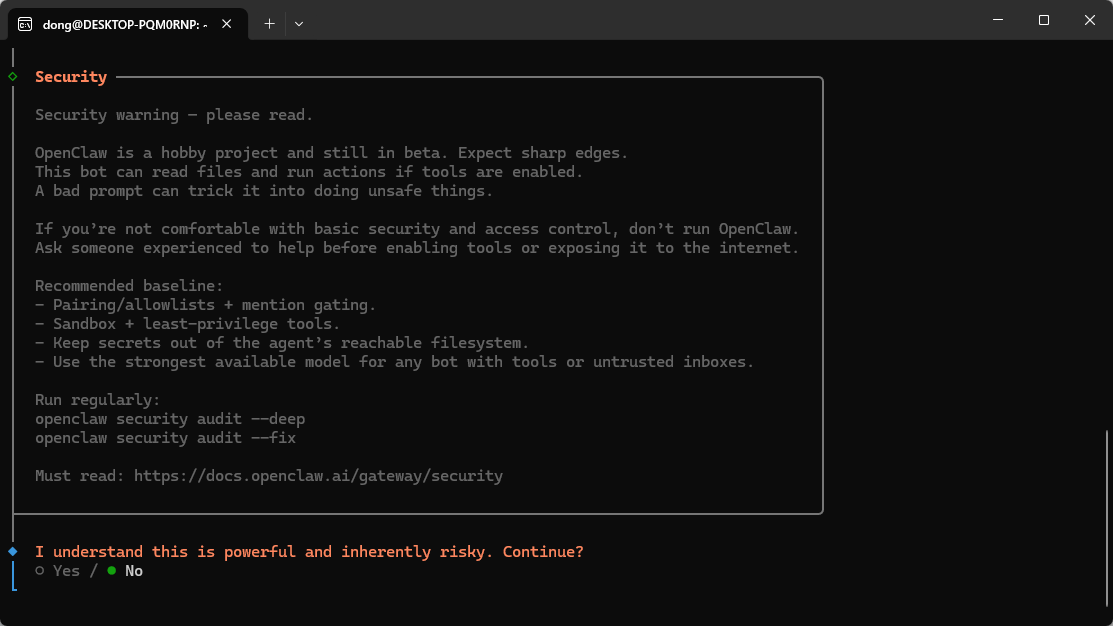
.
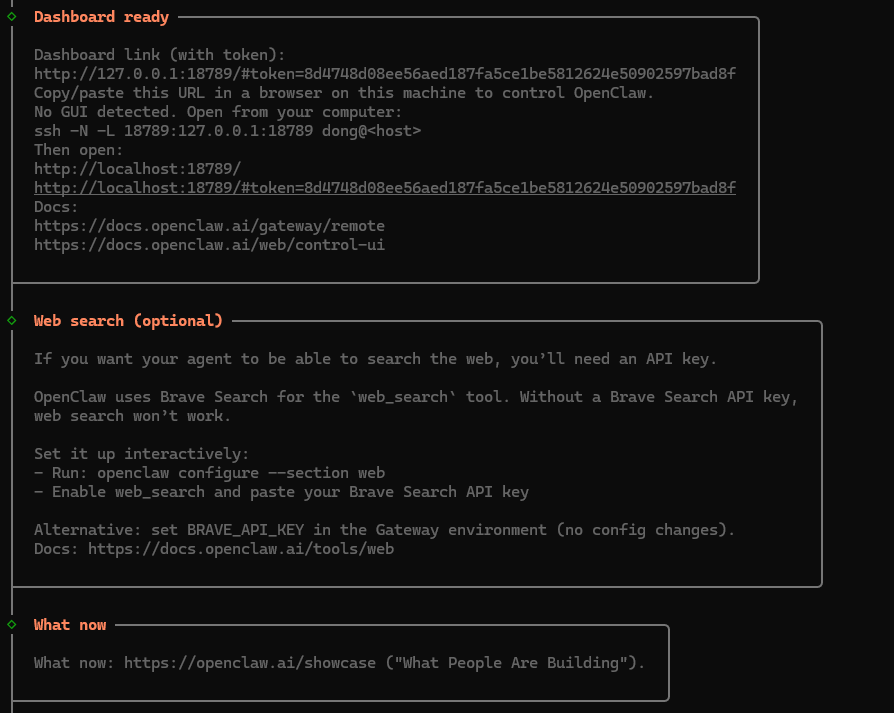
打开就很顺畅,只是英文版。这就是官网的。直接就healthOk了。
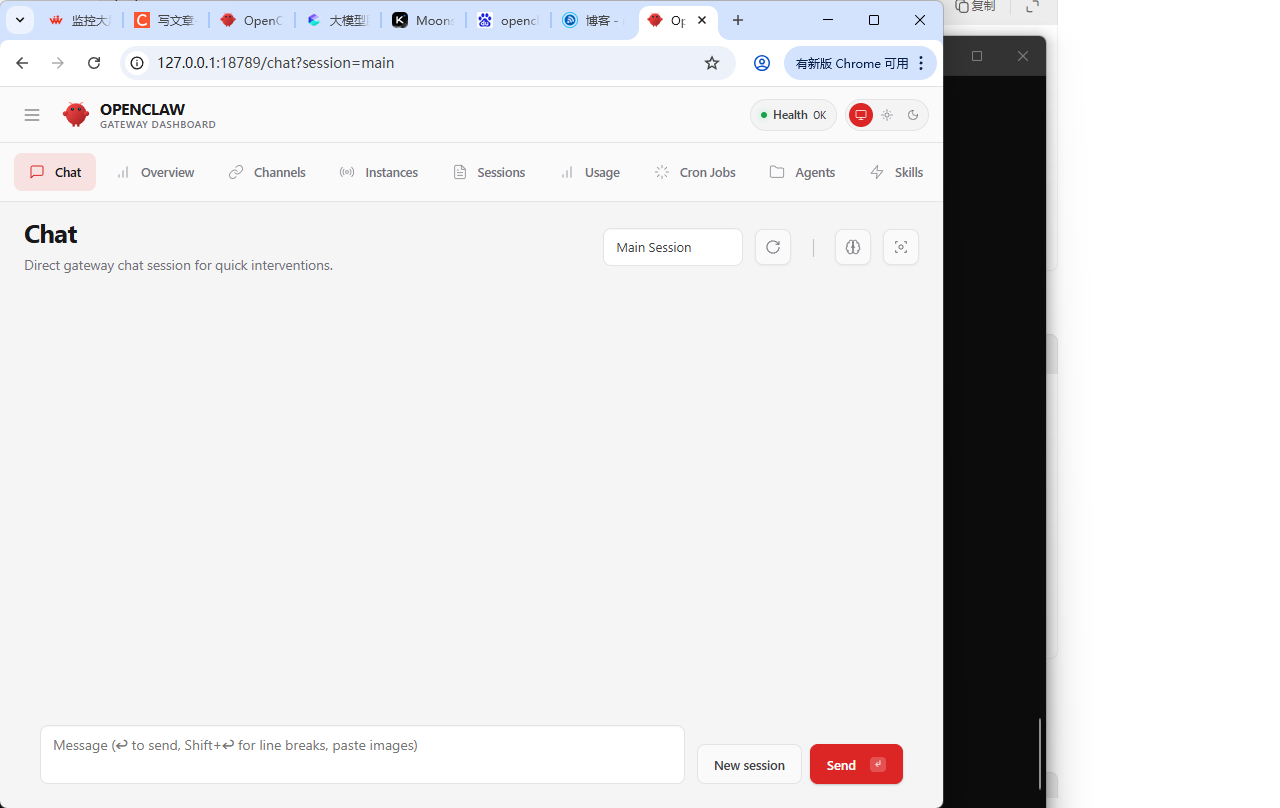
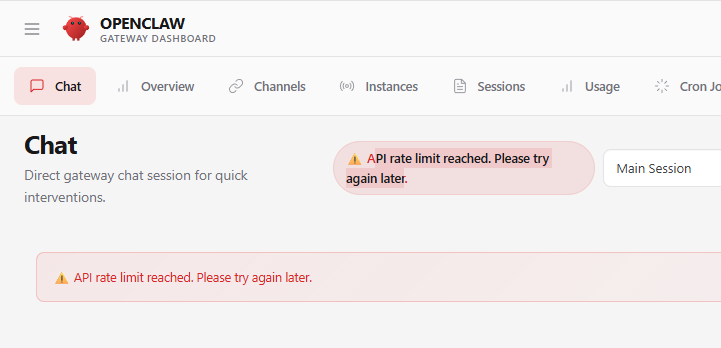
这应该是api 不够了,我换一个大模型。千问上场。
免费的要省着用。1天只能用150W的token .
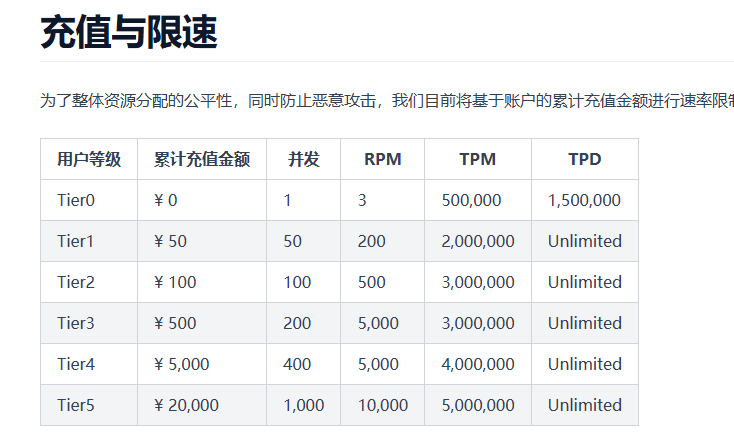
这么说吧,我本地安装好了。可是有很多问题,1,慢,2,浏览器老是出问题。3,它自己重启网关。
钱多还是买个吧。
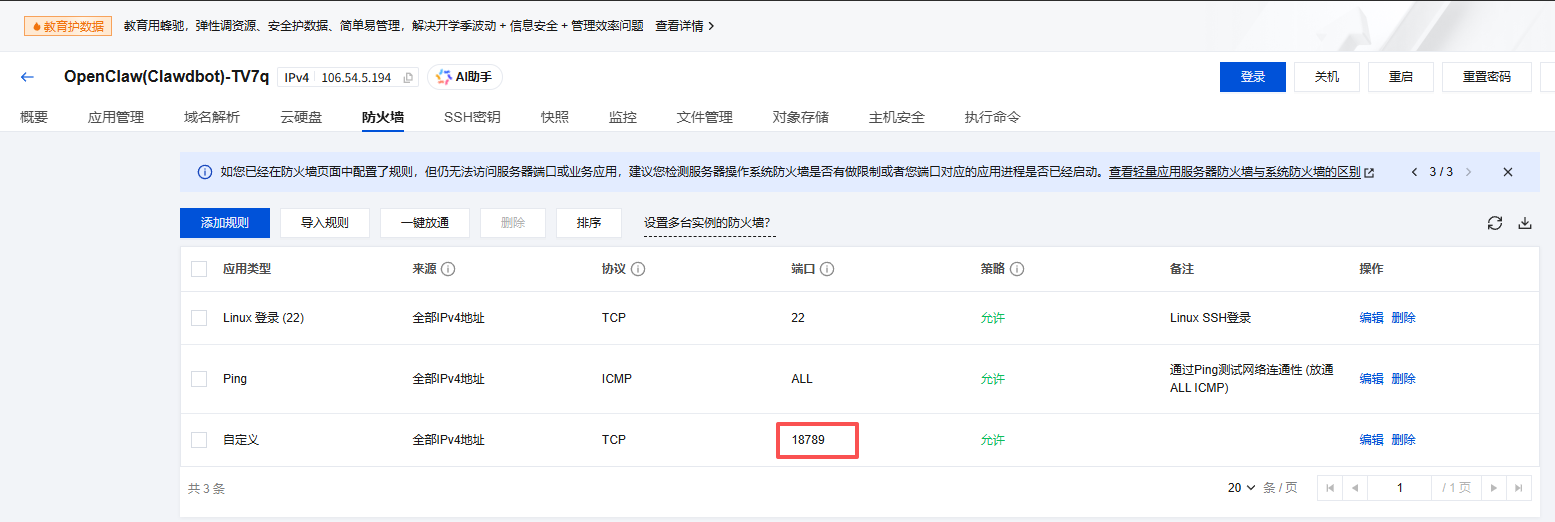
默认已经开了18789端口
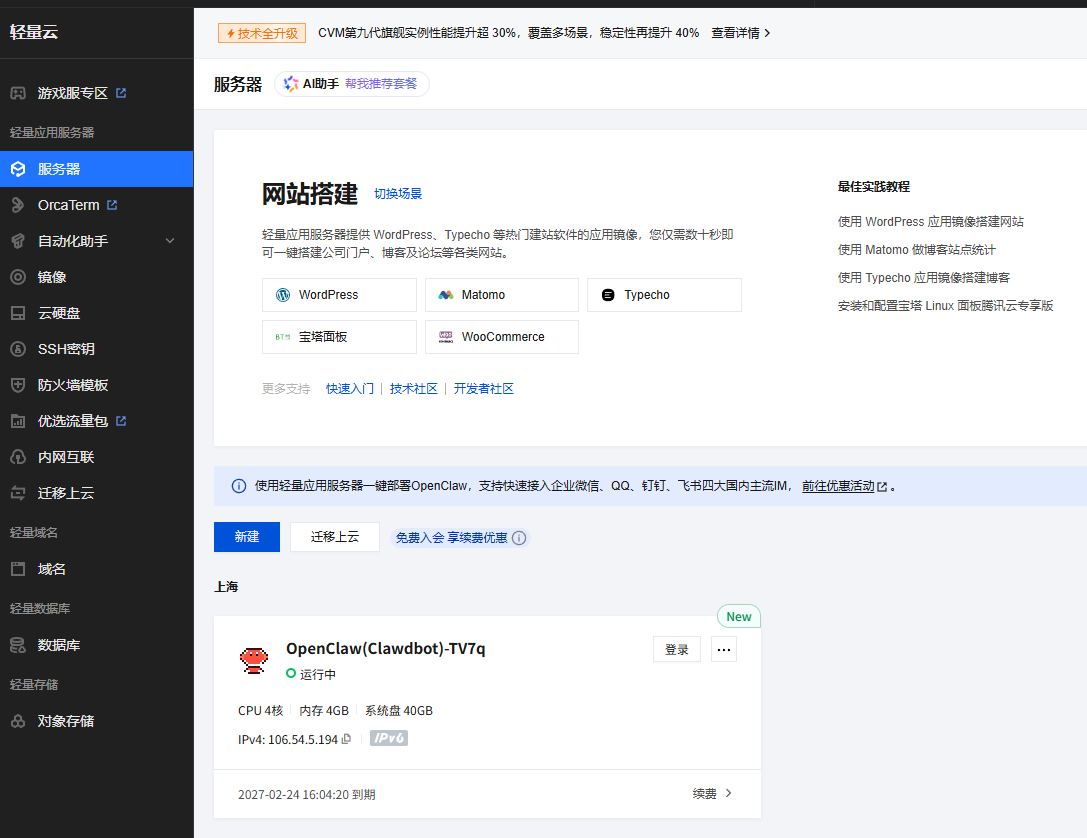
腾讯成功了,但无法安装小红书,总提示api超限。怀疑是地域选成上海的缘故,退款很方便,5天内无理由全款退。但无法再使用活动价格购买香港服务器。终于也放弃了。
--------------------------------------------
开始在阿里云申请免费的云服务器。地域香港。开始安装。
curl -fsSL https://help-static-aliyun-doc.aliyuncs.com/file-manage-files/zh-CN/20260219/izjrlh/openclaw_installer.sh -o openclaw_installer.sh && bash openclaw_installer.sh
阿里云提供了免费服务器,大模型。和专用ssh工具。
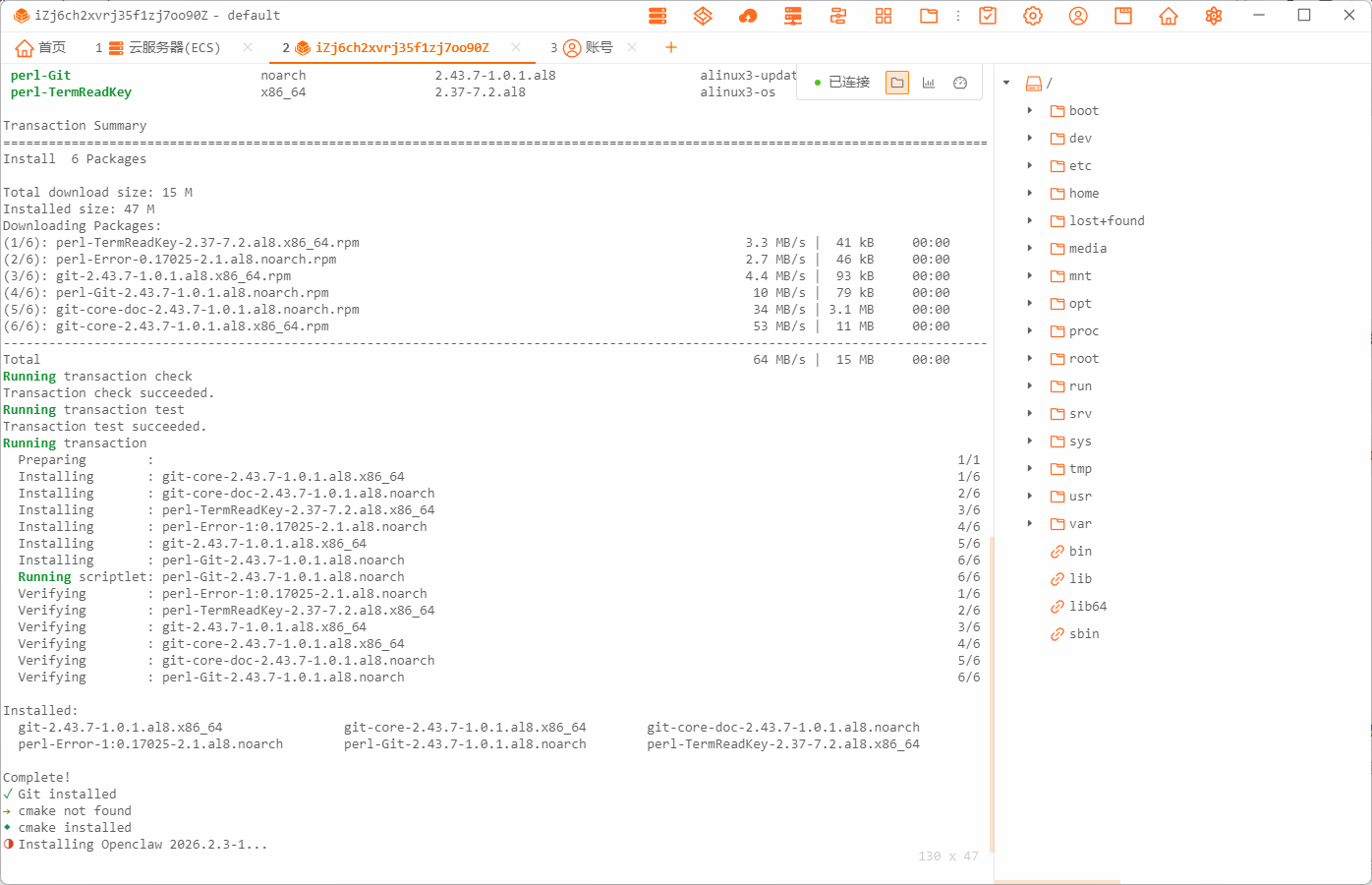
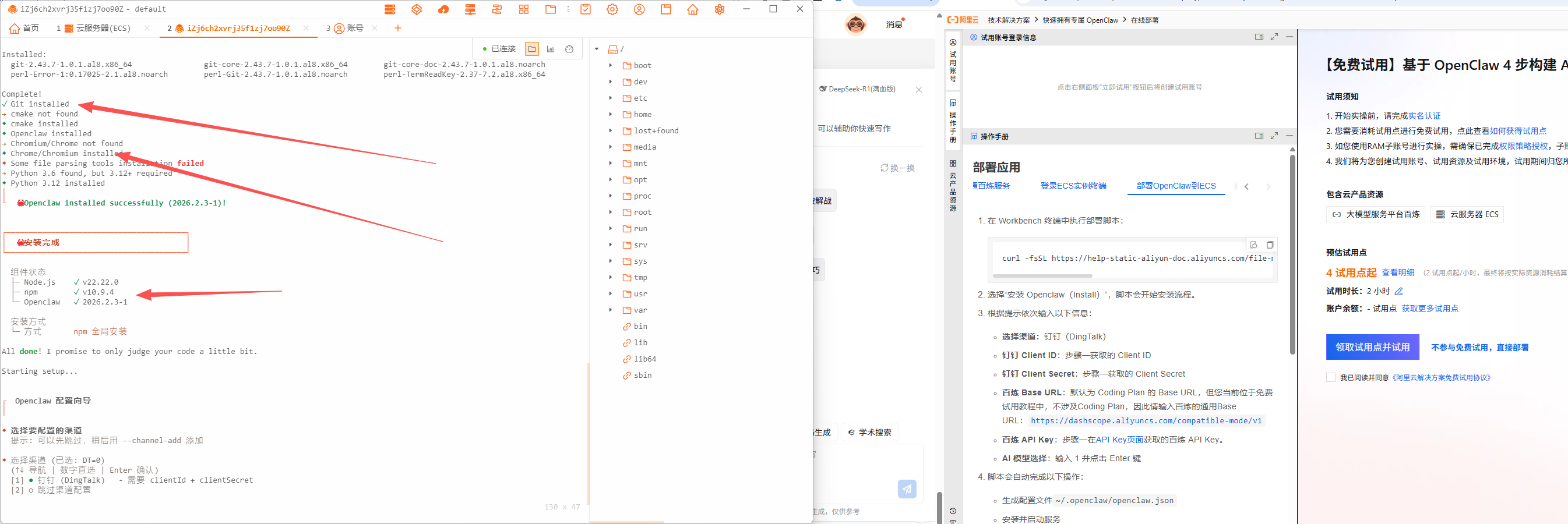
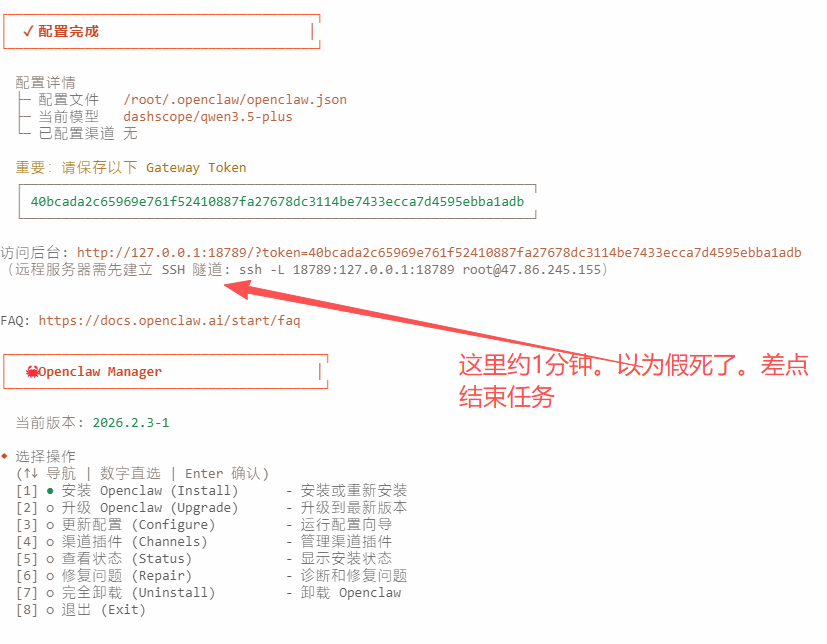
到此本文就戛然而止了。还是阿里云给力。免费服务器直接给1个月。免费服务器直接给1个月。免费服务器直接给1个月。然后你让他自己搞定小红书mcp.就可以扫码登录和发小红书了。

小龙虾开发者社区是 CSDN 旗下专注 OpenClaw 生态的官方阵地,聚焦技能开发、插件实践与部署教程,为开发者提供可直接落地的方案、工具与交流平台,助力高效构建与落地 AI 应用
更多推荐


 5
5 0
0- 0


 已为社区贡献3条内容

所有评论(0)