

I am trying to plot my non-symmetric data using Seaborn's JointGrid. I can get it to use an equal aspect ratio, but then I have unwanted whitespace:
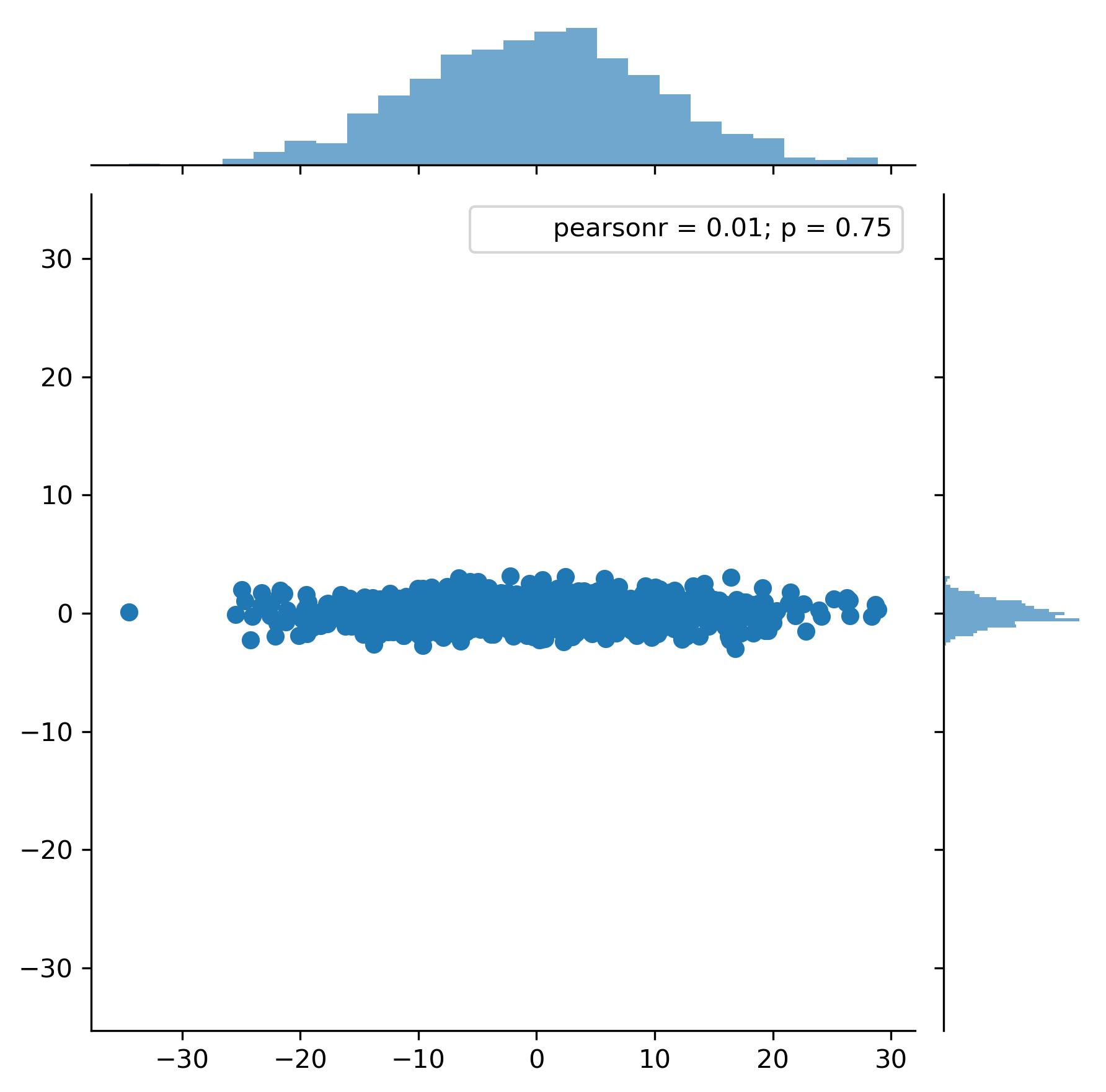
How do you remove the padding? The documentation for both jointplot and JointGrid simply say
size : numeric, optional
Size of the figure (it will be square).
I also tried going into feeding the extent kwarg to both jointplot and JointGrid, as well as ylim with no luck.
import numpy as np
import seaborn as sns
import matplotlib.pyplot as plt
x = np.random.normal(0.0, 10.0, 1000)
y = np.random.normal(0.0, 1.0, 1000)
joint = sns.jointplot(x, y)
joint.plot_marginals(sns.distplot, kde=False)
joint.ax_joint.set_aspect('equal')  # equal aspect ratio
plt.show()



 已为社区贡献126445条内容

所有评论(0)