I am using google colab for my project. I am getting grid lines on images even I am not writing them.
from matplotlib import pyplot as plt
%matplotlib inline
import cv2

img = cv2.imread('k15.jpg')

img = cv2.cvtColor(img, cv2.COLOR_BGR2RGB)

plt.imshow(img)
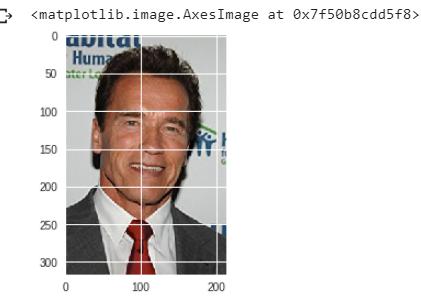
for code like above, I am getting grid lines which is not the case when I run the same code in my python shell.
Apparently something in the background changes the style. I have no experience whatsoever with google colab ti judge whether this can be responsible for the observed difference in displayed image.
In any case it should be possible to manually turn the grid lines off on a per notebook basis.
%matplotlib inline
from matplotlib import pyplot as plt
plt.rcParams["axes.grid"] = False

# rest of code





 已为社区贡献126445条内容

所有评论(0)