

I'm trying to plot a matrix of values and would like to add gridlines to make the boundary between values clearer. Unfortunately, imshow decided to locate the tick marks in the middle of each voxel. Is it possible to
a) remove the ticks but leave the label in the same location and
b) add gridlines between the pixel boundaries?
import matplotlib.pyplot as plt
import numpy as np

im = plt.imshow(np.reshape(np.random.rand(100), newshape=(10,10)),
                    interpolation='none', vmin=0, vmax=1, aspect='equal');
ax = plt.gca();
ax.set_xticks(np.arange(0, 10, 1));
ax.set_yticks(np.arange(0, 10, 1));
ax.set_xticklabels(np.arange(1, 11, 1));
ax.set_yticklabels(np.arange(1, 11, 1));
Image without the gridline and with tick marks in the wrong location 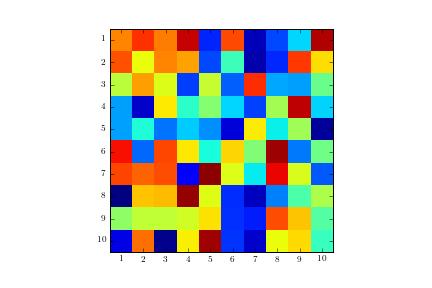
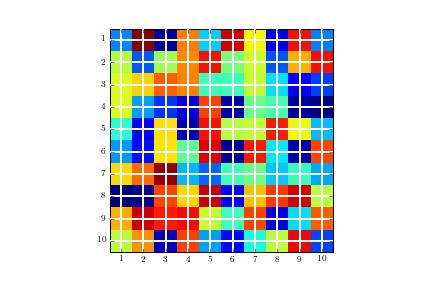
ax.grid(color='w', linestyle='-', linewidth=2)
Image with gridlines in the wrong location:



 已为社区贡献126442条内容

所有评论(0)