I want to show the text for a line's label in the legend, but not a line too (As shown in the figure below):
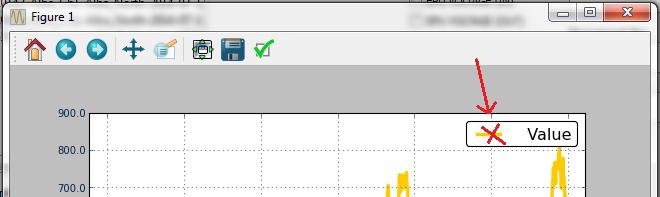
I have tried to minimise the legend's line and label, and overwrite only the new-label too (as in the code below). However, the legend brings both back.
    legend = ax.legend(loc=0, shadow=False)
    for label in legend.get_lines():
        label.set_linewidth(0.0)
    for label in legend.get_texts():
        label.set_fontsize(0)

    ax.legend(loc=0, title='New Title')
At that point, it's arguably easier to just use annotate.
For example:
import numpy as np
import matplotlib.pyplot as plt

data = np.random.normal(0, 1, 1000).cumsum()

fig, ax = plt.subplots()
ax.plot(data)
ax.annotate('Label', xy=(-12, -12), xycoords='axes points',
            size=14, ha='right', va='top',
            bbox=dict(boxstyle='round', fc='w'))
plt.show()
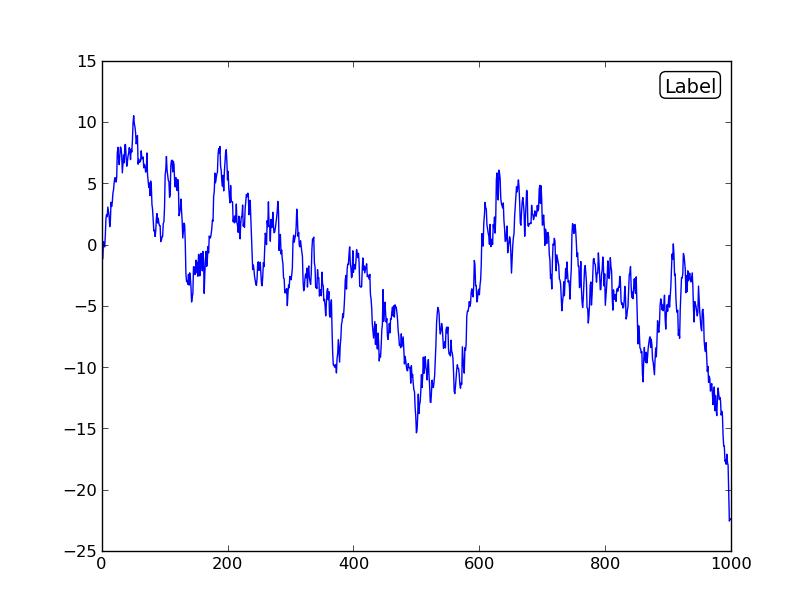
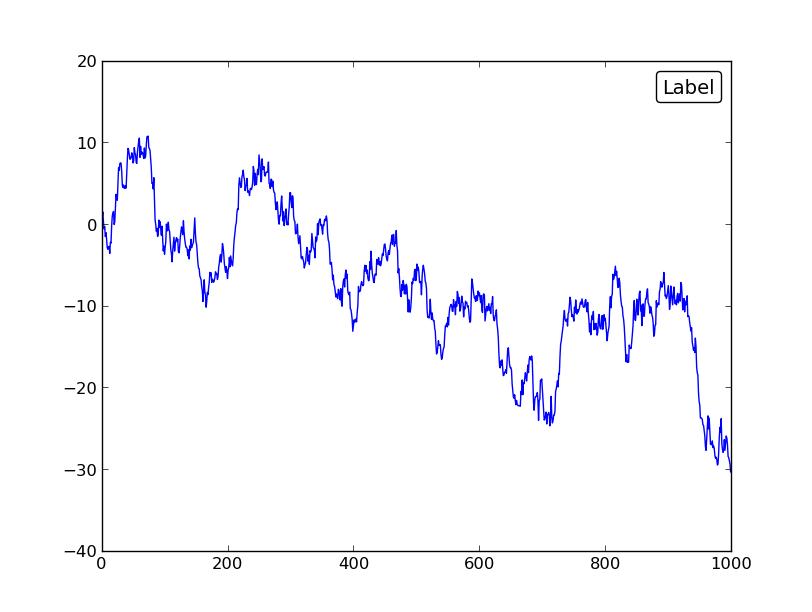
However, if you did want to use legend, here's how you'd do it. You'll need to explicitly hide the legend handles in addition to setting their size to 0 and removing their padding.
import numpy as np
import matplotlib.pyplot as plt

data = np.random.normal(0, 1, 1000).cumsum()

fig, ax = plt.subplots()
ax.plot(data, label='Label')

leg = ax.legend(handlelength=0, handletextpad=0, fancybox=True)
for item in leg.legendHandles:
    item.set_visible(False)
plt.show()





 已为社区贡献126440条内容

所有评论(0)