

I've been trying to plot an ellipse into an imshow plot. It works, but plotting the ellipse after plotting the image seems to increase xlim and ylim, resulting in a border, which I'd like to get rid of:
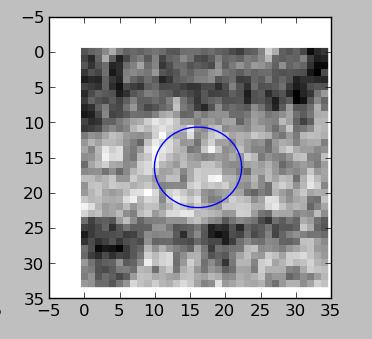
Note that there is NO white border directly after calling imshow only.
My code looks as follows:
self.dpi = 100
self.fig = Figure((6.0, 6.0), dpi=self.dpi)
self.canvas = FigureCanvas(self.fig)
self.canvas.setMinimumSize(800, 400)
self.cax = None
self.axes = self.fig.add_subplot(111)
self.axes.imshow(channel1, interpolation="nearest")
self.canvas.draw()
self.axes.plot(dat[0], dat[1], "b-")
I've tried setting the limits before and after calling "plot", with no effect
# get limits after calling imshow
xlim, ylim = pylab.xlim(), pylab.ylim()
...
# set limits before/after calling plot
self.axes.set_xlim(xlim)
self.axes.set_ylim(ylim)
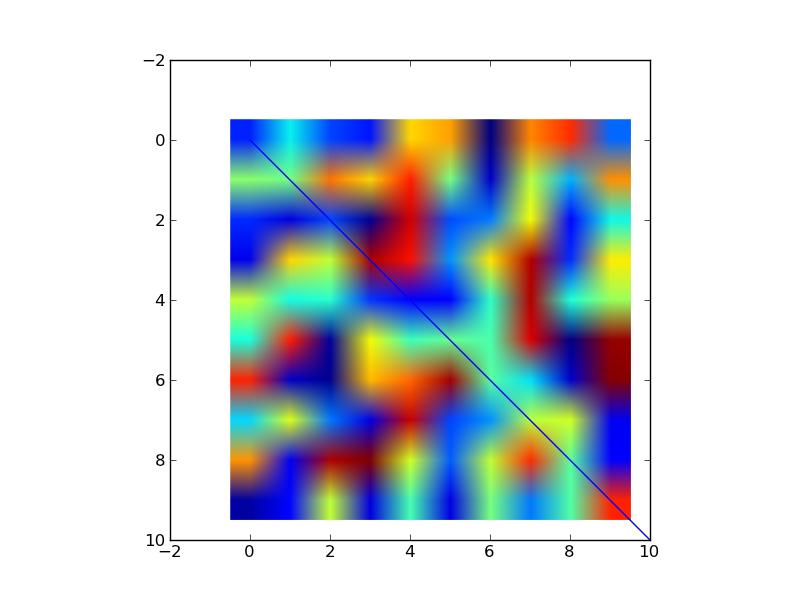
How can I force plot not to increase existing figure limits?
Solution (thanks to Joe):
#for newer matplotlib versions
self.axes.imshow(channel1, interpolation="nearest")
self.axes.autoscale(False)
self.axes.plot(dat[0], dat[1], "b-")

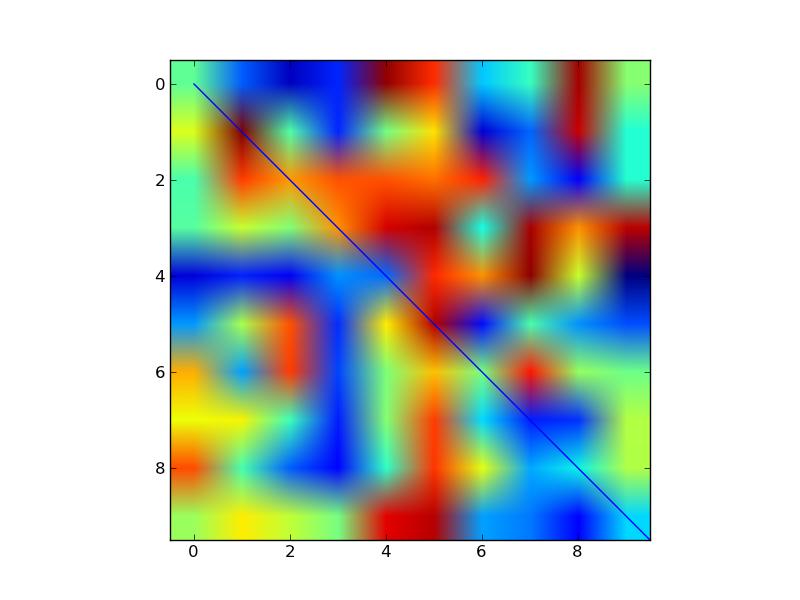
#for older matplotlib versions (worked for me using 0.99.1.1)
self.axes.imshow(channel1, interpolation="nearest")
self.axes.plot(dat[0], dat[1], "b-", scalex=False, scaley=False)



 已为社区贡献126445条内容

所有评论(0)