The code below produces gaps between the subplots. How do I remove the gaps between the subplots and make the image a tight grid?
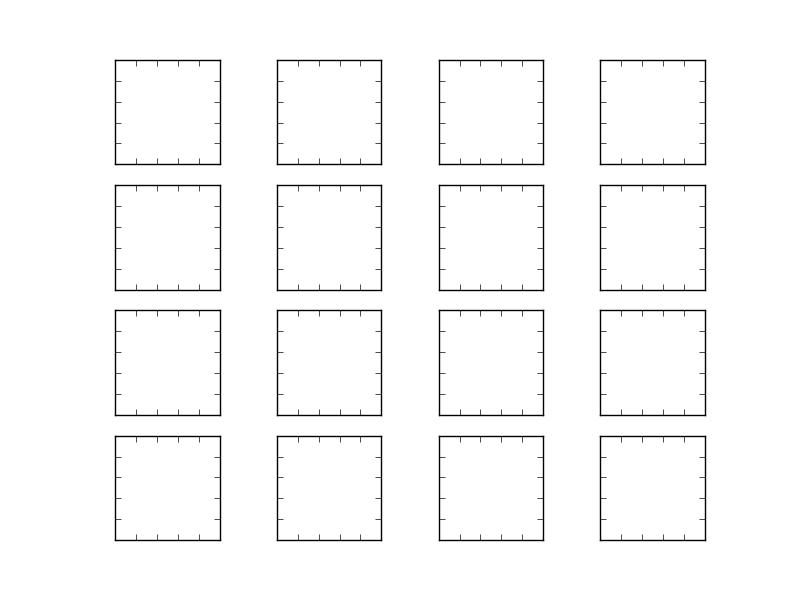
import matplotlib.pyplot as plt

for i in range(16):
    i = i + 1
    ax1 = plt.subplot(4, 4, i)
    plt.axis('on')
    ax1.set_xticklabels([])
    ax1.set_yticklabels([])
    ax1.set_aspect('equal')
    plt.subplots_adjust(wspace=None, hspace=None)
plt.show()
You can use gridspec to control the spacing between axes. There's more information here.
import matplotlib.pyplot as plt
import matplotlib.gridspec as gridspec

plt.figure(figsize = (4,4))
gs1 = gridspec.GridSpec(4, 4)
gs1.update(wspace=0.025, hspace=0.05) # set the spacing between axes.

for i in range(16):
   # i = i + 1 # grid spec indexes from 0
    ax1 = plt.subplot(gs1[i])
    plt.axis('on')
    ax1.set_xticklabels([])
    ax1.set_yticklabels([])
    ax1.set_aspect('equal')

plt.show()






 已为社区贡献126445条内容

所有评论(0)