VS Code shows red squiggles under "stdio.h" when workspace is in ~/src but not /tmp
Answer a question
Visual Studio Code shows red squiggles under #include <stdio.h> in the editor when the workspace is in ~/src but not when it is in /tmp. Both workspaces compile and run the code fine. It's only an error in the editor.
I can reproduce this with a very simple Hello World C workspace. I am using CMake along with CMake Tools. Versions:
- macOS Catalina 10.15.7
- CMake 3.19.5
- Visual Studio Code 1.53.2
- C/C++ Extension 1.2.1
- CMake Tools Extension 1.6.0
Here's the directory structure:
% tree hello_world
hello_world
├── CMakeLists.txt
└── main.c
Here's CMakeLists.txt:
cmake_minimum_required(VERSION 3.0.0)
project(hello_world VERSION 1.0.0)

add_executable(hello_world main.c)
Here's main.c:
#include <stdio.h>

int main(int argc, char** argv)
{
    printf("hello world\n");
    return 0;
}
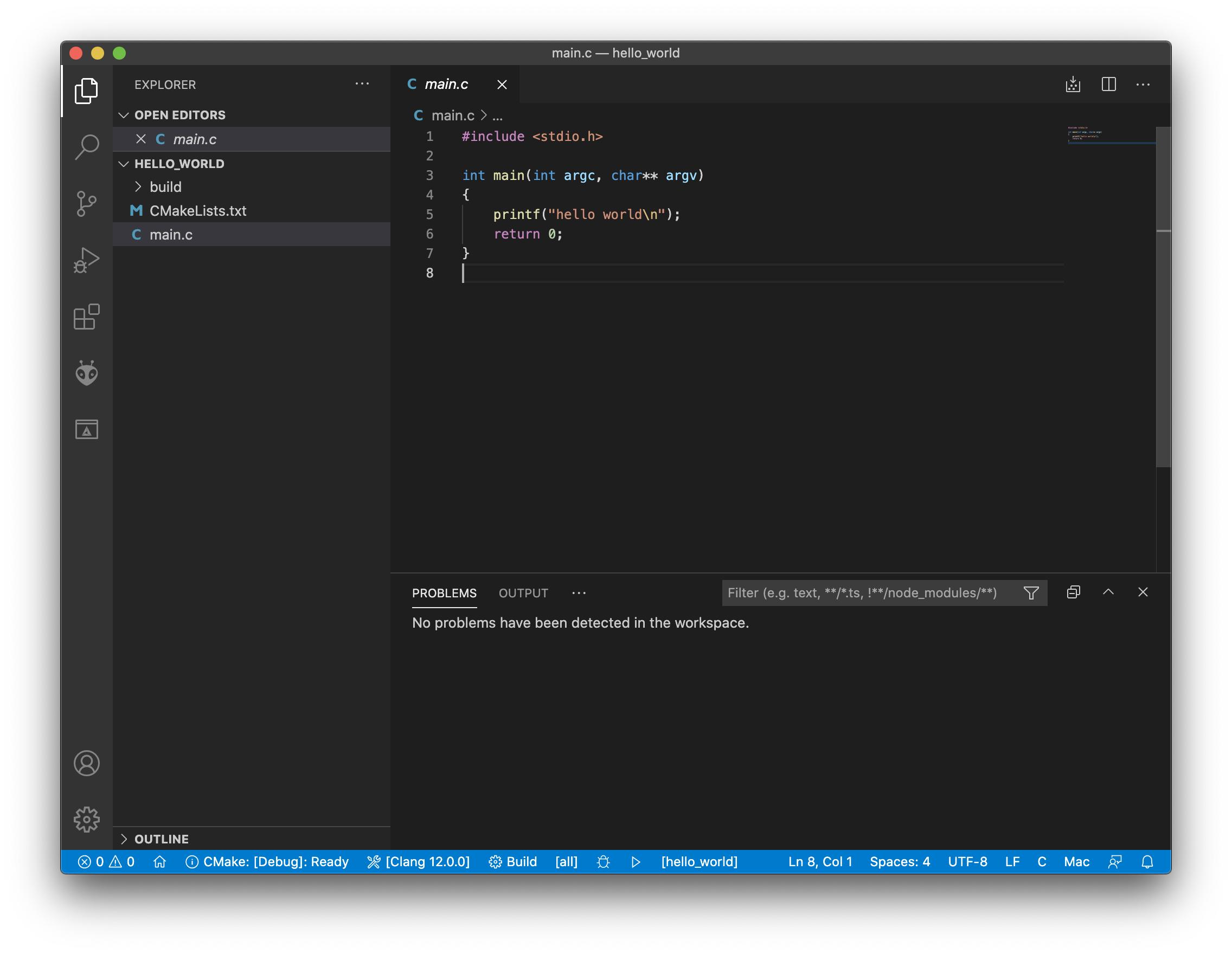
Here's the screenshot for ~/src:

And here's the screenshot for /tmp:
Edit: Posted the output of "C/C++: Log Diagnostics" for both workspaces on a Gist. Here's part of the diff:
     Includes:
-        /usr/local/include
         /Applications/Xcode.app/Contents/Developer/Toolchains/XcodeDefault.xctoolchain/usr/lib/clang/12.0.0/include
-        /Library/Developer/CommandLineTools/SDKs/MacOSX10.15.sdk/usr/include
         /Applications/Xcode.app/Contents/Developer/Toolchains/XcodeDefault.xctoolchain/usr/include
-    Frameworks:
-        /Library/Developer/CommandLineTools/SDKs/MacOSX10.15.sdk/System/Library/Frameworks
So this explains why it cannot find it in one workspace, but not why the paths are different.
Answers
Edit: This was a bug in the VS Code C/C++ extension that was fixed in version 1.2.2.
This is apparently an FAQ:
Q: Why do I see red squiggles under Standard Library types?
A: The most common reason for this is missing include paths and defines. The easiest way to fix this on each platform is as follows:
Linux/Mac: Set
"intelliSenseMode": "clang-x64"or"intelliSenseMode": "gcc-x64"andcompilerPathinc_cpp_properties.jsonto the path to your compiler.
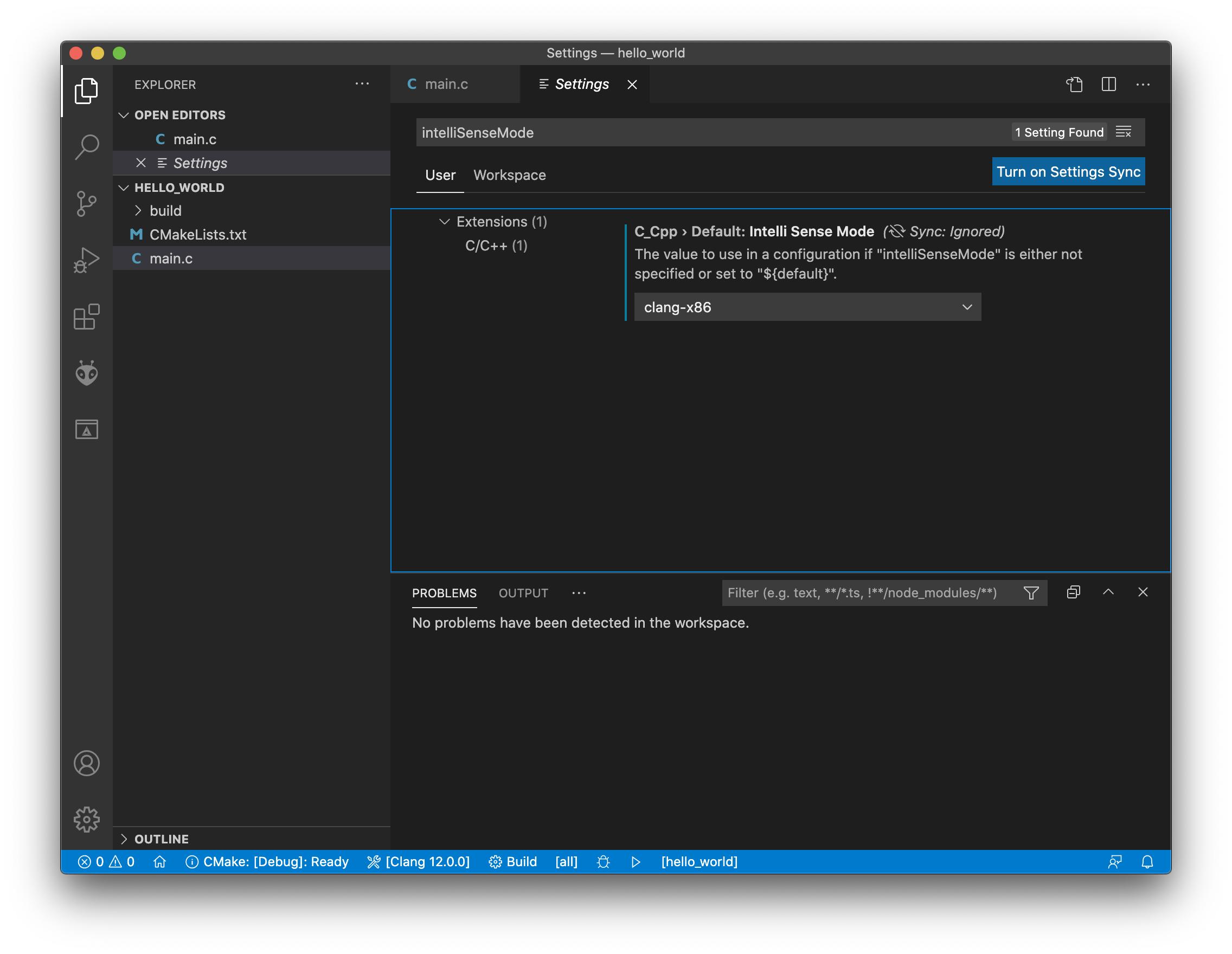
I changed only intelliSenseMode to clang-x64 (it was unset), leaving compilerPath alone, and that fixed the problem. I don't understand why the source directory causes "missing include paths" or why this mode is not the default, but it works now.
Edit: I created issue #7014 on the microsoft/vscode-cpptools GitHub project.
Edit: My issue was duped to issue #6992, which has been fixed in version 1.2.2.

开发云社区提供前沿行业资讯和优质的学习知识,同时提供优质稳定、价格优惠的云主机、数据库、网络、云储存等云服务产品
更多推荐
 0
0 0
0- 0


 已为社区贡献4439条内容

所有评论(0)