How can I play Video or Audio on a Jupyter Notebook through VS code?
Answer a question
I'm running a Jupyter Notebook on VS code and trying to display/play a video. From all the other forums, I've seen that using IPython.display is the standard method; however, it isn't working for me.
For example, for Video:
from IPython.display import Video
Video('test.mp4')
This code generates a video box in the output and I don't have any errors but I can't press play. The same happens when I try playing an Audio file.
I've ensured that the file is in the current folder and I'm using Python 3.8.2 in a virtual environment (venv) and IPython 7.27.0.
Answers
To get it to work I did the following:
Uninstalled and reinstalled VS Code and installed the extensions Python, Jupyter and Jupyter Keymap
Installed FFmpeg through Homebrew:
brew install ffmpeg
Converted the video codec from "MPEG4" to "H.264":
ffmpeg -i test.mp4 video.mp4
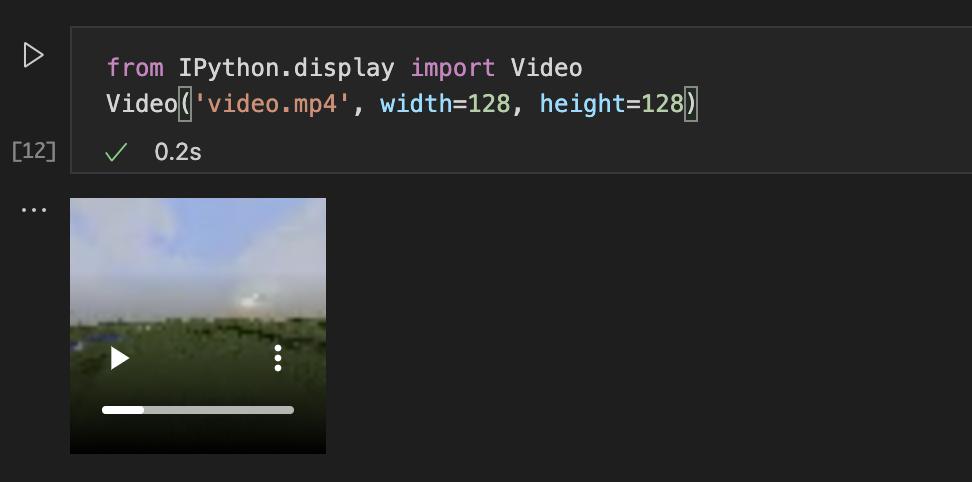
Then used the following code to display the video:
from IPython.display import Video
Video('video.mp4', width=128, height=128)

开发云社区提供前沿行业资讯和优质的学习知识,同时提供优质稳定、价格优惠的云主机、数据库、网络、云储存等云服务产品
更多推荐
 0
0 0
0- 0


 已为社区贡献4439条内容

所有评论(0)