

I've deployed my laravel project to vps server(ubuntu) on top of LEMP stack. Everything works fine with livewire, except image uploading.
Image uploading itself works fine on my local environment
When I try to upload image Livewire throws validation error saying The icon failed to upload.
This is becuse of Livewire can't create livewire-tmp folder. I've created that folder myself and gave it 755 permission, but still it's not working. I've also published livewire config file and changed some configurations, but still the same.
I don't know why Livewire can not create livewire-temp folder and store temporary files in it. Maybe it's something to do with nginx server configuration. So I am sharing my ngnix configuration:
server {
    listen 80 default_server;
    #listen [::]:80 default_server;

    root /var/www/html/west-hospital-admin/public;
    #root /home/west/west-hospital-admin/public;

    # Add index.php to the list if you are using PHP
    index index.html index.htm index.nginx-debian.html index.php;
    server_name _;

    location / {
        try_files $uri $uri/ /index.php$query_string;
    }
    # pass PHP scripts to FastCGI server

    location ~ \.php$ {
        include snippets/fastcgi-php.conf;
        fastcgi_pass unix:/var/run/php/php8.1-fpm.sock;
        fastcgi_param SCRIPT_FILENAME $realpath_root$fastcgi_script_name;
    }
}
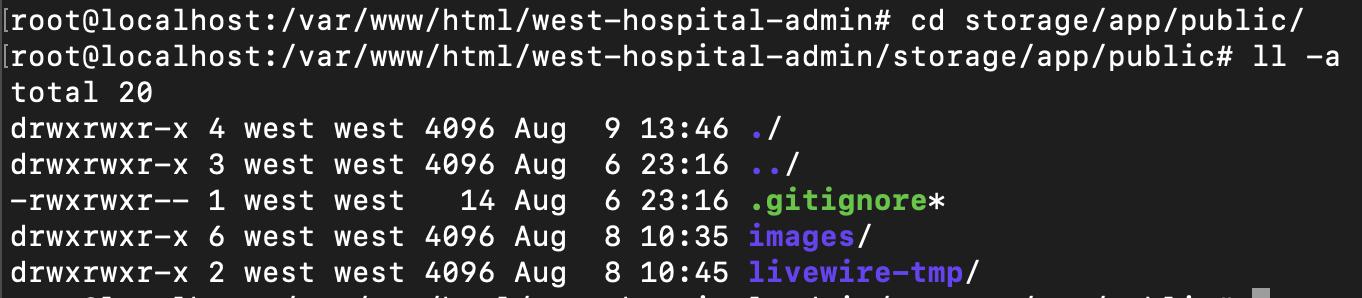
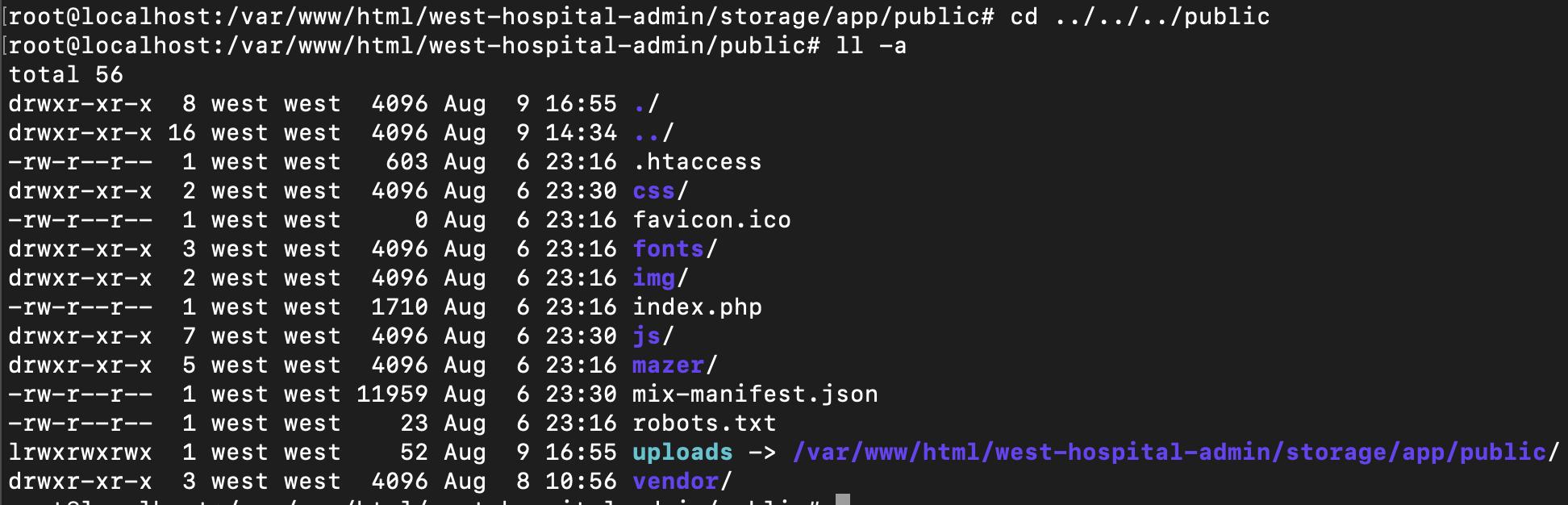
I'm placing my project's folder and file permissions if in case is needed. It's likely to be a permission issue.
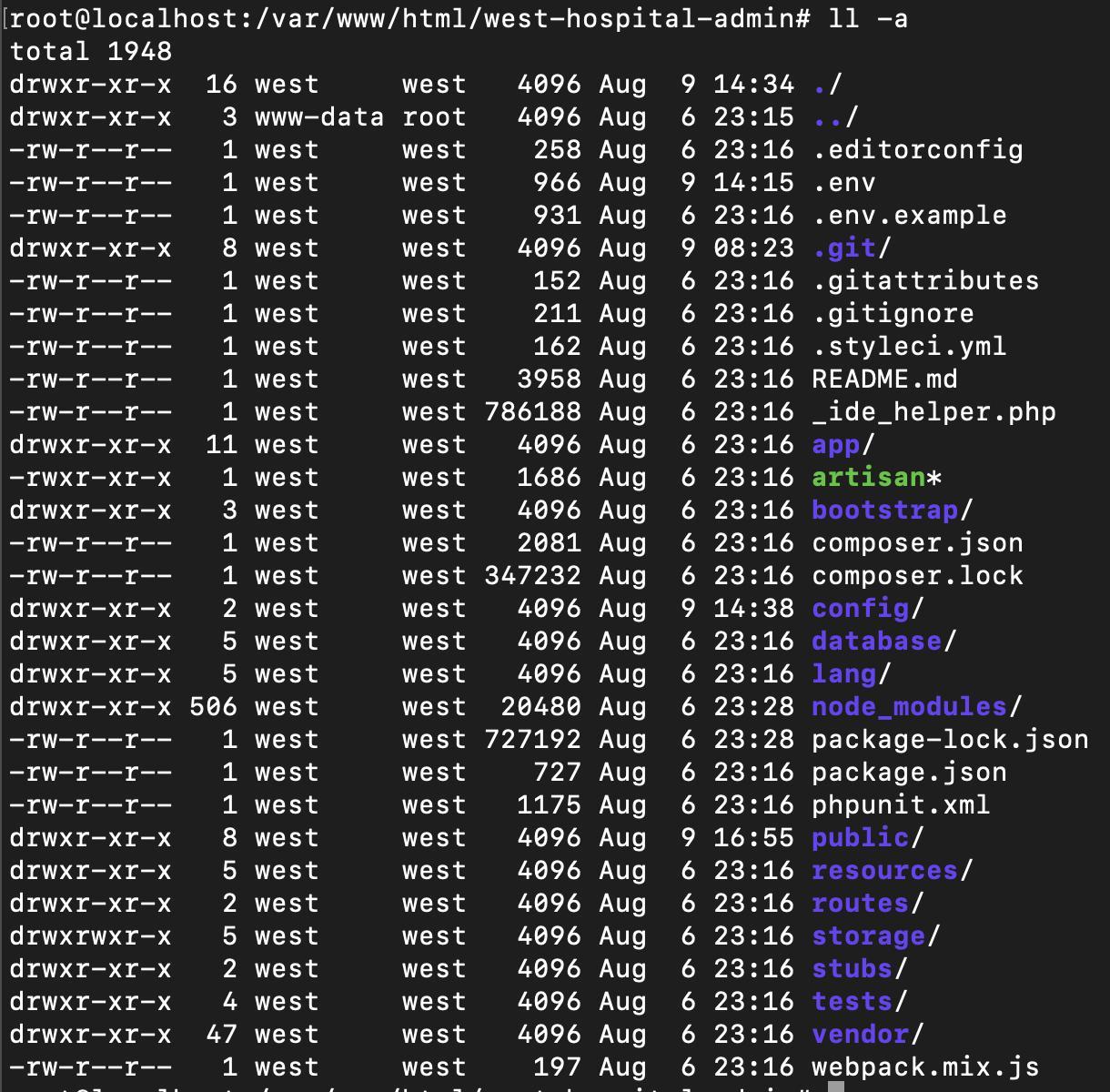
storage/app/public folder
Note, that Livewire itself didn't create the
livewire-tmpfolder. I created it and gave 755 permission to it.
public folder, with symbolic link to storage/app/public folder
I would very appreciate it if someone who knows why Livewire can not handle uploading can share their knowledge with me. 🙂


 已为社区贡献15557条内容

所有评论(0)