

SonarQube is an open-source platform developed by SonarSource, which checks the quality of your code by running continuous checks for bug detection, code smells and security vulnerabilities. It supports over 20 programming languages.
We take the steps below, to run a health check on a Flask project:
Build the Flask project
- Create and switch to a virtual environment
python3 -m venv venv
source venv/bin/activate
- Install requirements
pip3 install -r requirements.txt
- Run the project
python3 main.py
Install SonarQube
- Install SonarQube using Docker
docker run -d --name sonarqube -e SONAR_ES_BOOTSTRAP_CHECKS_DISABLE=true -p 9000:9000 sonarqube:latest
- Run SonarQube locally
http://localhost:9000/
Default username and password is admin for both fields.
If asked to update password, kindly do so
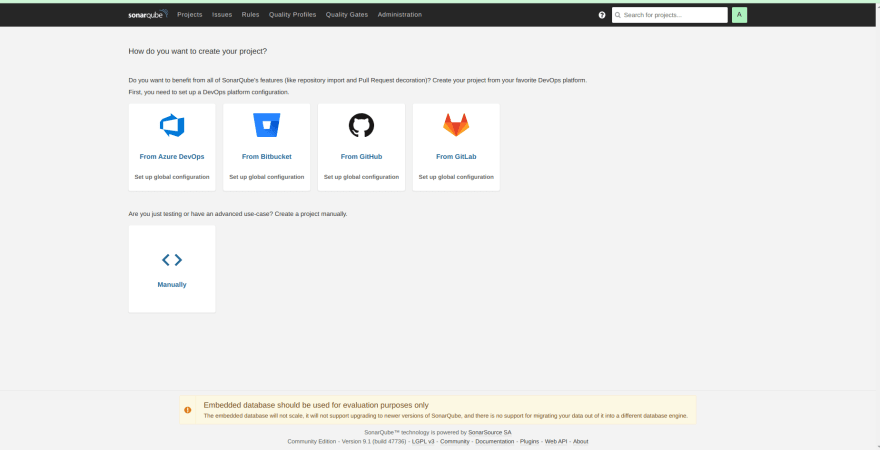
Run an Analysis on SonarQube
-
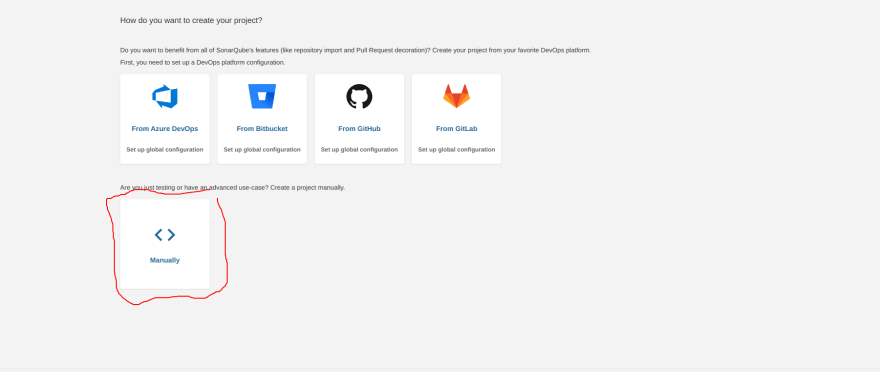
We run an analysis manually, by clicking on the 'manually' option at the bottom of the page
-
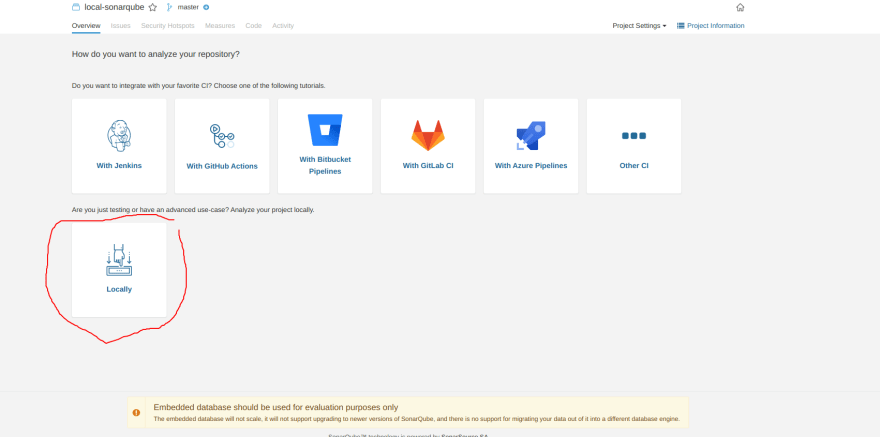
Fill the prompts and tell SonarQube to run your project locally
-
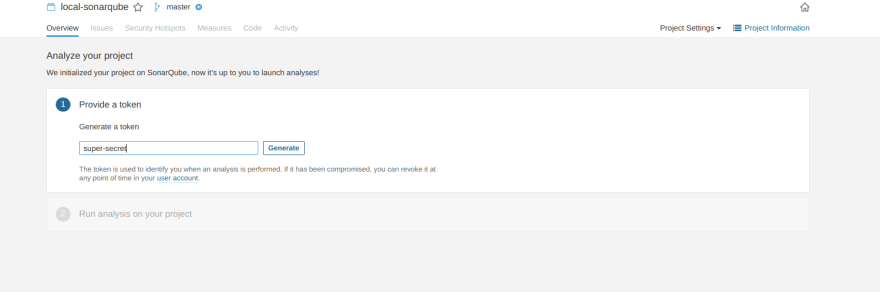
Generate a token
-
For our build, we select the 'Other' option, when asked what describes our build.
We also have to download a scanner based on our operating system.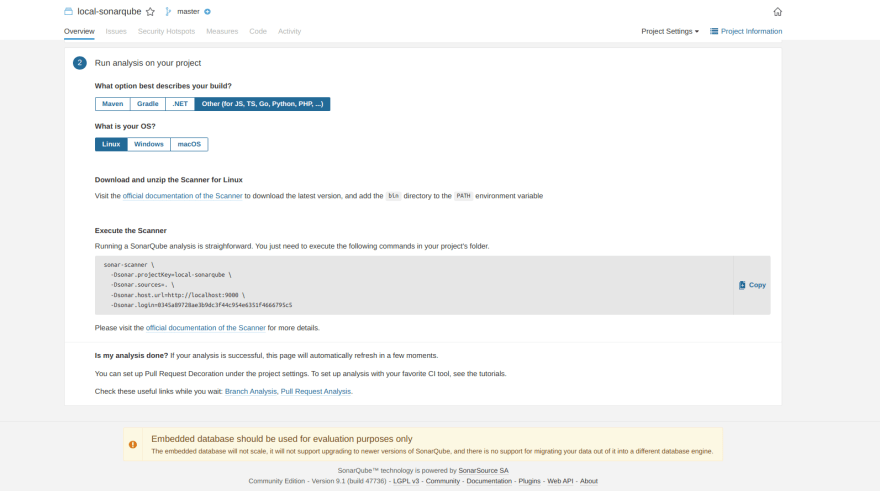
-
We install SonarQube scanner following the prompts in this article.
wget https://binaries.sonarsource.com/Distribution/sonar-scanner-cli/sonar-scanner-cli-4.2.0.1873-linux.zip
unzip sonar-scanner-cli-4.2.0.1873-linux.zip
sudo mv sonar-scanner-4.2.0.1873-linux /opt/sonar-scanner
- Edit the
sonar-scanner.propertiesfile
to contain
sonar.host.url=http://localhost:9000
sonar.sourceEncoding=UTF-8
- Create a file to automate the required environment variables configuration
sudo nano /etc/profile.d/sonar-scanner.sh
to contain
#/bin/bash
export PATH="$PATH:/opt/sonar-scanner/bin"
- Add the sonar-scanner commands, to PATH variables
source /etc/profile.d/sonar-scanner.sh
- Verify that the PATH variable was changed as expected
env | grep PATH

- Verify SonarQube scanner was installed
sonar-scanner -v

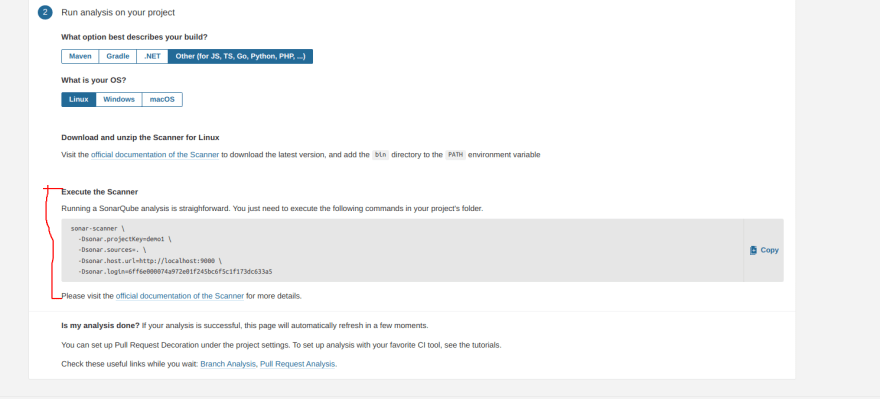
- Next, run the command as marked in red ink in the picture below.
The command should be ran in the directory where you installed SonarQube
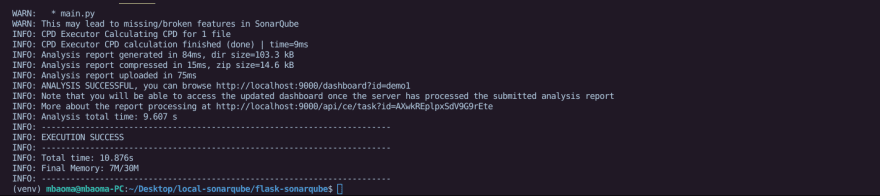
Expected result
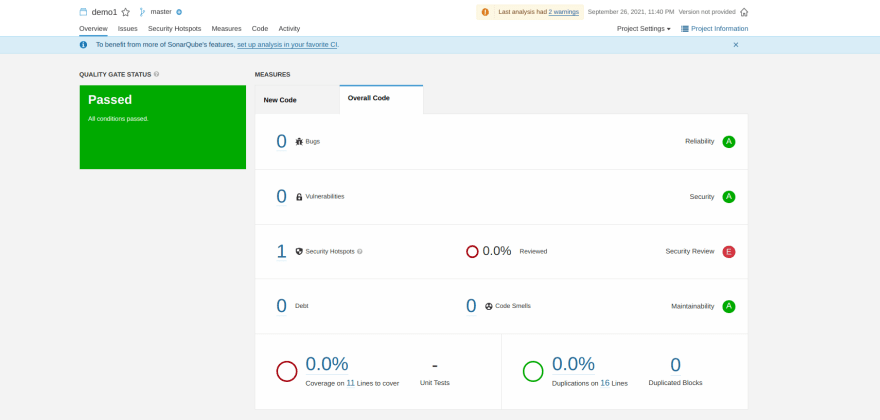
SonarQube web page
Checkout my GitHub Repo to view my files.


 已为社区贡献22912条内容

所有评论(0)