
Vue3 + Ollama + Llama3:构建离线运行的本地大模型聊天应用
·
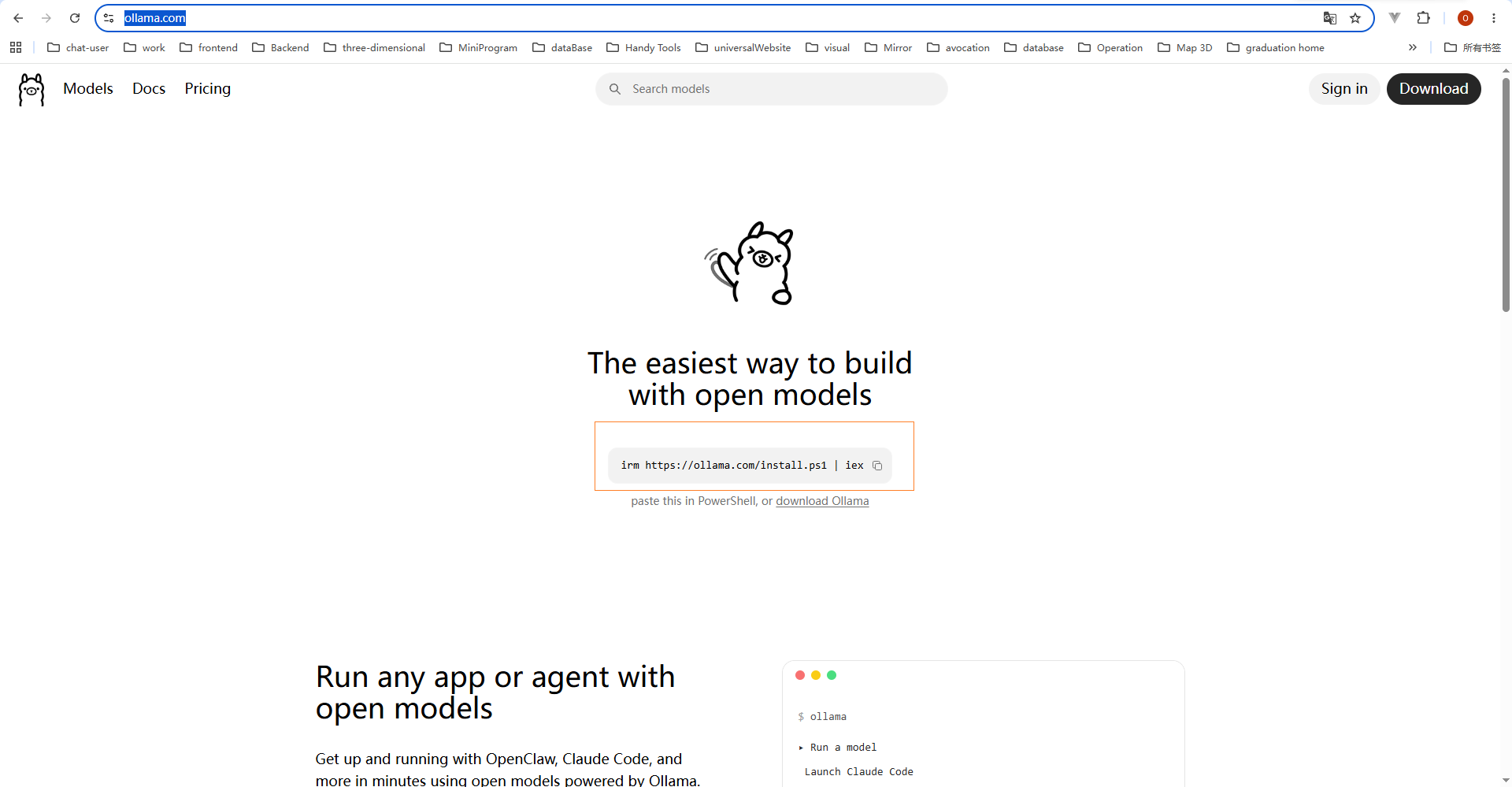
1.官网
2.下载
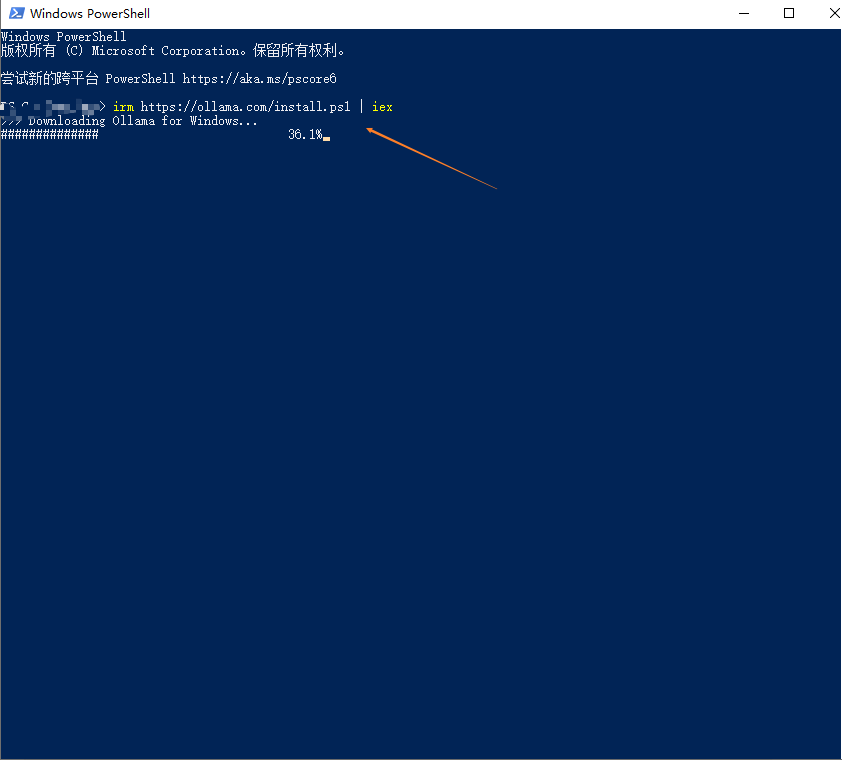
说明:一键安装 Ollama 的命令。
irm https://ollama.com/install.ps1 | iex
3.查看
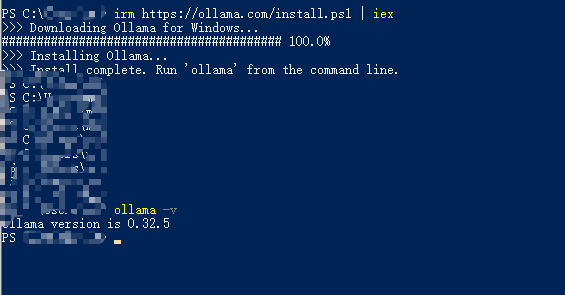
说明:查看是否安装成功
ollama -v
4.安装模型
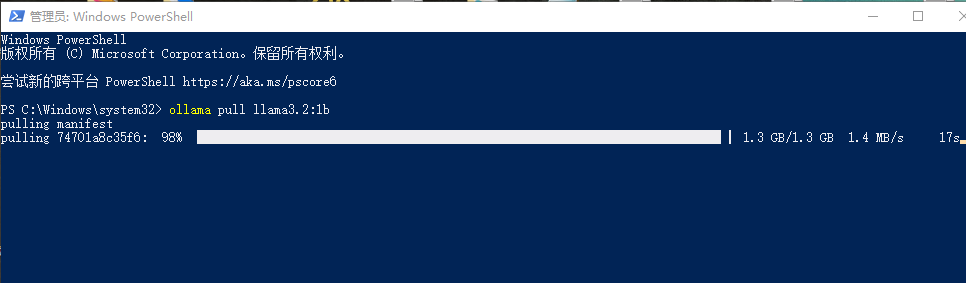
说明:安装llama3.2:1b大模型
ollama pull llama3.2:1b
5.模型列表
说明:查看模型列表
ollama list

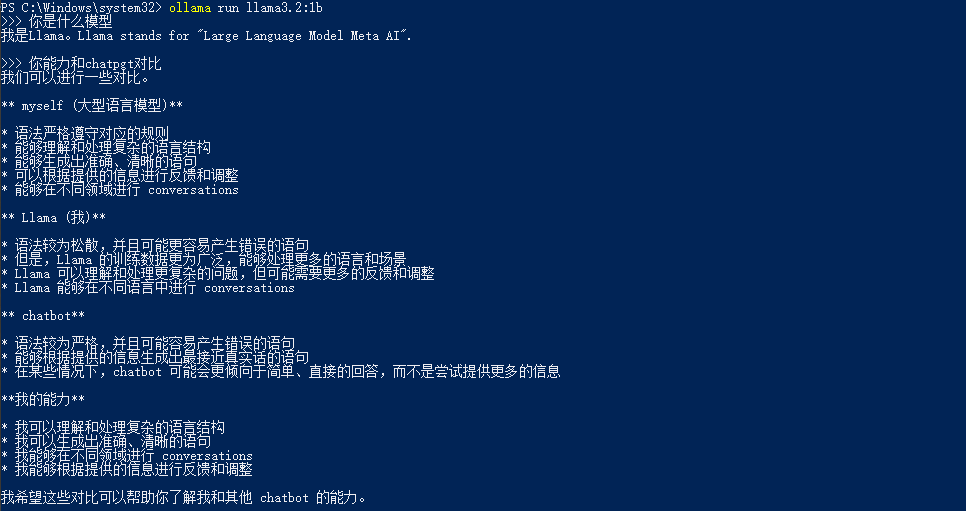
6.运行模型
ollama run llama3.2:1b
7.搭建Vue3项目
说明:关键代码如下
7.1App.vue
<template>
  <div class="app">
    <header>Ollama Chat (llama3.2:1b)</header>
    <div class="messages" ref="msgRef">
      <div v-for="(m, i) in messages" :key="i" :class="['msg', m.role]">
        <div class="avatar">{{ m.role === 'user' ? 'U' : 'O' }}</div>
        <div class="bubble">{{ m.content }}</div>
      </div>
      <div v-if="loading" class="msg assistant">
        <div class="avatar">O</div>
        <div class="bubble loading-dots"><span></span><span></span><span></span></div>
      </div>
    </div>
    <div class="input-bar">
      <textarea
        v-model="input"
        @keydown.enter.exact="send"
        placeholder="输入消息,Enter 发送"
        rows="1"
        ref="inputRef"
      ></textarea>
      <button @click="send" :disabled="loading || !input.trim()">发送</button>
    </div>
  </div>
</template>

<script setup>
import { ref, nextTick, watch } from 'vue'

const input = ref('')
const messages = ref([])
const loading = ref(false)
const msgRef = ref(null)
const inputRef = ref(null)

async function send() {
  const text = input.value.trim()
  if (!text || loading.value) return
  input.value = ''
  messages.value.push({ role: 'user', content: text })
  loading.value = true
  await scrollToBottom()

  try {
    const res = await fetch('/api/chat', {
      method: 'POST',
      headers: { 'Content-Type': 'application/json' },
      body: JSON.stringify({
        model: 'llama3.2:1b',
        messages: [{ role: 'user', content: text }],
        stream: false,
      }),
    })
    if (!res.ok) throw new Error(await res.text())
    const data = await res.json()
    messages.value.push({ role: 'assistant', content: data.message?.content || '(无响应)' })
  } catch (e) {
    messages.value.push({ role: 'assistant', content: '请求失败: ' + e.message })
  } finally {
    loading.value = false
    await scrollToBottom()
    inputRef.value?.focus()
  }
}

async function scrollToBottom() {
  await nextTick()
  const el = msgRef.value
  if (el) el.scrollTop = el.scrollHeight
}
</script>

<style>
* { margin: 0; padding: 0; box-sizing: border-box; }
body { font-family: -apple-system, BlinkMacSystemFont, 'Segoe UI', Roboto, sans-serif; background: #212121; color: #e0e0e0; }
.app { height: 100vh; display: flex; flex-direction: column; max-width: 900px; margin: 0 auto; }
header { background: #171717; padding: 14px 20px; border-bottom: 1px solid #333; font-size: 16px; font-weight: 600; text-align: center; }
.messages { flex: 1; overflow-y: auto; padding: 20px; display: flex; flex-direction: column; gap: 16px; }
.msg { display: flex; gap: 10px; max-width: 85%; }
.msg.user { align-self: flex-end; flex-direction: row-reverse; }
.msg.assistant { align-self: flex-start; }
.avatar { width: 32px; height: 32px; border-radius: 50%; display: flex; align-items: center; justify-content: center; font-size: 14px; font-weight: 600; flex-shrink: 0; }
.msg.user .avatar { background: #2b5278; }
.msg.assistant .avatar { background: #5a5a5a; }
.bubble { padding: 10px 14px; border-radius: 12px; line-height: 1.6; white-space: pre-wrap; word-break: break-word; }
.msg.user .bubble { background: #2b5278; border-bottom-right-radius: 4px; }
.msg.assistant .bubble { background: #2d2d2d; border-bottom-left-radius: 4px; }
.loading-dots { display: flex; gap: 4px; align-items: center; min-height: 24px; }
.loading-dots span { width: 8px; height: 8px; border-radius: 50%; background: #888; animation: bounce 1.4s infinite both; }
.loading-dots span:nth-child(2) { animation-delay: .16s; }
.loading-dots span:nth-child(3) { animation-delay: .32s; }
@keyframes bounce { 0%,80%,100% { transform: scale(0); } 40% { transform: scale(1); } }
.input-bar { display: flex; gap: 8px; padding: 16px 20px; border-top: 1px solid #333; background: #171717; }
.input-bar textarea { flex: 1; resize: none; border: 1px solid #444; border-radius: 8px; padding: 10px 14px; background: #2d2d2d; color: #e0e0e0; font-size: 14px; outline: none; min-height: 44px; max-height: 120px; font-family: inherit; }
.input-bar textarea:focus { border-color: #2b5278; }
.input-bar button { padding: 10px 24px; border: none; border-radius: 8px; background: #2b5278; color: #fff; font-size: 14px; cursor: pointer; font-weight: 500; }
.input-bar button:hover { background: #346b9e; }
.input-bar button:disabled { background: #555; cursor: not-allowed; }
</style>
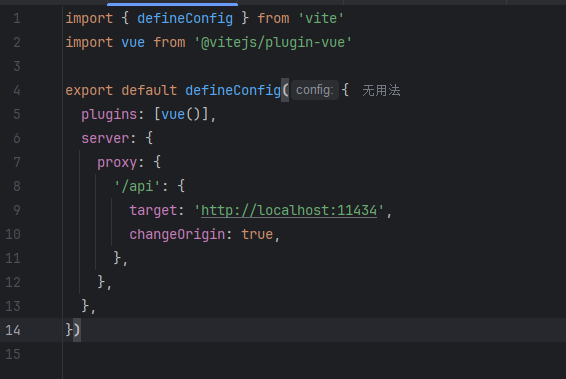
7.2Vite.config.js
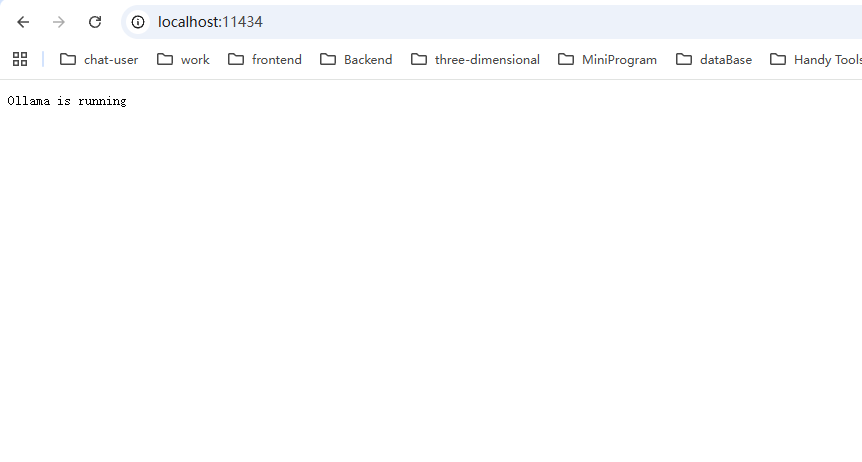
说明:Ollama 默认的服务地址和端口
8.实战
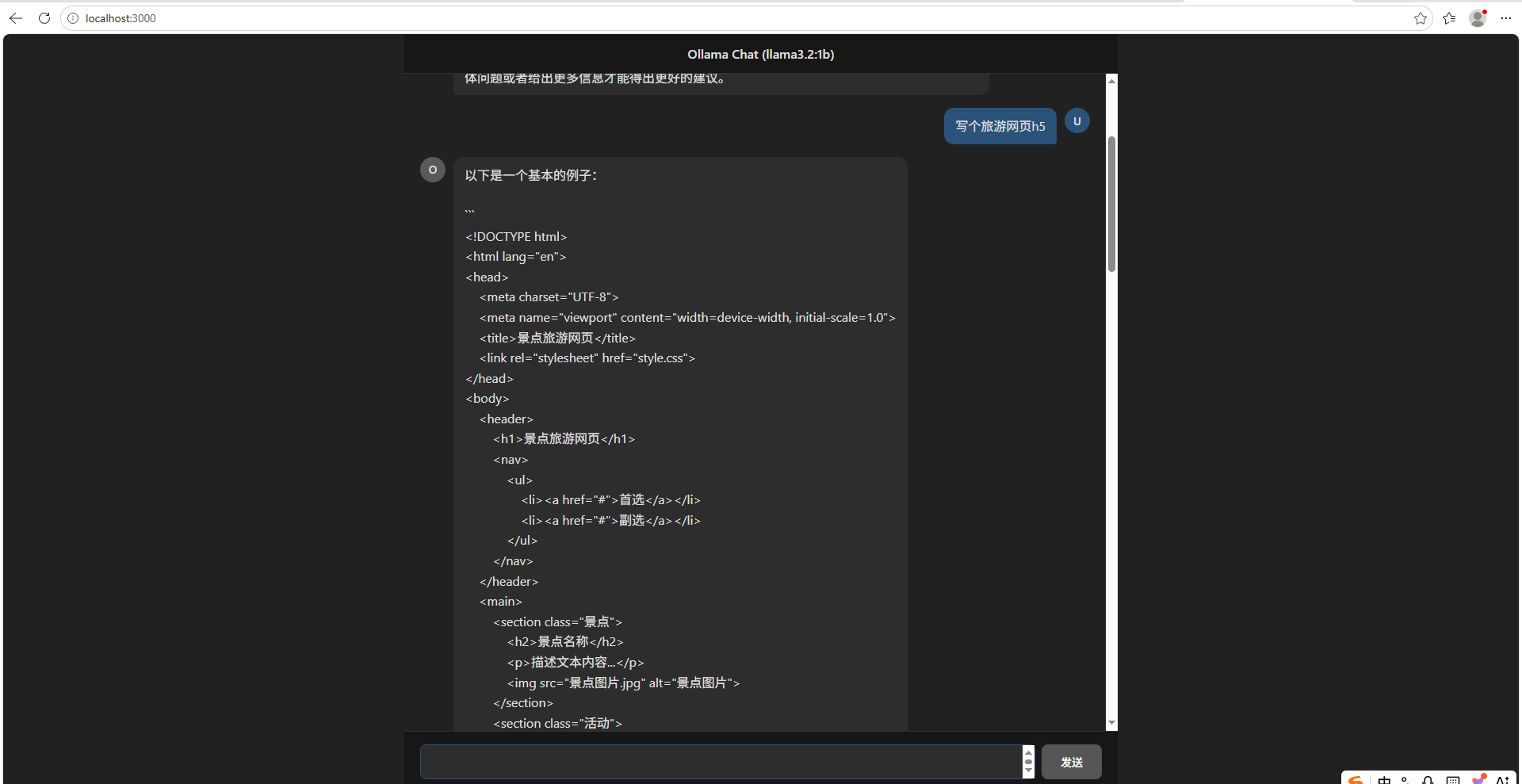
说明:如下图所示
更多推荐


 1
1 0
0- 0


 已为社区贡献4条内容

所有评论(0)