
Go语言Linter工具:golangci-lint深度解析
·
Go语言Linter工具:golangci-lint深度解析
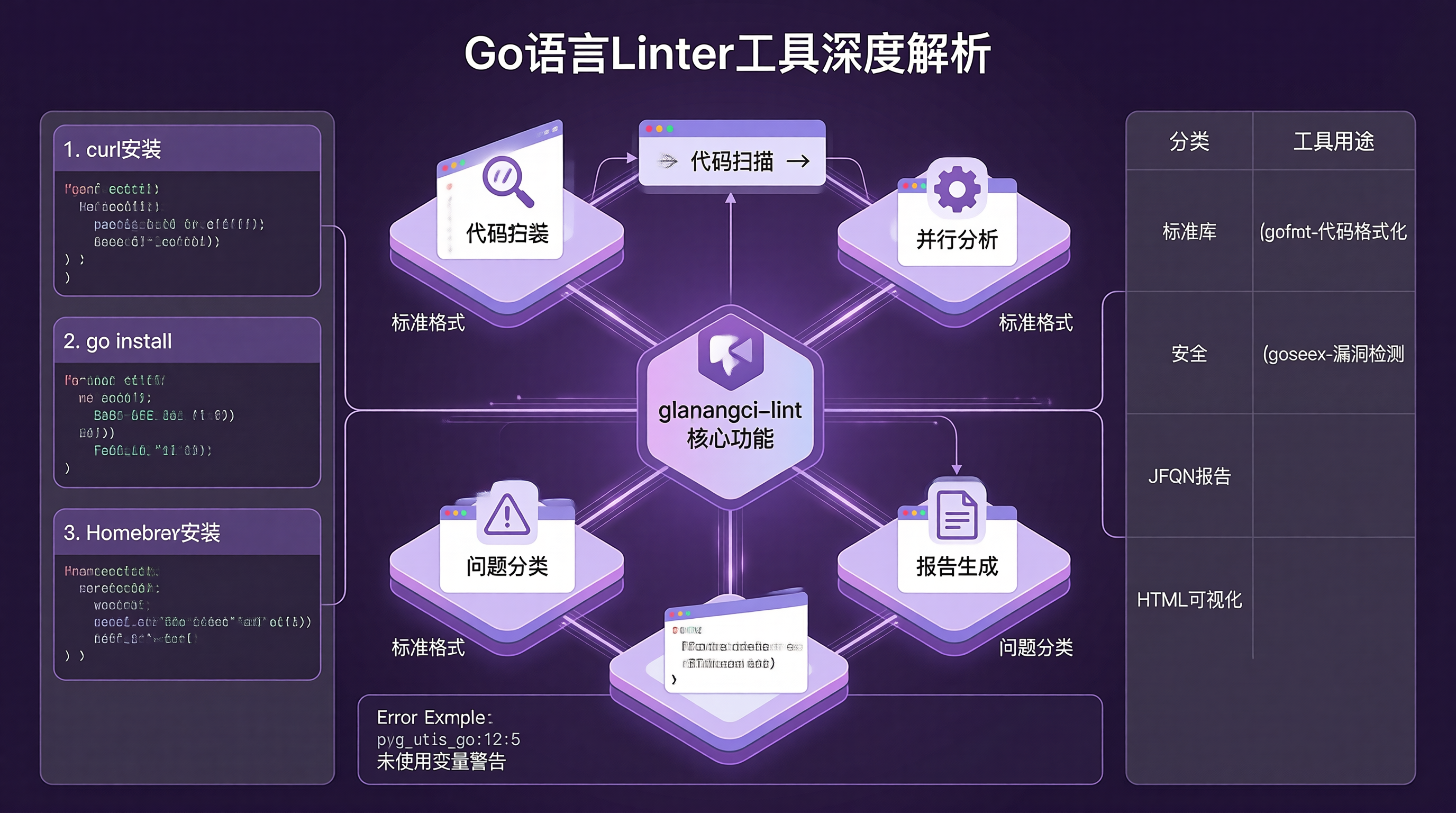
引言
代码质量是软件开发的核心。Go语言提供了多种静态分析工具来帮助开发者发现潜在问题。golangci-lint是一个集成了多种linter的工具,可以一次性检测代码中的各种问题。本文将深入探讨golangci-lint的使用方法、配置选项和最佳实践。
一、golangci-lint简介
1.1 什么是golangci-lint
golangci-lint是一个快速的Go语言lint工具聚合器,它集成了数十种lint工具,可以并行运行,大大提高了lint速度。
1.2 支持的linters
golangci-lint支持超过50种lint工具,包括:
| 分类 | 工具 | 用途 |
|---|---|---|
| 标准库 | gofmt | 代码格式化 |
| 标准库 | go vet | 静态分析 |
| 安全 | gosec | 安全漏洞检测 |
| 性能 | unused | 未使用代码检测 |
| 性能 | prealloc | 切片预分配建议 |
| 代码风格 | misspell | 拼写检查 |
| 代码风格 | nolintlint | nolint注释检查 |
| 并发 | race | 数据竞争检测 |
| 错误处理 | errcheck | 错误检查 |
1.3 安装方法
# 使用curl安装
curl -sSfL https://raw.githubusercontent.com/golangci/golangci-lint/master/install.sh | sh -s -- -b $(go env GOPATH)/bin v1.54.2

# 使用go install
go install github.com/golangci/golangci-lint/cmd/golangci-lint@v1.54.2

# 使用Homebrew
brew install golangci-lint
二、基础使用
2.1 基本命令
# 运行所有linters
golangci-lint run

# 运行指定目录
golangci-lint run ./pkg/...

# 运行指定文件
golangci-lint run main.go utils.go

# 显示详细输出
golangci-lint run -v

# 显示问题分类
golangci-lint run --enable-all --disable=lll

# 生成报告
golangci-lint run --out-format=json > lint-report.json
2.2 输出格式
# 标准格式
golangci-lint run

# JSON格式
golangci-lint run --out-format=json

# 代码审查格式
golangci-lint run --out-format=code-climate

# HTML格式
golangci-lint run --out-format=html > lint-report.html
2.3 常见错误类型
pkg/utils.go:12:5: unused variable 'err' (unused)
pkg/service/user.go:23:10: Error return value of 'db.Query' is not checked (errcheck)
pkg/model/user.go:45:2: struct field 'Name' should be exported (golint)
pkg/main.go:15:8: G101: Potential hardcoded credentials (gosec)
三、配置文件
3.1 配置文件位置
golangci-lint会按顺序查找以下配置文件:
.golangci.yml.golangci.yaml.golangci.toml.golangci.json
3.2 配置文件结构
# .golangci.yml
run:
  timeout: 5m
  modules-download-mode: readonly

linters:
  enable:
    - errcheck
    - gosec
    - unused
    - gofmt
    - go vet
  disable:
    - lll
    - wsl
  enable-all: false
  disable-all: false

linters-settings:
  errcheck:
    check-type-assertions: true
    check-blank: true
  gosec:
    severity: medium
    confidence: medium
  gofmt:
    simplify: true

issues:
  exclude-rules:
    - path: _test\.go
      linters:
        - errcheck
    - linters:
        - gosec
      text: "G101: Potential hardcoded credentials"
  max-same-issues: 5
  max-issues-per-linter: 10
  new: false
3.3 常用配置项
运行配置:
timeout: 超时时间modules-download-mode: 模块下载模式build-tags: 构建标签
Linters配置:
enable: 启用的linters列表disable: 禁用的linters列表enable-all: 启用所有lintersdisable-all: 禁用所有linters
Issues配置:
exclude-rules: 排除规则max-same-issues: 相同问题最大数量max-issues-per-linter: 每个linter最大问题数new: 只显示新问题
四、常用Linters详解
4.1 errcheck
检测未处理的错误返回值。
// 错误示例
func readFile(filename string) {
    f, _ := os.Open(filename)  // errcheck: error return value not checked
    defer f.Close()
}

// 正确示例
func readFile(filename string) error {
    f, err := os.Open(filename)
    if err != nil {
        return err
    }
    defer f.Close()
    return nil
}
4.2 gosec
检测安全漏洞。
// 安全风险示例
func login(username, password string) {
    query := fmt.Sprintf("SELECT * FROM users WHERE username='%s' AND password='%s'",
        username, password)  // gosec: SQL injection risk
}

// 安全示例
func login(username, password string) {
    query := "SELECT * FROM users WHERE username=? AND password=?"
    rows, err := db.Query(query, username, password)
}
4.3 unused
检测未使用的变量、函数和导入。
// 未使用示例
import (
    "fmt"      // unused: unused import
    "time"
)

func main() {
    name := "test"  // unused: unused variable
    fmt.Println("Hello")
}
4.4 gofmt
检测代码格式化问题。
# 自动修复格式化问题
golangci-lint run --fix
4.5 prealloc
检测可以预分配的切片。
// 可以优化的代码
func collectItems(items []Item) []Result {
    var results []Result  // prealloc: suggest preallocating
    for _, item := range items {
        results = append(results, processItem(item))
    }
    return results
}

// 优化后
func collectItems(items []Item) []Result {
    results := make([]Result, 0, len(items))
    for _, item := range items {
        results = append(results, processItem(item))
    }
    return results
}
五、高级配置
5.1 排除规则
issues:
  exclude-rules:
    # 排除测试文件中的errcheck问题
    - path: _test\.go
      linters:
        - errcheck

    # 排除特定模式的gosec问题
    - linters:
        - gosec
      text: "G101: Potential hardcoded credentials"

    # 排除特定文件的所有问题
    - path: vendor/
      linters:
        - all
5.2 自定义Linters
linters:
  enable:
    - custom
  custom:
    mylinter:
      cmd: ./bin/mylinter
      args: ["--flag"]
      output-format: json
5.3 性能优化
run:
  # 并行运行
  concurrency: 4

  # 缓存结果
  cache:
    enabled: true
    dir: ~/.cache/golangci-lint

  # 超时时间
  timeout: 2m
六、与IDE集成
6.1 VS Code配置
{
    "go.lintTool": "golangci-lint",
    "go.lintFlags": [
        "--fast",
        "--enable=gosec,errcheck,unused"
    ],
    "go.lintOnSave": "package"
}
6.2 GoLand配置
- 打开Preferences -> Go -> Go Vet
- 选择"golangci-lint"作为工具
- 配置命令行参数
6.3 编辑器配置对比
| IDE | 配置方式 | 特点 |
|---|---|---|
| VS Code | settings.json | 轻量、灵活 |
| GoLand | 图形界面 | 功能强大、集成度高 |
| Vim | .vimrc | 高度可定制 |
七、CI/CD集成
7.1 GitHub Actions
name: Lint

on: [push, pull_request]

jobs:
  lint:
    runs-on: ubuntu-latest

    steps:
    - uses: actions/checkout@v2

    - name: Set up Go
      uses: actions/setup-go@v2
      with:
        go-version: 1.21

    - name: Install golangci-lint
      run: |
        curl -sSfL https://raw.githubusercontent.com/golangci/golangci-lint/master/install.sh | sh -s -- -b $(go env GOPATH)/bin v1.54.2

    - name: Run lint
      run: golangci-lint run ./...
7.2 GitLab CI
lint:
  stage: test
  image: golang:1.21
  before_script:
    - curl -sSfL https://raw.githubusercontent.com/golangci/golangci-lint/master/install.sh | sh -s -- -b $(go env GOPATH)/bin v1.54.2
  script:
    - golangci-lint run ./...
7.3 Jenkins
pipeline {
    agent any

    stages {
        stage('Lint') {
            steps {
                sh 'curl -sSfL https://raw.githubusercontent.com/golangci/golangci-lint/master/install.sh | sh -s -- -b $(go env GOPATH)/bin v1.54.2'
                sh 'golangci-lint run ./...'
            }
        }
    }
}
八、最佳实践
8.1 配置策略
- 团队共识:团队成员应使用相同的lint配置
- 渐进式引入:不要一次性启用所有linters
- 定期更新:保持golangci-lint和规则配置的更新
8.2 处理误报
// nolint注释禁用特定linter
func legacyCode() { // nolint: gosec
    // 遗留代码,暂时无法修改
}

// nolint注释禁用所有linters
func workaround() { // nolint
    // 临时解决方案
}
8.3 性能优化建议
- 使用缓存:启用缓存减少重复检查
- 并行运行:利用多核CPU加速
- 选择性检查:只检查修改的文件
8.4 常见问题
| 问题 | 原因 | 解决方案 |
|---|---|---|
| 运行太慢 | 启用了太多linters | 减少启用的linters数量 |
| 误报太多 | 规则配置过于严格 | 添加排除规则 |
| 版本不一致 | 团队成员使用不同版本 | 使用固定版本 |
九、自定义Linter开发
9.1 开发步骤
- 创建Go模块
- 实现
golangci-lint插件接口 - 注册linter
- 编译测试
9.2 简单示例
package main

import (
    "github.com/golangci/golangci-lint/pkg/golinters"
    "github.com/golangci/golangci-lint/pkg/lint/linter"
)

type MyLinter struct{}

func (l *MyLinter) Name() string {
    return "mylinter"
}

func (l *MyLinter) Run(file *linter.File) ([]linter.Issue, error) {
    var issues []linter.Issue
    // 实现检查逻辑
    return issues, nil
}

func init() {
    golinters.RegisterLinter(&MyLinter{})
}
结论
golangci-lint是Go语言开发中不可或缺的工具,它可以帮助开发者在编码阶段发现潜在问题,提高代码质量。通过合理配置和使用,可以显著提升团队的开发效率和代码安全性。建议在项目中尽早引入,并根据团队需求定制规则配置。
参考文献:
- golangci-lint官方文档:https://golangci-lint.run/
- golangci-lint GitHub:https://github.com/golangci/golangci-lint
- 支持的linters列表:https://golangci-lint.run/usage/linters/
更多推荐
 7
7 0
0- 0


 已为社区贡献17条内容

所有评论(0)