
QT(1)-C/C++库生成和调用
·

1.测试文件
留意linux下和windows下的so,可能存在差异。
在哪个平台开发QT程序,就用哪个平台下编译的so文件。
测试so文件源码
test.cpp
#include <iostream>
int calcAdd(int x, int y)
{
	return x+y;
}
test.h
#ifndef _TEST_H_
#define _TEST_H_

int calcAdd(int x, int y);

#endif
测试源文件
main.cpp
#include "test.h"
#include <iostream>

using namespace std;

int main(void)
{
    int result = calcAdd(1,2);
    cout << result << endl;
}
g++ .\main.cpp .\test.cpp -o .\main

2.普通C++动态库生成
留意linux下和
生成动态链接库
g++ -std=c++11 test.cpp -fPIC -shared -o libtest.so
g++ -std=c++11 main.cpp -L. libtest.so -o main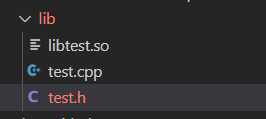
测试动态库

3.普通C++静态库生成
执行
g++ -c .\test.cpp
ar -rc .\test.a .\test.o
g++ -std=c++11 main.cpp .\test.a -o main
4.QT下C++库生成
新建库文件
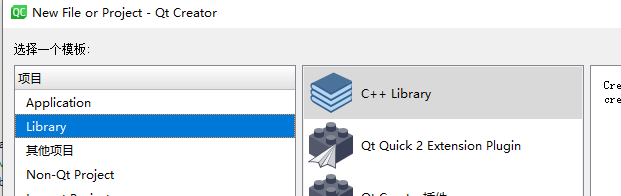
选择是动态库还是静态库

库内容
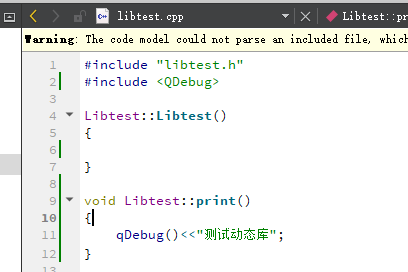
头文件
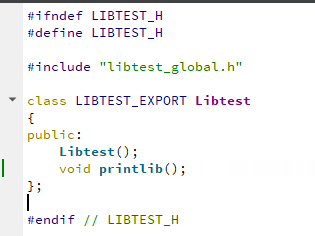
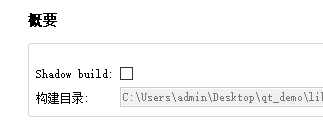
把shadow build取消勾选
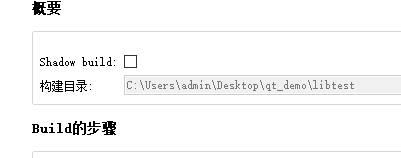
右键工程,构建
构建

查看构建结果
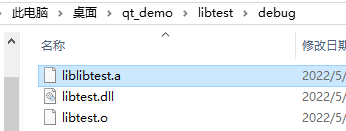
5.QT下调用C++库
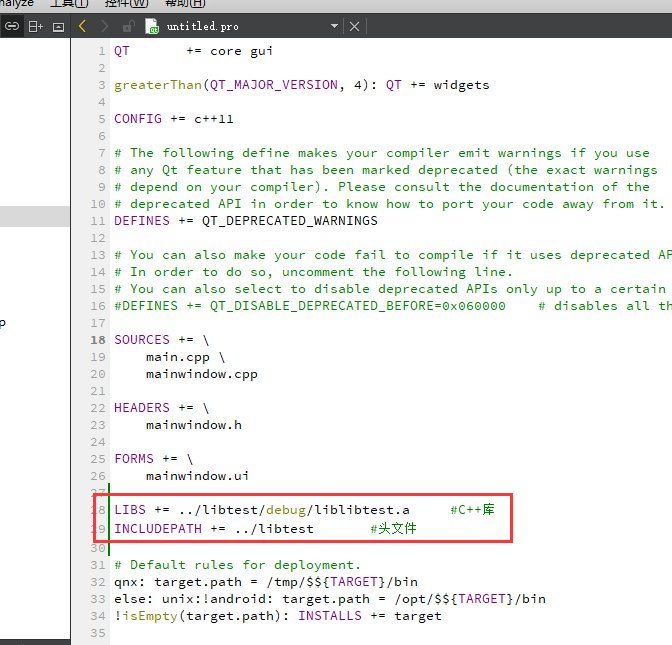
在应用工程下
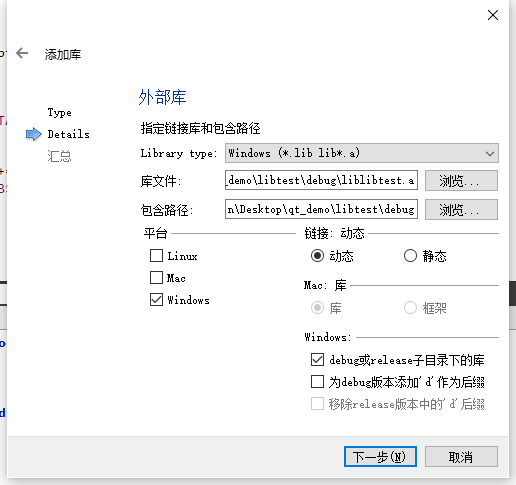
加入库的位置和头文件的位置
添加库的头文件
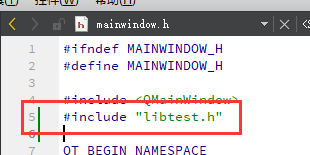
加入测试代码
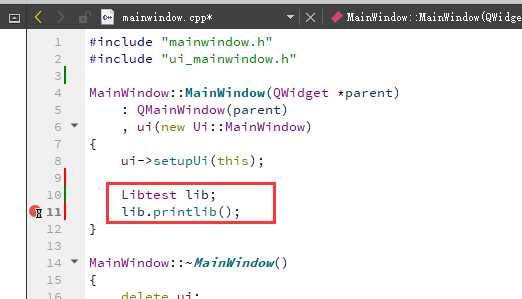
录下生成debug或者release文件夹
在工程目录右键,添加库->外部库
会在pro下面添加代码

重新构建运行

更多推荐


 9
9 0
0- 0


 已为社区贡献1条内容

所有评论(0)