
配置vscode与github连接
·
打开GitBash
鼠标右键打开GitBash
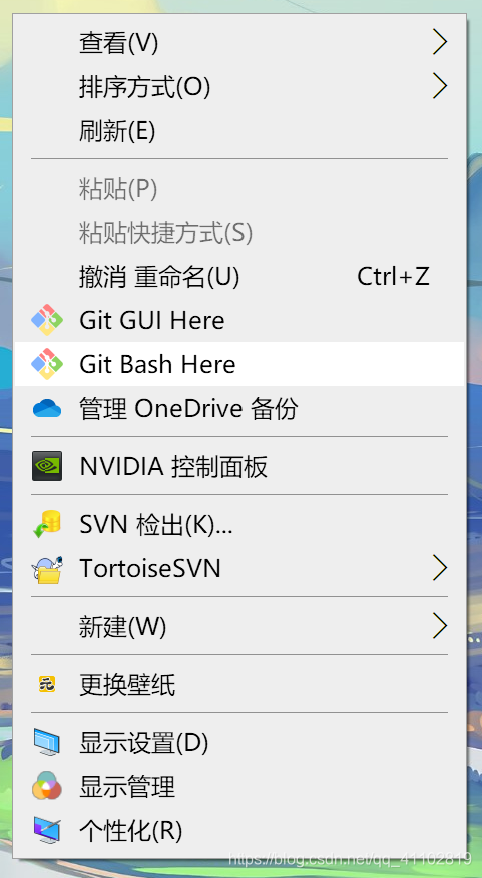
将下面的命令敲入GitBash
git config --global user.name "你的name"
git config --global user.email "你的邮箱"
git config --global push.default matching
git config --global core.quotepath false
git config --global core.editor "vim"
接下来配置与github的连接
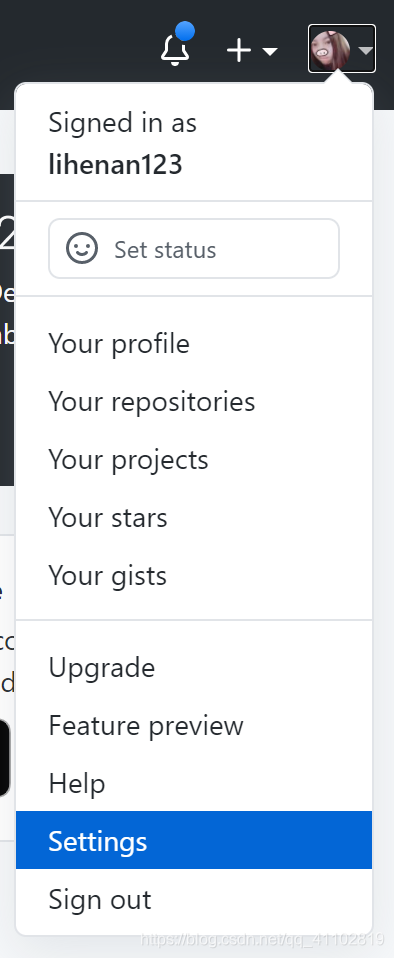
打开GitHub -> 右上角 -> Settings
左侧SSH and GPG keys
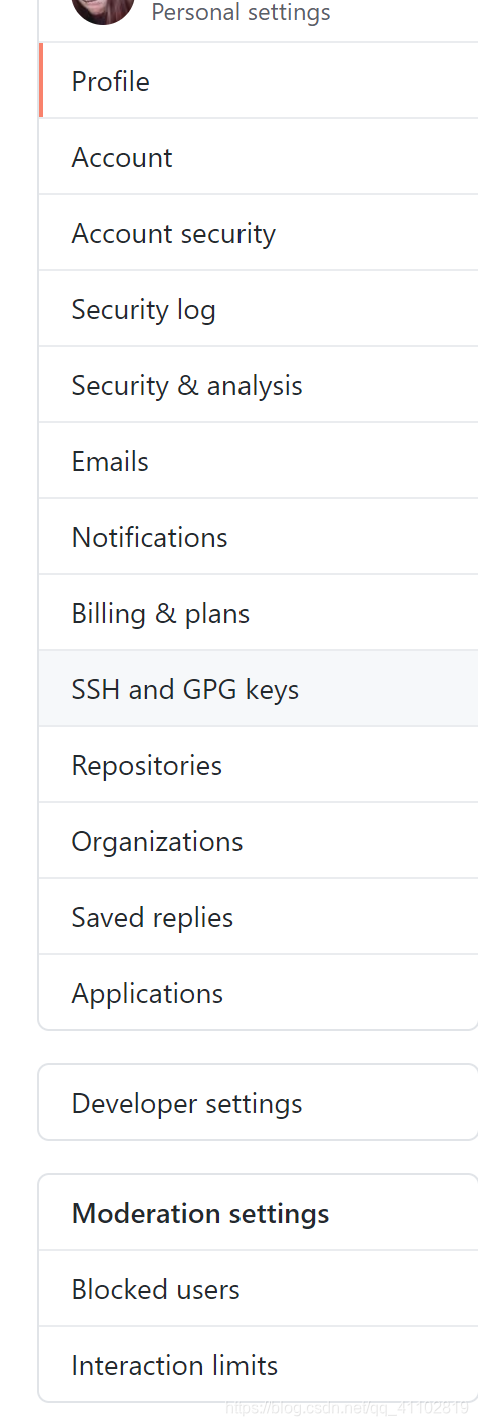
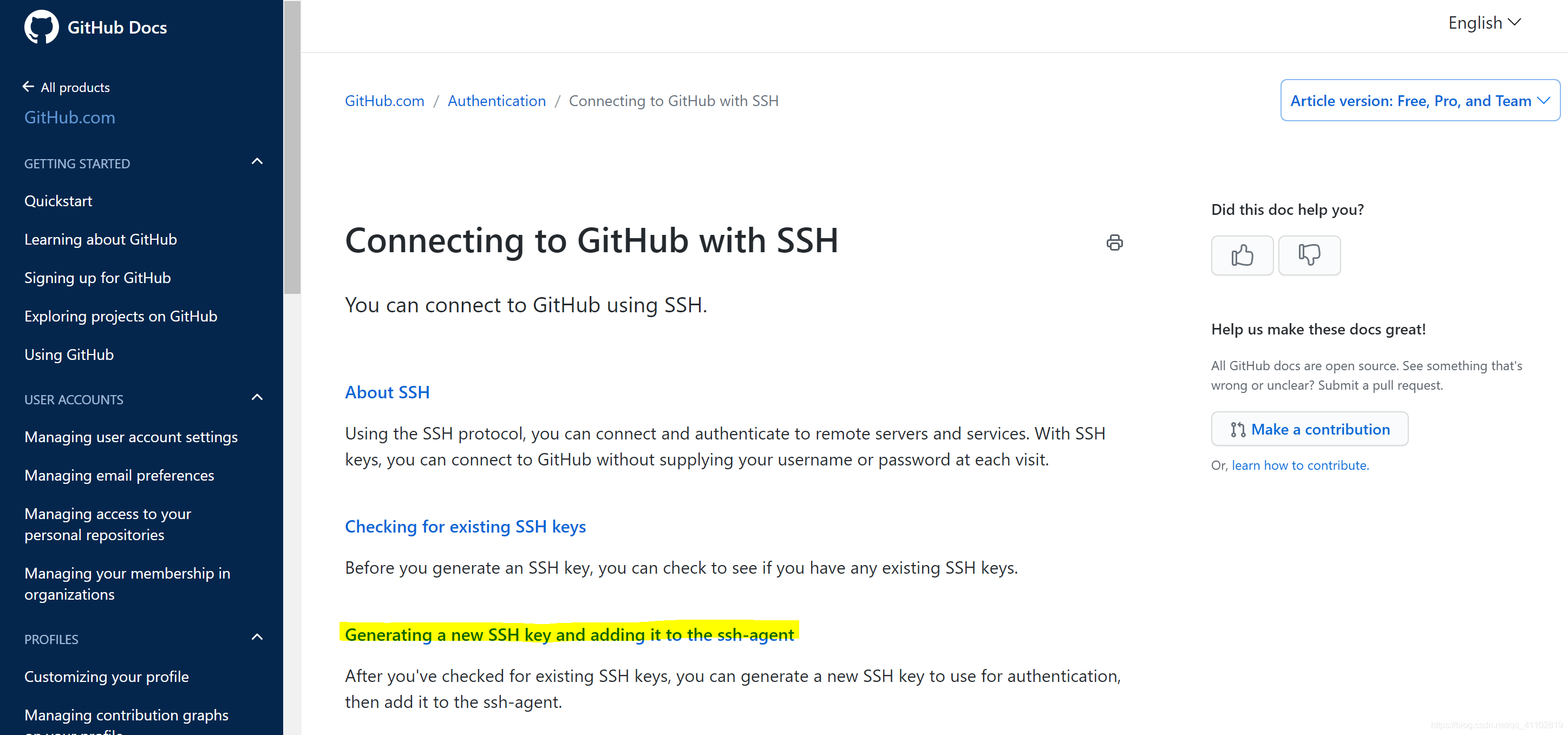
点击generating SSH keys

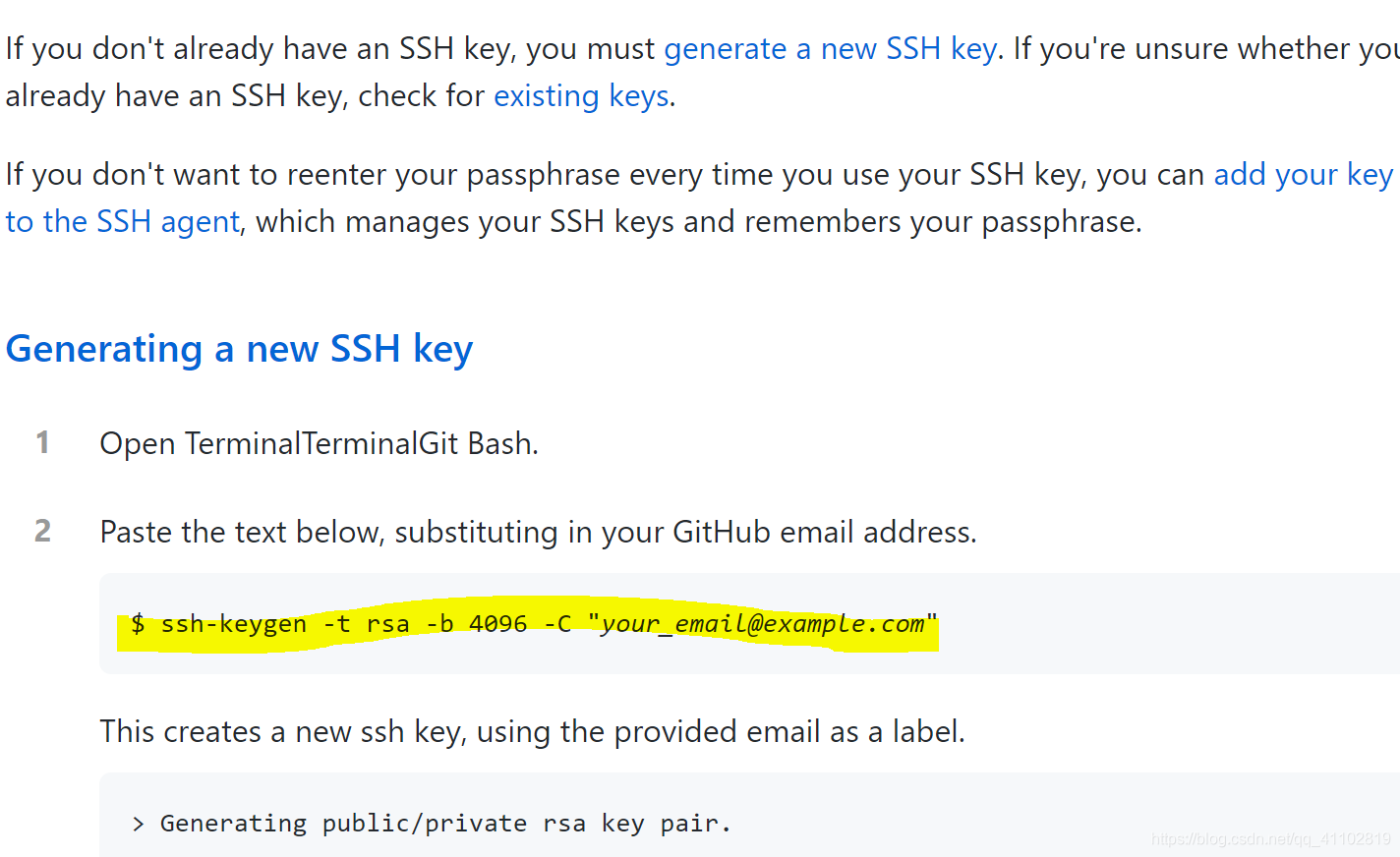
点击 Generating a new SSH key and adding it to the ssh-agent
将此条命令替换上自己的邮箱键入GitBash,连续三个回车
$ ssh-keygen -t rsa -b 4096 -C "your_email@example.com"
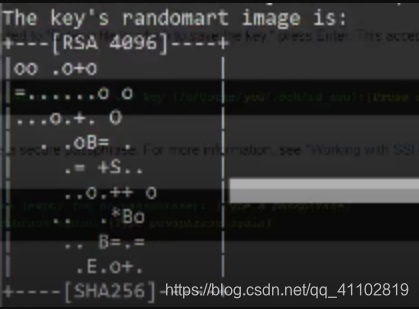
出现如下字样
再在GitBash里敲入
cat ~/.ssh/id_rsa.pub
出现一大段英文字符 将字符复制下来
打开GitHub -> settings -> SSH and GPG keys
点击 new SSH key

title随便起,将刚才复制的英文串复制到key里
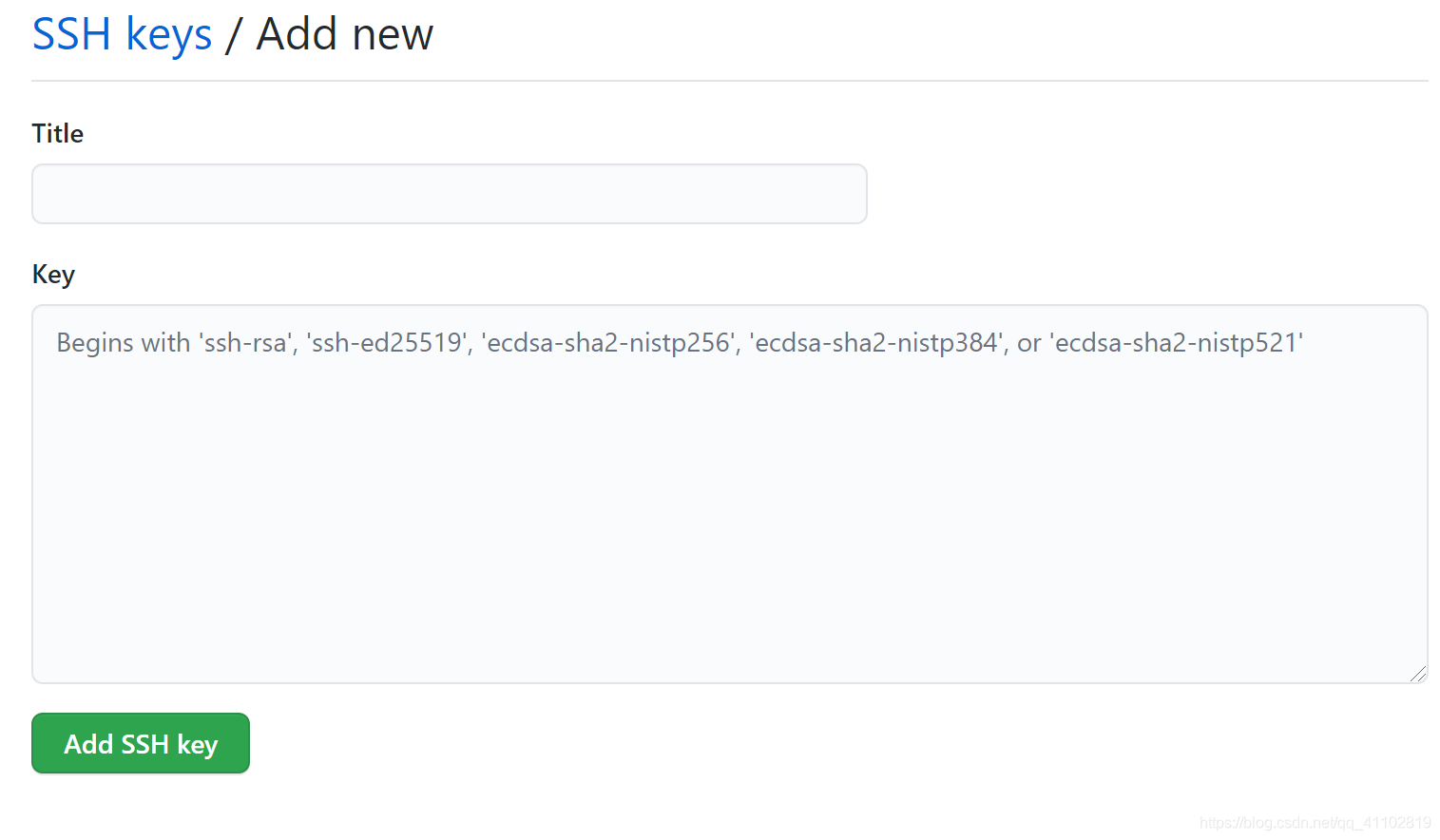
然后就完成啦~
VSCode上就可以实现拉取推送操作了
如果有疑问欢迎下方评论留言哦~

免费领 150 小时云算力,进群参与显卡、AI PC 幸运抽奖
更多推荐


 5
5 0
0- 0


 已为社区贡献1条内容

所有评论(0)