
VSCode + PicGo + Github 实现markdown图床管理
·
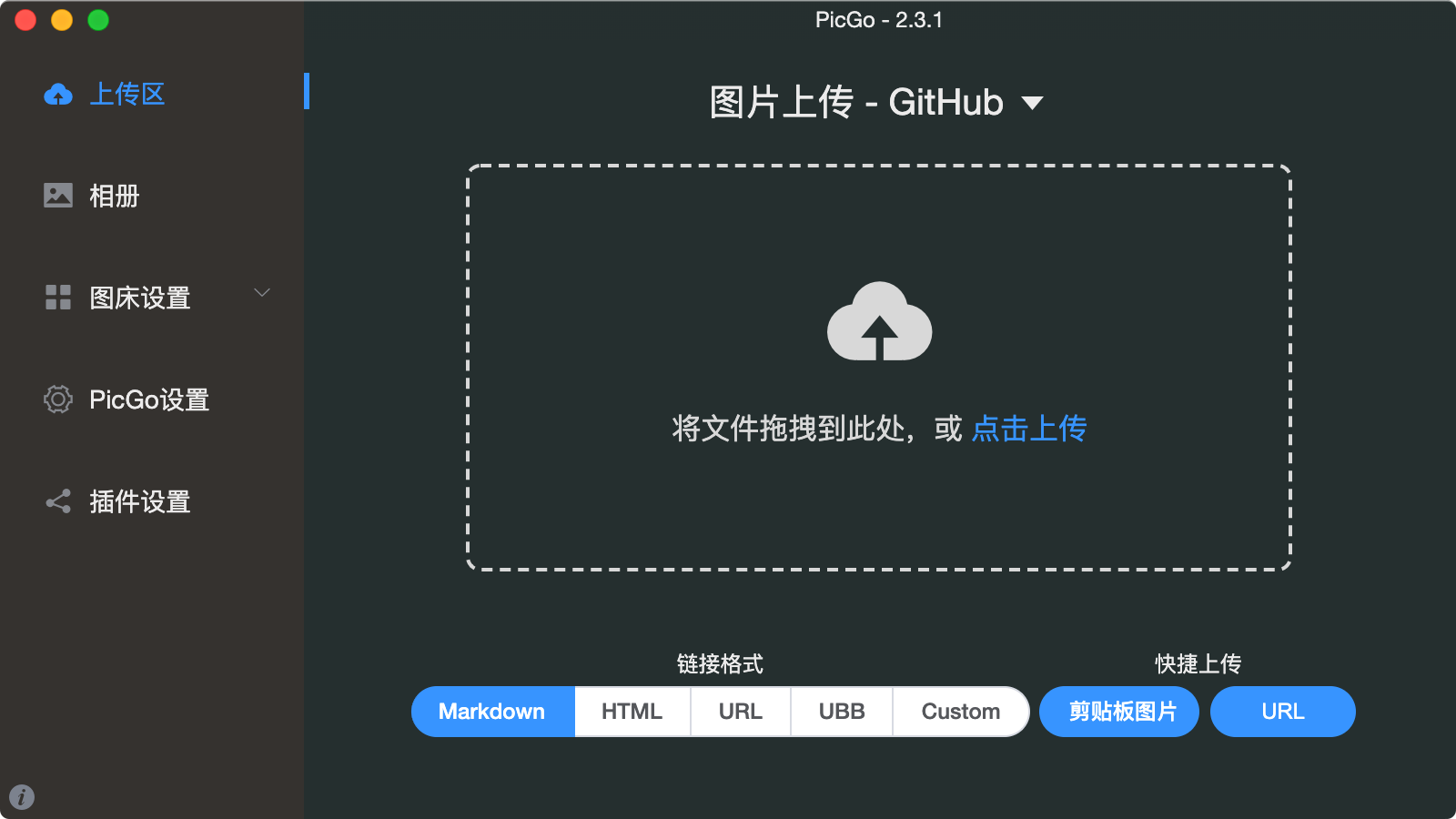
PicGo客户端
PicGo 是一个图片上传管理工具
官网:https://molunerfinn.com/PicGo/
github图传使用说明:https://picgo.github.io/PicGo-Doc/zh/guide/config.html#GitHub图床
步骤:
1、创建一个github公开仓库
2、设置PicGo参数
3、上传图片
图片地址示例
https://raw.githubusercontent.com/mouday/img/main/2024/03/18/y5mglyq.png
jsdelivr加速示例:
https://cdn.jsdelivr.net/gh/mouday/img
VSvode插件
插件地址:https://marketplace.visualstudio.com/items?itemName=Spades.vs-picgo
快捷键option + cmd + u(mac)
设置文件名,可以直接写js表达式
Picgo: Custom Upload Name:
${new Date().toISOString().split('T')[0].replaceAll('-', '/')}/${Math.random().toString(36).slice(-7)}${extName}
其他参数
Picgo ›
Custom Output Format: 
Pic Bed: Current: github
Pic Bed › Github: Branch: main
Pic Bed › Github: Custom Url: https://mouday.github.io/img
Pic Bed › Github: Repo: mouday/img
Pic Bed › Github: Token: <token>
https://github.com/settings/tokens
上传后的url类似:

待补充
参考文章:
有什么好用的图床推荐,gitee图床挂了吗?
建议:Custom Upload Name 提供更多变量 #124

免费领 150 小时云算力,进群参与显卡、AI PC 幸运抽奖
更多推荐


 10
10 0
0- 0


 已为社区贡献1条内容

所有评论(0)