
openclaw连接微信报错:“[openclaw-weixin] 未找到 openclaw,请先安装”解决方案
微信接入openclaw时在PowerShell报错,原因是安装器无法识别Unix命令"which"。解决方法:直接执行3条命令手动安装插件:1)安装微信插件;2)登录通道;3)重启网关。无需依赖原安装器,可绕过Windows环境下的兼容性问题。
·
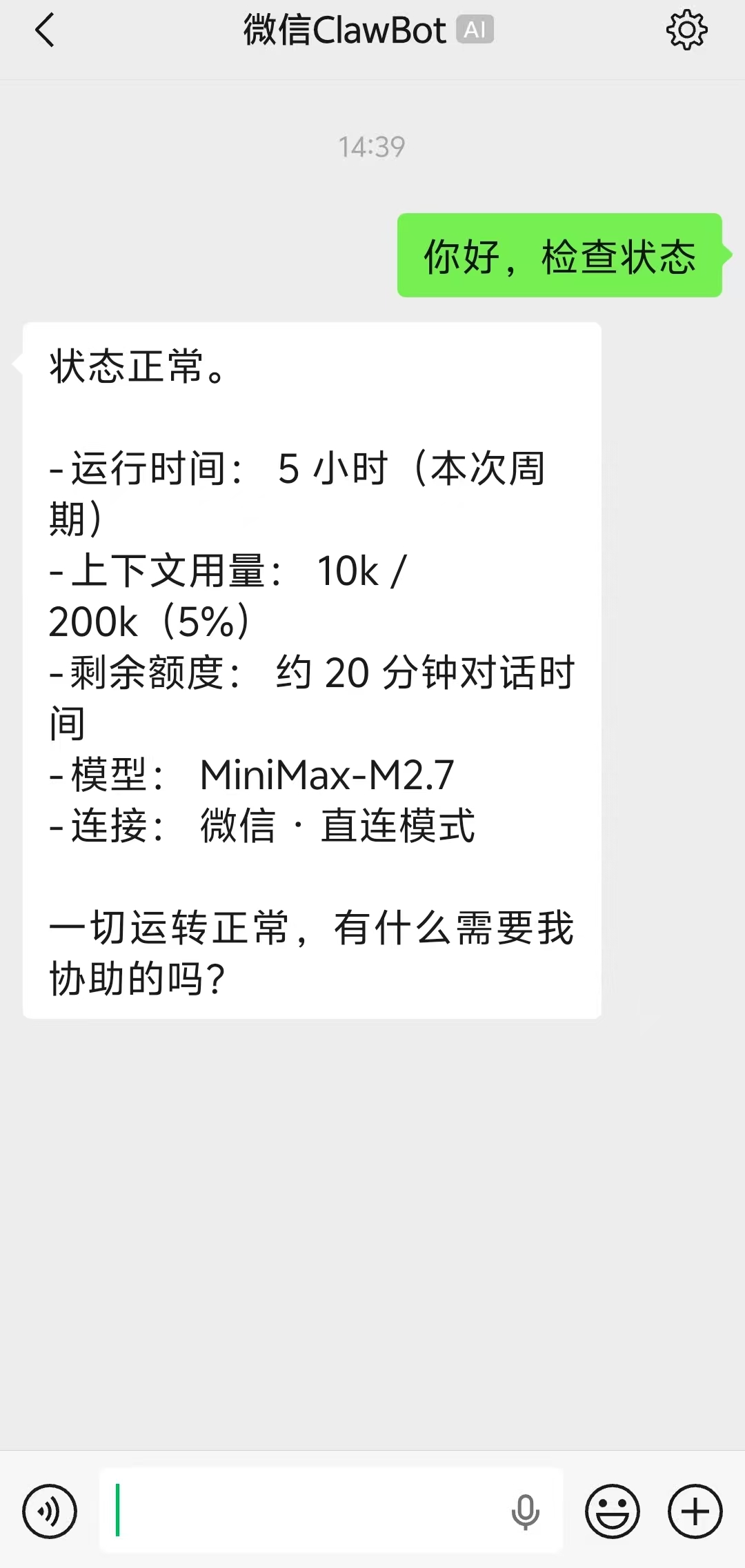
微信更新后支持openclaw接入,我们在输入官方提供的指令:
npx -y @tencent-weixin/openclaw-weixin-cli@latest install后,报错:
PS C:\Users\75665> npx -y @tencent-weixin/openclaw-weixin-cli@latest install
[openclaw-weixin] 未找到 openclaw,请先安装:
npm install -g openclaw
详见 https://docs.openclaw.ai/install
这是因为weixin-cli 的 which 函数在 Windows PowerShell 下永远返回 null(which 是 Unix 命令,PowerShell 原生不支持)。但 where.exe 可以用。
我们只需执行下面3个命令:
openclaw plugins install "@tencent-weixin/openclaw-weixin"openclaw channels login --channel openclaw-weixinopenclaw gateway restart跳过这个安装器,手动安装插件即可!

小龙虾开发者社区是 CSDN 旗下专注 OpenClaw 生态的官方阵地,聚焦技能开发、插件实践与部署教程,为开发者提供可直接落地的方案、工具与交流平台,助力高效构建与落地 AI 应用
更多推荐


 10
10 0
0- 0


 已为社区贡献2条内容

所有评论(0)