
【AI应用实战-openclaw】windows下安装openclaw完整步骤(二)
本文介绍了安装Node.js和Git的详细步骤及配置方法。首先需安装Node.js v22以上版本,Windows系统推荐使用Chocolatey包管理器安装v24.14.0版本。其次安装Git客户端,提供安装版和便携版两种选择。接着配置npm使用淘宝镜像源,并设置Git优先使用HTTPS协议以避免鉴权问题。最后简要提及安装OpenClaw和测试运行的步骤。全文提供了完整的命令行操作指南,适合开发
·
目录
一、前置准备
1、安装nodejs
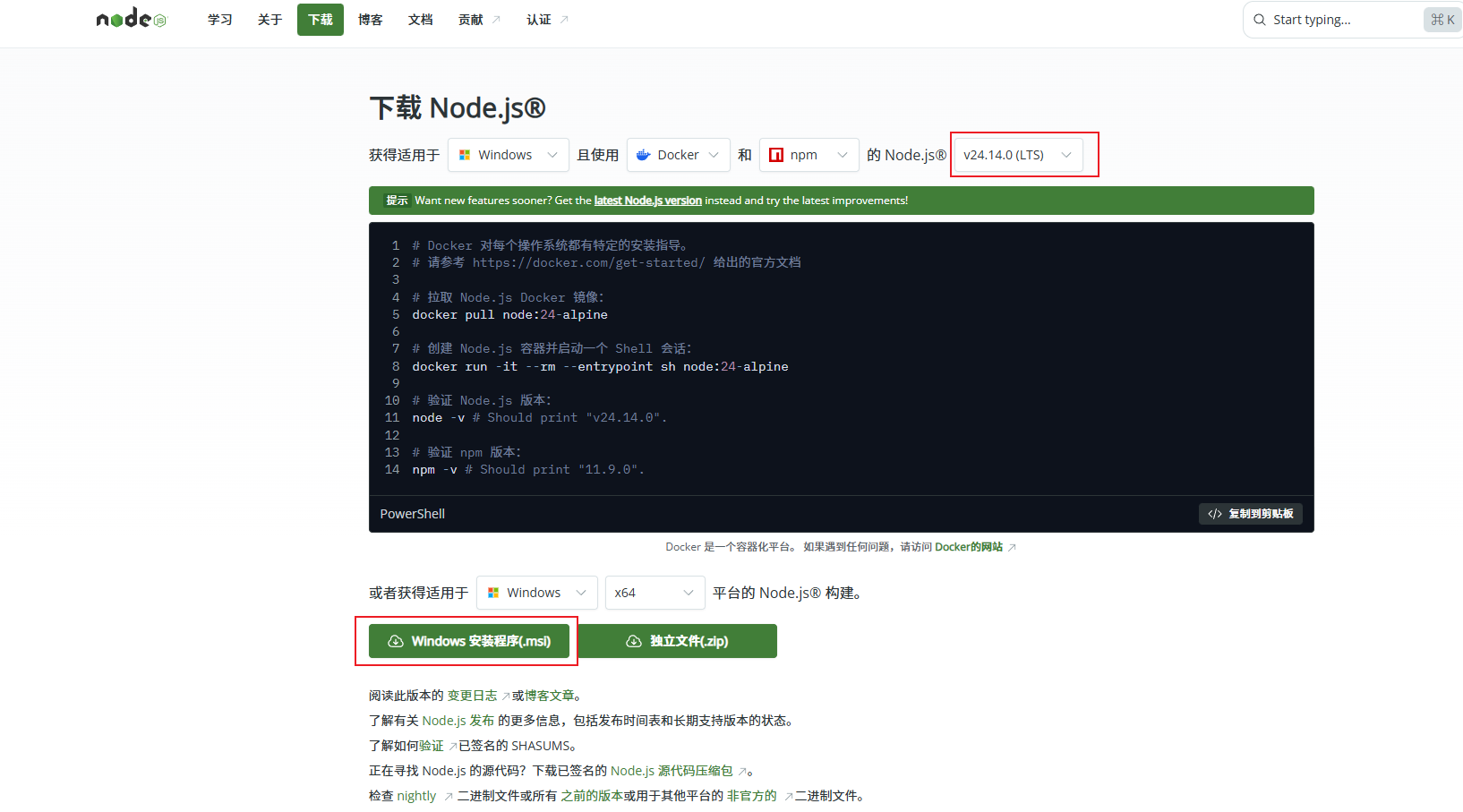
版本需要大于v22
windows下安装命令
# 下载并安装 Chocolatey:
powershell -c "irm https://community.chocolatey.org/install.ps1|iex"

# 下载并安装 Node.js:
choco install nodejs --version="24.14.0"

# 验证 Node.js 版本:
node -v # Should print "v24.14.0".

# 验证 npm 版本:
npm -v # Should print "11.9.0".
2、安装git
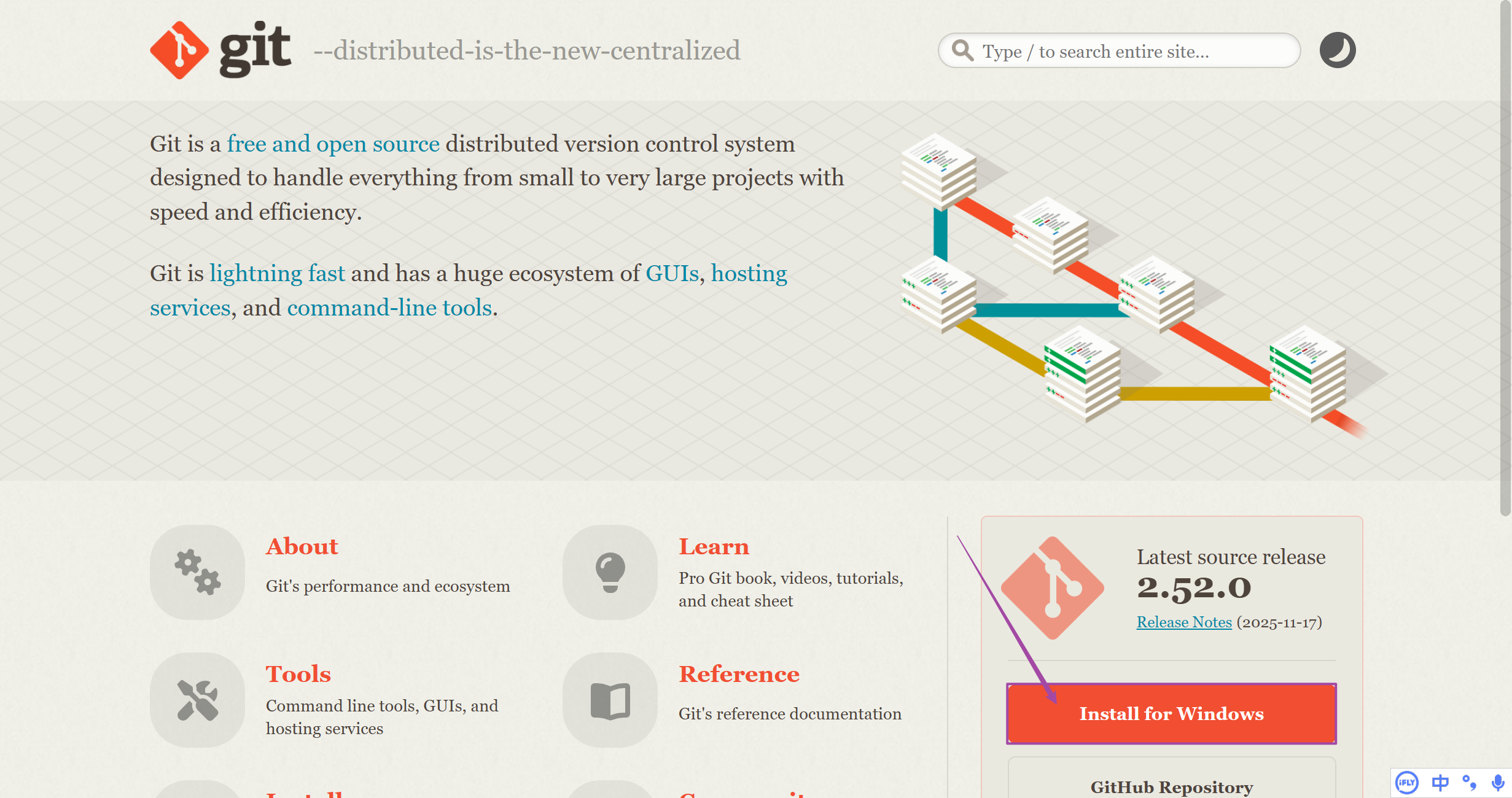
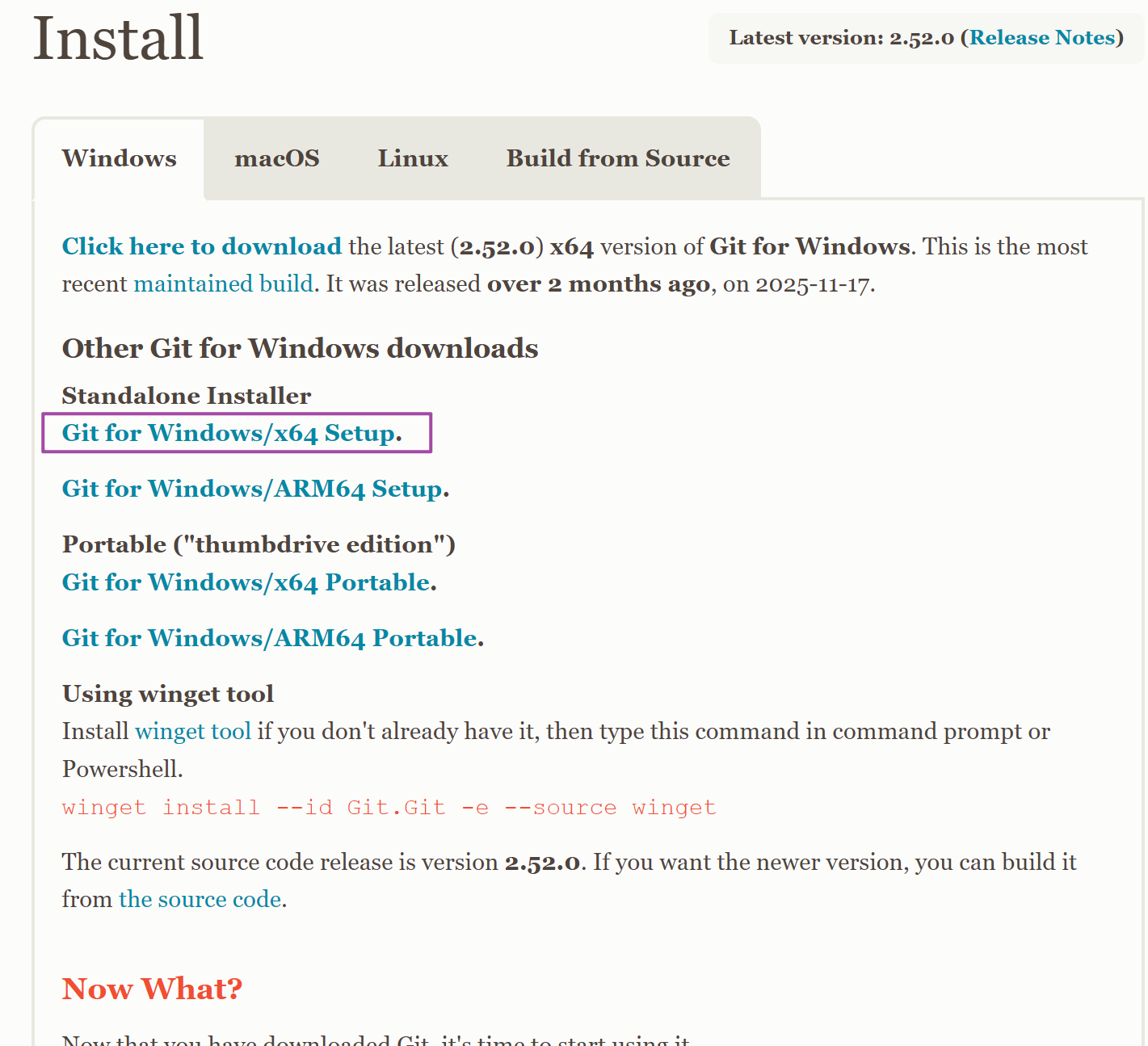
电脑是windows64位,所以选择了
-
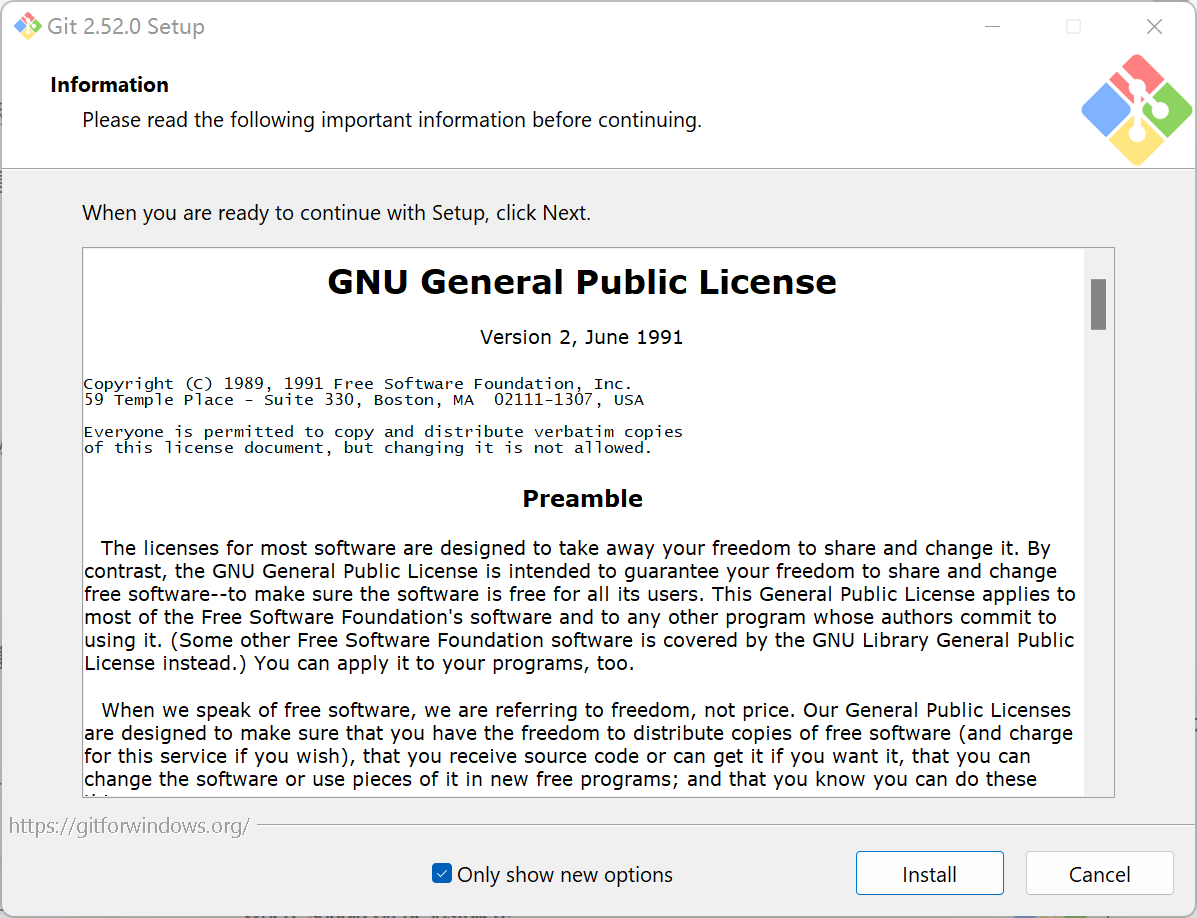
Git for Windows x64 Setup
-
如果你想要便携版(不用安装,直接放U盘或文件夹用):
-
Git for Windows x64 Portable
3、npm设置
1)设置npm全局源为淘宝
npm config set registry https://registry.npmmirror.com

2)强制git优先使用https协议替代ssh、git协议,避免git鉴权问题
git config --global url."https://github.com/".insteadOf git@github.com:

git config --global url."https://github.com/".insteadOf ssh://git@github.com/

git config --global url."https://".insteadOf git://

git config --global http.sslverify "false"

# 清除npm缓存
npm cache clean --force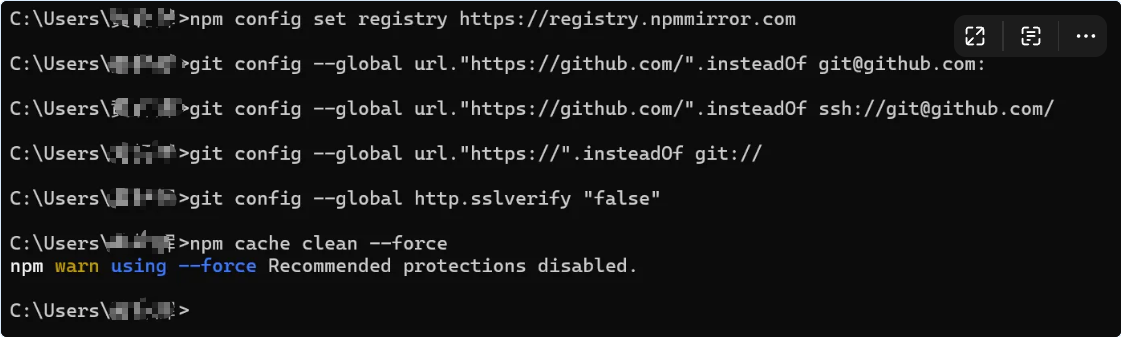
二、安装 OpenClaw
1、官网
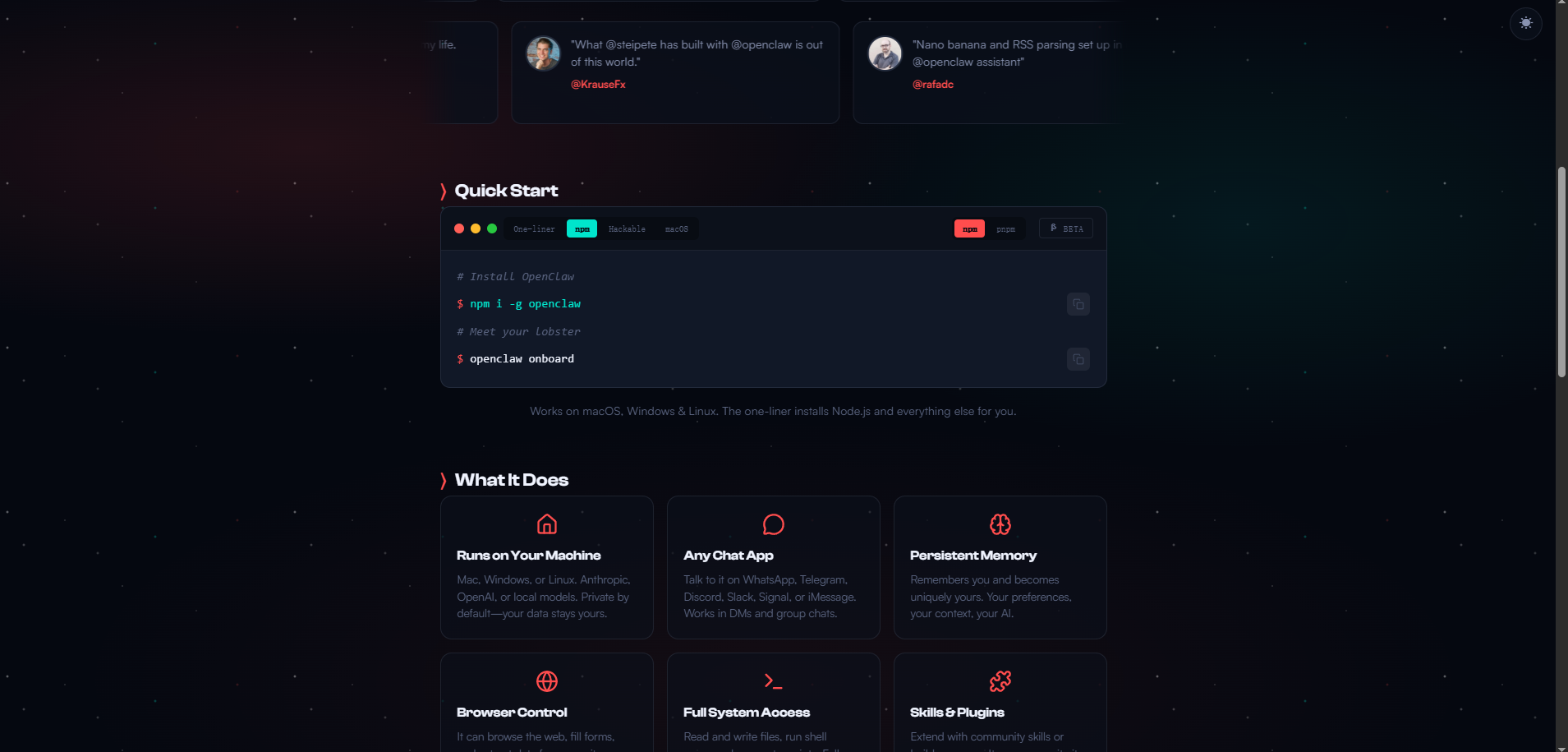
2、安装
npm i -g openclaw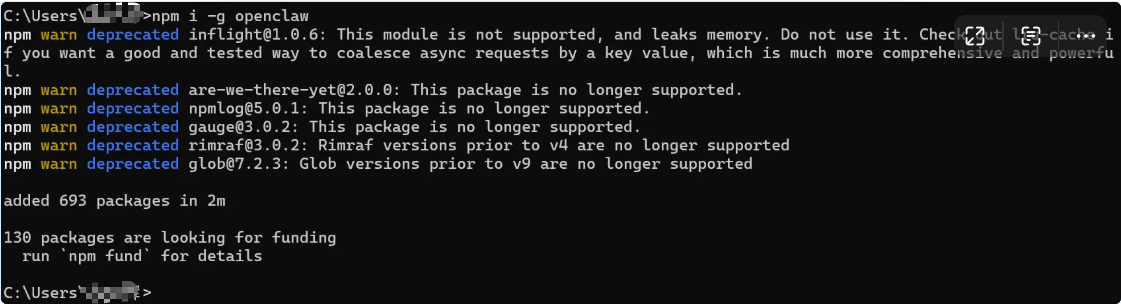
三、配置测试运行
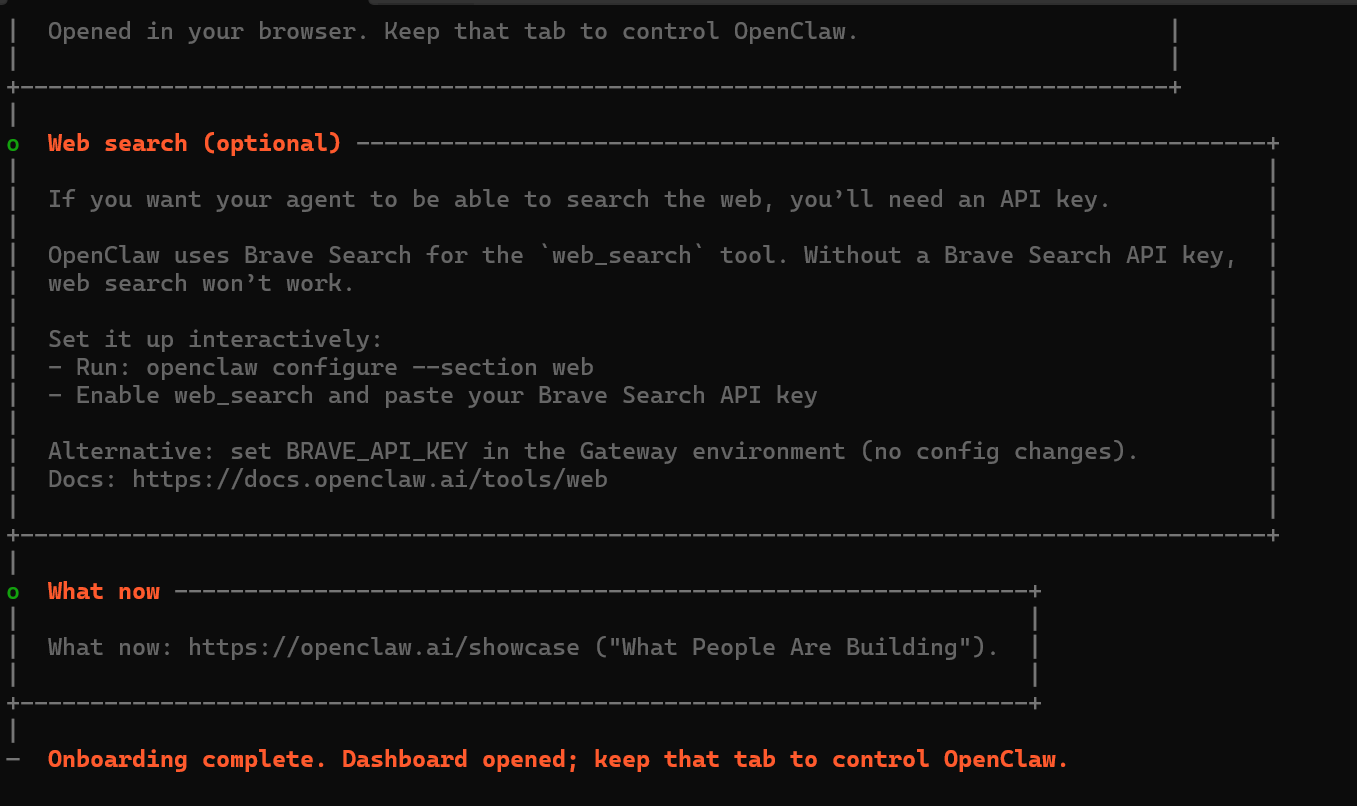
1)安装引导
openclaw onboard选择Yes
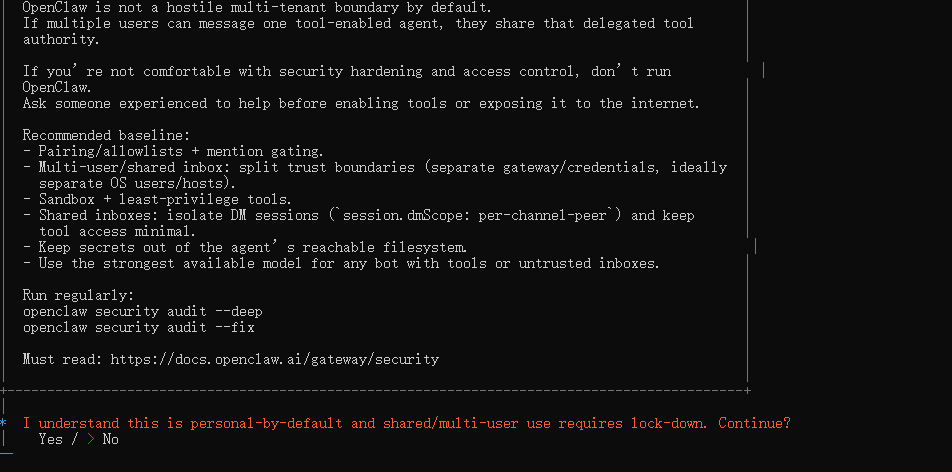
(2)选择QuickStart

(3)模型配置选择:
- Custom Provider
- URL:https://coding.dashscope.aliyuncs.com/v1
- Paste API key now
- coding plan中的key
- qwen3.5-plus
- 默认
- aliyun
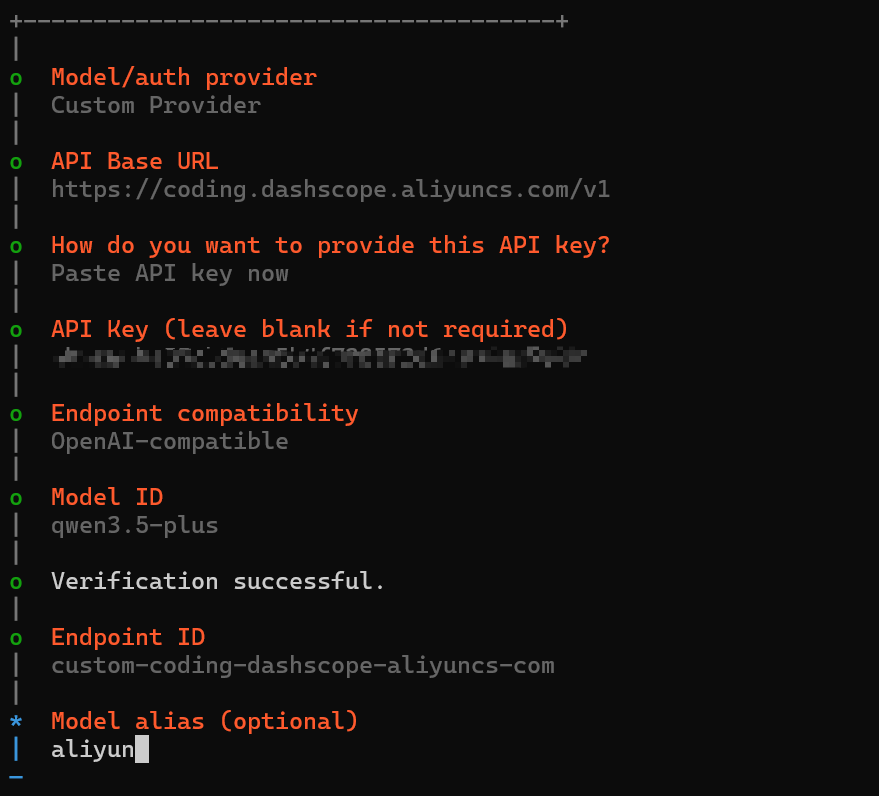
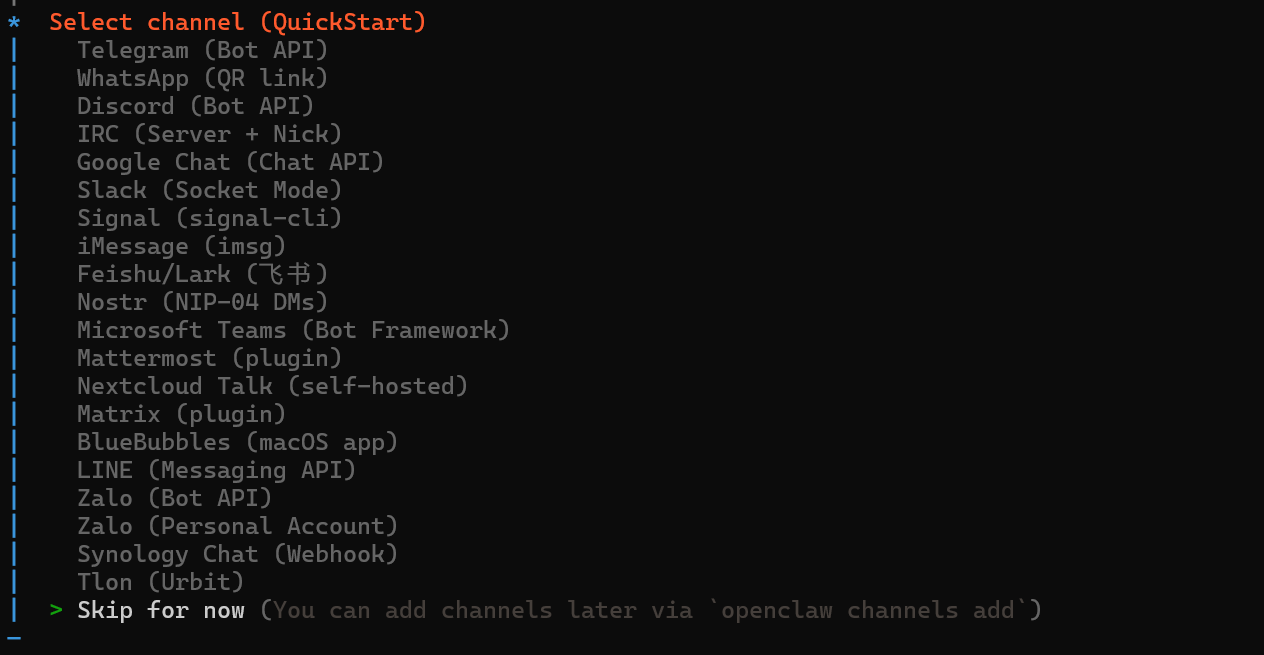
(4)配置im通信:暂时跳过
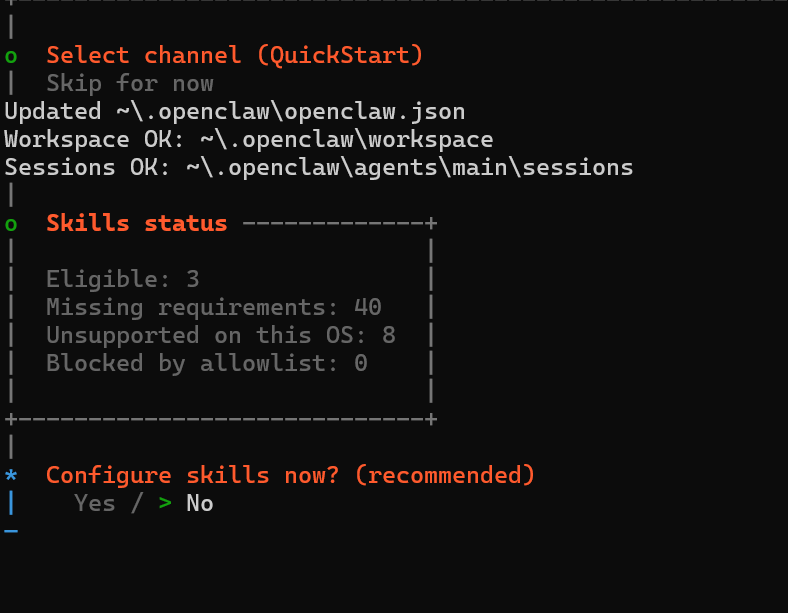
(5)配置skills:暂时跳过
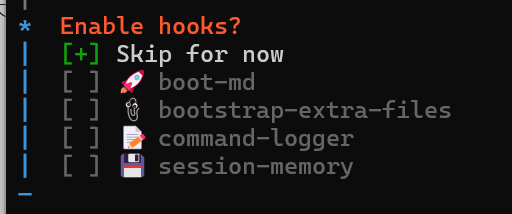
(6)Enable hooks:空格选中Skip for now
四、异常问题解决
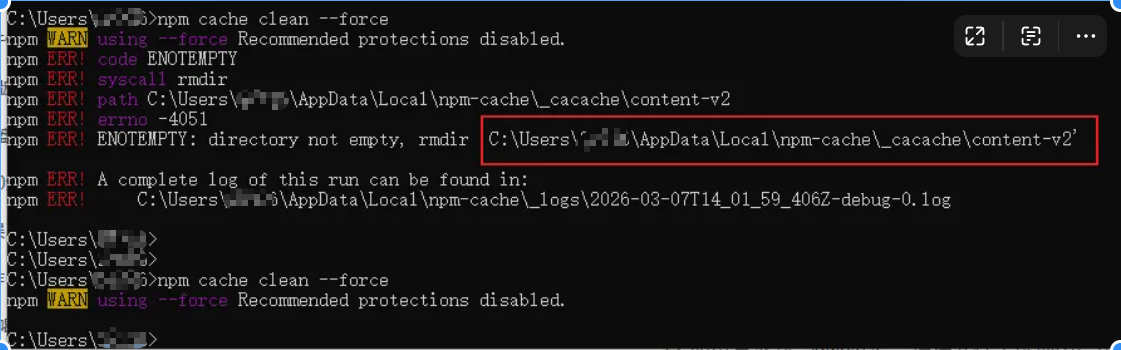
1、清除npm缓存失败
原因:目标目录不为空
解决办法:手动删除该目录后再重新执行
2、openclaw安装完后网页无法正常访问
# 执行下列命令 openclaw gateway run3、不知道openclaw访问地址
执行openclaw dashboard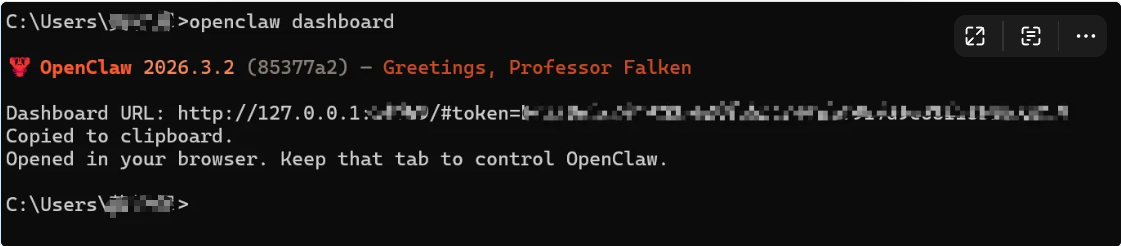

小龙虾开发者社区是 CSDN 旗下专注 OpenClaw 生态的官方阵地,聚焦技能开发、插件实践与部署教程,为开发者提供可直接落地的方案、工具与交流平台,助力高效构建与落地 AI 应用
更多推荐
 6
6 0
0- 0


 已为社区贡献14条内容

所有评论(0)