The best WordPress photo gallery plugins compared

The best WordPress photo gallery plugins compared
Many websites include a nice image gallery. These can be used to convey a general image of the company, to present pictures of products in a visually appealing way or to sell photos. When creating a WordPress website, you will come across countless potentially useful WordPress gallery plug-ins in your search for a suitable tool. So, how do they differ and which functions are important? In the following, we will provide you with a comparison of the best-known plug-ins for photo galleries in WordPress.
 hbspt.cta.load(8230984, '9abc238c-4be4-4d5c-ac48-e1eec99a66ce', {"useNewLoader":"true","region":"na1"});
Which functions should a WordPress gallery plug-in provide?
When searching for a suitable WordPress gallery plug-in, you should be clear on the functions you need. There are many different features available a good image gallery plug-in provides:
- Different formats: Image galleries are not all the same. The layout of a website will determine how well different formats work. Whether it be tiled, masonry style or mosaic galleries, a good WordPress gallery plug-in will give you multiple styles to choose from.
- Lightbox view: In WordPress photo galleries, images are displayed as small thumbnails, which vary depending on the layout. To give users a closer look at your images, you should have a lightbox view which opens to display the image in a large size when they click on it.
- Animations and effects: Animations and effects attract the user’s attention when scrolling over images.
- Optimization for mobile devices: The plug-in’s image gallery should be mobile friendly so that browsers can display the image gallery on all devices in an attractive and user-friendly format.
- Image optimization: If a gallery contains many images, this can increase the website’s load time. Using functions like “lazy loading” and image size optimization, the load time can be reduced.
- Individual customization: A good WordPress gallery plug-in will enable you to quickly and easily customize an image gallery to match your branding so that the image gallery can seamlessly fit into your website design.
- Image protection: Some gallery plug-ins provide functions that prevent others from copying and using your images. You should ensure that a similar function is available when choosing a plug-in (e.g. watermarking, disabling right-click).
- E-commerce links: E-commerce links enable you to quickly and easily sell images on your website.
- Drag-and-drop editor: The easiest way to organize images individually in a gallery is with an intuitive drag-and-drop editor.
- Image links: In terms of SEO and user experience design, deep links are important for guiding users to more detailed information about an image.
Note
Before publishing an image gallery, you should make sure you own the rights to the images. By doing so, you can avoid having legal action taken against you later for infringing on the rights of a third party.
Introduction to the four most popular WordPress gallery plug-ins
In addition to the functions listed above, many WordPress gallery plug-ins offer other useful features that may be of value depending on the use case. Before creating an image gallery, you should first compare and test the functions and usability of the plug-ins. We have already done this for you with four of the most popular WordPress extensions.
NextGEN Gallery
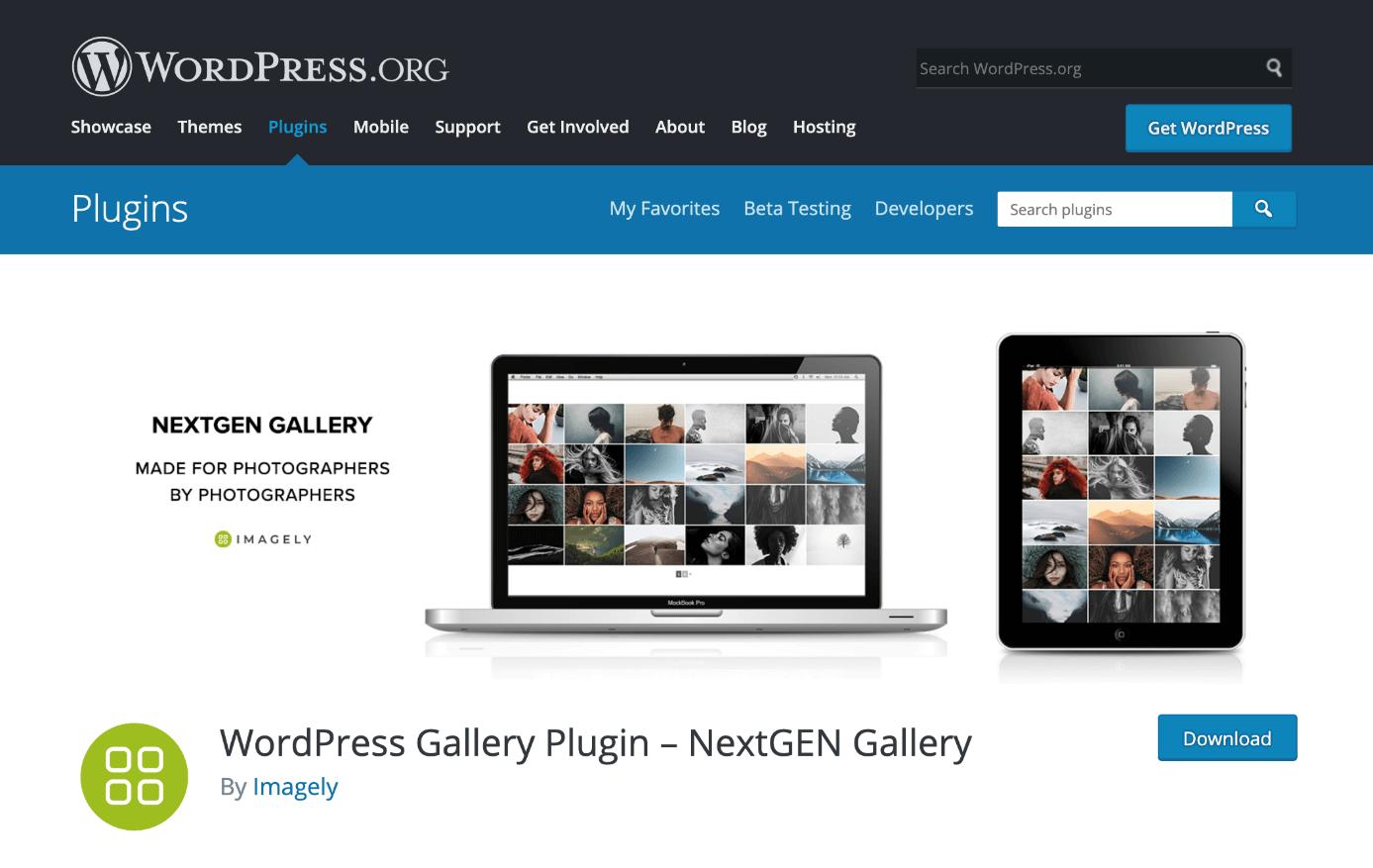
NextGEN Gallery is one of the most popular WordPress gallery plug-ins. / Source: https://wordpress.org/plugins/nextgen-gallery/
NextGEN Gallery is one of the most popular WordPress gallery plug-ins with over 800,000 active installations. Even with the free version, you can choose****between four gallery styles and two album styles, which can be extensively customized with the numerous options provided. The paid version offers additional styles for the gallery and an e-commerce function for photographers, watermarking or hotlink protection for images and many other useful features. You can choose from three different plans based on your needs.
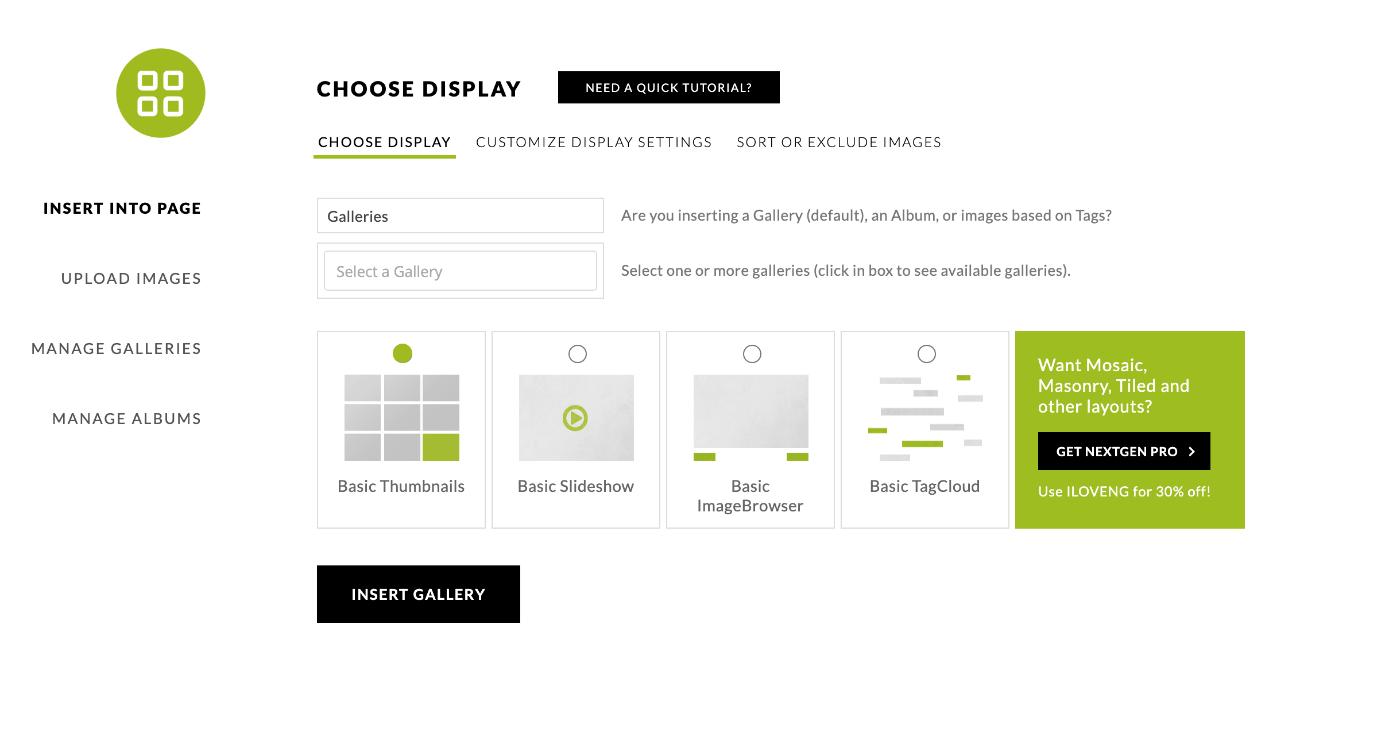
Even the free version of NextGEN Gallery offers four different gallery styles to choose from.
Advantages
Disadvantages
Free version available
Relatively long load times
Many different styles for image galleries (e.g. slideshow, thumbnail, masonry, etc.)
A bit bloated due to the large number of functions
Supports retina displays
Does not support videos
Responsive image galleries
Drag-and-drop image sorting
E-commerce function for selling images
The paid version offers a wide range of functions, such as image protection, linking images to specific pages, a comment function, linking to social networks and much more
Lightbox in full-screen mode
Lightroom interface for quickly editing and publishing images
Envira Photo Gallery
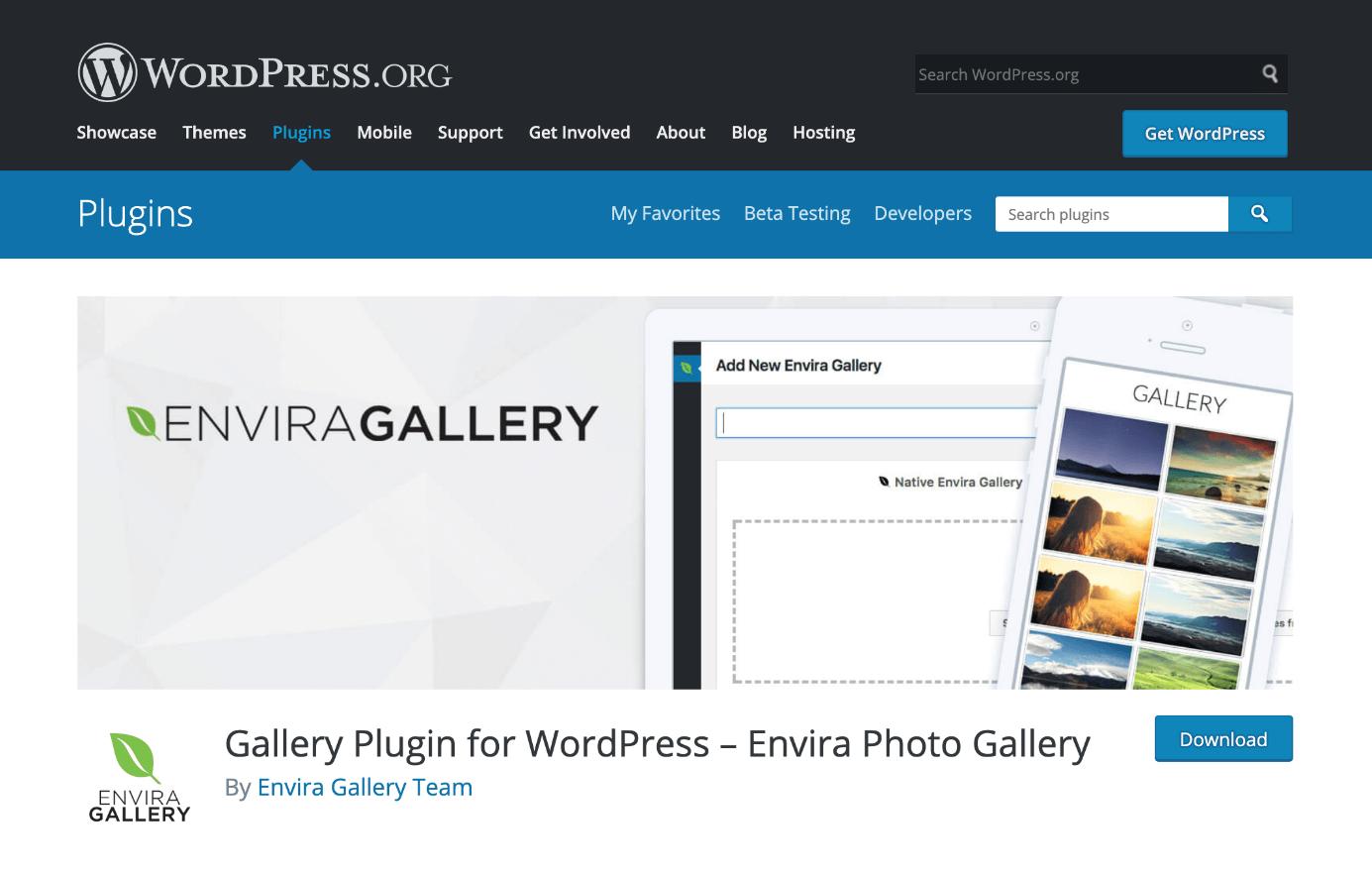
Envira Photo Gallery is a lightweight WordPress gallery plug-in. / Source: https://wordpress.org/plugins/envira-gallery-lite/
Envira Photo Gallery is a lightweight WordPress gallery plug-in that contains all the important features. Using the free version, you can configure the general settings for the gallery’s basic theme. If you want something more substantial, the paid plans offer numerous features.
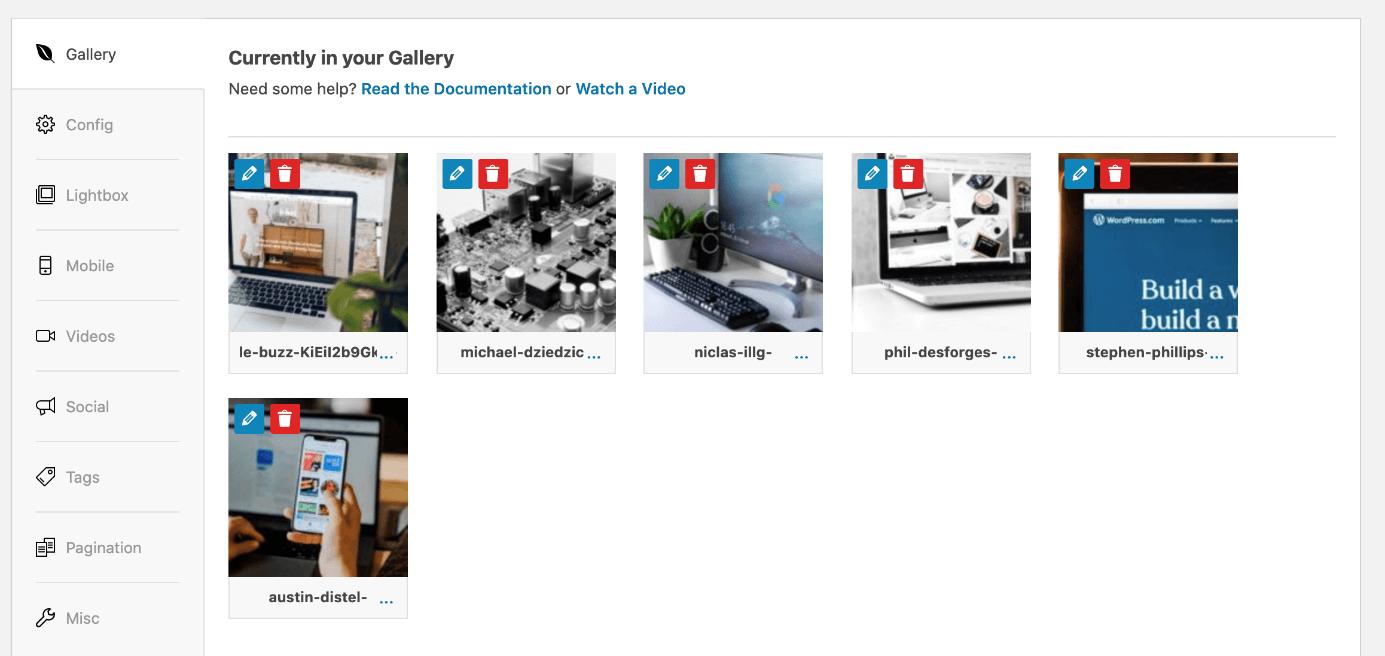
The WordPress gallery plug-in Envira Photo Gallery provides a drag-and-drop function for easily sorting photos.
Advantages
Disadvantages
Free version available
Album sorting only available in the paid version
Drag-and-drop editor
Responsive image galleries
Supports videos in galleries
Lean plug-in requiring little memory
Linking via the e-commerce plug-in WooCommerce
Lightroom interface for quickly editing and publishing images
The paid plans offer additional features such as social sharing, linking images to specific pages and a filter function with tags
Modula

Using Modula, you can create an attractive photo gallery in WordPress in just a few minutes. / Source: https://wordpress.org/plugins/modula-best-grid-gallery/
Modula is a highly flexible and user-friendly WordPress gallery plug-in. With its intuitive drag-and-drop editor, you can create stunning image galleries in just minutes. You can do more than just sort images with this function. The drag-and-drop editor takes it a step further. When you select the custom grid gallery type, it allows you to customize the sizes of the images in the grid. All you need to do is place your cursor on the corner of an image and drag it until you reach the desired size.
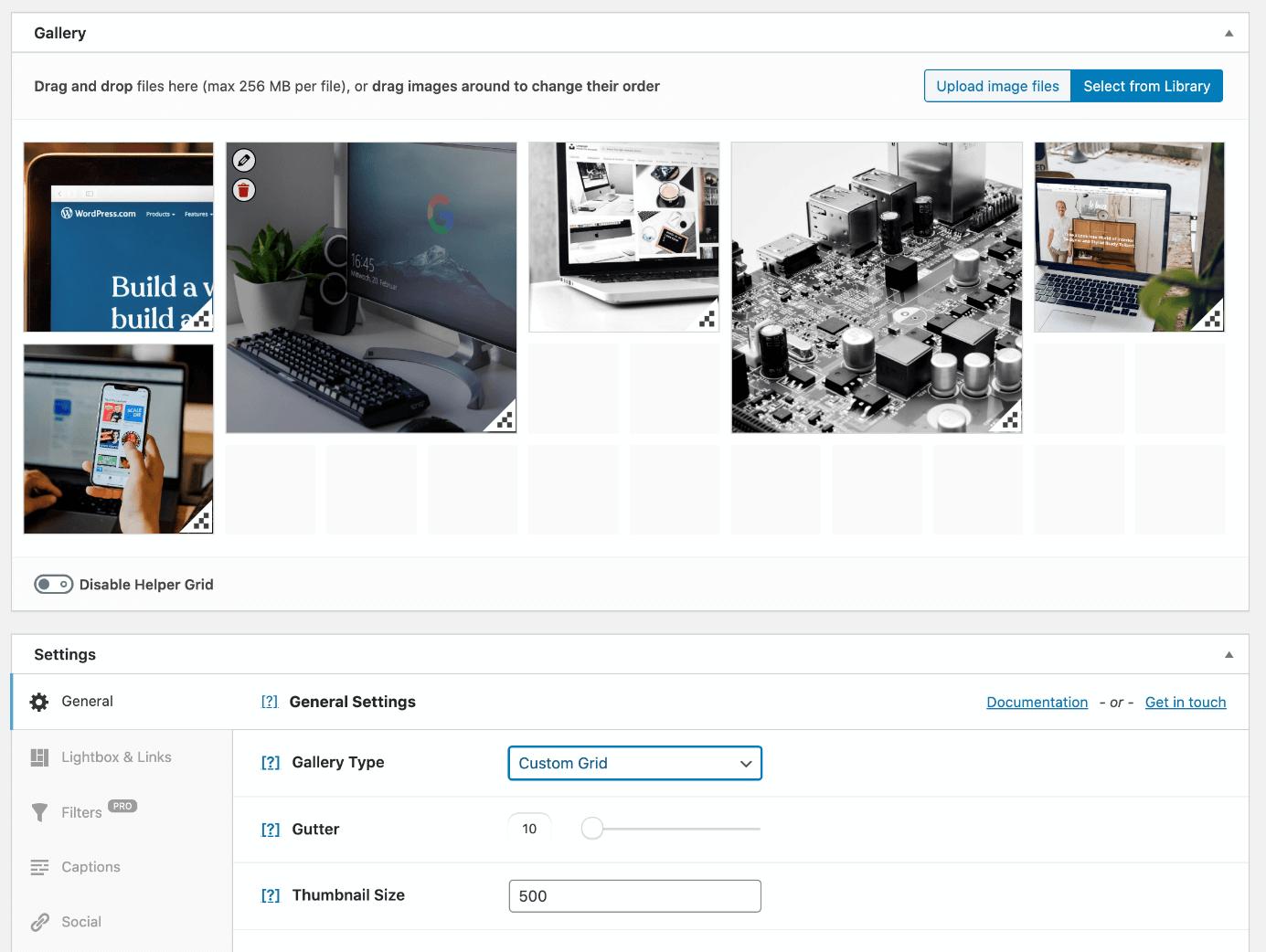
The WordPress gallery plug-in Modula allows you to customize the sizes of the images in the grid.
Advantages
Disadvantages
Free version available
Slideshows only available in the paid version
Intuitive drag-and-drop editor
Image sizes can be individually customized
Supports GIFs and videos in galleries
Responsive image galleries
Social sharing icons are included in the free version
Image-entry animations
Many gallery styles (e.g. masonry, grid, and lightbox)
Sorting in albums
There are additional useful features in the pro version (e.g. watermarking, password-protected galleries, filtering, etc.)
FooGallery

The WordPress gallery plug-in FooGallery offers a free lite version at wordpress.org. / Source: https://wordpress.org/plugins/foogallery/
The WordPress gallery plug-in FooGallery offers both a paid and a free version which can be downloaded at wordpress.org. With six different gallery styles to choose from, the plug-in provides a lot of creative freedom as part of the free version. In the pro version, this WordPress gallery plug-in offers three additional gallery styles, video embedding, a lightbox function, filtering, and other important features.
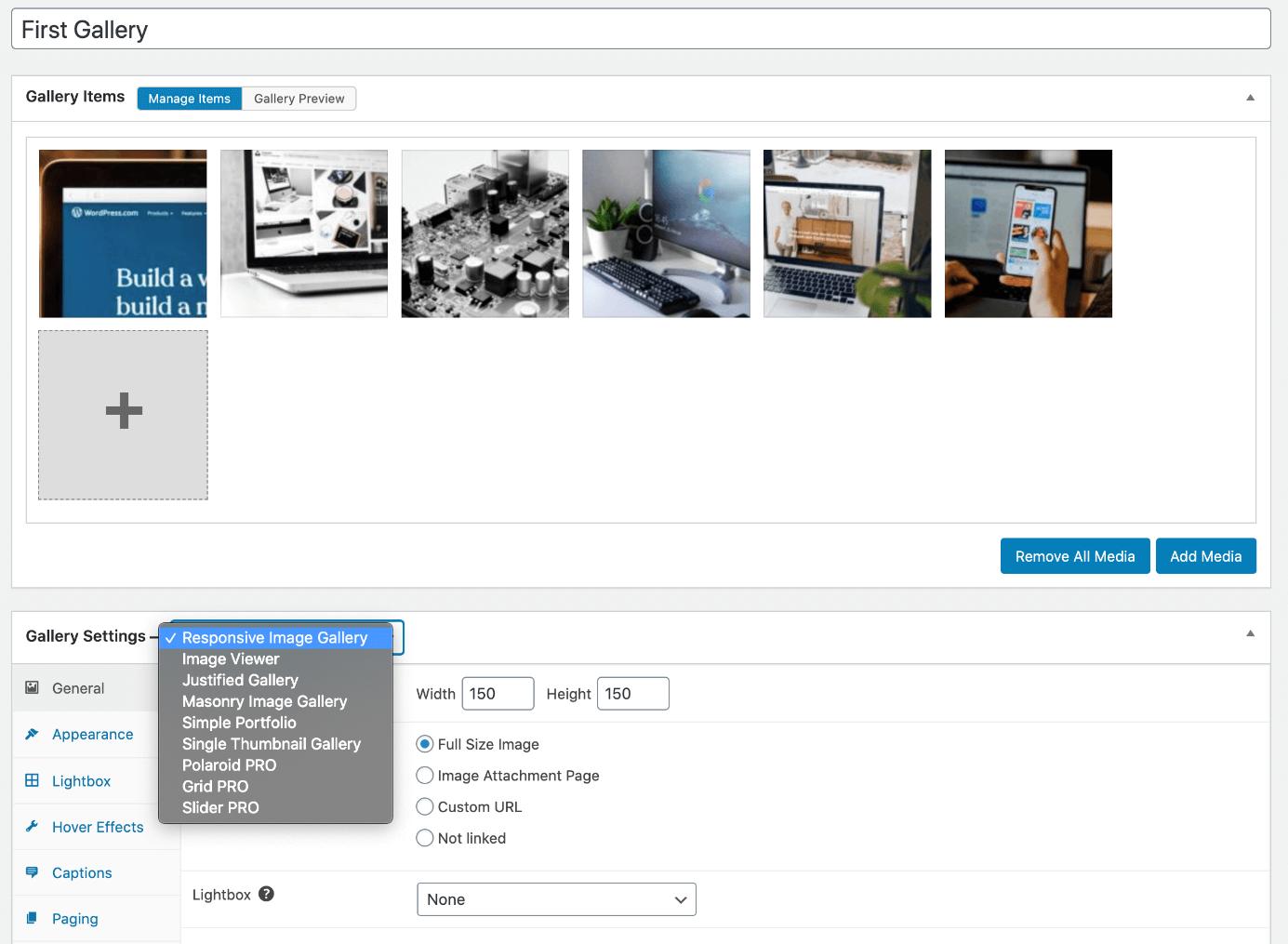
The WordPress gallery plug-in FooGallery provides six different gallery styles as part of its free version.
Tip
If you use the Gutenberg editor, you can use a handy drag-and-drop block to add image galleries to individual pages or articles.
Advantages
Disadvantages
Free version available
Slider only available in the pro version
Intuitive drag-and-drop editor for image sorting
Free lightbox view with FooBox Free
Supports videos
Responsive image galleries
Many gallery styles available in the free version
Filtering option for galleries containing lots of images
Infinite scroll
Sorting in albums
Supports videos
WordPress gallery plug-ins: a comparison of the four providers
All the WordPress gallery plug-ins we have covered can be used to create beautiful image galleries. Their differences only become apparent when you take a closer look at the details. To give you a clearer overview of the different tools, we have compared their features in the table below:
Function
NextGEN Gallery
Envira Photo Gallery
Modula
FooGallery
Different gallery styles
Yes
Yes
Yes
Yes
Slideshow in the free version
Yes
No
No
No
Intuitive drag-and-drop editor for image sorting
Yes
Yes
Yes
Yes
Customizable image sizes in the grid
No
No
Yes
No
Album sorting
Yes
Yes
No
Yes
Animations and effects
Yes
Yes
Yes
Yes
Individual image linking
Yes
Yes
Yes
No
Supports videos
No
Yes
Yes
Yes
Image protection (watermarking, etc.)
Yes
Yes
Yes
No
Social sharing
Yes
Yes
Yes
No
Image comments
Yes
No
No
No
E-commerce links
Yes
Yes
No
No
Password-protected galleries
No
Yes
Yes
No
Lightbox add-on
Yes
Yes
Yes
Yes
Pro version prices
Starting at $139.00
Starting at $99.00
Starting at $99.00
Starting at $59.00
Tip
Are you planning on creating a WordPress website? The WordPress hosting offer from IONOS provides a quick and easy introduction to WordPress, an optimized hosting platform and built-in security features.

WordPress社区为您提供专业的建站知识与服务支持,提供一步到位的镜像安装和wordpress主题与插件支持
更多推荐
 0
0 0
0- 0


 已为社区贡献2428条内容

所有评论(0)