How to setup Single Instance of WhatsApp Business API Client
Answer a question
I had cloned these file as per facebook instructions
And then Step 1: Create a biz Directory for the Setup Scripts
mkdir ~/biz; cd ~/biz;
Step 2: Get the WhatsApp Business API Client Configuration Files
   db.env

docker-compose.yml

multiconnect-compose.yml
Step 3: Set the WA_API_VERSION Environment Variable
export WA_API_VERSION=2.31.5
Step 4: Start the WhatsApp Business API Client
docker-compose up -d
The resulting output should look like the following:
Recreating whatsbusinessapi_db_1 ... done
Creating whatsbusinessapi_wacore_1 ... done
Creating whatsbusinessapi_waweb_1  ... done
Step 5: Verify Containers Are Running
docker-compose ps
output :
          Name                         Command               State                     Ports
---------------------------------------------------------------------------------------------------------------
whatsbusinessapi_db_1       docker-entrypoint.sh -p 54 ...   Up      5000/tcp, 5432/tcp, 0.0.0.0:5000->6000/tcp
whatsbusinessapi_wacore_1   /opt/whatsapp/bin/wait_on_ ...   Up      6250/tcp, 6251/tcp, 6252/tcp, 6253/tcp
whatsbusinessapi_waweb_1    /opt/whatsapp/bin/wait_on_ ...   Up      0.0.0.0:9090->443/tcp
By default, the Webapp container will be running on port 9090 (https://localhost:9090) as per facebook but when i tried https://localhost:9090 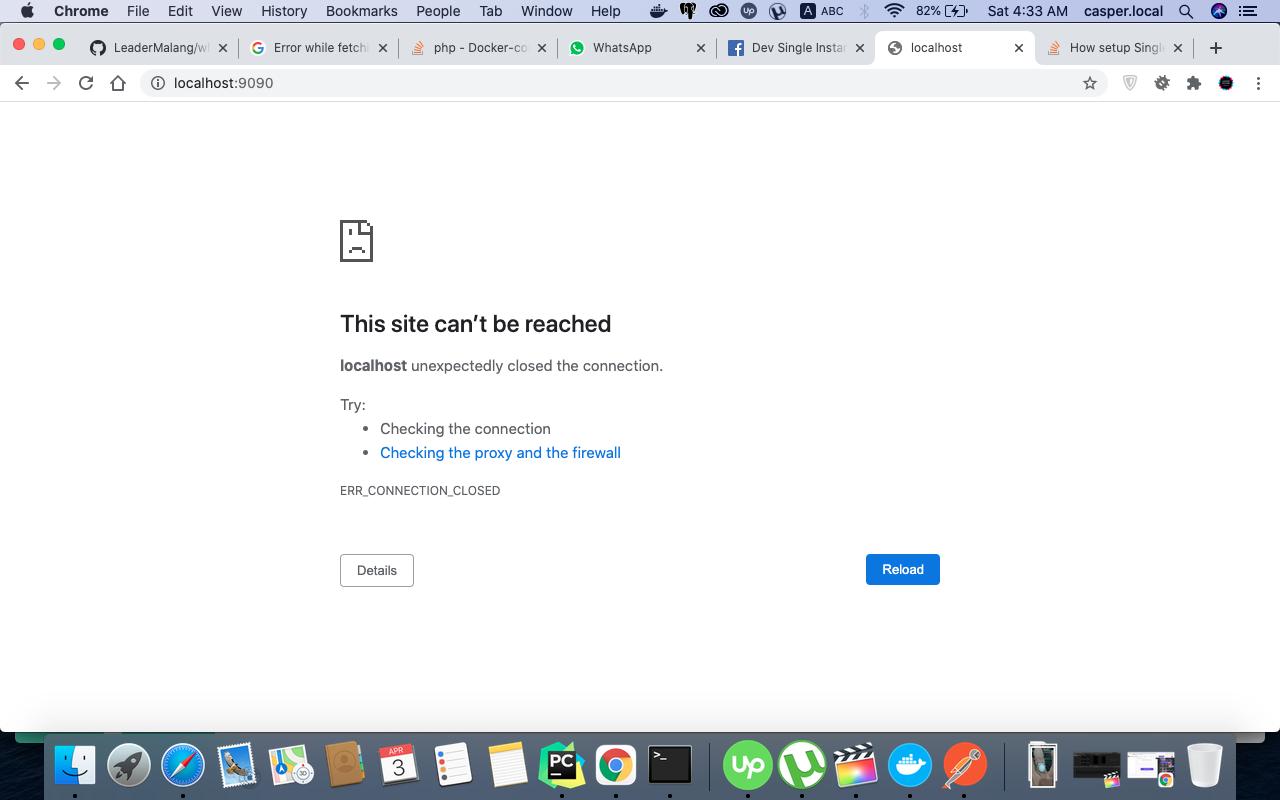
So anyone have idea please.
Answers
The WhatsApp Web Business Tool is deprecated since v2.29.1 You can only interact with your instance via REST API. You can leverage our Postman collection for this https://github.com/fbsamples/WhatsApp-Business-API-Postman-Collection
Sounds like you are ready to proceed with Step 6
https://developers.facebook.com/docs/whatsapp/installation/dev-single-instance#step-6--login-and-authenticate

云原生社区为您提供最前沿的新闻资讯和知识内容
更多推荐
 0
0 0
0- 0


 已为社区贡献35528条内容

所有评论(0)