

I've created an environment in AWS which includes an EC2 instance with node js web-server and Nginx installed, behind a self-signed application load balancer.
My ALB gets requests from HTTPS (443) and forwards them on HTTP (80) to the Nginx. My Nginx should get the requests from the ALB (in port 80) and forward them on port 9090 (which used by the node js web server).
However, I'm having issues with translating the requests from the Nginx to the application. When entering the URL with the ALB DNS on HTTP I'm able to get to the above page (instead of my webserver application page): 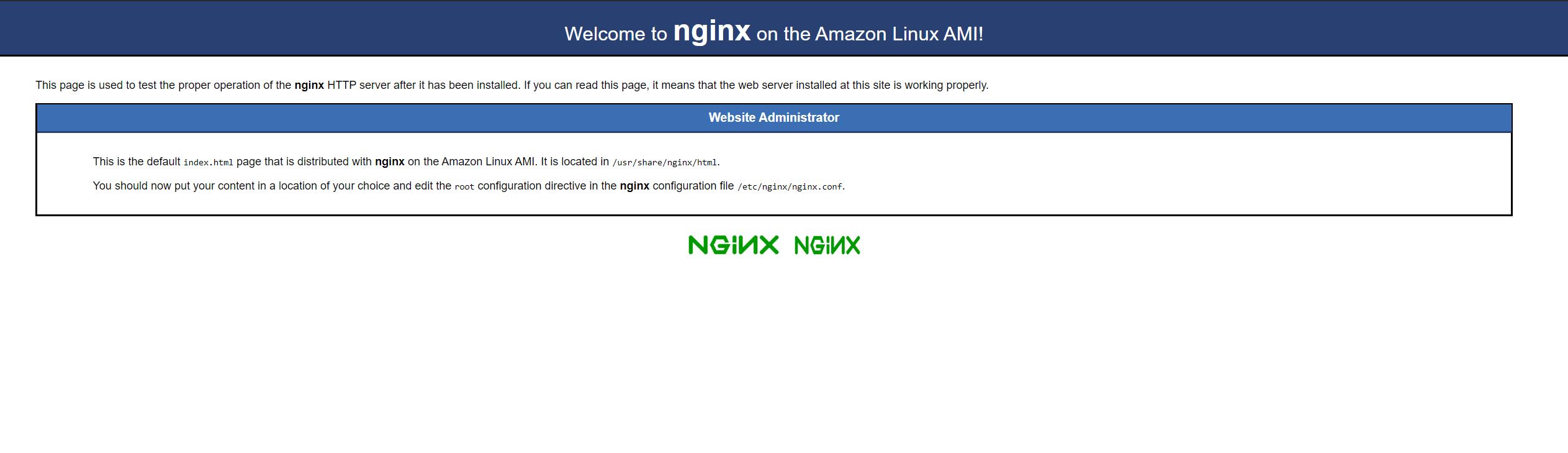
My default.conf file attached above: 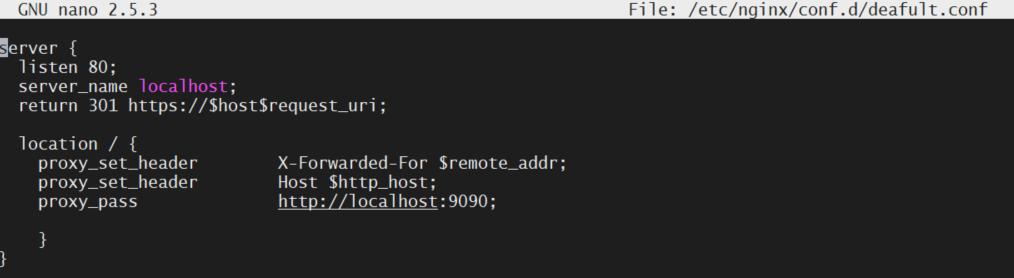
All my security groups are open to test the problem (on 443, 80, 9090). so ports are not the problem, but the Nginx configuration.
Also, my target group presented above: 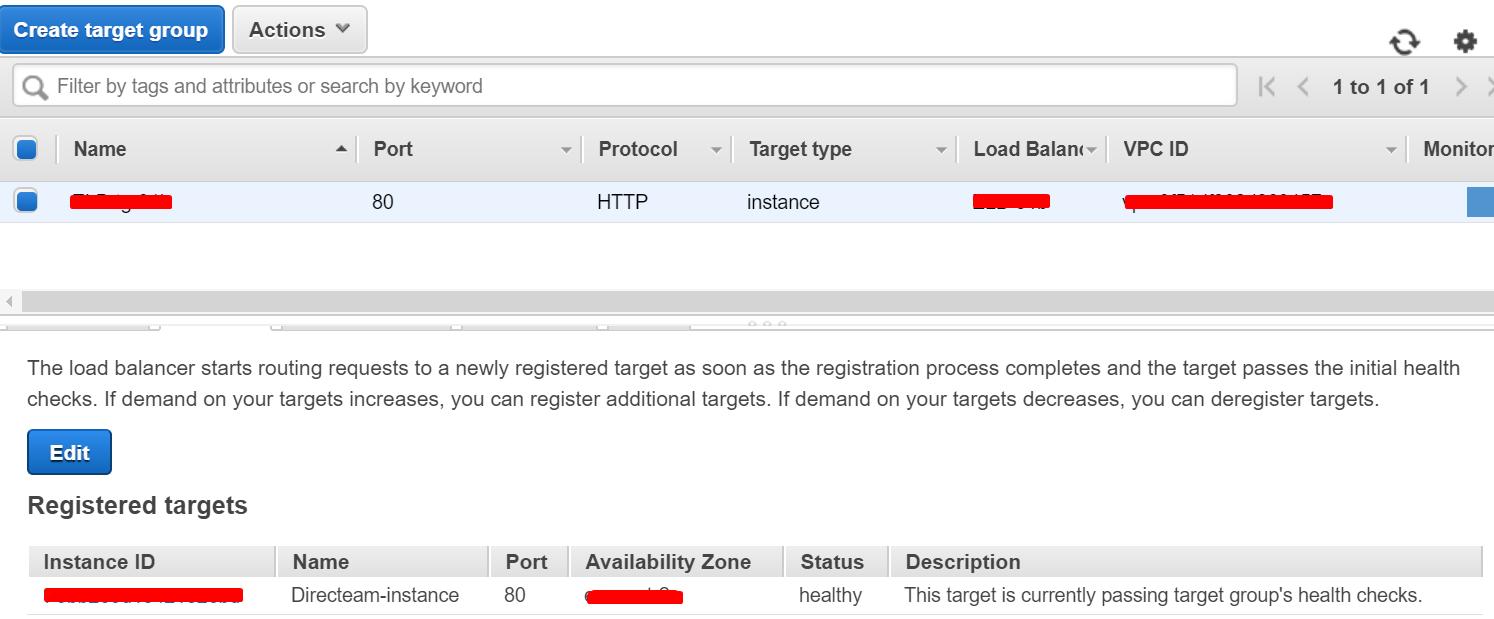
What could be the problem / what further configuration should I do? Thank you.


 已为社区贡献15557条内容

所有评论(0)