
Canvas 2D 离屏渲染与双缓冲渲染技巧
Canvas 2D 离屏渲染与双缓冲渲染技巧
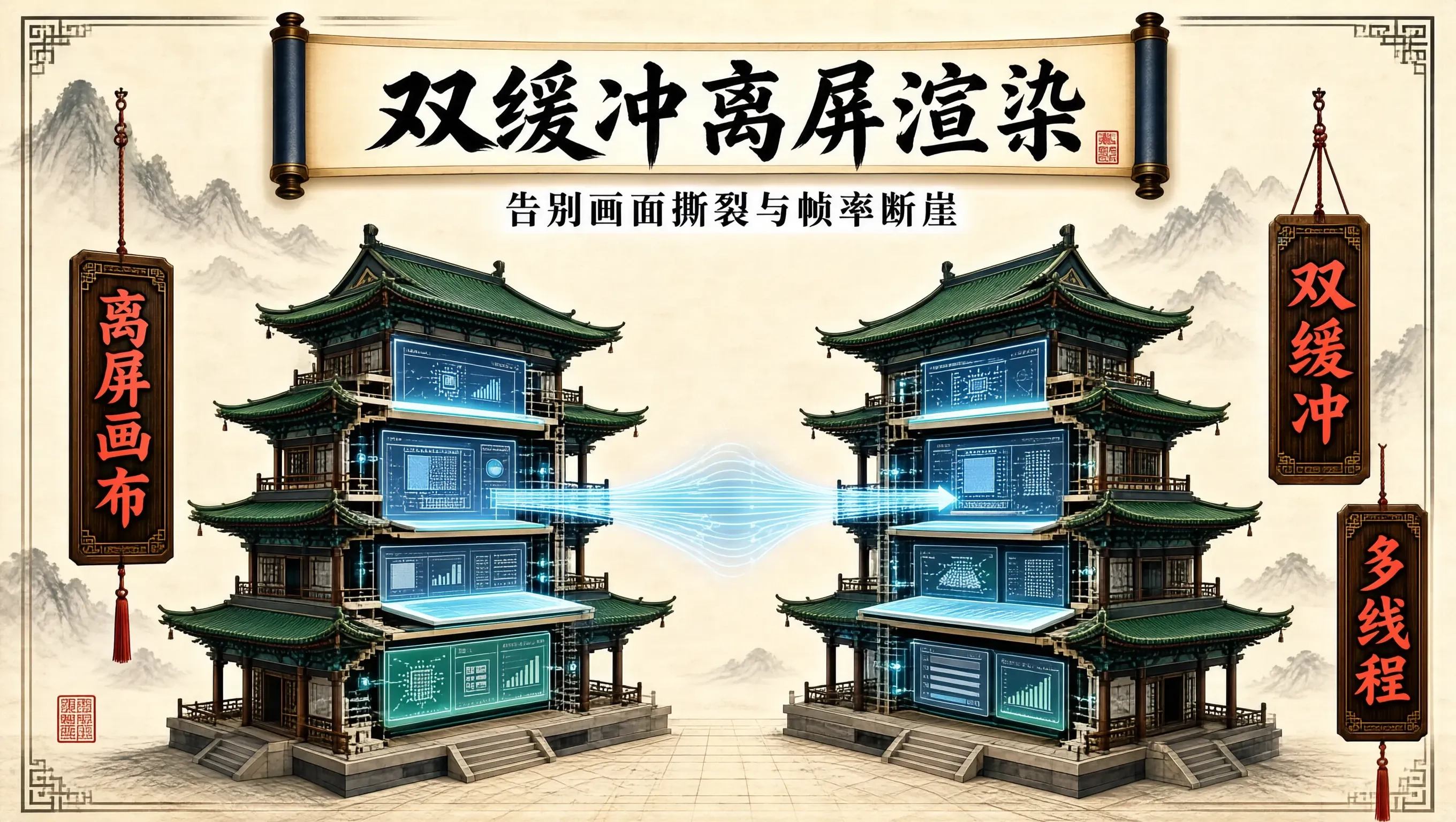
在构建高频金融 K 线图、工业物联网实时监控拓扑或超万点散点图时,Canvas 2D 经常会面临两大性能瓶颈:绘制过程中的画面撕裂与闪烁,以及高频重绘带来的主线程帧率断崖式下跌。
许多团队在做 Canvas 性能优化时,往往只把精力放在减少 API 调用次数上,却忽视了画布背后的显存提交时机与渲染管线。合理运用离屏画布(Offscreen Canvas)与双缓冲机制(Double Buffering),是让前端 2D 渲染突破瓶颈的关键招式。
画面闪烁与撕裂的底层成因
当我们在 requestAnimationFrame 中执行渲染逻辑时,通常会先调用 ctx.clearRect(0, 0, width, height),随后逐个遍历上千个图形节点执行 ctx.beginPath()、ctx.arc() 与 ctx.fill()。
如果单帧内的图形绘制耗时超过了显示器的垂直同步(V-Sync)间隙(例如超过 16.6ms),浏览器合成器在采样当前画布的显存纹理时,捕获到的可能正是“清屏之后、绘制到一半”的半成品状态。反映在用户屏幕上,就是肉眼可见的画面抖动、高频白闪或残缺图形。
解决这一问题的古典而有效的工程方案,就是图形学中的双缓冲机制:在后台内存画布中画完所有像素,前台只负责瞬间贴图。
静态缓存与分层双缓冲实践
在复杂可视化看板中,元素往往具备不同的更新频率:
- 背景层:网格线、坐标轴刻度、水印、静态图例(每秒更新 0 次,只有视口平移缩放才重绘)。
- 数据层:波形曲线、热力点、实时拓扑连线(每秒更新 60 次)。
- 交互层:鼠标悬停光标、十字十字线、框选高亮(事件触发时即时更新)。
如果每帧都将背景的几百条虚线重新算一遍三角函数并提交给 GPU,算力就会被无谓消耗。我们可以为静态背景分配一个隐藏的离屏 Canvas 实例,将其作为静态位图纹理缓存。
export interface ViewportConfig {
  width: number;
  height: number;
  dpr: number;
}

export class DualBufferRenderer {
  private displayCanvas: HTMLCanvasElement;
  private displayCtx: CanvasRenderingContext2D;

  // 离屏后台缓冲区
  private backBuffer: HTMLCanvasElement;
  private backCtx: CanvasRenderingContext2D;

  // 静态背景层缓存
  private staticLayerBuffer: HTMLCanvasElement;
  private staticLayerCtx: CanvasRenderingContext2D;
  private isStaticLayerDirty = true;

  private config: ViewportConfig;

  constructor(container: HTMLElement, config: ViewportConfig) {
    this.config = config;

    // 1. 初始化前台可见画布
    this.displayCanvas = document.createElement('canvas');
    this.displayCtx = this.displayCanvas.getContext('2d', { alpha: false })!;
    container.appendChild(this.displayCanvas);

    // 2. 初始化后台主双缓冲画布
    this.backBuffer = document.createElement('canvas');
    this.backCtx = this.backBuffer.getContext('2d', { alpha: false })!;

    // 3. 初始化静态图层缓存画布
    this.staticLayerBuffer = document.createElement('canvas');
    this.staticLayerCtx = this.staticLayerBuffer.getContext('2d')!;

    this.resize(config.width, config.height, config.dpr);
  }

  public resize(width: number, height: number, dpr: number) {
    this.config = { width, height, dpr };
    const physicalWidth = width * dpr;
    const physicalHeight = height * dpr;

    [this.displayCanvas, this.backBuffer, this.staticLayerBuffer].forEach((canvas) => {
      canvas.width = physicalWidth;
      canvas.height = physicalHeight;
      canvas.style.width = `${width}px`;
      canvas.style.height = `${height}px`;
    });

    [this.displayCtx, this.backCtx, this.staticLayerCtx].forEach((ctx) => {
      ctx.resetTransform();
      ctx.scale(dpr, dpr);
    });

    this.isStaticLayerDirty = true;
  }

  // 绘制复杂的静态坐标系和水墨网格
  private renderStaticGrid(ctx: CanvasRenderingContext2D) {
    const { width, height } = this.config;
    ctx.fillStyle = '#0f172a'; // 深色水墨底色
    ctx.fillRect(0, 0, width, height);

    ctx.strokeStyle = '#1e293b';
    ctx.lineWidth = 1;
    ctx.beginPath();

    const step = 40;
    for (let x = 0; x < width; x += step) {
      ctx.moveTo(x, 0);
      ctx.lineTo(x, height);
    }
    for (let y = 0; y < height; y += step) {
      ctx.moveTo(0, y);
      ctx.lineTo(width, y);
    }
    ctx.stroke();

    // 绘制坐标轴文字
    ctx.fillStyle = '#64748b';
    ctx.font = '10px monospace';
    for (let x = 0; x < width; x += step * 2) {
      ctx.fillText(`${x}px`, x + 4, height - 6);
    }
  }

  // 核心渲染循环
  public render(dynamicPoints: Array<{ x: number; y: number; val: number }>) {
    const { width, height, dpr } = this.config;
    const physicalWidth = width * dpr;
    const physicalHeight = height * dpr;

    // 阶段 A: 检查并刷新静态图层缓存
    if (this.isStaticLayerDirty) {
      this.renderStaticGrid(this.staticLayerCtx);
      this.isStaticLayerDirty = false;
    }

    // 阶段 B: 在后台双缓冲画布中合成所有图层
    // 1. 将静态背景位图瞬间复制到后台缓冲区
    this.backCtx.drawImage(
      this.staticLayerBuffer,
      0, 0, physicalWidth, physicalHeight,
      0, 0, width, height
    );

    // 2. 绘制高频动态数据流
    this.backCtx.fillStyle = '#38bdf8';
    for (let i = 0; i < dynamicPoints.length; i++) {
      const p = dynamicPoints[i];
      this.backCtx.beginPath();
      this.backCtx.arc(p.x, p.y, Math.min(p.val, 8), 0, Math.PI * 2);
      this.backCtx.fill();
    }

    // 阶段 C: 将后台缓冲画布一次性投射到前台屏幕
    // 该操作为显存间的直接纹理块拷贝(Blit),耗时通常在 0.5ms 以内,彻底避免闪烁
    this.displayCtx.drawImage(
      this.backBuffer,
      0, 0, physicalWidth, physicalHeight,
      0, 0, width, height
    );
  }
}
进阶:利用 Web Worker 与 OffscreenCanvas 实现真多线程解耦
在浏览器主线程中,即使双缓冲能解决闪烁,庞大的几何计算依然会抢占主线程的事件循环。现代浏览器支持标准的 OffscreenCanvas 特性,允许主线程将 Canvas 控制权转移给 Worker 线程。
主线程只负责监听鼠标事件并传递给 Worker:
// main.ts
const canvas = document.querySelector('canvas')!;
const offscreen = canvas.transferControlToOffscreen();
const worker = new Worker(new URL('./render.worker.ts', import.meta.url), { type: 'module' });

worker.postMessage({ type: 'INIT', canvas: offscreen, dpr: window.devicePixelRatio }, [offscreen]);

window.addEventListener('pointermove', (e) => {
  worker.postMessage({ type: 'POINTER_MOVE', x: e.clientX, y: e.clientY });
});
Worker 线程内部拥有独立的微任务队列与 requestAnimationFrame 驱动:
// render.worker.ts
let offscreenCtx: OffscreenCanvasRenderingContext2D | null = null;
let pointerPos = { x: 0, y: 0 };

self.onmessage = (e: MessageEvent) => {
  const { type } = e.data;
  if (type === 'INIT') {
    const canvas: OffscreenCanvas = e.data.canvas;
    offscreenCtx = canvas.getContext('2d')!;
    requestAnimationFrame(renderLoop);
  } else if (type === 'POINTER_MOVE') {
    pointerPos.x = e.data.x;
    pointerPos.y = e.data.y;
  }
};

function renderLoop() {
  if (!offscreenCtx) return;
  // 在独立的 Worker 线程中执行密集绘制,完全不阻塞主线程 UI 与 DOM 重排
  offscreenCtx.clearRect(0, 0, 800, 600);
  offscreenCtx.fillStyle = '#06b6d4';
  offscreenCtx.beginPath();
  offscreenCtx.arc(pointerPos.x, pointerPos.y, 20, 0, Math.PI * 2);
  offscreenCtx.fill();

  requestAnimationFrame(renderLoop);
}
离屏画布调优的几个关键细节
- 避免频繁创建与销毁临时 Canvas:创建 DOM Canvas 对象涉及显存分配。临时生成的离屏画布应当池化复用,而非在每个 render 循环里
document.createElement('canvas')。 - 合理关闭透明通道:如果背景是纯色或不透明图像,初始化 context 时传入
{ alpha: false },可以省去合成器对 Alpha 通道的混合运算,提升 15% 以上的绘制吞吐量。 - 坐标对齐与像素抗锯齿:在绘制 1px 细线时,注意将其偏移
0.5px或者关闭imageSmoothingEnabled,防止离屏位图缩放插值导致线条变虚。
更多推荐


 2
2 0
0- 0


 已为社区贡献27条内容

所有评论(0)