
基于LangChain的大模型对话简单demo
LangChain Python 提供了一个庞大的生态系统,拥有 1000 多个集成,涵盖聊天与嵌入模型、工具与工具包、文档加载器、向量存储等。
详细的介绍可以点击下面的链接查看:https://docs.langchain.com/oss/python/integrations/providers/overview
现在看一下怎么通过python脚本使用langchain-deepseek连接deepseek模型进行对话:
https://reference.langchain.com/python/integrations/langchain_deepseek/
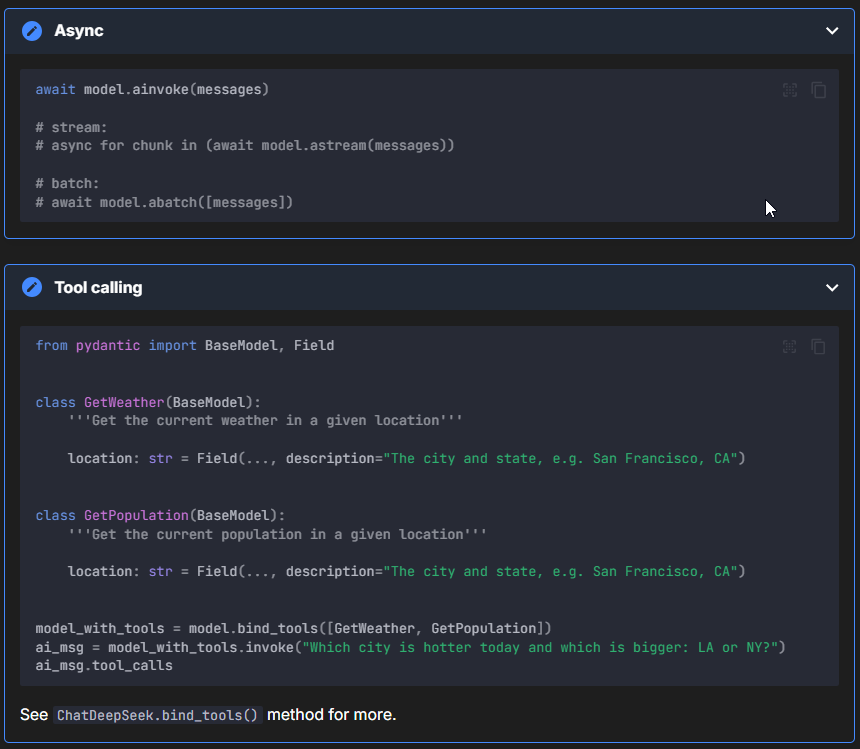
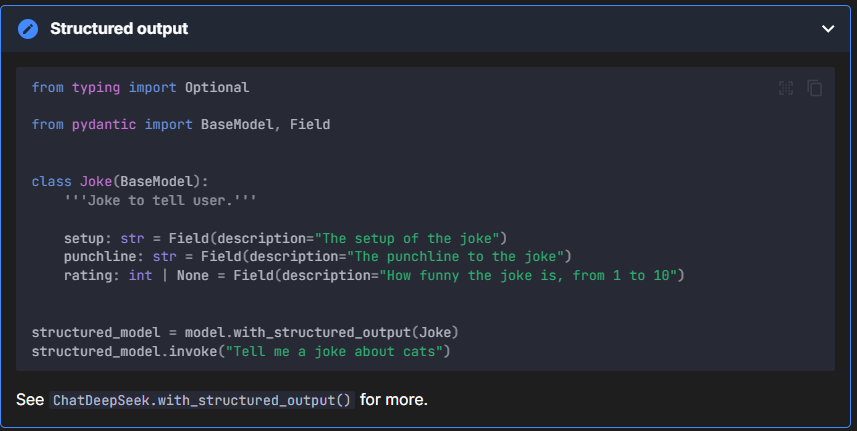
链接中还有流式输出、非流式输出、结构化输出、异步调用和工具调用的相关用法介绍,感兴趣的可以自己研究:
def get_deepseek_model(): # pip install -U langchain-deepseek os.environ["DEEPSEEK_API_KEY"] = "sk-xxxxxxxxx" # 也可以在下面的api_key设置key model = ChatDeepSeek( model="deepseek-reasoner", # deepseek-chat, deepseek-reasoner temperature=0, max_tokens=None, timeout=None, max_retries=2, #api_key="...", # other params... ) return modelllm = get_deepseek_model()response = llm.invoke("你好,你是谁? ")print(response)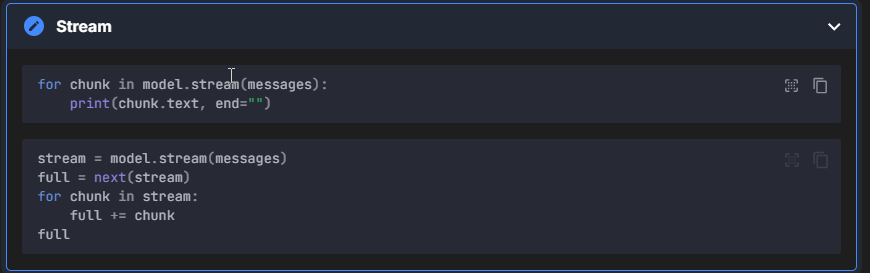
deepseek-chat, deepseek-reasoner有什么区别?
运行方式
deepseek-chat:走「非思考模式」——像常规大模型一样“秒回”,适合日常对话、创意写作、客服问答。
deepseek-reasoner:走「思考模式」——内部会先产生一串 Chain-of-Thought(思维链)再给出答案,逻辑更严谨,适合数学、编程、复杂推理题。
输出内容
chat 模式只返回最终答案;reasoner 模式在 API 里会额外给出字段 reasoning_content,你可以看到它一步步的思考过程。
速度与成本
chat 模式响应快,价格相对便宜一点。
reasoner 模式因要生成思维链,响应慢一些,价格贵一些。
具体收费标准可参考官网介绍:https://api-docs.deepseek.com/zh-cn/quick_start/pricing/
参数支持
chat 模式支持 temperature、top_p 等“创意”参数;reasoner 模式为了保证逻辑一致性,禁用这些随机性参数。
使用入口
网页端:在聊天框里关掉“深度思考(DeepThink)”就是 chat 模式,打开就是 reasoner 模式。
API 端:model 字段填 deepseek-chat 或 deepseek-reasoner 即可切换。
一句话总结:
“想闲聊、写文案、快响应”用 deepseek-chat;“要解题、写算法、看推理步骤”用 deepseek-reasoner——其实就是同一个模型,只是让不让它“先想后答”
LangChain 的Chat models
LangChain 支持通过统一的接口,从任意支持的模型提供商进行初始化聊天模型。
from langchain.chat_models import init_chat_modelinit_chat_model( model: str | None = None, *, model_provider: str | None = None, configurable_fields: Literal["any"] | list[str] | tuple[str, ...] | None = None, config_prefix: str | None = None, **kwargs: Any,) -> BaseChatModel | _ConfigurableModelhttps://reference.langchain.com/python/langchain/models
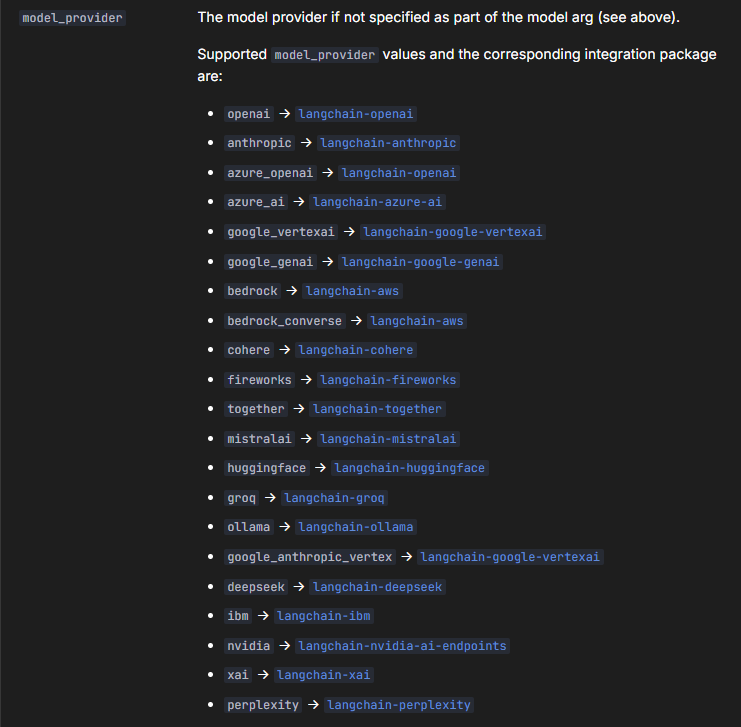
从上面的文档中可以看到相关的model_provider的介绍,点击相关的链接可以看模型的相关使用介绍:
总结
看完上面的内容的话,基本上就可以写一个简单的基于langchain的大模型基础对话的简单脚本了,关注我,后面会不定期更新其他内容。
更多推荐
 15
15 0
0- 0


 已为社区贡献8条内容

所有评论(0)