
使用Docker安装Immich照片和视频管理工具
·
1、demo
# 详见:
https://github.com/immich-app/immich
https://github.com/immich-app/immich/blob/main/readme_i18n/README_zh_CN.md

# demo:
地址:https://demo.immich.app/
邮箱:demo@immich.app
密码:demo
2、安装要求
详见:https://docs.immich.app/install/requirements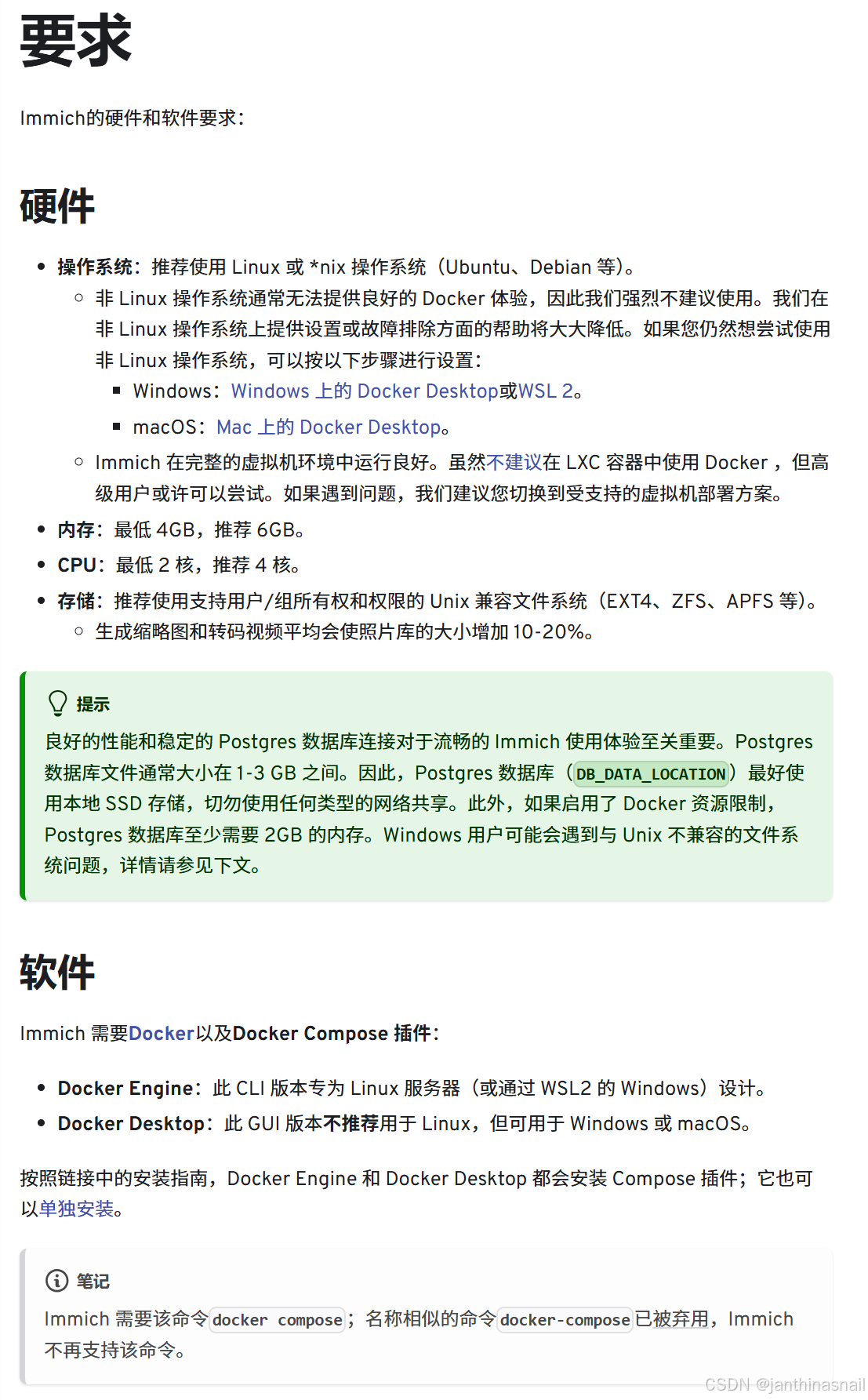
# "测试环境服务器"

CPU数量:2核
内存:4GB
磁盘:50GB
3、安装Docker
4、安装Immich
详见:
https://docs.immich.app
https://docs.immich.app/overview/introduction
https://docs.immich.app/install/docker-compose
https://github.com/immich-app/immich
https://github.com/immich-app/immich/blob/main/readme_i18n/README_zh_CN.md
创建目录:
mkdir immich切换目录:
cd immich下载:
# 下载docker-compose.yml文件:
# wget -O docker-compose.yml https://github.com/immich-app/immich/releases/latest/download/docker-compose.yml

wget https://github.com/immich-app/immich/releases/download/v2.2.3/docker-compose.yml
# 下载example.env文件:
# wget -O .env https://github.com/immich-app/immich/releases/latest/download/example.env
wget https://github.com/immich-app/immich/releases/download/v2.2.3/example.env创建.env文件:
cp example.env .env查看.env文件:
# You can find documentation for all the supported env variables at https://docs.immich.app/install/environment-variables

# The location where your uploaded files are stored
UPLOAD_LOCATION=./library

# The location where your database files are stored. Network shares are not supported for the database
DB_DATA_LOCATION=./postgres

# To set a timezone, uncomment the next line and change Etc/UTC to a TZ identifier from this list: https://en.wikipedia.org/wiki/List_of_tz_database_time_zones#List
# TZ=Etc/UTC

# The Immich version to use. You can pin this to a specific version like "v2.1.0"
IMMICH_VERSION=v2

# Connection secret for postgres. You should change it to a random password
# Please use only the characters `A-Za-z0-9`, without special characters or spaces
DB_PASSWORD=postgres

# The values below this line do not need to be changed
###################################################################################
DB_USERNAME=postgres
DB_DATABASE_NAME=immich
查看docker-compose.yml文件:
#
# WARNING: To install Immich, follow our guide: https://docs.immich.app/install/docker-compose
#
# Make sure to use the docker-compose.yml of the current release:
#
# https://github.com/immich-app/immich/releases/latest/download/docker-compose.yml
#
# The compose file on main may not be compatible with the latest release.

name: immich

services:
  immich-server:
    container_name: immich_server
    image: ghcr.io/immich-app/immich-server:${IMMICH_VERSION:-release}
    # extends:
    #   file: hwaccel.transcoding.yml
    #   service: cpu # set to one of [nvenc, quicksync, rkmpp, vaapi, vaapi-wsl] for accelerated transcoding
    volumes:
      # Do not edit the next line. If you want to change the media storage location on your system, edit the value of UPLOAD_LOCATION in the .env file
      - ${UPLOAD_LOCATION}:/data
      - /etc/localtime:/etc/localtime:ro
    env_file:
      - .env
    ports:
      - '2283:2283'
    depends_on:
      - redis
      - database
    restart: always
    healthcheck:
      disable: false

  immich-machine-learning:
    container_name: immich_machine_learning
    # For hardware acceleration, add one of -[armnn, cuda, rocm, openvino, rknn] to the image tag.
    # Example tag: ${IMMICH_VERSION:-release}-cuda
    image: ghcr.io/immich-app/immich-machine-learning:${IMMICH_VERSION:-release}
    # extends: # uncomment this section for hardware acceleration - see https://docs.immich.app/features/ml-hardware-acceleration
    #   file: hwaccel.ml.yml
    #   service: cpu # set to one of [armnn, cuda, rocm, openvino, openvino-wsl, rknn] for accelerated inference - use the `-wsl` version for WSL2 where applicable
    volumes:
      - model-cache:/cache
    env_file:
      - .env
    restart: always
    healthcheck:
      disable: false

  redis:
    container_name: immich_redis
    image: docker.io/valkey/valkey:8@sha256:81db6d39e1bba3b3ff32bd3a1b19a6d69690f94a3954ec131277b9a26b95b3aa
    healthcheck:
      test: redis-cli ping || exit 1
    restart: always

  database:
    container_name: immich_postgres
    image: ghcr.io/immich-app/postgres:14-vectorchord0.4.3-pgvectors0.2.0@sha256:bcf63357191b76a916ae5eb93464d65c07511da41e3bf7a8416db519b40b1c23
    environment:
      POSTGRES_PASSWORD: ${DB_PASSWORD}
      POSTGRES_USER: ${DB_USERNAME}
      POSTGRES_DB: ${DB_DATABASE_NAME}
      POSTGRES_INITDB_ARGS: '--data-checksums'
      # Uncomment the DB_STORAGE_TYPE: 'HDD' var if your database isn't stored on SSDs
      # DB_STORAGE_TYPE: 'HDD'
    volumes:
      # Do not edit the next line. If you want to change the database storage location on your system, edit the value of DB_DATA_LOCATION in the .env file
      - ${DB_DATA_LOCATION}:/var/lib/postgresql/data
    shm_size: 128mb
    restart: always

volumes:
  model-cache:
备份docker-compose.yml文件:
cp docker-compose.yml docker-compose.yml-bak修改docker-compose.yml文件:
sed -i 's/ghcr.io/ghcr.nju.edu.cn/g' docker-compose.yml
sed -i 's/docker.io/docker.m.daocloud.io/g' docker-compose.yml
sed -i 's/2283:2283/8080:2283/g' docker-compose.yml
创建并启动容器:
docker-compose up -d查看容器列表:
docker ps查看数据卷列表:
docker volume ls停止并销毁容器:
docker-compose down删除目录:
rm -rf ./library ./postgres删除数据卷:
docker volume rm immich_model-cache删除镜像:
docker rmi \
  ghcr.nju.edu.cn/immich-app/immich-server:v2 \
  ghcr.nju.edu.cn/immich-app/postgres:14-vectorchord0.4.3-pgvectors0.2.0 \
  docker.m.daocloud.io/valkey/valkey:8 \
  ghcr.nju.edu.cn/immich-app/immich-machine-learning:v2
# 如果删除 postgres 镜像失败,执行命令:
docker rmi $(docker images | grep ghcr.nju.edu.cn/immich-app/postgres | awk '{print $3}')
# 如果删除 valkey 镜像失败,执行命令:
docker rmi $(docker images | grep docker.m.daocloud.io/valkey/valkey | awk '{print $3}')5、浏览器访问
假设当前ip为192.168.186.128
浏览器访问:http://192.168.186.128:8080
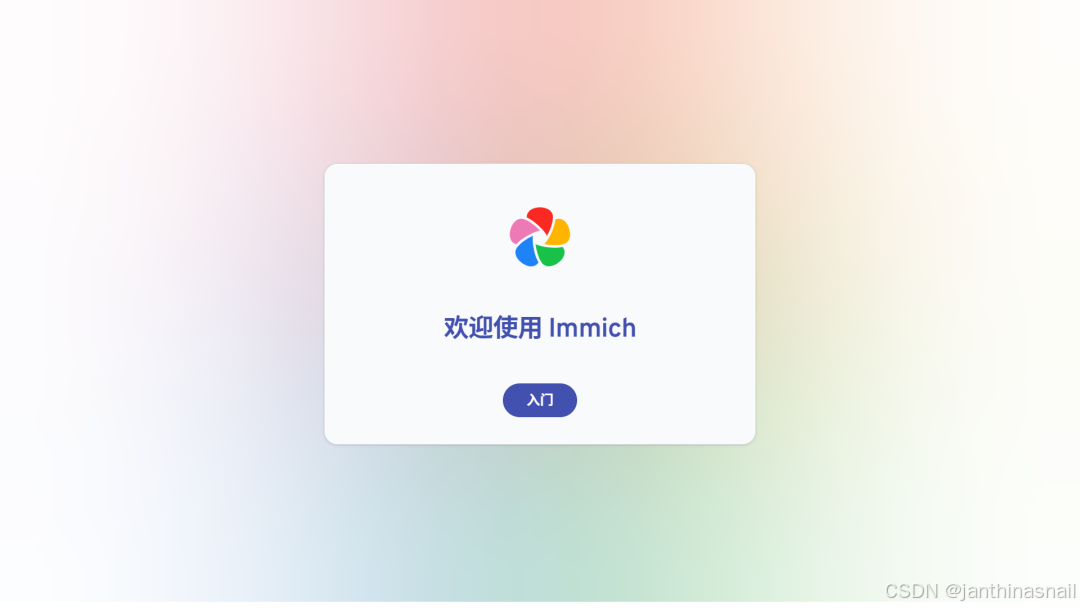
入门:
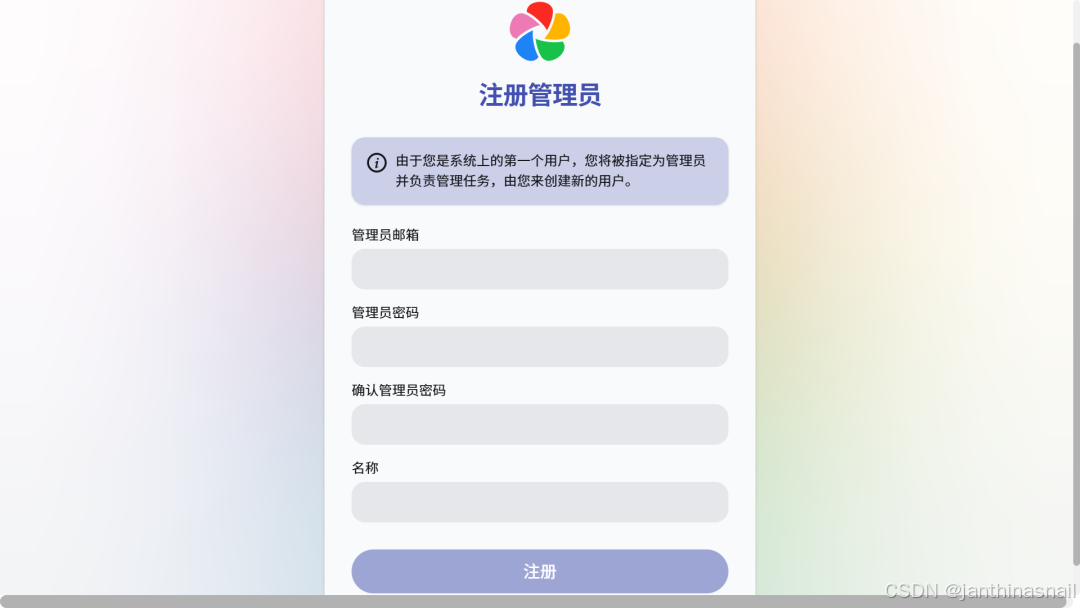
注册管理员:
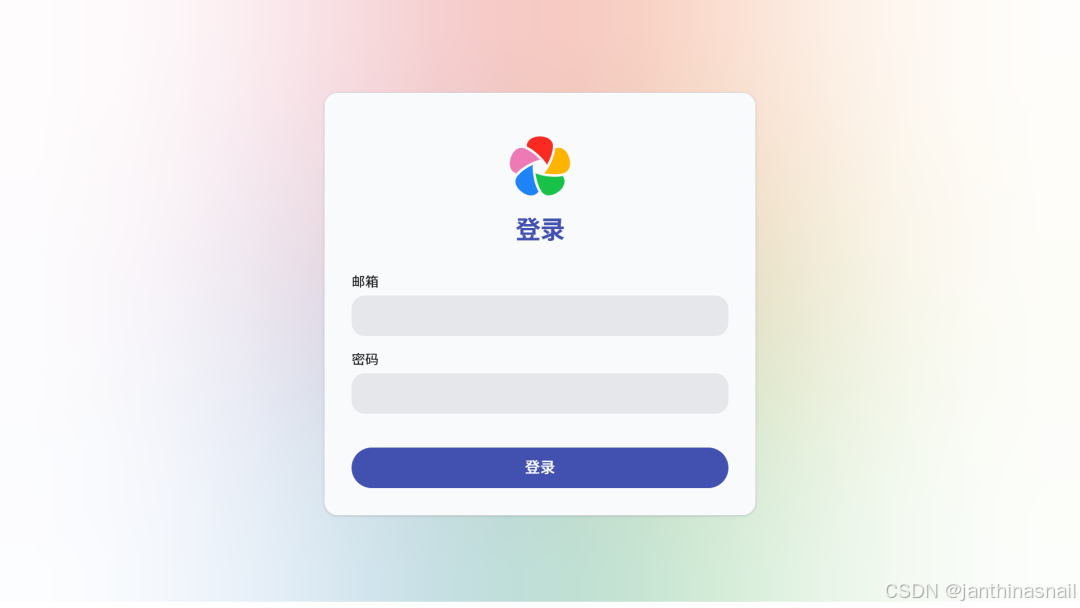
登录:
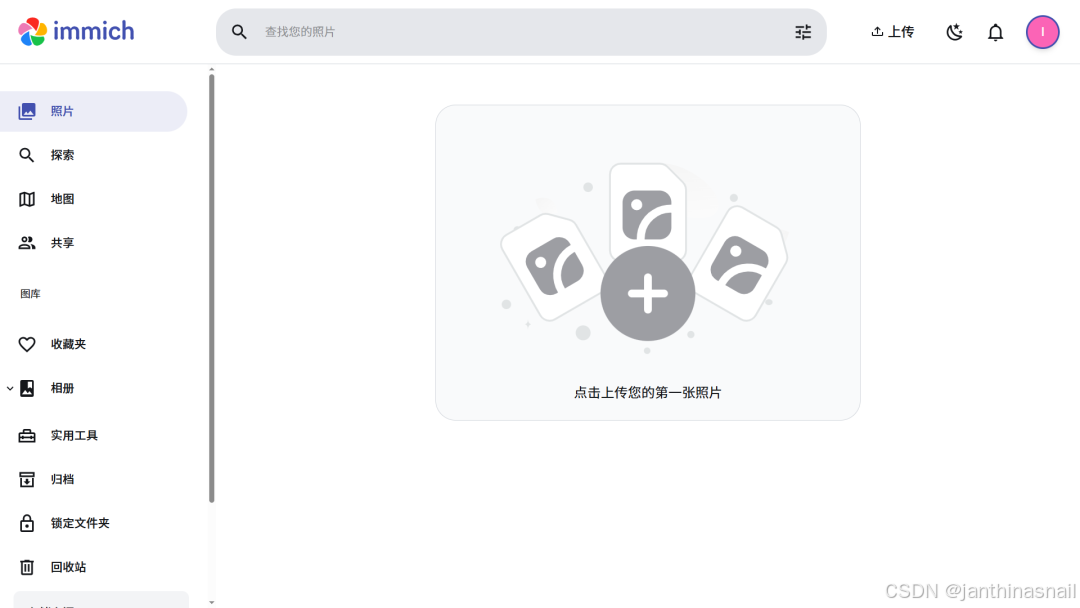
登录成功显示的页面:
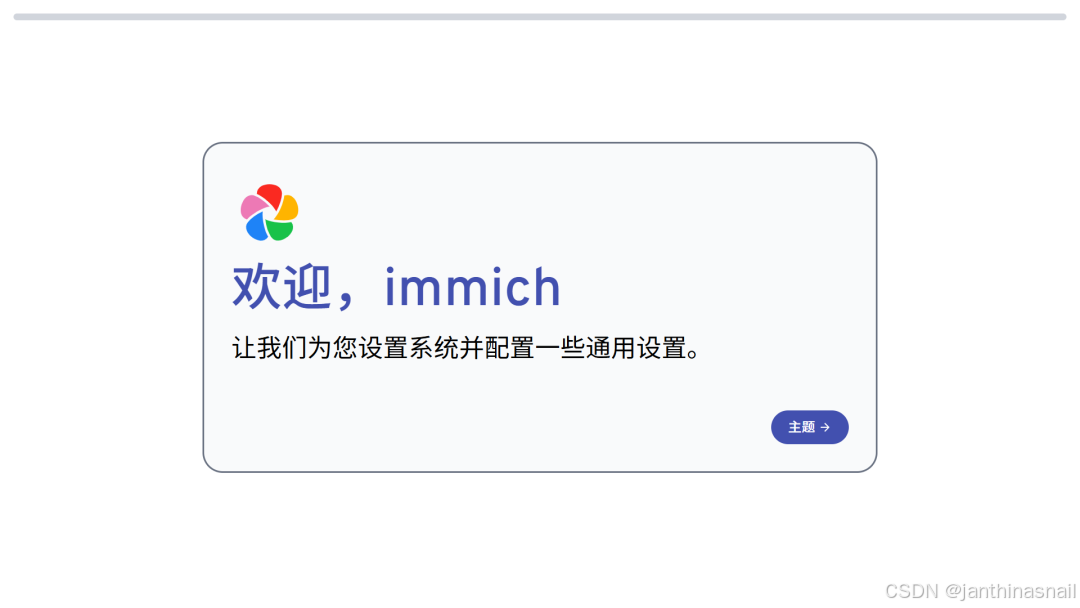
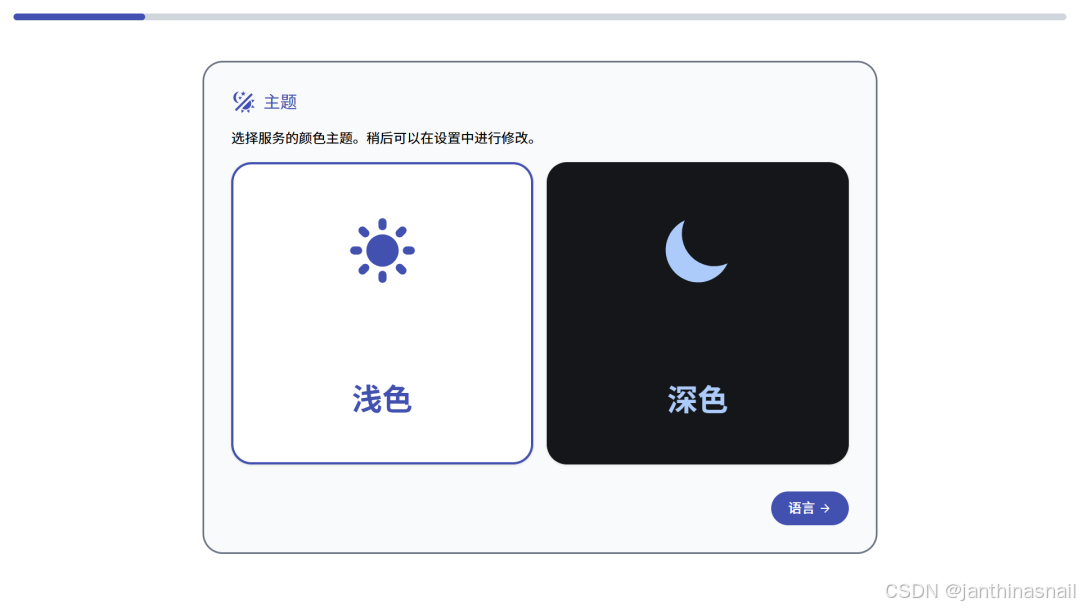
主题:
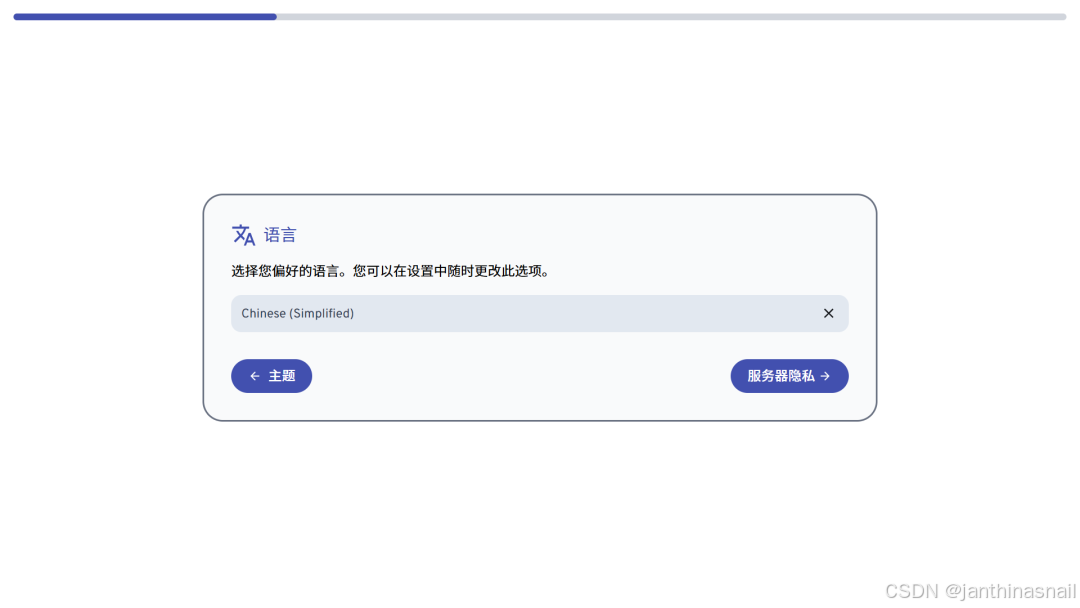
语言:
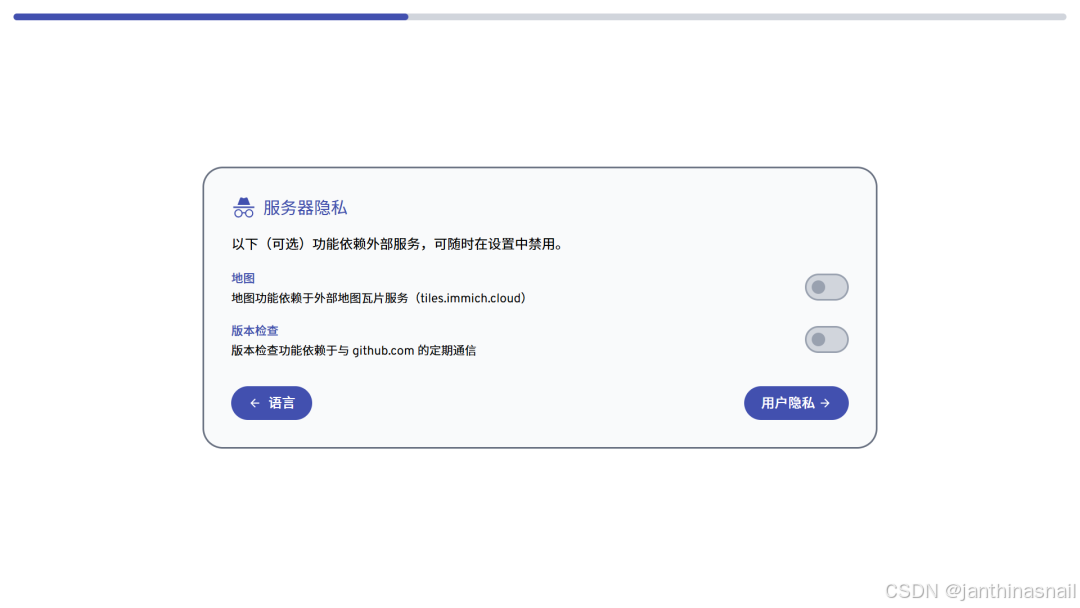
服务器隐私:
用户隐私:
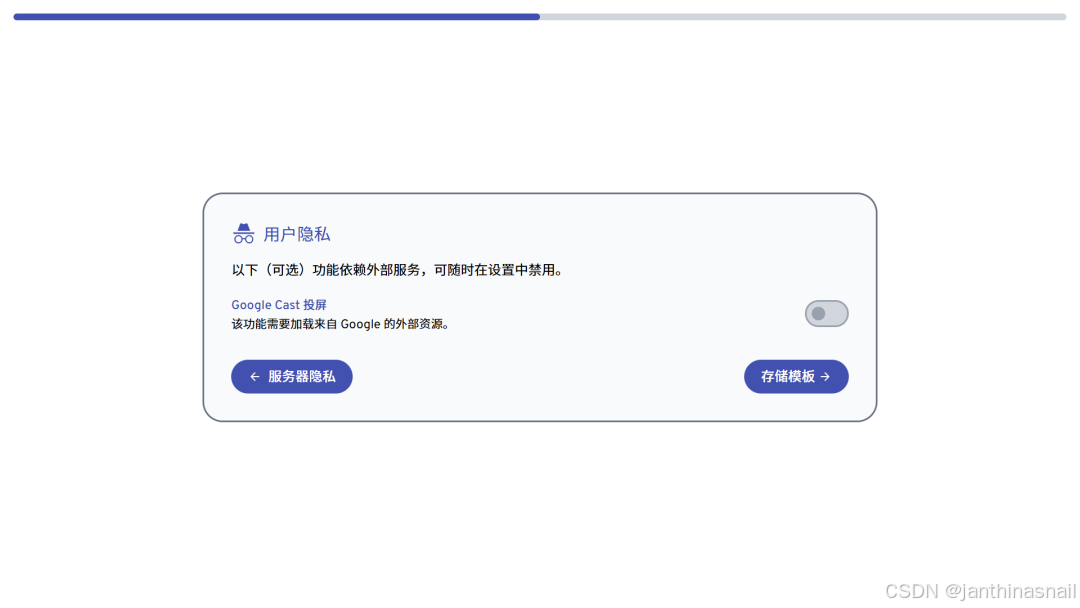
存储模板:
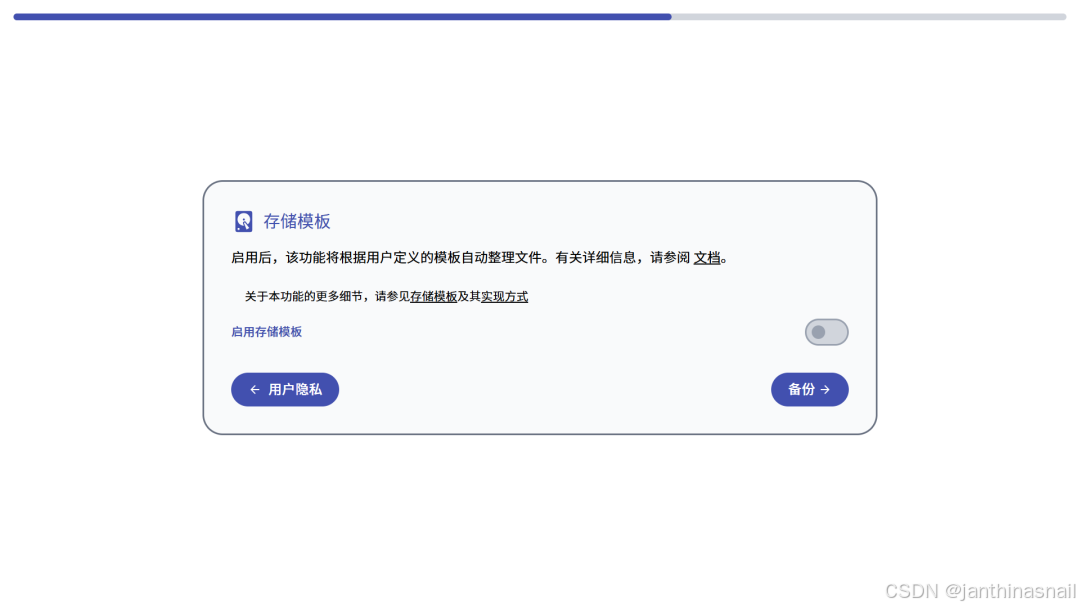
备份:
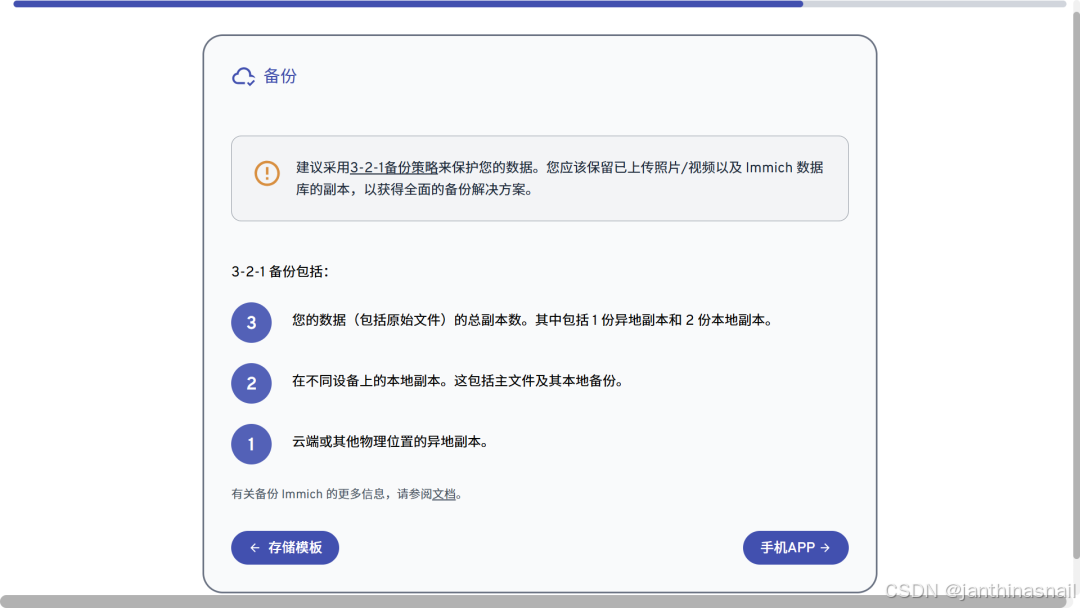
手机APP:
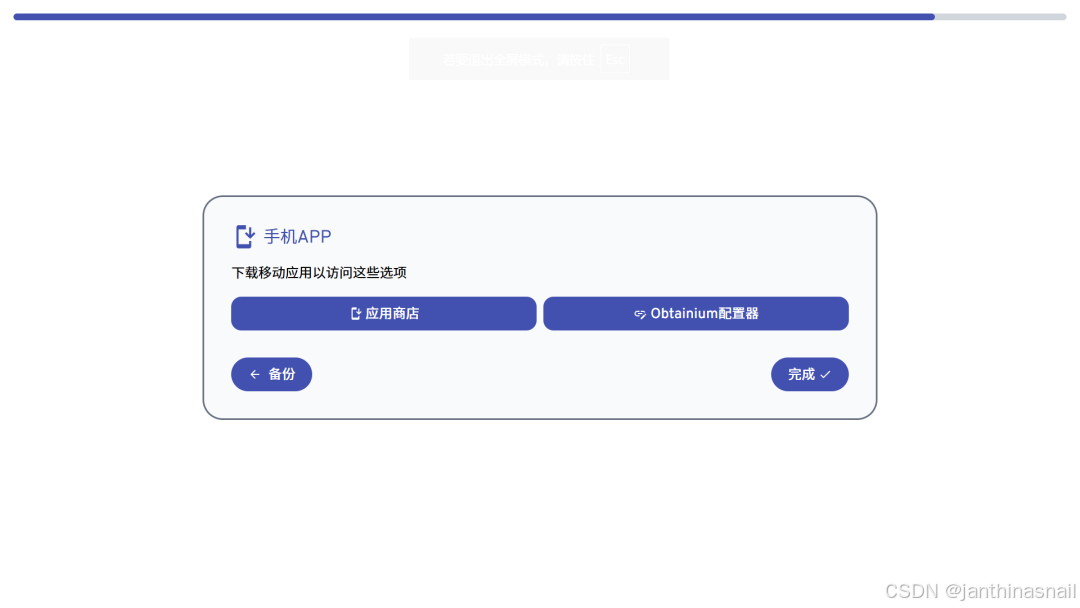
管理后台:
6、详见
https://immich.app
https://docs.immich.app
https://github.com/immich-app/immich
https://github.com/immich-app/immich/blob/main/readme_i18n/README_zh_CN.md
https://mp.weixin.qq.com/s/TV3U4TQqdnOW1SWE2MyzTg更多推荐


 7
7 0
0- 0


 已为社区贡献12条内容

所有评论(0)