
Docker 容器日志不好查?试试用 Jenkins Pipeline 自动化查看
·
摘要
本文案例适用于已经搭建了jenkins系统,应用服务为docker容器化部署并且没有专门的日志查看系统的场景
页面展示
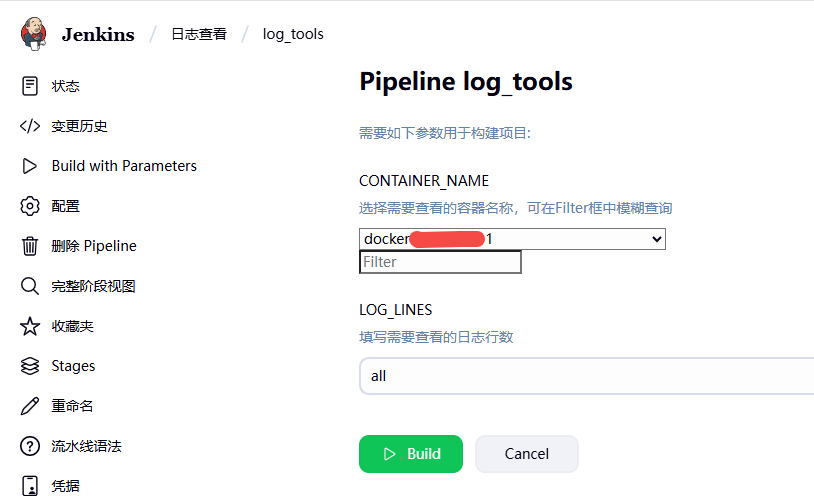
实现步骤
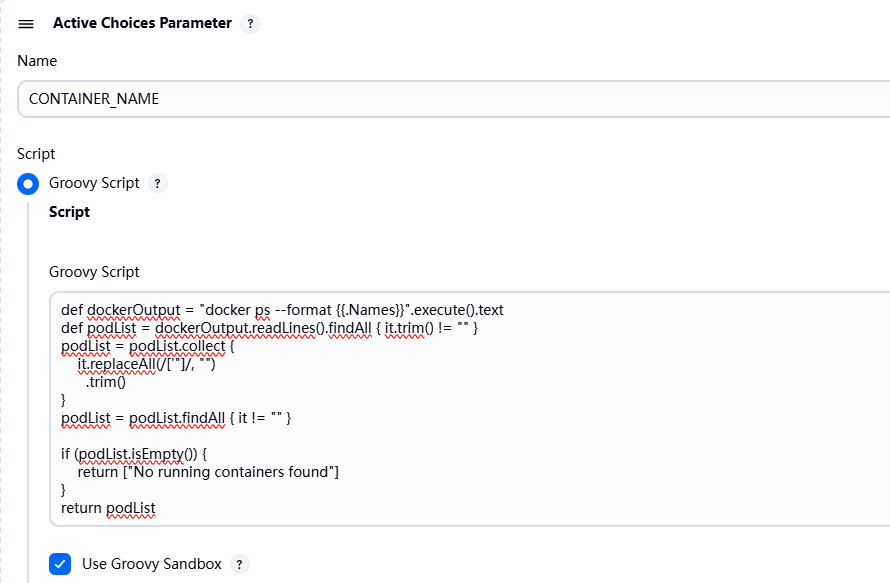
添加参数化构建过程
获取容器列表(Groovy Script)
def dockerOutput = "docker ps --format {{.Names}}".execute().text
def podList = dockerOutput.readLines().findAll { it.trim() != "" }
podList = podList.collect {
    it.replaceAll(/['"]/, "")
      .trim()
}
podList = podList.findAll { it != "" }

if (podList.isEmpty()) {
    return ["No running containers found"]
}
return podList
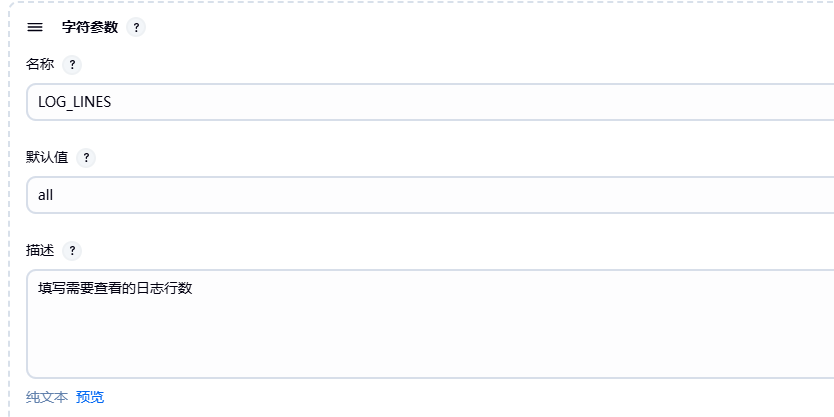
定义查看日志行数
编写pipeline
}
pipeline {
    agent { label 'built-in' }
    stages {
        stage('检查容器状态') {
            steps {
                script {
                    echo "🔍 检查容器 ${CONTAINER_NAME} 是否存在..."
                    def containerExists = sh(
                        script: "docker inspect ${CONTAINER_NAME} > /dev/null 2>&1 && echo 'exists' || echo 'not exists'",
                        returnStdout: true
                    ).trim()

                    if (containerExists != 'exists') {
                        error "❌ 容器 ${pONTAINER_NAME} 不存在,请检查名称或ID是否正确"
                    }
                    def containerStatus = sh(
                        script: "docker inspect -f '{{.State.Status}}' ${CONTAINER_NAME}",
                        returnStdout: true
                    ).trim()
                    echo "📊 容器状态: ${containerStatus}"
                }
            }
        }

        stage('查看容器日志') {
            steps {
                script {
                    echo "📝 开始查看容器 ${CONTAINER_NAME} 的日志..."
                    def logCmd = "docker logs ${CONTAINER_NAME}"
                    if (params.LOG_LINES.trim().toLowerCase() != 'all') {
                        logCmd += " --tail ${LOG_LINES}"
                    }
                    echo "💻 执行命令: ${logCmd}"
                    sh logCmd
                }
            }
        }
    }

    post {
        always {
            echo "✅ 日志查看任务完成"
        }
        failure {
            echo "❌ 任务失败,请检查错误信息"
        }
    }
}
更多推荐
 2
2 0
0- 0


 已为社区贡献1条内容

所有评论(0)