
01- vue3+ts+vite构建后台管理系统
·
vue3+ts+vite构建后台管理系统
前提:
准备开发和运行环境:
- 安装好node,版本:20.19.5 下载node地址:node官网
- vscode开发工具:最新版即可! vscode中国区下载
- 在命令行测试node安装环境:
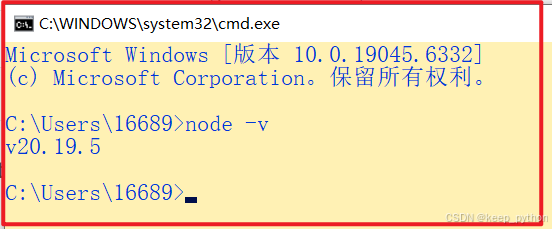
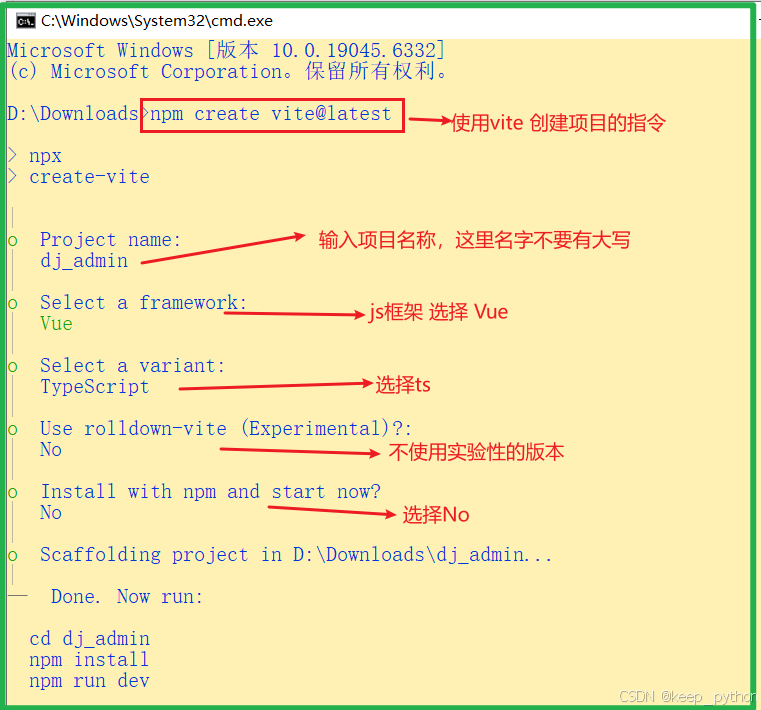
1、基于vite创建项目: 根据提示创建好项目
npm create vite@latest
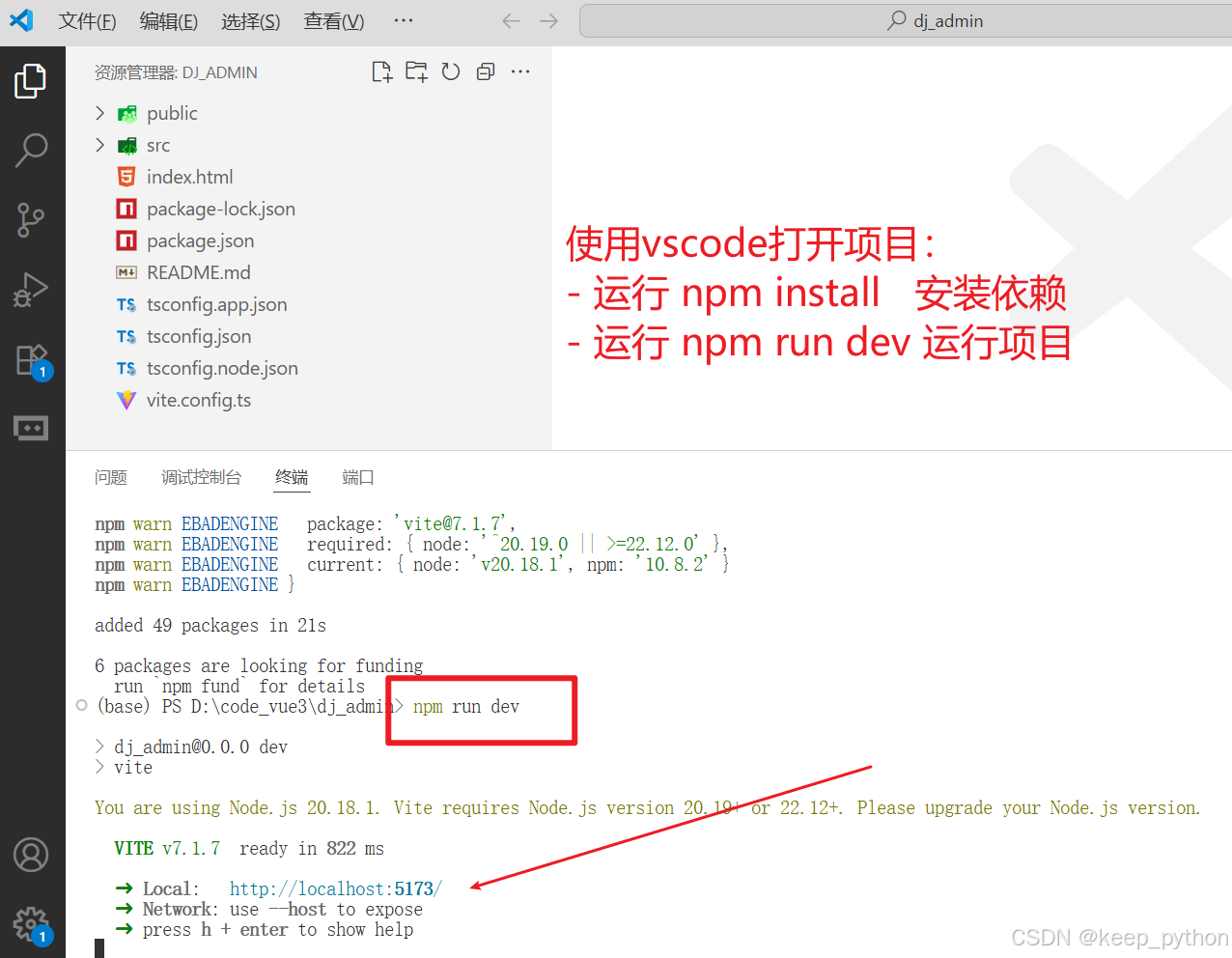
2、使用vscode打开项目:
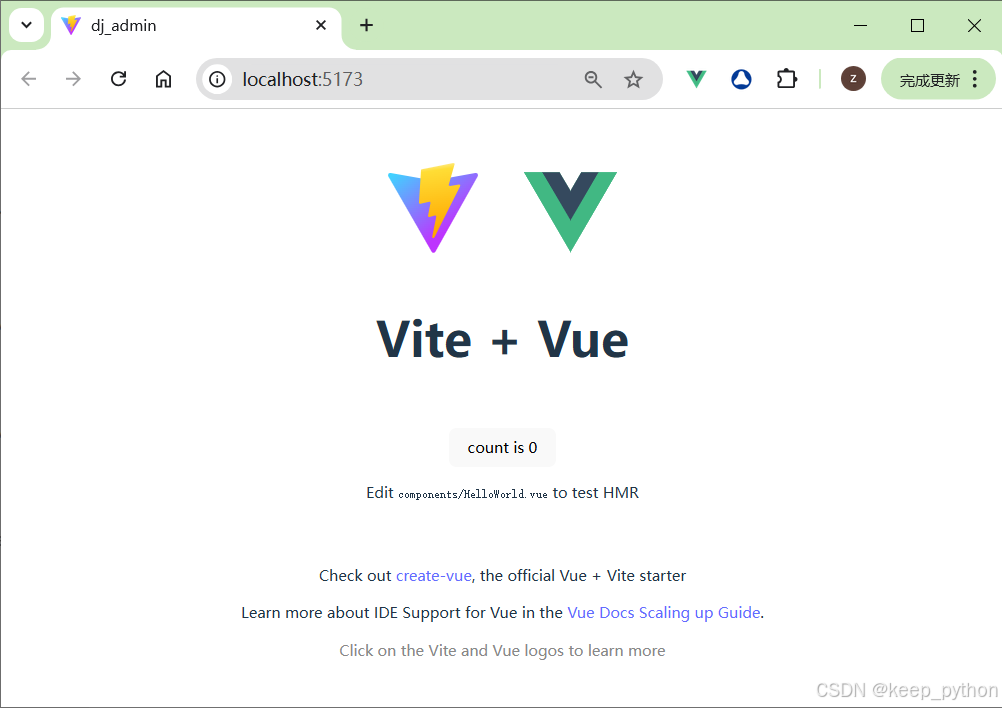
3、在浏览器打开:
4、项目中安装sass支持库
为什么需要这些包?
- sass:提供 SASS/SCSS 语法的编译能力,将SASS代码转换为浏览器可识别 CSS !
- sass-loader:作为构建工具(Vite/Webpack)的插件,负责将 SASS 文件加载并传递给 sass 编译器处理!
- 安装:
npm install sass sass-loader --save-dev
5、配置路径别名@和 路径提示
1、在 vite.config.ts 中配置路径别名@
import { defineConfig } from 'vite';
import vue from '@vitejs/plugin-vue';
import path from 'path';
export default defineConfig({
  plugins: [vue()],
  resolve: {
    alias: {
      //配置路径别名: 当写@时,找 src 目录!
      '@': path.resolve(__dirname, 'src'),
    },
  },
});
2、在配置@别名后,书写@开头的路径没有提示
2.1 问题描述
在配置@别名后,书写@开头的路径没有提示,导致书写错误的可能性增加。
2.2 解决方法
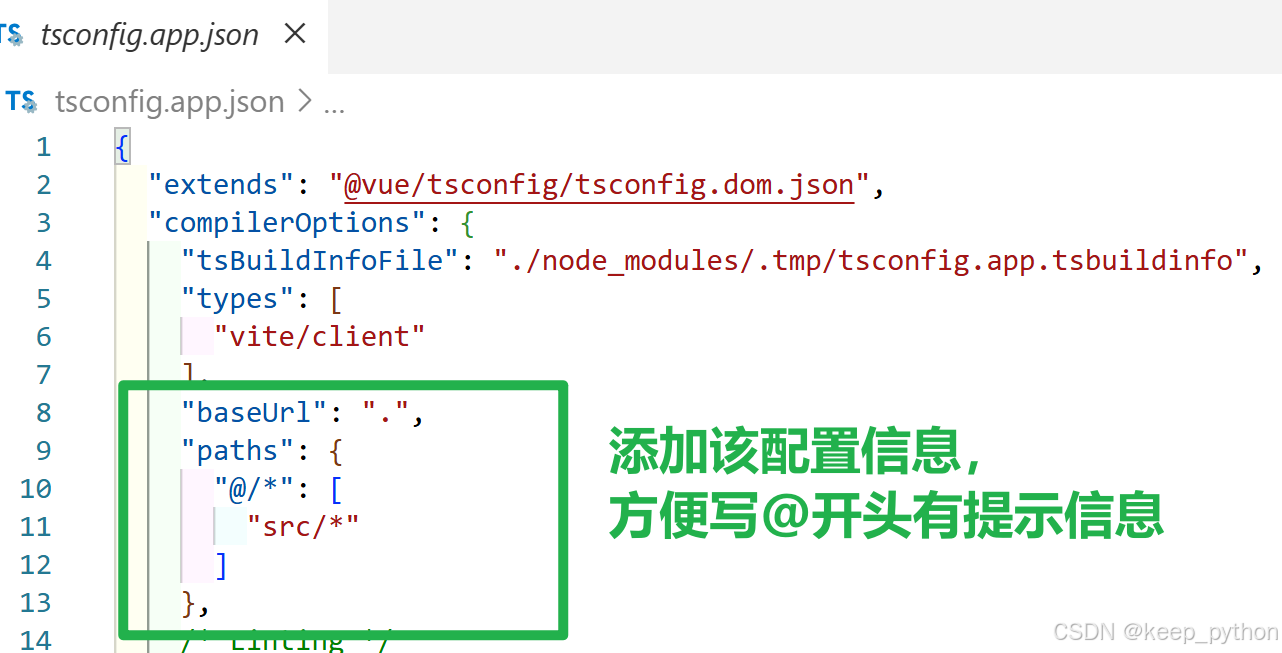
在 tsconfig.app.json 中添加如下代码
"compilerOptions": {
  "baseUrl": ".",
  "paths": {
    "@/*": [ "src/*"]
  },
}
6、页面初始化
1、在assets/styles目录下创建reset.scss
// 以下都是核心实现小知识点
* {
  margin: 0;
  padding: 0;
  box-sizing: border-box; //设置宽高会包含边框和内边距

  // 隐藏滚动条;
  &::-webkit-scrollbar {
    display: none;
  }
}

// 不加的话,子元素设置百分百不起效
html,
body,
#app {
  height: 100%;
  //  纯数字或字母不会自动换行
  word-wrap: break-word;
}

body {
  width: 100vw;
}

a {
  color: #555;
  text-decoration: none;
}

// 不加的话,子元素设置百分百不起效
html,
body,
#app {
  height: 100%;
  //设置宽高会包含边框和内边距
  box-sizing: border-box;
}

body {
  width: 100vw;
}

html {
  overflow-y: auto;
  overflow-x: hidden;
}

.clearfix {

  &:before,
  &:after {
    visibility: hidden;
    display: table;
    content: '';
    clear: both;
    height: 0;
  }
}

a:focus,
a:active {
  outline: none;
}

a,
a:focus,
a:hover {
  cursor: pointer;
  color: inherit;
  text-decoration: none;
}

div:focus {
  outline: none;
}

// 实现省略号
.ellipsis1 {
  overflow: hidden;
  text-overflow: ellipsis;
  display: -webkit-box;
  /*! autoprefixer: off */
  -webkit-box-orient: vertical;
}

// 实现省略号和首行缩进
.ellipsis2 {
  overflow: hidden;
  text-overflow: ellipsis;
  display: -webkit-box;
  /*! autoprefixer: off */
  -webkit-box-orient: vertical;
  -webkit-line-clamp: 2;
  /* 实现首行空两格 */
  // text-indent:24px;
}

// 实现省略号和首行缩进
.ellipsis3 {
  overflow: hidden;
  text-overflow: ellipsis;
  display: -webkit-box;
  /*! autoprefixer: off */
  -webkit-box-orient: vertical;
  -webkit-line-clamp: 3;
  /* 实现首行空两格 */
  text-indent: 24px;
}
2、在 assets/styles目录下创建index.scss
// 后续用@use替代@import关键字
// element-plus的样式在index.scss之前,这样才能覆盖element的样式!
@use './reset.scss';
3、在main.js中引入index.scss
//element-plus的样式文件在这文件中引入的!
import "@/assets/styles/index.scss";
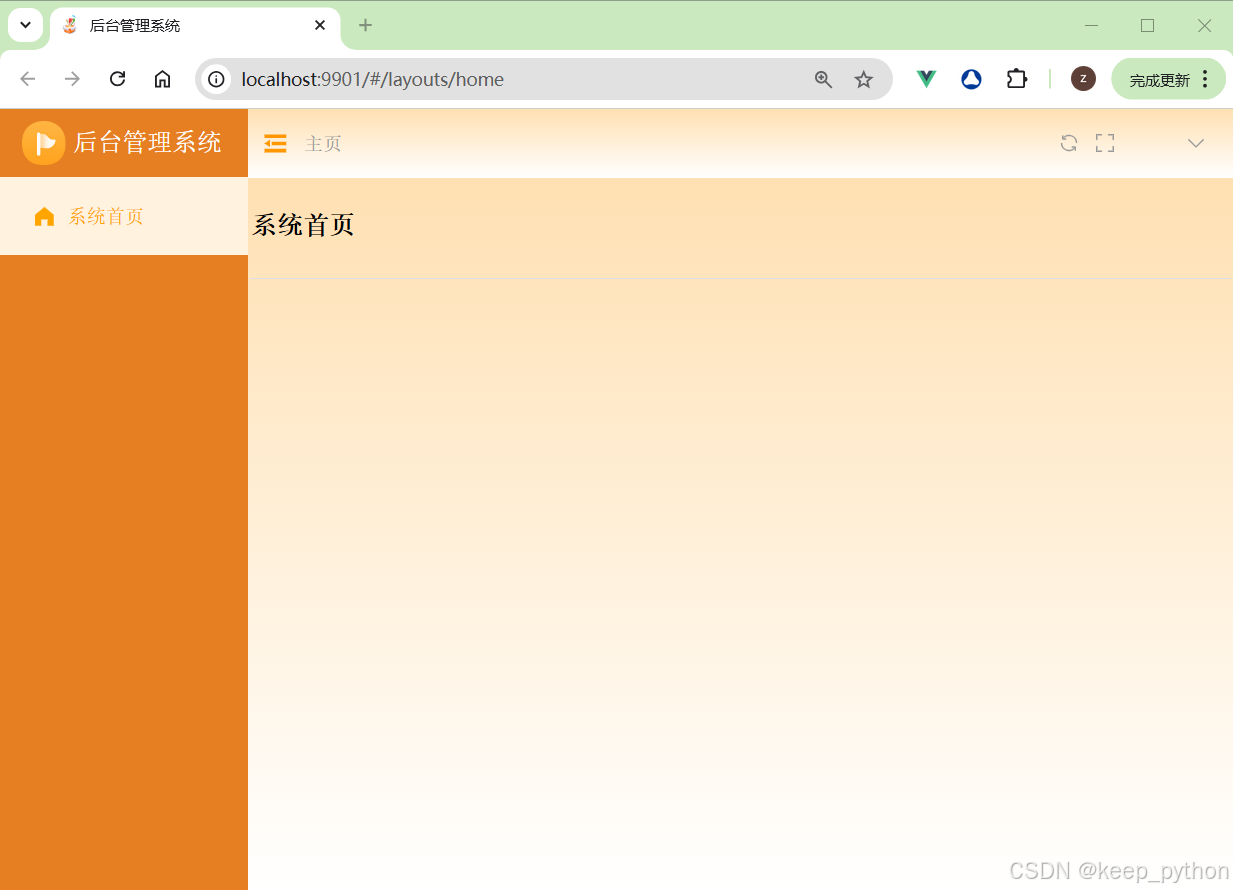
7、完成各项配置和基础主页面的代码后:
完成框架基本创建:
资源下载地址:
https://download.csdn.net/download/u013805267/92034559
更多推荐

 2
2 0
0- 0


 已为社区贡献2条内容

所有评论(0)