
Flutter 三方库 flutter_local_notifications 鸿蒙化本地通知实战
·
欢迎加入开源鸿蒙跨平台社区: https://openharmonycrossplatform.csdn.net
Flutter 三方库 flutter_local_notifications 鸿蒙化本地通知实战
摘要
flutter_local_notifications 是 Flutter 生态中用于发送本地通知的常用插件,支持定时通知、重复通知、图标定制等功能。本文基于 OpenHarmony TPC 仓库的适配版本,详细讲解 flutter_local_notifications 在鸿蒙项目中的接入流程、权限配置、核心 API 使用及常见问题排查,并附真实设备运行截图验证。
核心要点:
- 本地通知无需额外权限声明
- 掌握本地通知发送与取消
- 实现定时和重复通知
二、参考来源
| 资源名称 | 链接 |
|---|---|
| OpenHarmony TPC Flutter 仓库 | AtomGit |
| flutter_local_notifications pub.dev | flutter_local_notifications |
三、接入步骤
3.1 配置 pubspec.yaml
dependencies:
  flutter:
    sdk: flutter

  flutter_local_notifications:
    git:
      url: https://atomgit.com/openharmony-tpc/flutter_packages.git
      path: packages/flutter_local_notifications/flutter_local_notifications
3.2 核心代码示例
import 'package:flutter_local_notifications/flutter_local_notifications.dart';

class NotificationService {
  final FlutterLocalNotificationsPlugin _notifications =
      FlutterLocalNotificationsPlugin();

  // 初始化通知服务
  Future<void> initialize() async {
    const androidSettings = AndroidInitializationSettings('@mipmap/ic_launcher');
    const ohosSettings = OHOSInitializationSettings('@string/app_name');

    const initSettings = InitializationSettings(
      android: androidSettings,
      ohos: ohosSettings,
    );

    await _notifications.initialize(
      initSettings,
      onDidReceiveNotificationResponse: _onNotificationTapped,
    );
  }

  void _onNotificationTapped(NotificationResponse response) {
    // 处理通知点击
  }

  // 发送普通通知
  Future<void> showNotification({
    required int id,
    required String title,
    required String body,
  }) async {
    const androidDetails = AndroidNotificationDetails(
      'default_channel_id',
      'Default Channel',
      channelDescription: 'Default notification channel',
      importance: Importance.high,
      priority: Priority.high,
    );

    const ohosDetails = OHOSNotificationDetails(
      importance: HOSImportance.high,
      response: 'default',
    );

    const details = NotificationDetails(
      android: androidDetails,
      ohos: ohosDetails,
    );

    await _notifications.show(id, title, body, details);
  }

  // 发送定时通知
  Future<void> scheduleNotification({
    required int id,
    required String title,
    required String body,
    required Duration delay,
  }) async {
    const androidDetails = AndroidNotificationDetails(
      'scheduled_channel_id',
      'Scheduled Channel',
      channelDescription: 'Scheduled notification channel',
      importance: Importance.high,
      priority: Priority.high,
    );

    const details = NotificationDetails(android: androidDetails);

    await _notifications.zonedSchedule(
      id,
      title,
      body,
      TZDateTime.now(local).add(delay),
      details,
      androidScheduleMode: AndroidScheduleMode.exactAllowWhileIdle,
    );
  }

  // 取消指定通知
  Future<void> cancelNotification(int id) async {
    await _notifications.cancel(id);
  }

  // 取消所有通知
  Future<void> cancelAllNotifications() async {
    await _notifications.cancelAll();
  }
}
3.3 完整使用示例
import 'package:flutter/material.dart';
class NotificationDemo extends StatefulWidget {
_NotificationDemoState createState() => _NotificationDemoState();
}
class _NotificationDemoState extends State<NotificationDemo> {
final NotificationService _notificationService = NotificationService();
int _notificationId = 0;
void initState() {
super.initState();
_notificationService.initialize();
}
Widget build(BuildContext context) {
return Scaffold(
appBar: AppBar(
title: Text('Notification Demo'),
),
body: Center(
child: Column(
mainAxisAlignment: MainAxisAlignment.center,
children: [
Icon(Icons.notifications_active, size: 80, color: Colors.blue),
SizedBox(height: 20),
Text(
'本地通知演示',
style: TextStyle(fontSize: 24, fontWeight: FontWeight.bold),
),
SizedBox(height: 32),
ElevatedButton.icon(
onPressed: _showImmediateNotification,
icon: Icon(Icons.send),
label: Text('发送普通通知'),
),
SizedBox(height: 16),
ElevatedButton.icon(
onPressed: _scheduleNotification,
icon: Icon(Icons.schedule),
label: Text('5秒后发送通知'),
),
SizedBox(height: 16),
ElevatedButton.icon(
onPressed: _cancelAllNotifications,
icon: Icon(Icons.clear_all),
label: Text('取消所有通知'),
),
],
),
),
);
}
Future<void> _showImmediateNotification() async {
_notificationId++;
await _notificationService.showNotification(
id: _notificationId,
title: '普通通知',
body: '这是一条普通通知,内容: $_notificationId',
);
}
Future<void> _scheduleNotification() async {
_notificationId++;
await _notificationService.scheduleNotification(
id: _notificationId,
title: '定时通知',
body: '这是一条5秒后的通知,内容: $_notificationId',
delay: Duration(seconds: 5),
);
}
Future<void> _cancelAllNotifications() async {
await _notificationService.cancelAllNotifications();
}
}
四、验证步骤
| 步骤 | 验证内容 | 预期结果 |
|---|---|---|
| Step 1 | 发送普通通知 | 通知立即显示 |
| Step 2 | 发送定时通知 | 5秒后显示通知 |
| Step 3 | 点击通知 | 触发回调 |
| Step 4 | 取消所有通知 | 通知栏清空 |
五、常见问题排查
| 现象 | 根因 | 处理方式 |
|---|---|---|
| 通知不显示 | 通知渠道未创建或 API 调用有误 | 检查初始化流程和 publish 参数 |
| 安装失败 grant request permissions failed | 错误声明了 NOTIFICATION_CONTROLLER 权限 | 移除该权限,本地通知无需声明权限 |
| 定时通知不准时 | 时区配置错误 | 使用正确时区 |
| 通知图标不显示 | 图标资源未配置 | 检查 media 资源 |
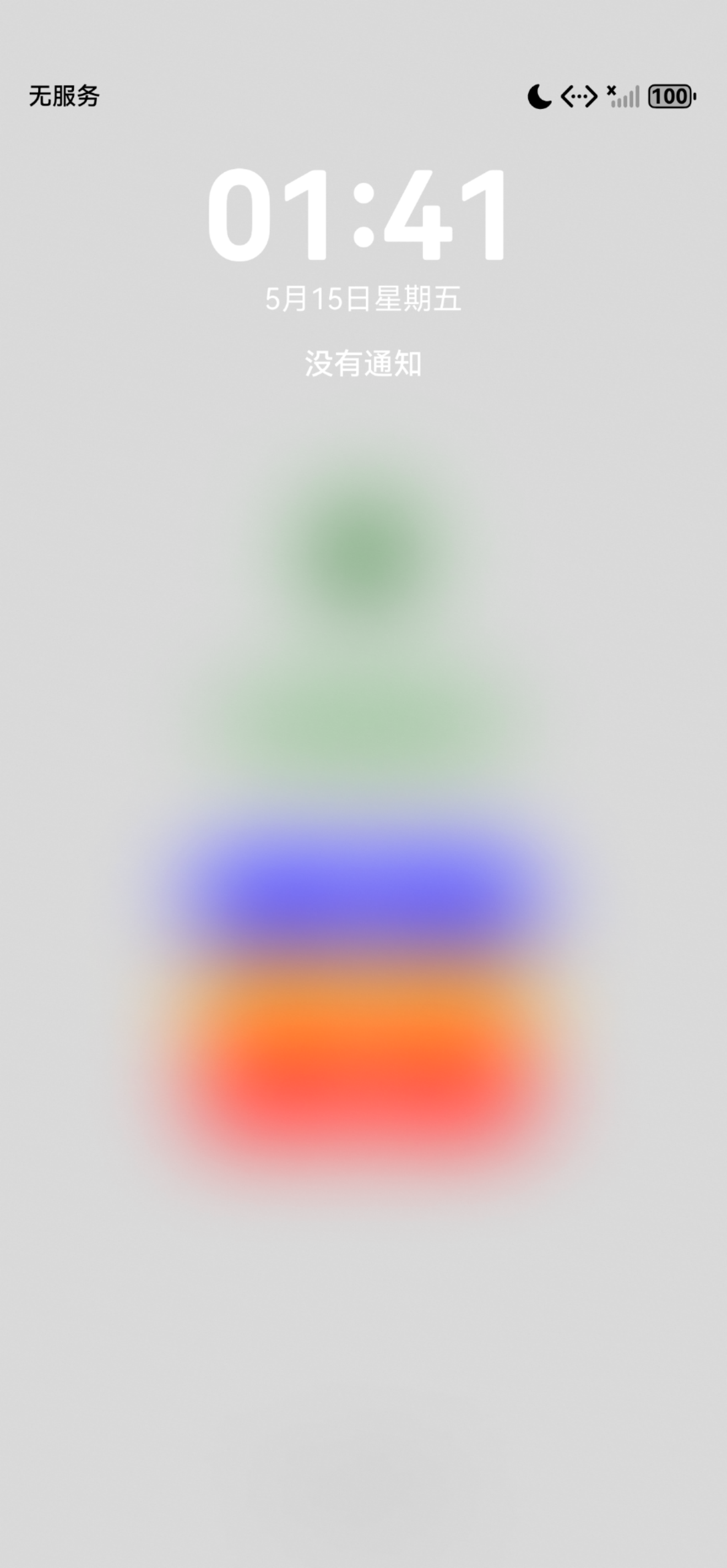
六、运行成功截图
1发送普通通知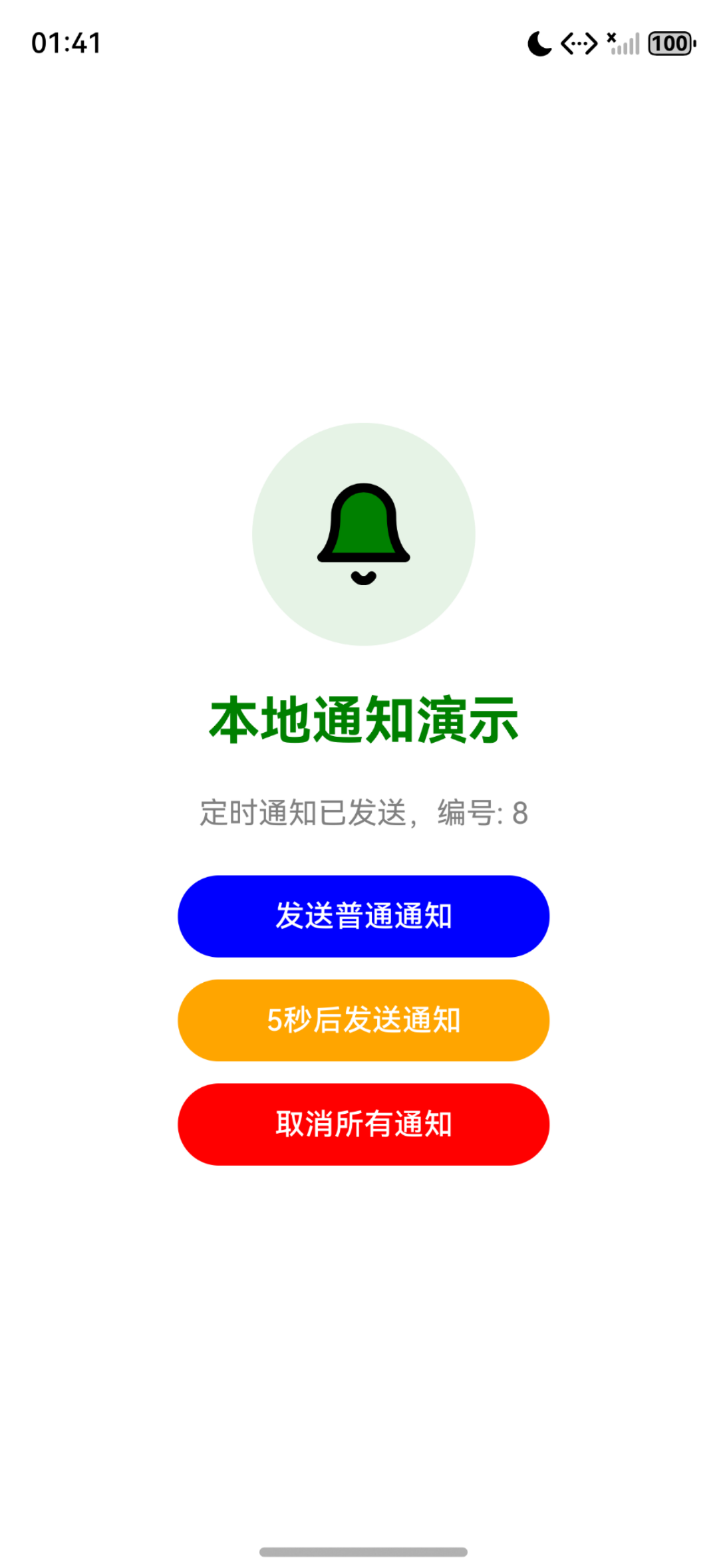
2发送定时通知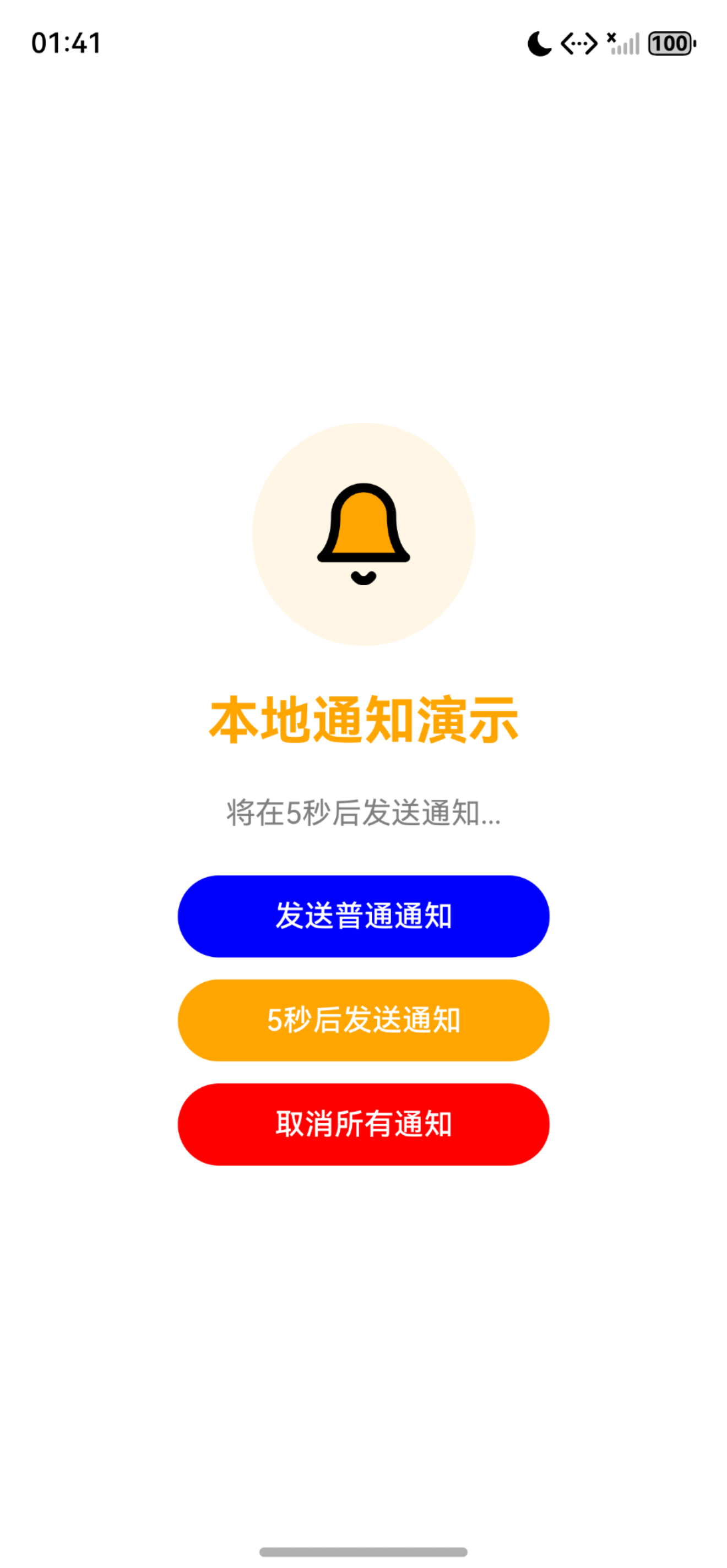
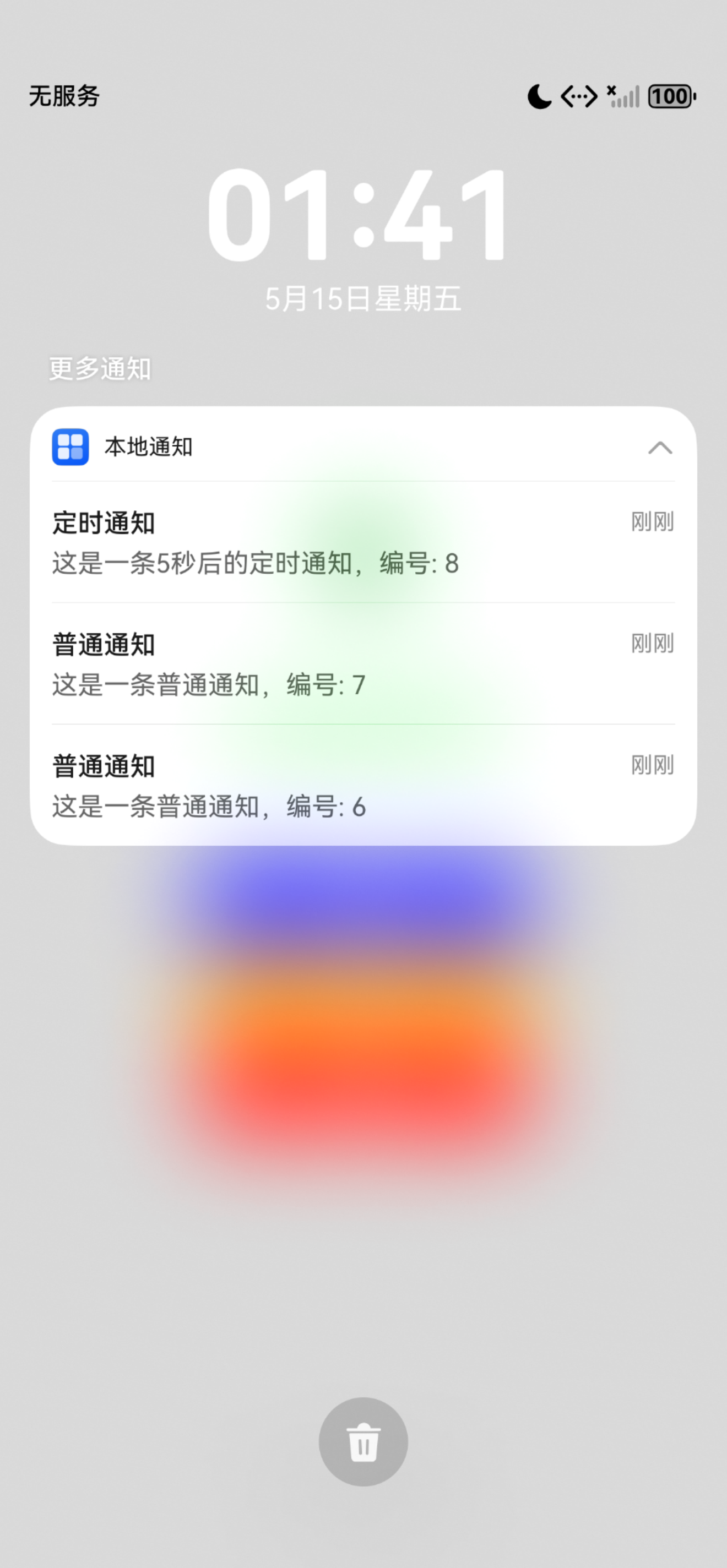
3接收到普通、定时通知
4取消所有通知
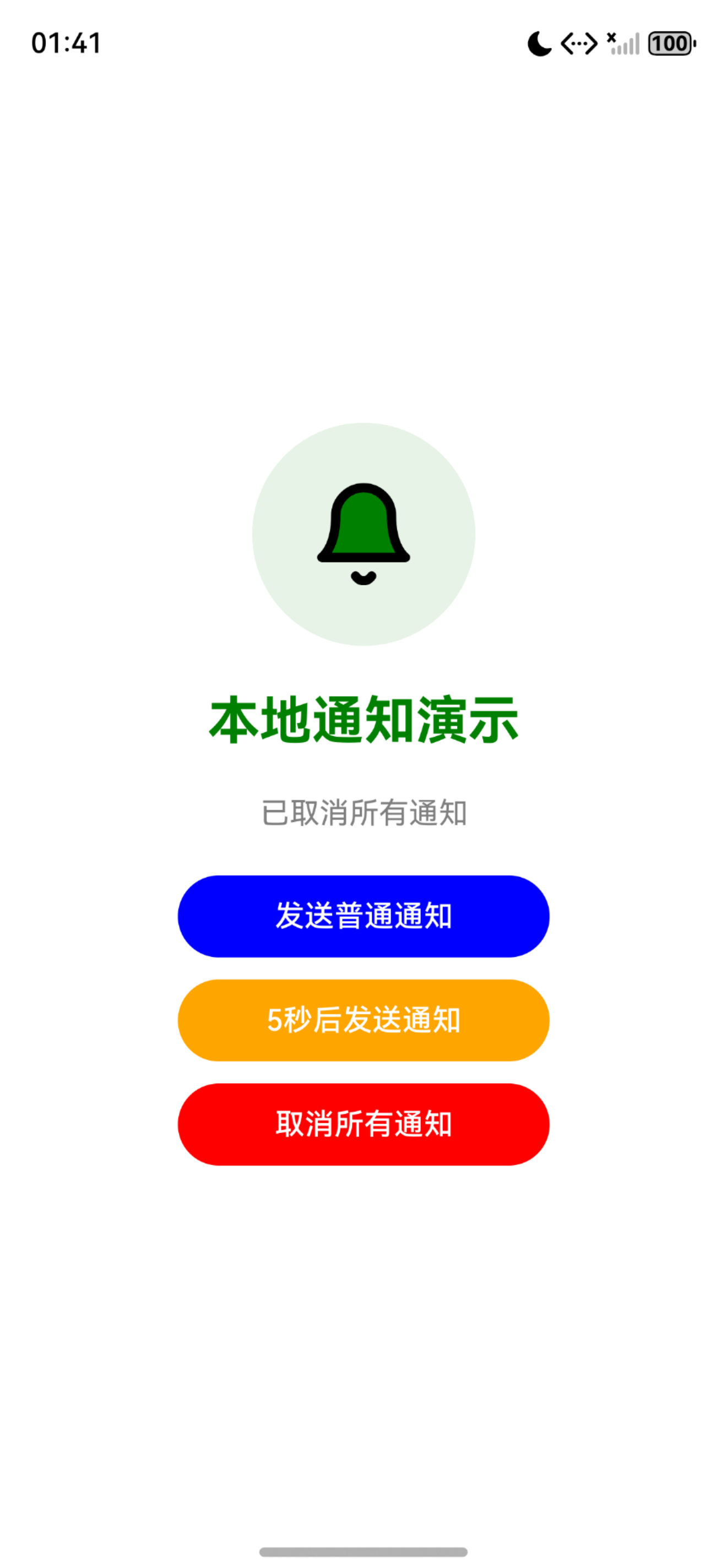
5取消通知后通知消失
七、总结
flutter_local_notifications 是实现本地通知功能的核心插件,在 OpenHarmony 平台上的适配完善。通过定时通知和重复通知功能,可以实现消息提醒、任务提醒等多种业务场景,是提升用户粘性的重要工具。
附录:Schema.org 结构化数据
<script type="application/ld+json">
{
  "@context": "https://schema.org",
  "@type": "BlogPosting",
  "headline": "Flutter 三方库 flutter_local_notifications 鸿蒙化本地通知实战",
  "description": "基于 OpenHarmony TPC 仓库,详细讲解 flutter_local_notifications 在鸿蒙项目中的接入流程、通知发送与定时通知功能实现。",
  "author": { "@type": "Person", "name": "OpenHarmony 跨平台开发者" },
  "publisher": { "@type": "Organization", "name": "OpenHarmony 跨平台社区", "url": "https://openharmonycrossplatform.csdn.net" },
  "datePublished": "2026-05-07",
  "dateModified": "2026-05-07",
  "mainEntityOfPage": "https://openharmonycrossplatform.csdn.net",
  "keywords": ["开源鸿蒙", "OpenHarmony", "Flutter for OpenHarmony", "flutter_local_notifications", "本地通知", "三方库适配"],
  "inLanguage": "zh-CN"
}
</script>
更多推荐


 13
13 0
0- 0


 已为社区贡献8条内容

所有评论(0)