腾讯云语意分类验证码解决
·
腾讯云分类验证码解决
使用深度学习模型(安装模块)
conda install --yes -c pytorch pytorch=1.7.1 torchvision cudatoolkit=11.0
pip install ftfy regex tqdm
pip install git+https://github.com/openai/CLIP.git
写入text.py
注意看注释
import torch
import clip
from PIL import Image

device = "cuda" if torch.cuda.is_available() else "cpu"
model, preprocess = clip.load("ViT-B/32", device=device)
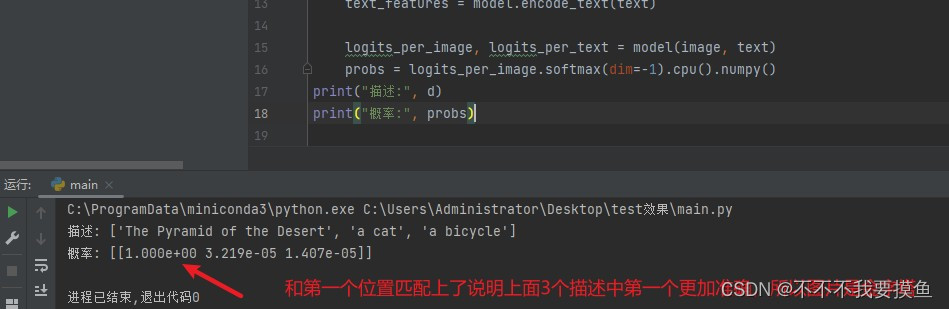
d = ["The Pyramid of the Desert",'a cat', 'a bicycle'] # 获取到所有的描述翻译后保存在这个数组
image = preprocess(Image.open("aa.jpg")).unsqueeze(0).to(device)
text = clip.tokenize(d).to(device)

with torch.no_grad():
    image_features = model.encode_image(image)
    text_features = model.encode_text(text)

    logits_per_image, logits_per_text = model(image, text)
    probs = logits_per_image.softmax(dim=-1).cpu().numpy()
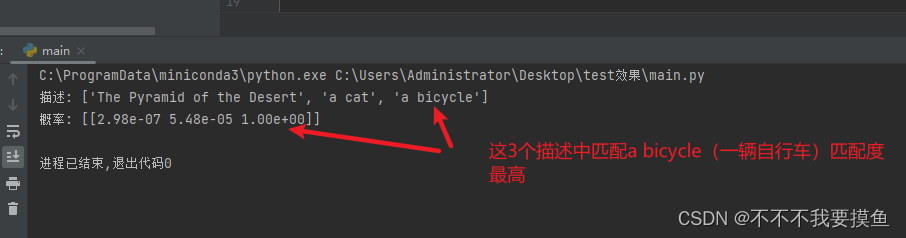
print("描述:", d)
print("概率:", probs)  # prints: [[0.9927937]]
首先把描述翻译为英文,这样子效果更加准确
“埃及的金字塔”===>“The Pyramid of the Desert”
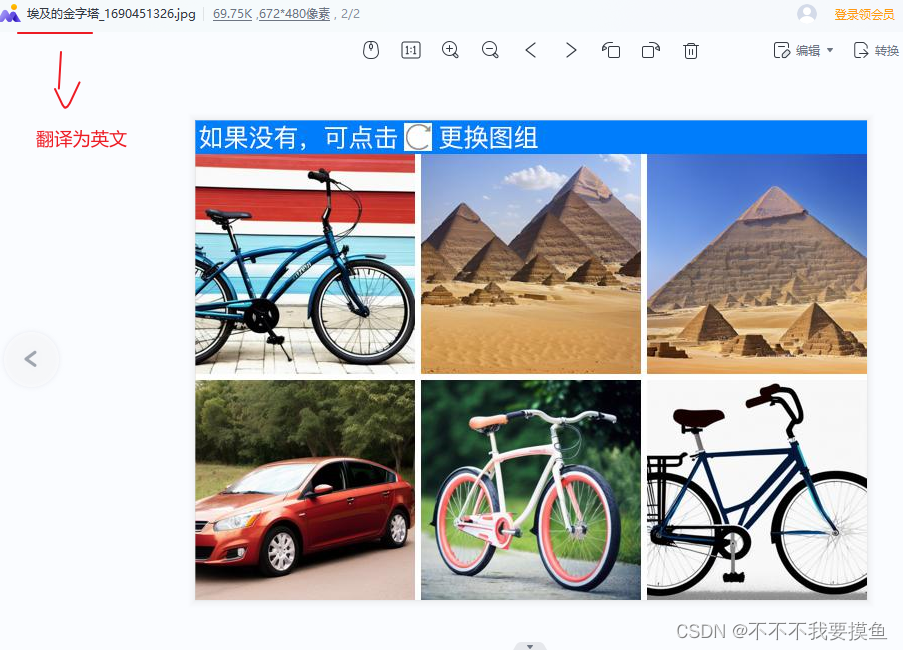
然后对图片中的6张图进行切割分别去执行上面的py代码
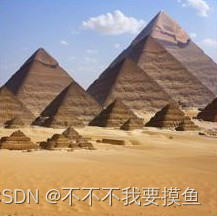
例如 下面图片是aa.jpg
结果
例如 下面图片是ff.jpg
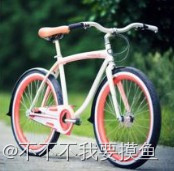
输出的结果就是
有验证码问题或者需求可以联系我的哦
wx: Chankipen
星球: https://t.zsxq.com/10LP2ulsk
分享最新、最前沿的AI大模型技术,吸纳国内前几批AI大模型开发者
更多推荐


 5
5 0
0- 0


 已为社区贡献1条内容

所有评论(0)