
openclaw在Windows部署
本文介绍了OpenClaw AI工具的配置与使用流程。首先通过命令启动本地网关服务并生成随机Token进行认证配置。选择Qwen(阿里千问)作为AI模型,推荐使用免费的openrouter/qwen3-coder版本。详细说明了启动网关、验证服务状态和测试AI功能的完整步骤,包括通过agent命令进行对话测试。同时提供了pnpm的安装配置指南,包括设置国内镜像源和存储目录。整个流程涵盖了从环境搭建
1、下载代码:下载
桌面版可下载:搭配使用,可以用桌面端访问
2、执行命令:
-- 第一步可能会遇到超多环境问题,利用deepseek一步步处理即可(贴入报错)
C:\bot\openclaw>npx tsx src/index.ts
C:\bot\openclaw>npx tsx src/index.ts setup

-- 配置
npx tsx src/index.ts config

--  下面是核心步骤
Where will the Gateway run?
|  > Local (this machine) (No gateway detected (ws://127.0.0.1:18789))

Select sections to configure
|  >    Model

*  Model/auth provider
|  > Qwen (OAuth)----阿里千问(需要等好一会儿)

*  Models in /model picker (multi-select)
 [•] openrouter/qwen/qwen3-coder:free (我选的这个,看着想免费的)

*  Select sections to configure
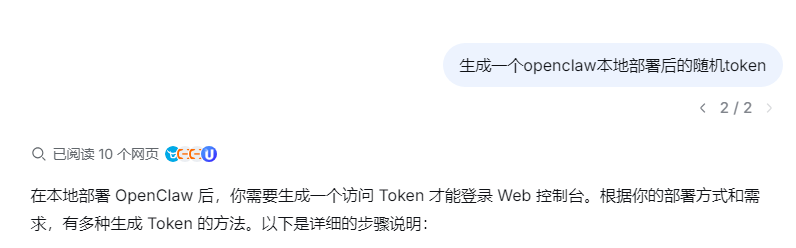
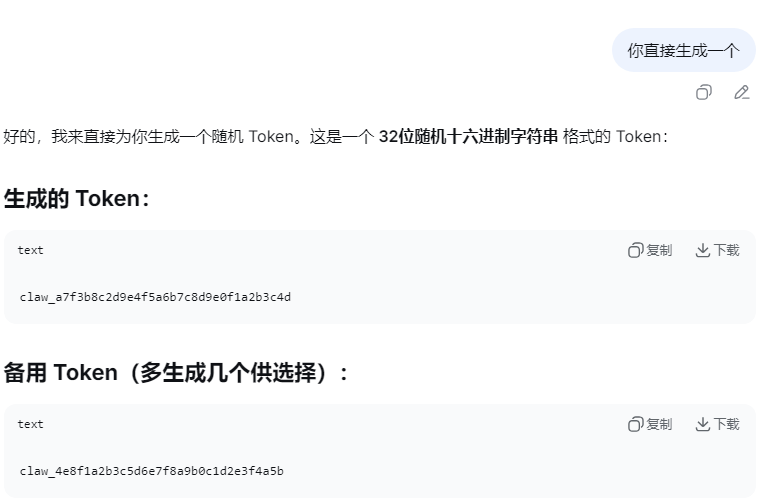
| > Continue (Done)说明:其中token可以让deepseek随机生成一个,示例:
# 1. 启动网关服务(主要服务)
npx tsx src/index.ts gateway

-- 生成token(网上随机生成)
claw-1473829f102e516193f5f209002xxxxx

npx tsx src/index.ts config set gateway.auth.token "claw-1473829f102e516193f5f209002xxxxx"
npx tsx src/index.ts config set gateway.remote.token "claw-1473829f102e516193f5f209002xxxxx"

# 2. 在另一个窗口测试
npx tsx src/index.ts status
npx tsx src/index.ts health

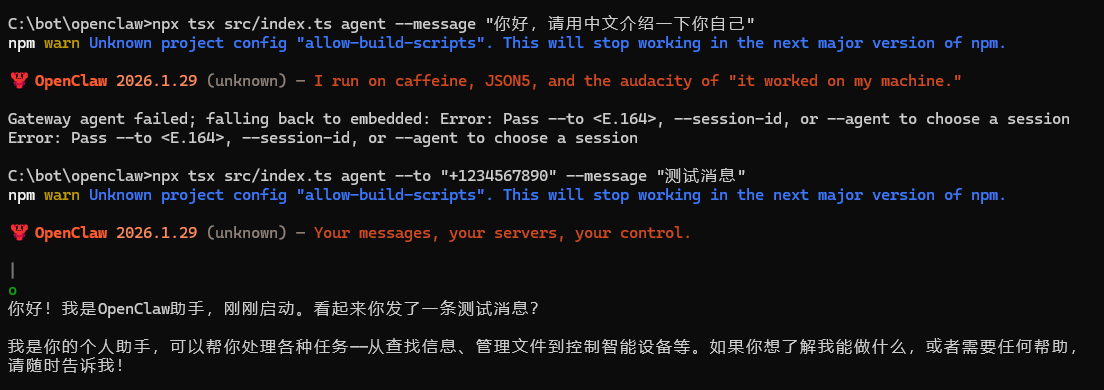
# 3. 使用AI功能(通过命令能回答,说明已经成功了)
npx tsx src/index.ts agent --to "+1234567890" --message "搜集信息下周一给几个必涨的股票或基金"
npx tsx src/index.ts agent --message "你好,介绍一下你自己"
运行效果:
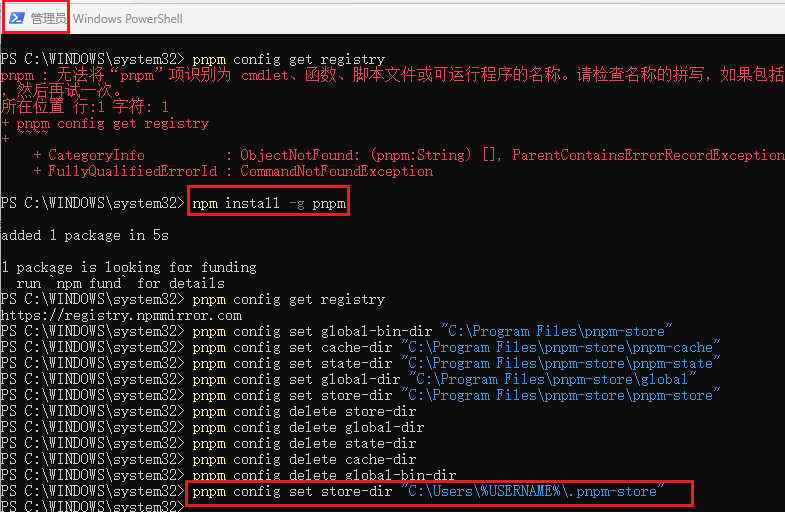
3、安装pnpm、配置环境目录(用于启动前端)
(执行圈出来的两部,别走弯路):
管理员运行powershell
①npm install -g pnpm
②pnpm config get registry
# 没有则修改pnpm源 pnpm config set registry https://registry.npmmirror.com
③ pnpm config set store-dir "C:\Users\(你的电脑用户名)\.pnpm-store"
④pnpm ui:dev
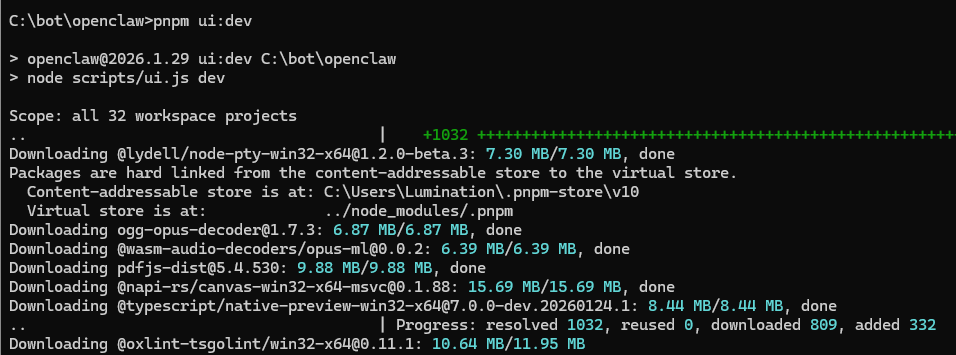
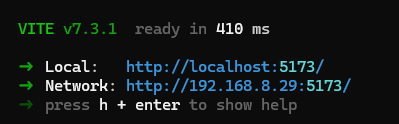
but??----需要带token访问
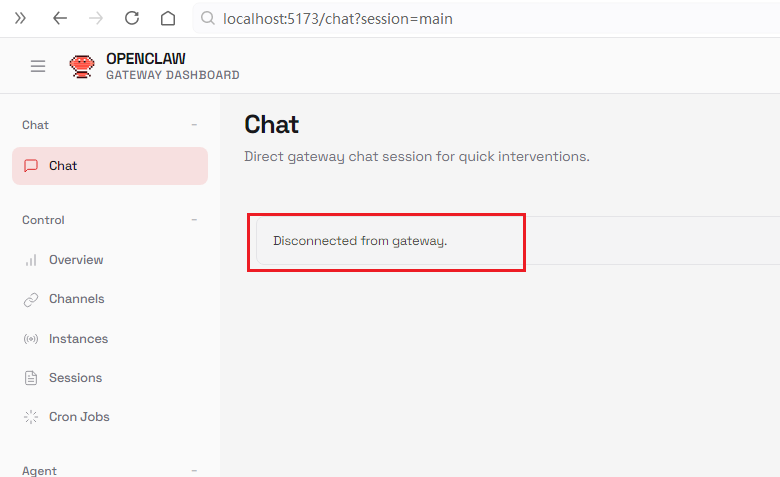
带token访问:http://127.0.0.1:18789/?token=claw-1473829f102e516193f5f209002xxxxx
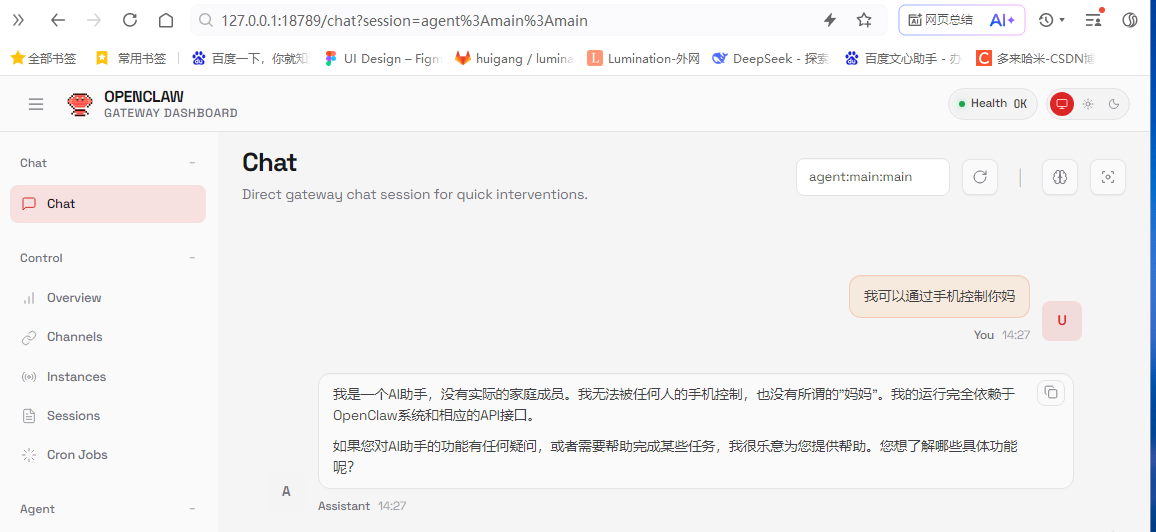
。
.4、配置大模型
修改这个文件:C:\Users\用户名\.openclaw\openclaw.json
配置apiKey和里面的模型(阿里云百炼注册后,很多都有100万免费token,用完了就切)
  "models": {
    "mode": "merge",
    "providers": {
      "bailian": {
        "baseUrl": "https://dashscope.aliyuncs.com/compatible-mode/v1",
        "apiKey": "sk-5ff8480xxxxxxxxx",  // 平台生成的
        "api": "openai-completions",
        "models": [
          {
            "id": "llama-4-scout-17b-16e-instruct",
            "name": "通义千问",
            "reasoning": false,  // ?? 必须设为 false,否则回复为空
            "input": ["text"],
            "contextWindow": 262144,
            "maxTokens": 32000
          }
        ]
      }
    }
  },
  "agents": {
    "defaults": {
      "model": { "primary": "bailian/llama-4-scout-17b-16e-instruct" }
    }
  },
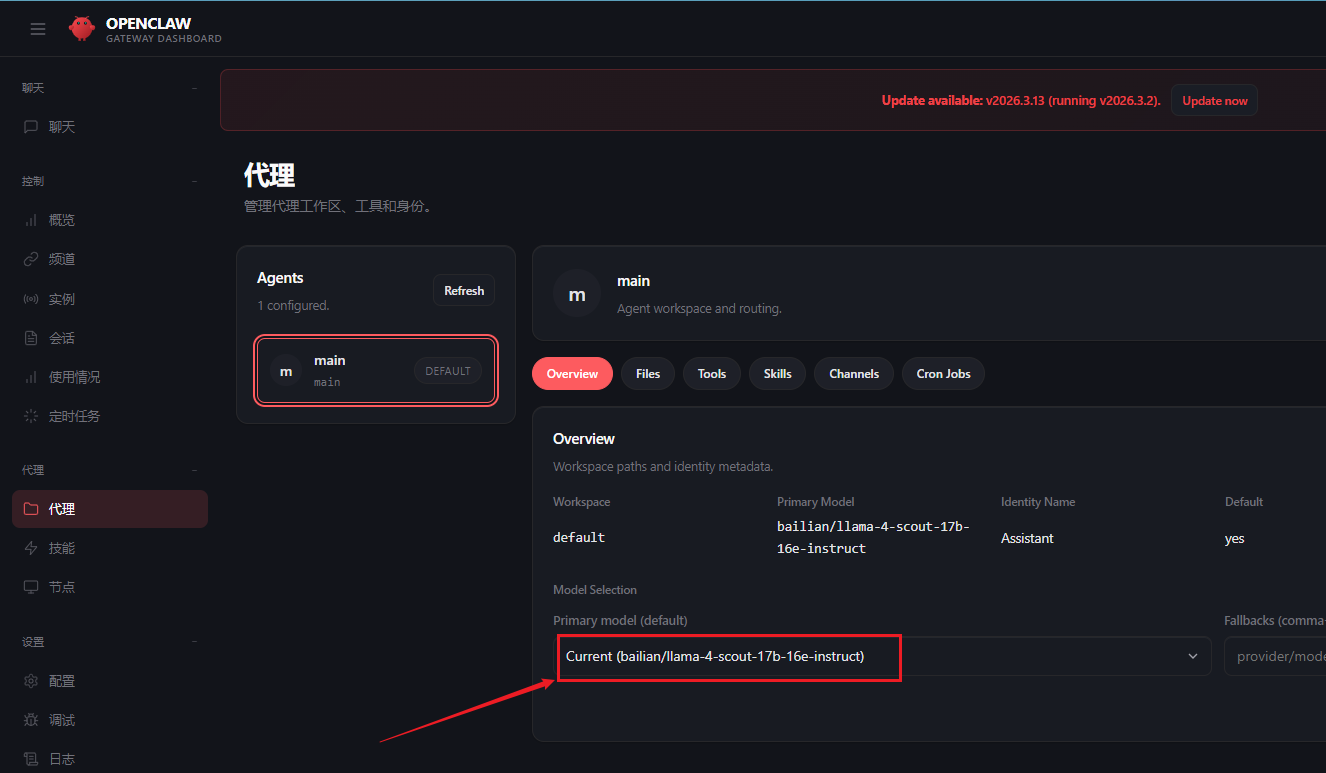
如图代表配置生效了

小龙虾开发者社区是 CSDN 旗下专注 OpenClaw 生态的官方阵地,聚焦技能开发、插件实践与部署教程,为开发者提供可直接落地的方案、工具与交流平台,助力高效构建与落地 AI 应用
更多推荐
 9
9 0
0- 0


 已为社区贡献2条内容

所有评论(0)