

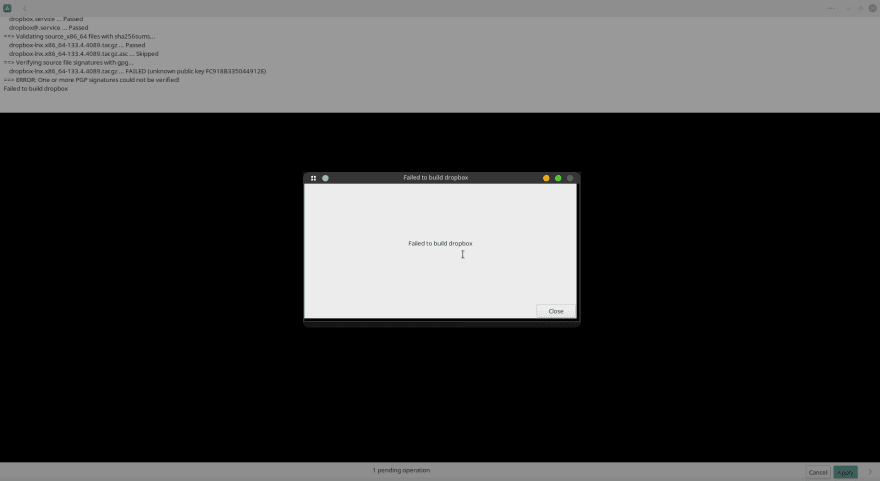
Have you ever encountered ERROR: One or more PGP signatures could not be verified! this error during the installation of Dropbox in Arch based distro ? If yes then this guide is for you.
Dropbox has their own PGP key because they upload it directly to the AUR that key is for linux@dropbox.com (if you don't know what PGP keys are it's basically a complex math formula that proves that this app is being uploaded and managed on the AUR by somebody at dropbox)
if you use a tool like yay or paru it can handle the functions of pacman and downloading stuff from the AUR and it's dead simple to use, I recommend paru because it's more modern and faster
To install paru run these commands
sudo pacman -S --needed base-devel
git clone https://aur.archlinux.org/paru.git
cd paru
makepkg -si
After succesfully installing paru now it's time to install Dropbox. To do that first run
paru dropbox
Now you'll be prompt with a list of packages from AUR to choose from. You have to choose aur/dropbox which should be the first one... So press 1 and hit enter
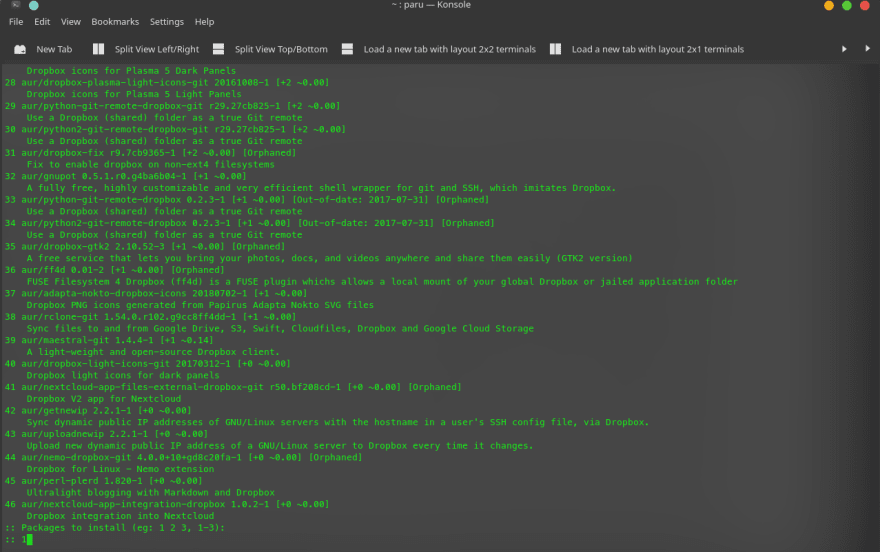
If you want to review hit Y and enter

To close the review hit q on the the keyboard
Now you must prompt with installation confirmation. Hit Y and enter. You may need to enter your password for installation.
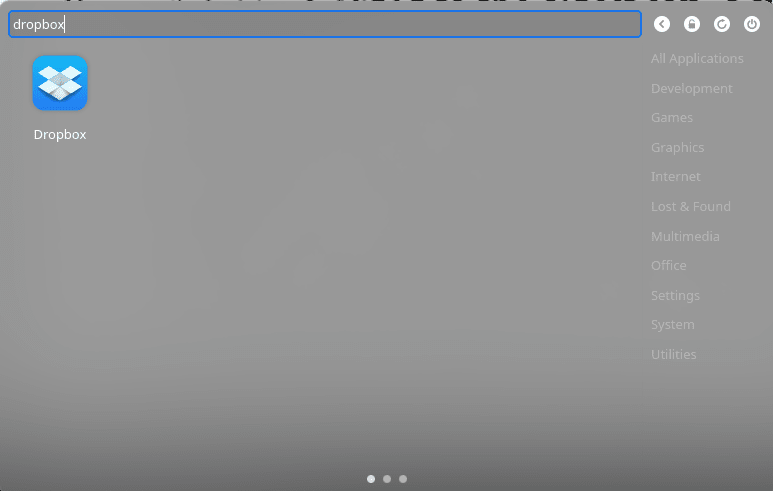
After completion of you installation run dropbox on your terminal or search on the GUI
That's it!


 已为社区贡献12493条内容

所有评论(0)