
如何在管理员的 textarea 上默认启用所见即所得?
·
问题:如何在管理员的 textarea 上默认启用所见即所得?
如何在 textarea 上默认启用所见即所得?我的意思是,我不想单击所见即所得按钮来显示带有 tinyMCE 的区域:

我直接想要这个:
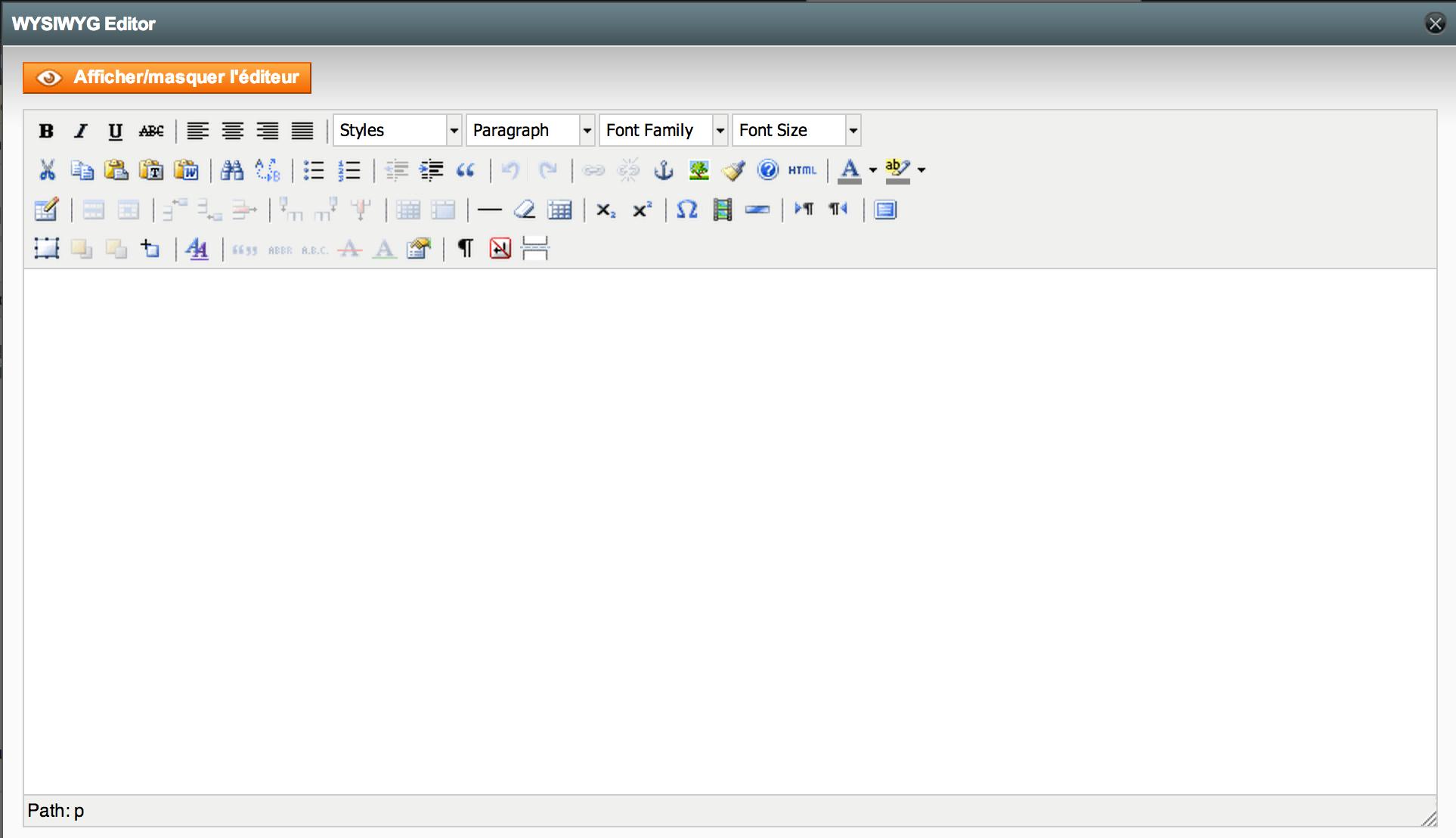
解答
经过一番研究,我发现了它。
1)将此代码放在您希望编辑器直接出现的.phtml文件中。
2)在代码的第6行可以看到elements: "short_description"。您可以使用所需的元素 ID 更改"short_description"。您可以添加多个元素 ID,以逗号分隔且不包含空格。
示例: 我将这段代码放在app/design/adminhtml/default/default/template/catalog/product/edit.phtml中,因为我希望编辑器在我编辑产品描述、简短描述等时直接出现。
编码:
<script type="text/javascript">
window.onload=function()
{
   tinyMCE.init({
    mode : "exact",
    elements: "short_description",
    theme : "advanced",
    plugins : "inlinepopups,style,layer,table,save,advhr,advimage,advlink,emotions,iespell,insertdatetime,preview,media,searchreplace,print,contextmenu,paste,directionality,fullscreen,noneditable,visualchars,nonbreaking,xhtmlxtras",
    theme_advanced_buttons1 : "newdocument,|,bold,italic,underline,strikethrough,|,justifyleft,justifycenter,justifyright,justifyfull,|,styleselect,formatselect,fontselect,fontsizeselect",
    theme_advanced_buttons2 : "cut,copy,paste,pastetext,pasteword,|,search,replace,|,bullist,numlist,|,outdent,indent,|,undo,redo,|,link,unlink,anchor,image,cleanup,help,code,|,insertdate,inserttime,preview,|,forecolor,backcolor",
    theme_advanced_buttons3 : "tablecontrols,|,hr,removeformat,visualaid,|,sub,sup,|,charmap,emotions,iespell,media,advhr,|,print,|,ltr,rtl,|,fullscreen",
    theme_advanced_buttons4 : "insertlayer,moveforward,movebackward,absolute,|,styleprops,|,cite,abbr,acronym,del,ins,|,visualchars,nonbreaking",
    theme_advanced_toolbar_location : "top",
    theme_advanced_toolbar_align : "left",
    theme_advanced_path_location : "bottom",
    extended_valid_elements : "a[name|href|target|title|onclick],img[class|src|border=0|alt|title|hspace|vspace|width|height|align|onmouseover|onmouseout|name],hr[class|width|size|noshade],font[face|size|color|style],span[class|align|style]",
    theme_advanced_resize_horizontal : 'true',
    theme_advanced_resizing : 'true',
    apply_source_formatting : 'true',
    convert_urls : 'false',
    force_br_newlines : 'true',
    doctype : '<!DOCTYPE html PUBLIC "-//W3C//DTD XHTML 1.0 Strict//EN" "http://www.w3.org/TR/xhtml1/DTD/xhtml1-strict.dtd">'

  });
};
</script>
更多推荐
 0
0 0
0- 0


 已为社区贡献20535条内容

所有评论(0)