How can I rename docker-compose.yml containers group in docker desktop?
Answer a question
I've built a docker-compose.yml file however I see by default Docker Desktop App names the group of containers by parent folder name.
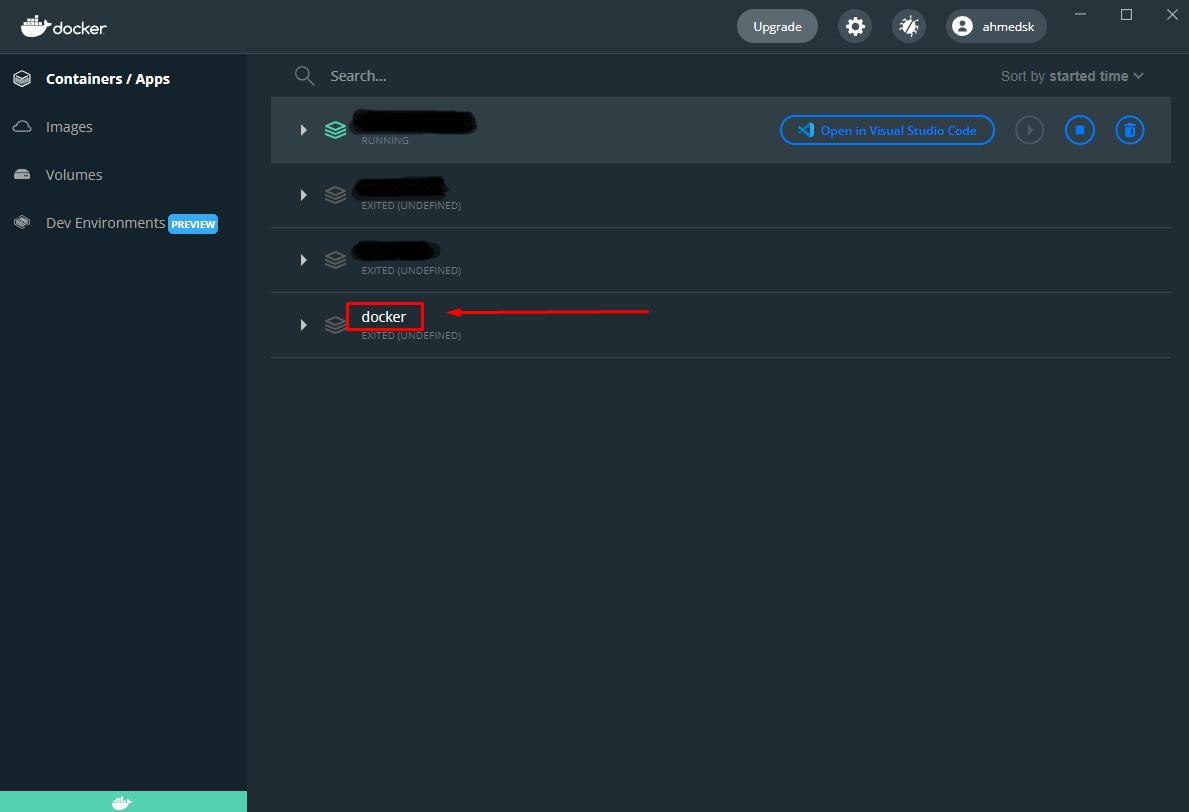
I need to change that name docker to another name
This's my file explorer path: 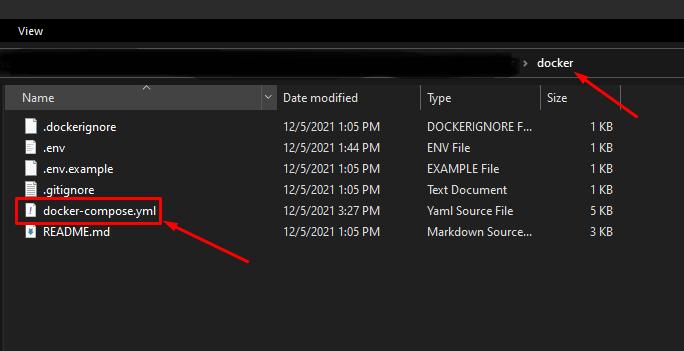
Thanks
Answers
COMPOSE_PROJECT_NAME
Sets the project name. This value is prepended along with the service name to the container on start up. For example, if your project name is myapp and it includes two services db and web, then Compose starts containers named myapp_db_1 and myapp_web_1 respectively.
Setting this is optional. If you do not set this, the COMPOSE_PROJECT_NAME defaults to the basename of the project directory.
You can either set it by mentioning it in the .env file or while executing the docker-compose file.
By mentioning it in .env file
Create a .env file in the directory where docker-compose file is present and add the following statement.
COMPOSE_PROJECT_NAME = <project_name>
By mentioning it while executing the docker-compose file with the help of flag -p
docker-compose -f <docker_compose_file> -p "<project_name>" up

云原生社区为您提供最前沿的新闻资讯和知识内容
更多推荐



 0
0 0
0- 0


 已为社区贡献35528条内容

所有评论(0)